Send enquiry ⏎

Canva Online Live Class by Experts

Our Training/Internship Process

Canva Online Live Classes in Malappuram | Free Demo Training

Canva - Syllabus, Fees & Duration

Section 1: Introduction to Canva

  • Welcome to Canva!
  • Logging / Setup Canva Account
  • Layouts & Templates
  • Get you setup with your Canva & account
  • Tour of your dashboard
  • Learn about the different types of templates Canva has
  • Learn how to use the pre-designed layouts
  • Downloading your work
  • Working with text
  • Photo backgrounds & Shapes
  • Illustrations, icons and lines
  • Adding pages to a design
  • Image
  • Text features and Charts
  • Album cover
  • Youtube thumbnail
  • Twitter header
  • Facebook post
  • Ebook cover
  • Documents
  • Data and charts
  • Presentation slides

Section 2: Fonts, Colors, and Images

  • Typography and font pairing
  • Using icons effectively
  • Organising the dashboard
  • Sharing designs
  • Adding links
  • Upgrading to Canva for Work
  • Brand colors
  • Custom filter codes
  • Color codes
  • Color scheme
  • Introduction to the color wheel; creating a color palette
  • How to use grids; transparency; photo filters

Section 4: Advanced Topics

  • Brand Kit
  • Magic Resize
  • Paid Elements
  • Folders for Elements
  • Background Remover
  • Teams, Exporting and Scheduling
  • Learn more advanced techniques
  • Learn how to create a logo from scratch
  • Learn how upload your own graphics, logos, images
  • Learn how to organize your designs
  • See where I go to purchase stock photography
  • Videos Overview / Editing
  • Video Tools
  • Animations
  • Animated Presentations
  • Adding Music

Download Syllabus - Canva
This syllabus is not final and can be customized as per needs/updates
   
10000+
20+
50+
25+

Canva Jobs in Malappuram

Enjoy the demand

Find jobs related to Canva in search engines (Google, Bing, Yahoo) and recruitment websites (monsterindia, placementindia, naukri, jobshybrid.com, indeed.co.in, shine.com etc.) based in Malappuram, chennai and europe countries. You can find many jobs for freshers related to the job positions in Malappuram.

  • web design
  • logo design
  • poster design
  • graphics designer
  • brochure designer
  • video editing
  • ads designer
  • visiting card design
  • flyer designer
  • website designer

Canva Internship/Course Details

Canva internship jobs in Malappuram
Canva software external feature that allows users to upload their own templates makes this software stand out. Its premade layouts and a large library of design create it the go-to graphics software for many companies and entrepreneurs. Nestsoft will teach you Canva with these top Canva coaching courses, offered online. Canva style courses is also a really easy-to-use and free online software platform for creating stunning graphics throughout an awfully short quantity of your time. . It is cloud-based mostly designed differently for those overcome by photoshop and illustrator. These vary from its drag-and-drop tool to over 1,000,000 fonts, images, and high-quality graphics to decide on from. using canvas easy to transfer your style as a png, pdf, jpg, SVG, even MP4 video or gif. it is simple to use and has many benefits that create it one of the most effective websites for creating styles. If you're working on a design for a company and you would wish to use a specific logo, additionally as it permits you to easily upload the logo for free.


Meet a Few of our Industry Experts 🚀 Your Pathway to IT Career

Rajalakshmi

Mobile: +91 94975 90866
Location: Online (Malappuram, India)
Qualification: MCA

Experience: software testing manual and automation certification Currently working as intern software tesrer for a month  more..

Ritik

Mobile: +91 98474 90866
Location: Online (Malappuram, India)
Qualification: Bachelor

Experience: 2 5 years of experience and programming skills  more..

Avoy

Mobile: +91 89210 61945
Location: Online (Malappuram, India)
Qualification: Bachelor of technology

Experience: Having good 2 experience in API testing Java - selenium FW designing and automated test scripts writing Good in writing  more..

Ashish

Mobile: +91 91884 77559
Location: Online (Malappuram, India)
Qualification: Frontend developer

Experience: 4+ years HTML5 CSS3 bootstrap Webflow Unbounse react(basics) Shopify(learning)  more..

Samridhi

Mobile: +91 91884 77559
Location: Online (Malappuram, India)
Qualification: Bca

Experience: I am last year bca student at chitkara University Skills: Web development Digital marketing Leadership  more..

Dheeraj

Mobile: +91 9895490866
Location: Online (Malappuram, India)
Qualification: B.Sc. Information Technology

Experience: As a seasoned Java Developer I bring a diverse skill set and a proven track record of success in designing  more..

Sunita

Mobile: +91 89210 61945
Location: Online (Malappuram, India)
Qualification: MCA

Experience: 5 4 Year experience in Manual and automation testing skills: Selenium Java CUCUMBER TestNg Jira  more..

somasundarm

Mobile: +91 9895490866
Location: Online (Malappuram, India)
Qualification: master of computer appliacation

Experience: python sql java fdata analiytics  more..

Rajkumar

Mobile: +91 91884 77559
Location: Online (Malappuram, India)
Qualification: MBA

Experience: Software testing in 4 7 years experience of selenium automation testing tool   more..

Debabrata

Mobile: +91 91884 77559
Location: Online (Malappuram, India)
Qualification: B. Sc

Experience: With over 5 years of hands-on experience as a Laravel developer I have had the privilege of working on a  more..

Priyanka

Mobile: +91 9895490866
Location: Online (Malappuram, India)
Qualification: MCA

Experience: Application for php DeveloperApplication for PHP Laravel  more..

irfan

Mobile: +91 9895490866
Location: Online (Malappuram, India)
Qualification: B.E

Experience: react javascript tailwind css html wordpress woocommerce elementor builder bootstrap mui front end figma canva  more..

Veldandi

Mobile: +91 91884 77559
Location: Online (Malappuram, India)
Qualification: Post graduation

Experience: Manual testing SDLC STLC automation Testing Selenium Web driver Java  more..

premkumar

Mobile: +91 89210 61945
Location: Online (Malappuram, India)
Qualification: bsc it

Experience: skill java manual testing fresher  more..

Shaly

Mobile: +91 98474 90866
Location: Online (Malappuram, India)
Qualification: B.E Electronics and Instrumentation

Experience: Quality Analyst Data Quality Elastic search Kibana Software testing Selenium Jmeter  more..

Chinmayee

Mobile: +91 89210 61945
Location: Online (Malappuram, India)
Qualification: MCA

Experience: Hello I have knowledge of Python odoo PostgreSql HTML5 CSS3 Bootstrap And I have 1 2 months of professional experience  more..

Silpa

Mobile: +91 98474 90866
Location: Online (Malappuram, India)
Qualification: BTech

Experience: Python Full stack development training and SAP CRM consultant Client Handling  more..

Nabila

Mobile: +91 9895490866
Location: Online (Malappuram, India)
Qualification: BE CSE

Experience: Willing to learn Hard worker Programming languages C C++ Java Html Css Javascript python  more..

Sify

Mobile: +91 94975 90866
Location: Online (Malappuram, India)
Qualification: mtech

Experience: expert in odoo full stack  more..

DUSHYANT

Mobile: +91 98474 90866
Location: Online (Malappuram, India)
Qualification: B.Tech

Experience: i have 3 year web developement skill In wix specially i am doing coding part till now i handled to  more..

Stephy

Mobile: +91 91884 77559
Location: Online (Malappuram, India)
Qualification: MCA

Experience: MCA fresher graduate Skills in SQL php Java Microsoft office  more..

Rajin

Mobile: +91 94975 90866
Location: Online (Malappuram, India)
Qualification: B tech

Experience: 2 year experience in manual testing and currently done automation testing looking more Opportunitys  more..

ABHIJITH

Mobile: +91 8301010866
Location: Online (Malappuram, India)
Qualification: B tech Computer science

Experience: Testing Skills 1 Software testing 2 Manual testing 3 Test cases 4 Software development life cycle 5 Software testing life  more..

Shithinkrishna

Mobile: +91 8301010866
Location: Online (Malappuram, India)
Qualification: Be computer science and engineering

Experience: Javascript react manual testing automation testing html css  more..

Success Stories

The enviable salary packages and track record of our previous students are the proof of our excellence. Please go through our students' reviews about our training methods and faculty and compare it to the recorded video classes that most of the other institutes offer. See for yourself how TechnoMaster is truly unique.


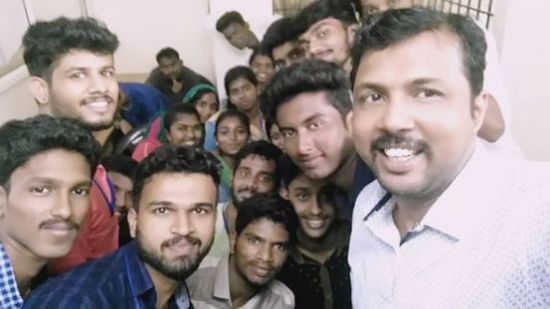
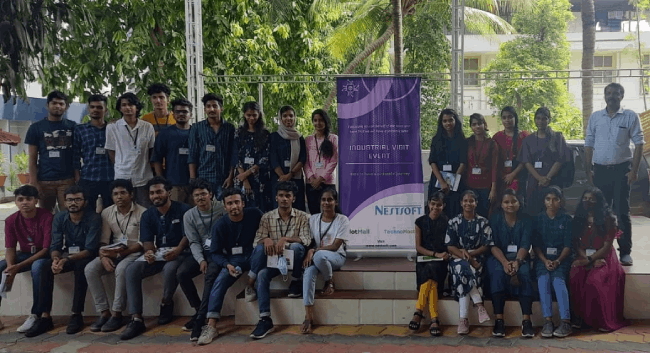
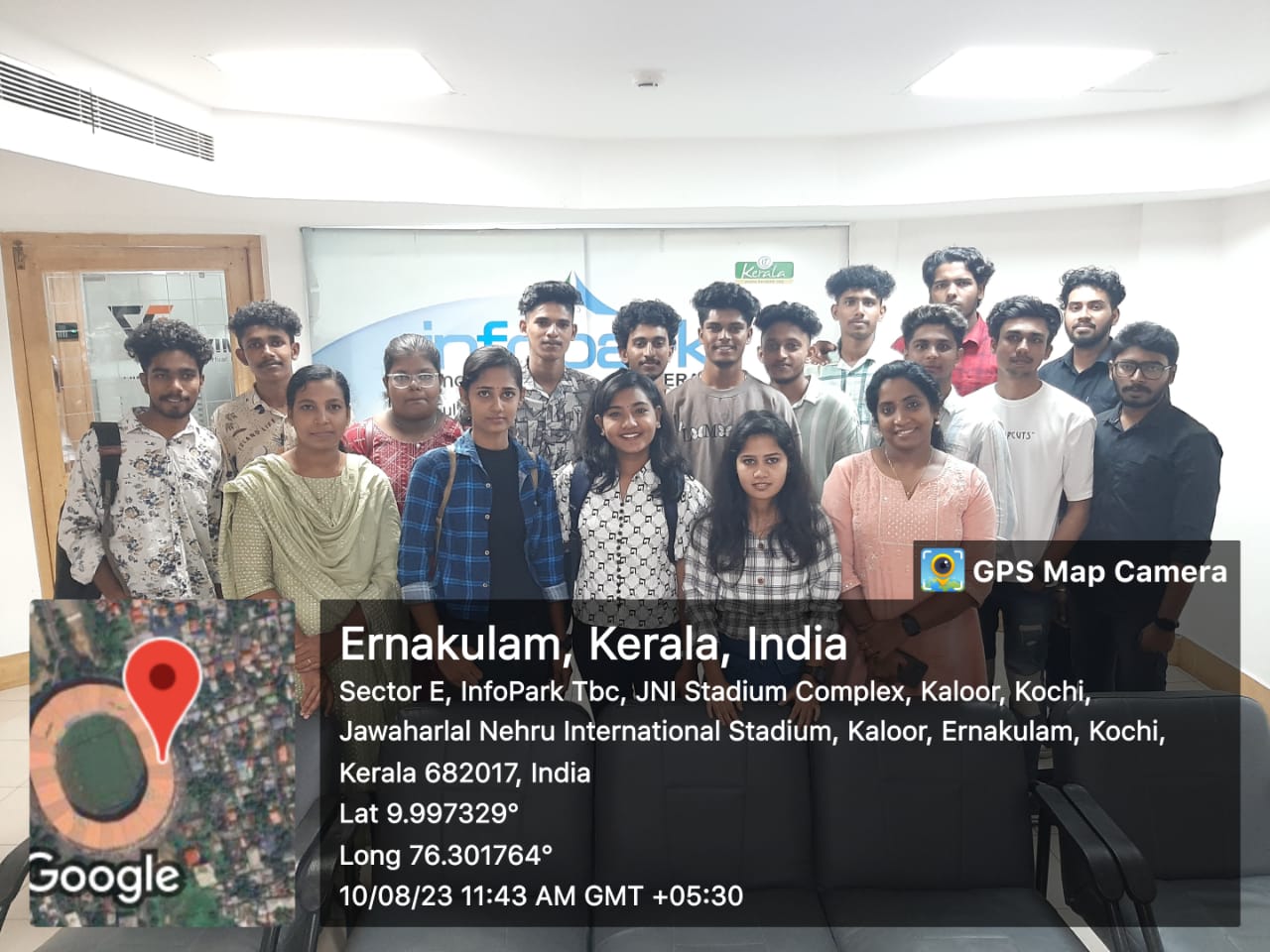
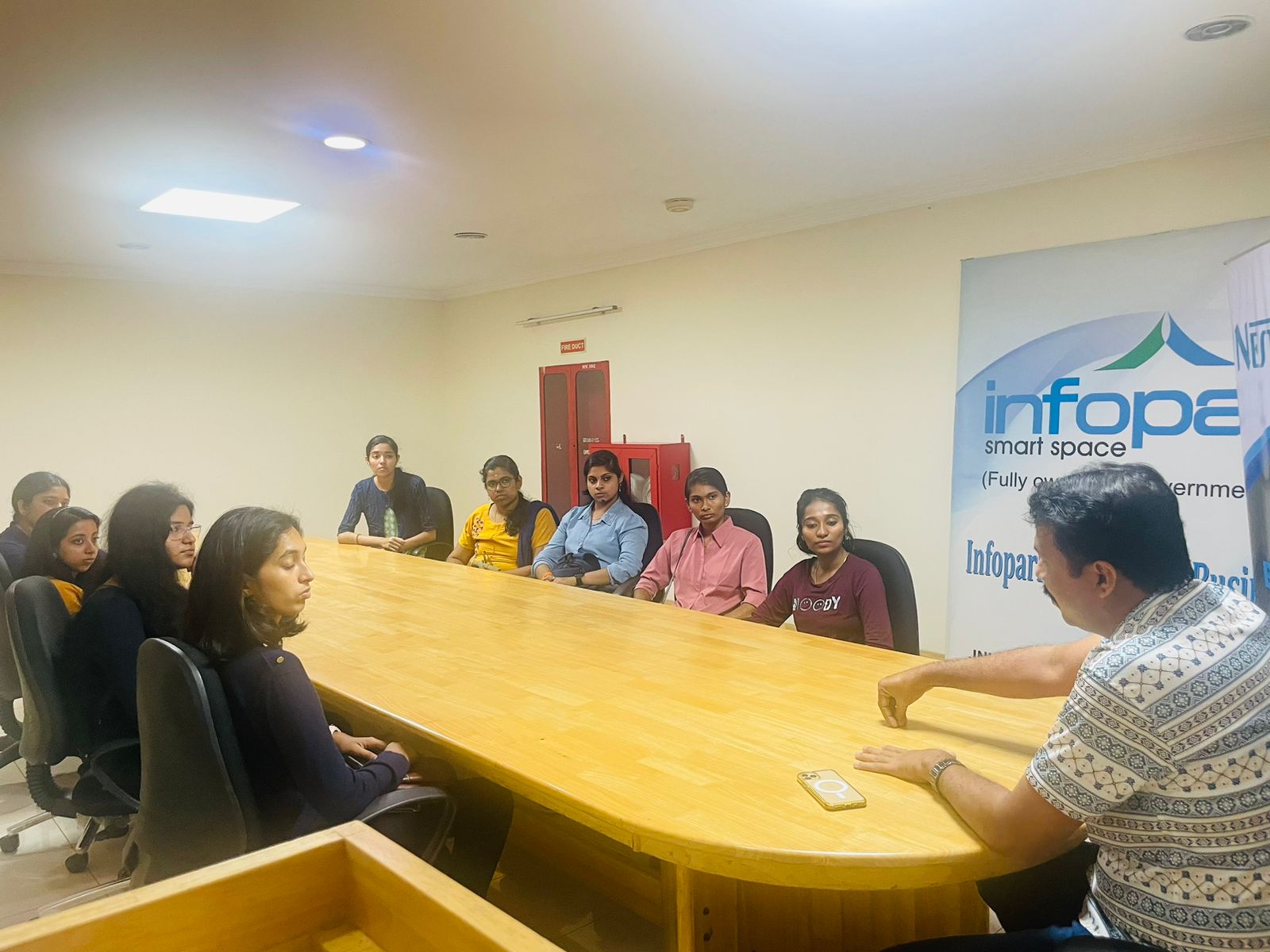
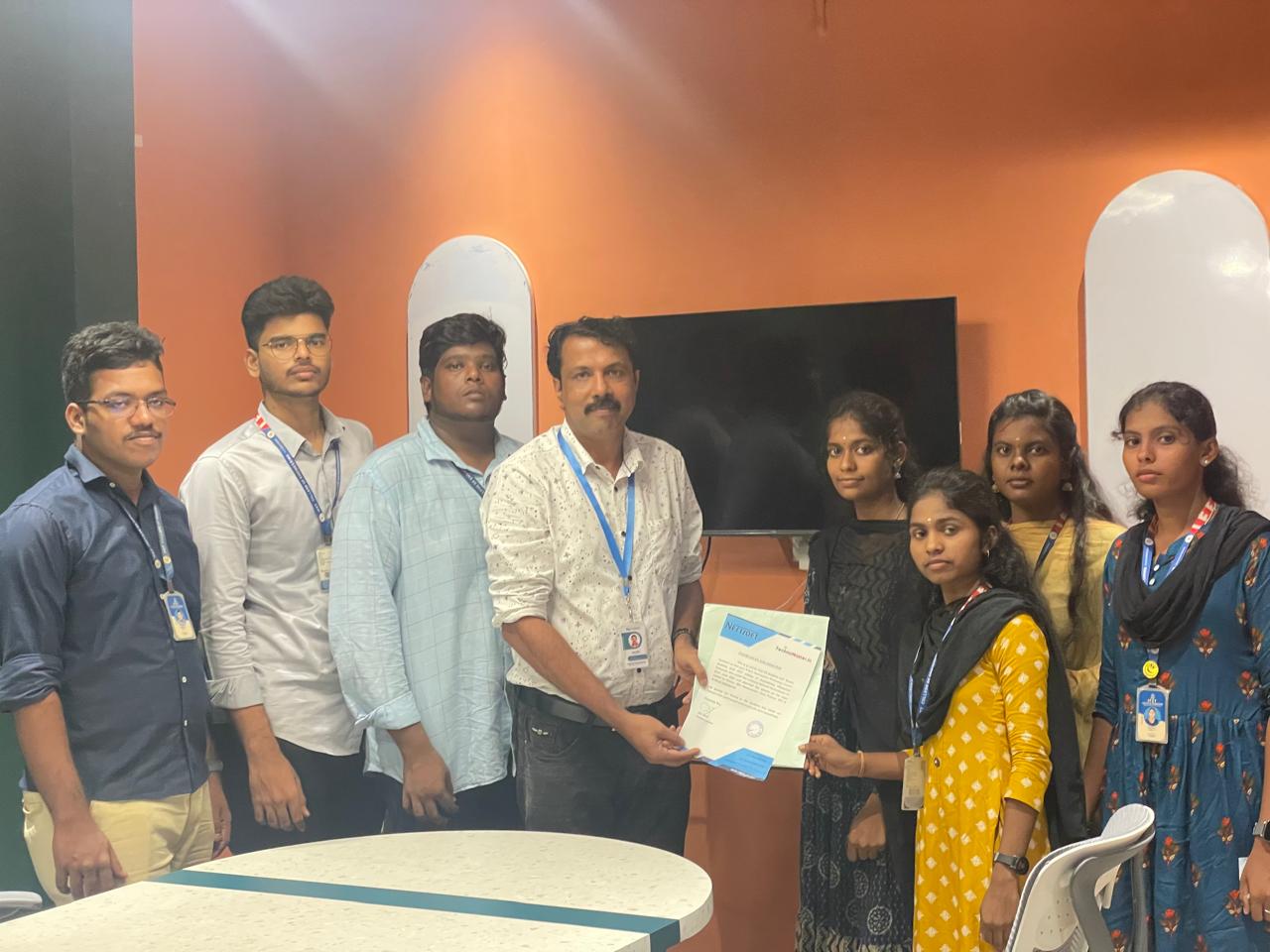
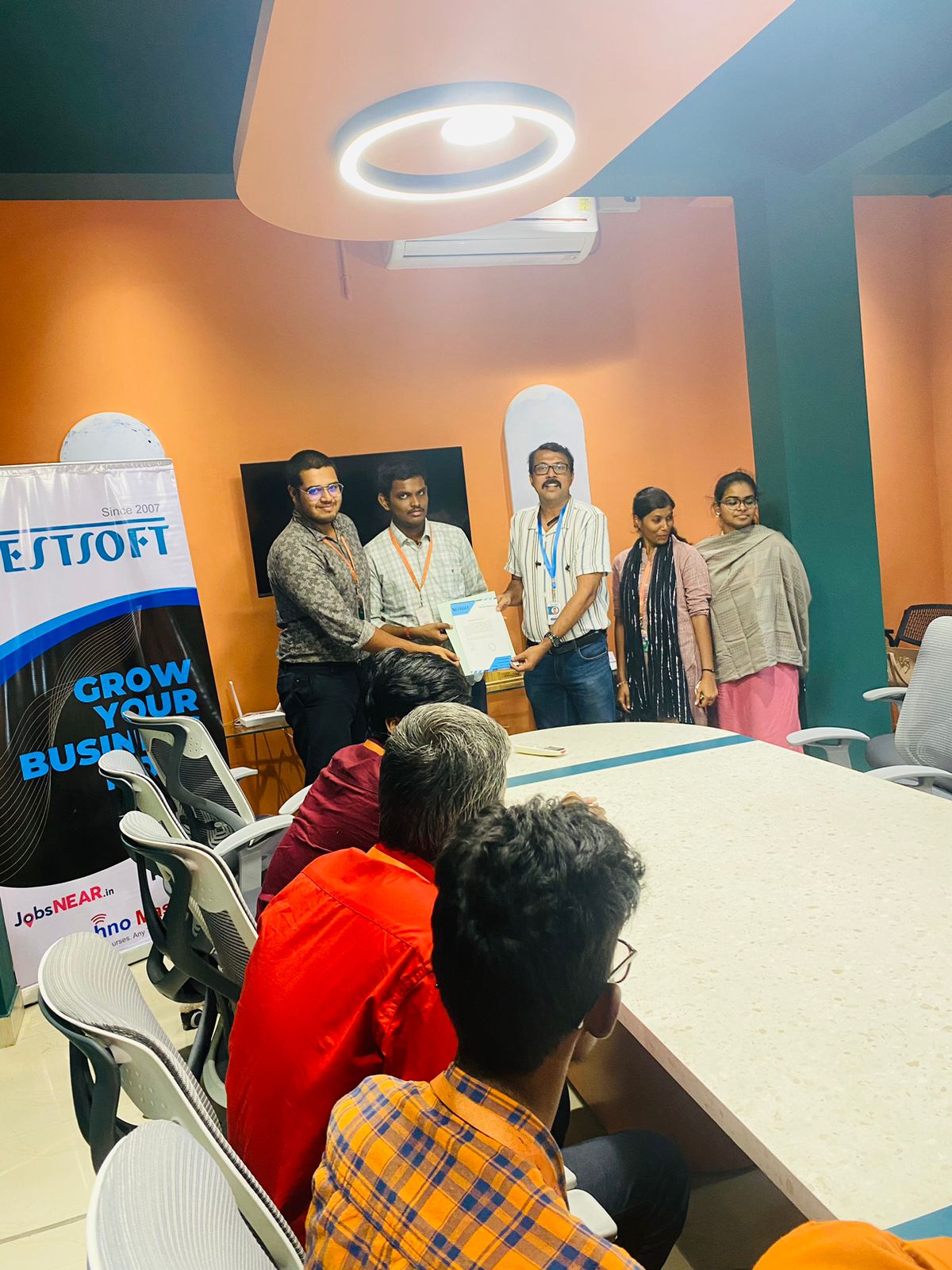
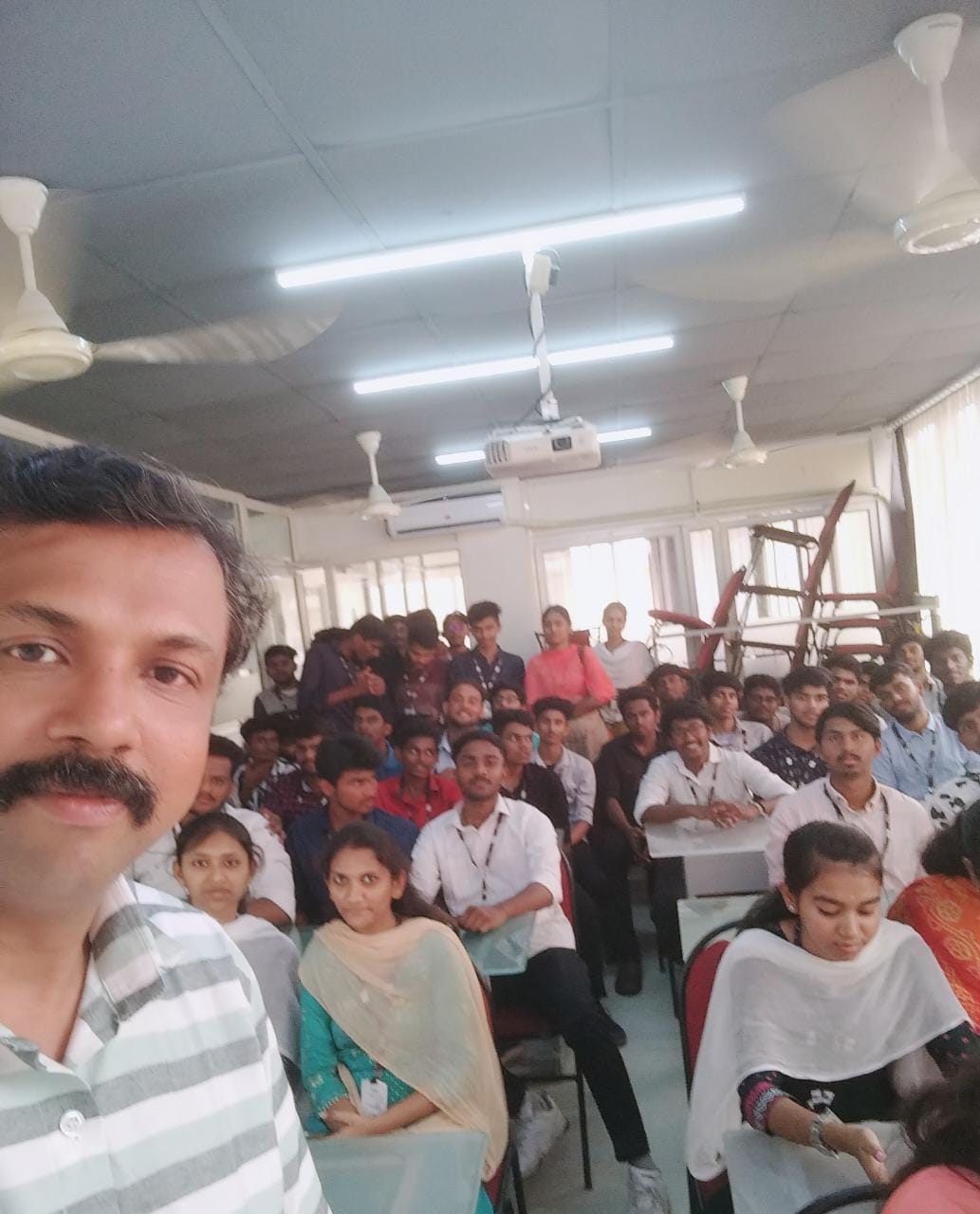
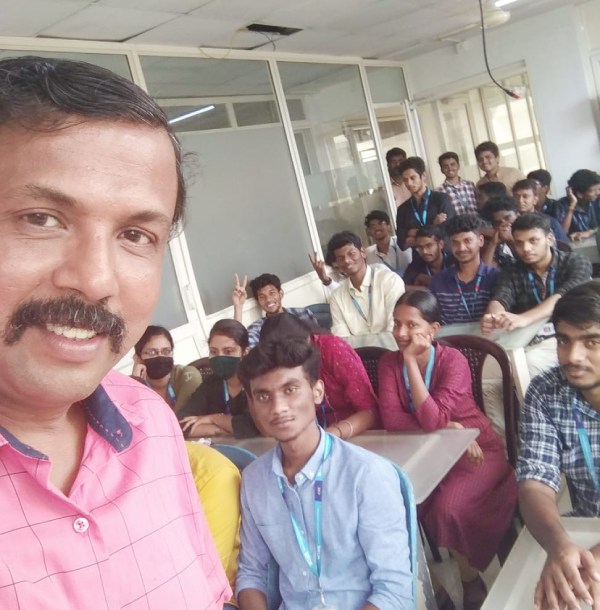
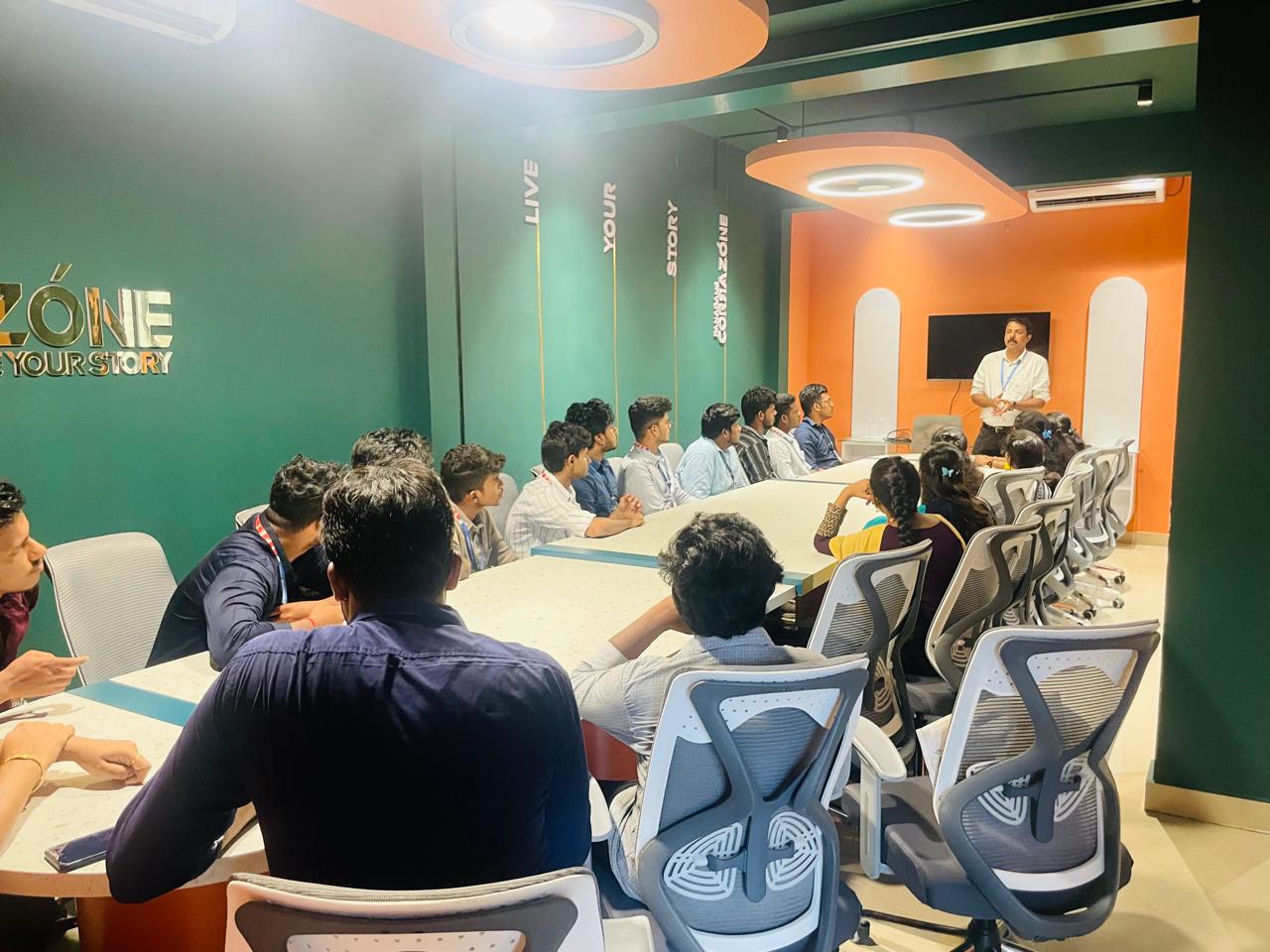
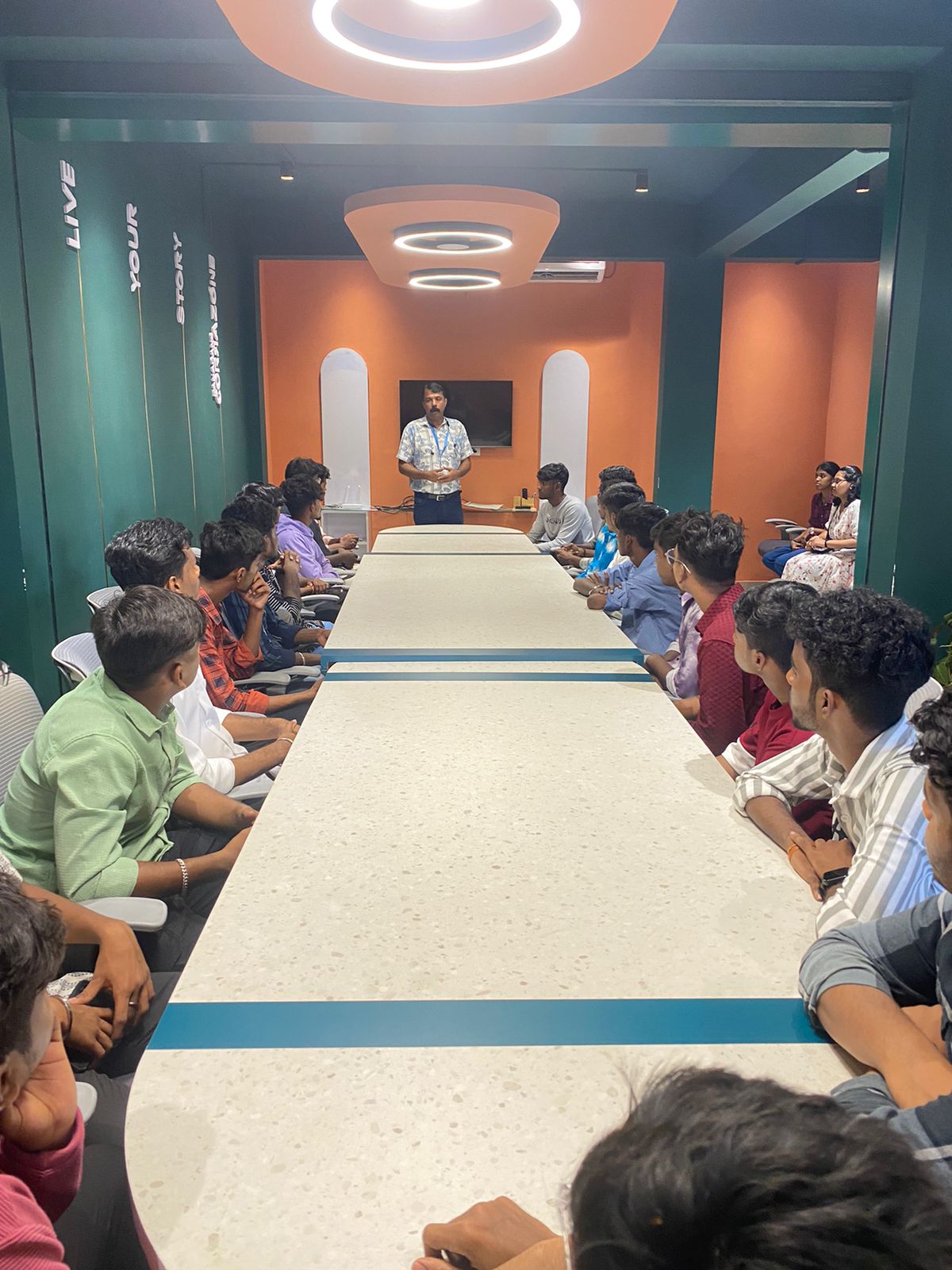
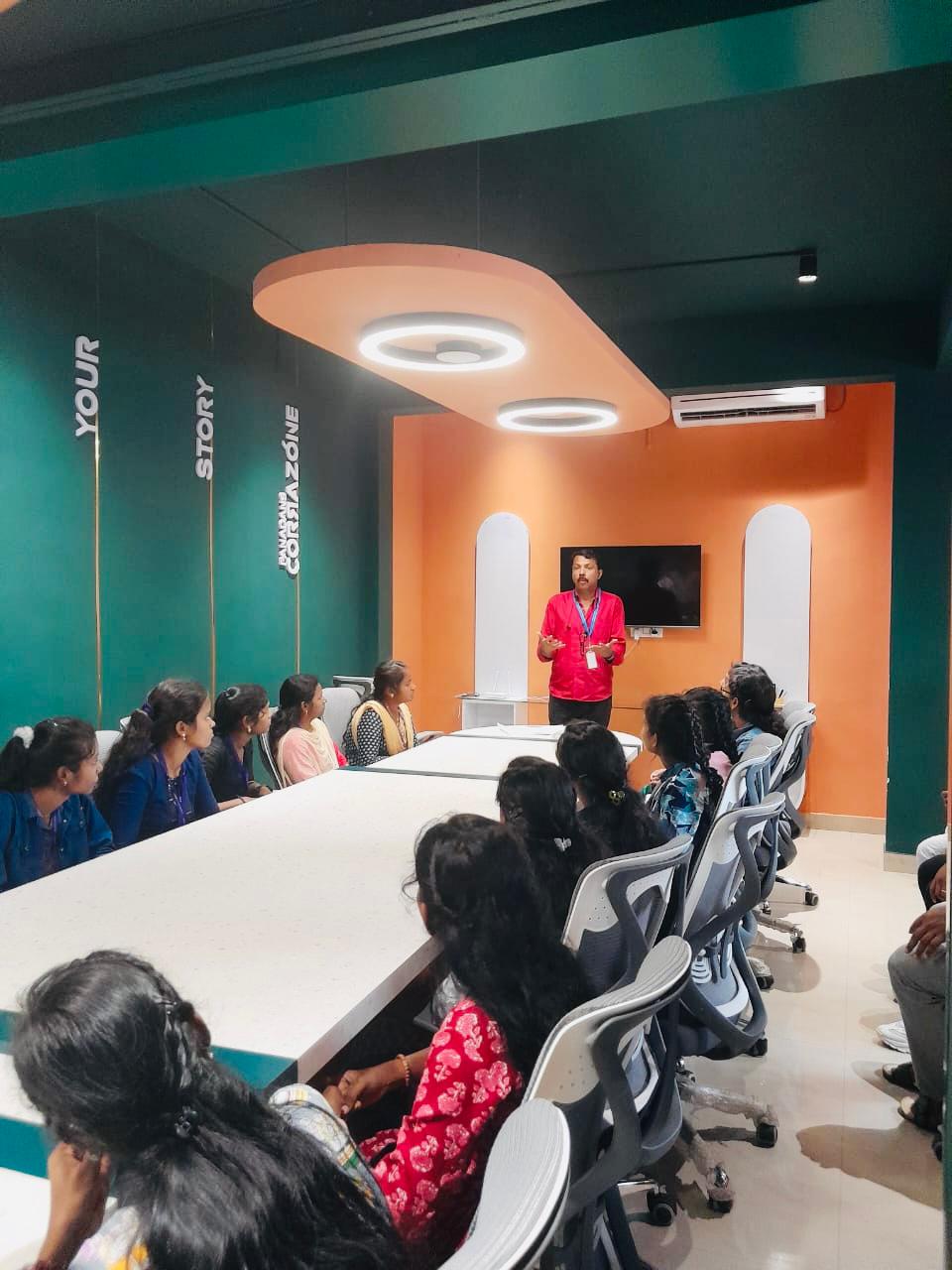
Photos of Training / Internships

Internship/projects in malappuram

Trained more than 10000+ students who trust Nestsoft TechnoMaster

Get Your Personal Trainer