Send enquiry ⏎

Canva Online Live Class by Experts

Our Training/Internship Process

Canva Online Live Classes in Kerala | Free Demo Training

Canva - Syllabus, Fees & Duration

Section 1: Introduction to Canva

  • Welcome to Canva!
  • Logging / Setup Canva Account
  • Layouts & Templates
  • Get you setup with your Canva & account
  • Tour of your dashboard
  • Learn about the different types of templates Canva has
  • Learn how to use the pre-designed layouts
  • Downloading your work
  • Working with text
  • Photo backgrounds & Shapes
  • Illustrations, icons and lines
  • Adding pages to a design
  • Image
  • Text features and Charts
  • Album cover
  • Youtube thumbnail
  • Twitter header
  • Facebook post
  • Ebook cover
  • Documents
  • Data and charts
  • Presentation slides

Section 2: Fonts, Colors, and Images

  • Typography and font pairing
  • Using icons effectively
  • Organising the dashboard
  • Sharing designs
  • Adding links
  • Upgrading to Canva for Work
  • Brand colors
  • Custom filter codes
  • Color codes
  • Color scheme
  • Introduction to the color wheel; creating a color palette
  • How to use grids; transparency; photo filters

Section 4: Advanced Topics

  • Brand Kit
  • Magic Resize
  • Paid Elements
  • Folders for Elements
  • Background Remover
  • Teams, Exporting and Scheduling
  • Learn more advanced techniques
  • Learn how to create a logo from scratch
  • Learn how upload your own graphics, logos, images
  • Learn how to organize your designs
  • See where I go to purchase stock photography
  • Videos Overview / Editing
  • Video Tools
  • Animations
  • Animated Presentations
  • Adding Music

Download Syllabus - Canva
This syllabus is not final and can be customized as per needs/updates
   
10000+
20+
50+
25+

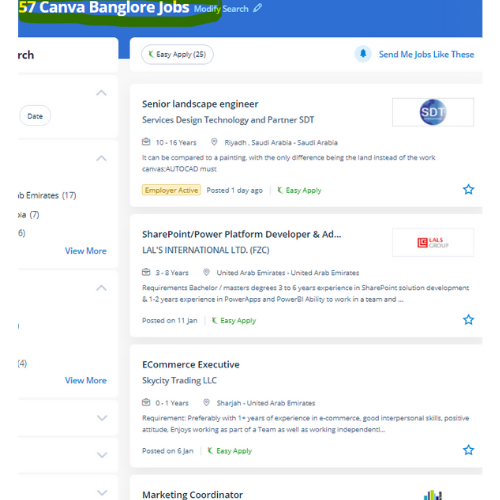
Canva Jobs in Kerala

Enjoy the demand

Find jobs related to Canva in search engines (Google, Bing, Yahoo) and recruitment websites (monsterindia, placementindia, naukri, jobshybrid.com, indeed.co.in, shine.com etc.) based in Kerala, chennai and europe countries. You can find many jobs for freshers related to the job positions in Kerala.

  • web design
  • logo design
  • poster design
  • graphics designer
  • brochure designer
  • video editing
  • ads designer
  • visiting card design
  • flyer designer
  • website designer

Canva Internship/Course Details

Canva internship jobs in Kerala
Canva Having preset decisions will save someone so much time when attempting to work out specific dimensions for their creation. It is cloud-based mostly designed differently for those overcome by photoshop and illustrator. Canva permits you to upload photos or logos to a template. . style effective social media posts, blog graphics, displays, posters, flyers, eBook Creation Basics, produce PDFs, PowerPoint presentations, and plenty of making your own custom dimension design, also our Canva Graphic design for Beginners is completely compatible with any quiet device. If you would like to use it once more in the future it'll save your logo or image upload in your account drive. we tend to help you to form your own Graphic style for social media platforms using Canva. As a result, users can produce art designs and documents simply. Its premade layouts and a large library of design create it the go-to graphics software for many companies and entrepreneurs. using canvas easy to transfer your style as a png, pdf, jpg, SVG, even MP4 video or gif.


Meet a Few of our Industry Experts 🚀 Your Pathway to IT Career

Krishnaprabha

Mobile: +91 91884 77559
Location: Online (Kerala, India)
Qualification: Computer engineering diploma

Experience: I have completed course in full stack development in MEAN stack from ICT Academy of Kerala I am familiarized with  more..

Saransh

Mobile: +91 98474 90866
Location: Online (Kerala, India)
Qualification: MCA

Experience: Dear Sir Madam I am writing to express my ardent interest in the Java developer position Combining my academic background  more..

Swapna

Mobile: +91 98474 90866
Location: Online (Kerala, India)
Qualification: M C A

Experience: Having 13 years of experience in software testing which includes 8 years into automation testing I have been giving trainings  more..

Jitendra

Mobile: +91 91884 77559
Location: Online (Kerala, India)
Qualification: B.tech Mechincal engineering

Experience: Sap ERP Power Bi Inventory management Procurement operations Vendor development Localization of import  more..

Mohit

Mobile: +91 91884 77559
Location: Online (Kerala, India)
Qualification: BE

Experience: Lean Manufacturing Front end developer  more..

ANAGHA

Mobile: +91 94975 90866
Location: Online (Kerala, India)
Qualification: MCA

Experience: C cpp java python html css javascript reactjs mysql nodejsApplication for Node JS  more..

Rakhi

Mobile: +91 9895490866
Location: Online (Kerala, India)
Qualification: Mca

Experience: Software testing intern   more..

Abhishek

Mobile: +91 91884 77559
Location: Online (Kerala, India)
Qualification: B.E

Experience: web development  more..

Suraj

Mobile: +91 91884 77559
Location: Online (Kerala, India)
Qualification: B.Tech

Experience: Hi I’m a MERN Stack developer looking for an opportunity to gain experience and work on real world projects I  more..

Priyanka

Mobile: +91 9895490866
Location: Online (Kerala, India)
Qualification: B-tech

Experience: Codeigniter developer 10 month experience   more..

AKASH

Mobile: +91 91884 77559
Location: Online (Kerala, India)
Qualification: Diploma

Experience: Manual testing Stlc Sdlc Testing  more..

Rushi

Mobile: +91 9895490866
Location: Online (Kerala, India)
Qualification: Bachelor's

Experience: Figma web design ui ux design illustrator wix wordpress  more..

Pavan

Mobile: +91 91884 77559
Location: Online (Kerala, India)
Qualification: BE Computer

Experience: Highly skilled and creative UI UX designer with 3 years of experience designing and developing intuitive and user-friendly interfaces for  more..

Jonnalagadda

Mobile: +91 91884 77559
Location: Online (Kerala, India)
Qualification: B. Tech

Experience: I have the 3 years experience in web development like design hosting Etc and I have created a my personal  more..

Parik

Mobile: +91 8301010866
Location: Online (Kerala, India)
Qualification: Mca

Experience: Dear Sir or Madam Thank you for the opportunity to submit my application for the Android developer position I possess  more..

Abhishek

Mobile: +91 9895490866
Location: Online (Kerala, India)
Qualification: MCA

Experience: Have Experience in wordpress(ACF custom theme builder like elemetor divi WPbakery braver builder) 3 year in Html css bootstrap jQuery  more..

Palak

Mobile: +91 98474 90866
Location: Online (Kerala, India)
Qualification: Bachelor's in computer applications

Experience: Basic computer knowledge (ms excel word) Basic web development skills(html css bootstrap agile scrum) MVC Development  more..

Suryamol

Mobile: +91 98474 90866
Location: Online (Kerala, India)
Qualification: Btech

Experience: Hi myself suryamol m s currently working as a php developer l have good knowledge in HTML CSS bootstrap jQuery  more..

Kumar

Mobile: +91 89210 61945
Location: Online (Kerala, India)
Qualification: 10th pass

Experience: I have skills of designing in: Logo design Banner design Poster design Flyer design T shirt design All on canva  more..

Milan

Mobile: +91 9895490866
Location: Online (Kerala, India)
Qualification: BCA

Experience: Self taught in development language: Java Python SQL C C++ Understanding of it Networks and Security: Computer Networking Tools Proficiency:  more..

NITHIN

Mobile: +91 89210 61945
Location: Online (Kerala, India)
Qualification: BCA

Experience: HTML CSS bootstrap javascript angular Nodejs express Mongodb react 6 month internship at luminar Technolab Calicut Application for Meanstack Developer  more..

Harsh

Mobile: +91 8301010866
Location: Online (Kerala, India)
Qualification: Pursuing B.Tech IT

Experience: My skills and experience encompass a solid foundation in IT security principles bolstered by my Fortinet Certified Fundamentals (FCF) cybersecurity  more..

Rohit

Mobile: +91 9895490866
Location: Online (Kerala, India)
Qualification: ADIT Diploma

Experience: html css Bootstrap java script php Laravel my sql mongodb python Django cloud computing mean stack   more..

Hasan

Mobile: +91 94975 90866
Location: Online (Kerala, India)
Qualification: Diploma

Experience: 2 years Experience in graphic design with intermediate knowledge of ui ux Software I use Photoshop illustrator figma Corel drawn  more..

Success Stories

The enviable salary packages and track record of our previous students are the proof of our excellence. Please go through our students' reviews about our training methods and faculty and compare it to the recorded video classes that most of the other institutes offer. See for yourself how TechnoMaster is truly unique.

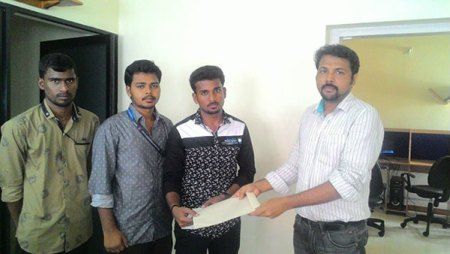
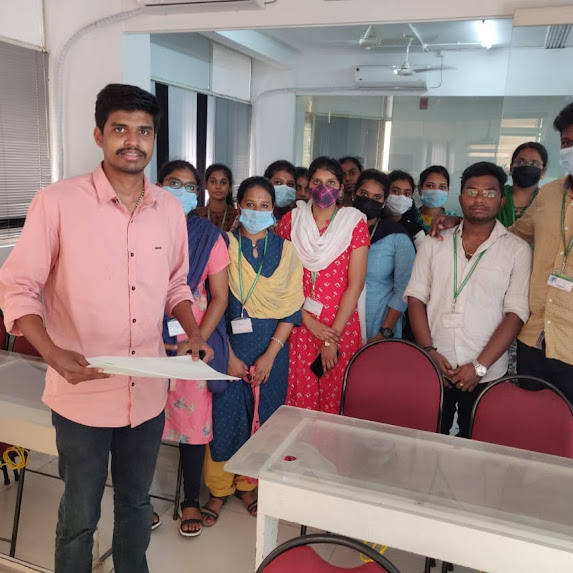
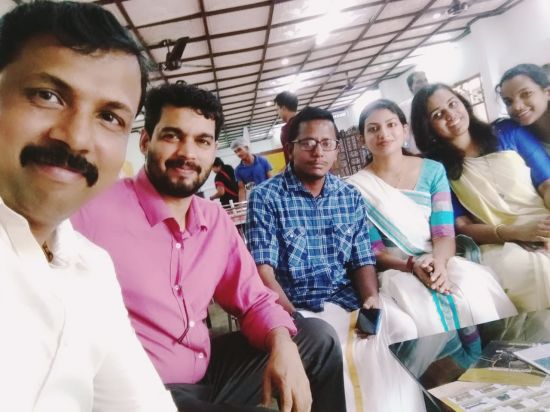
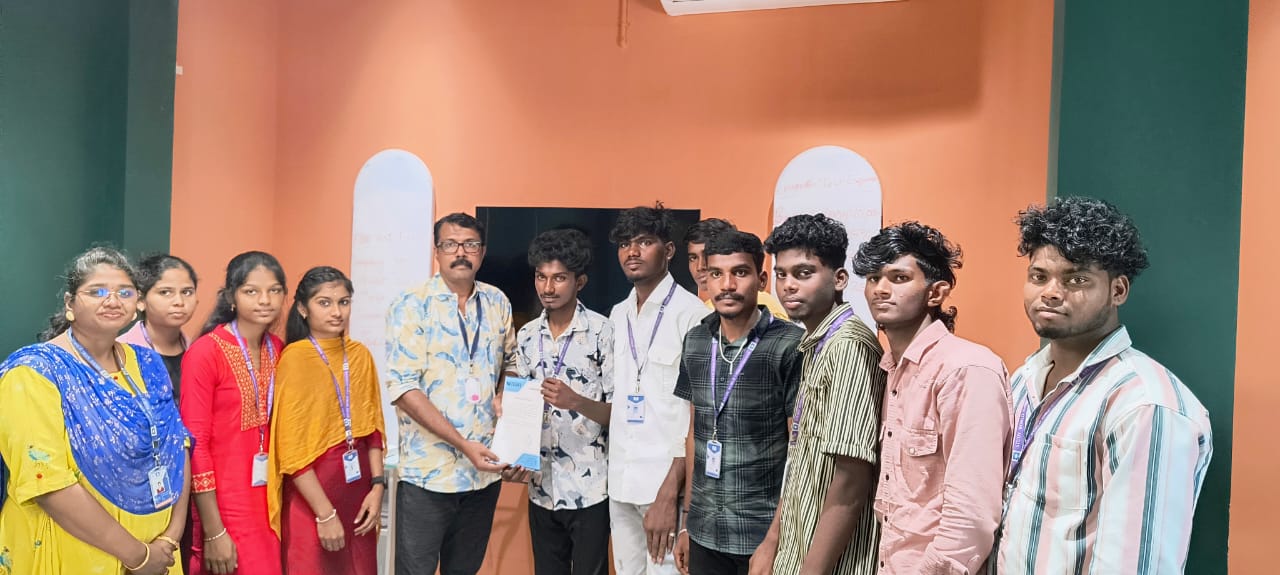
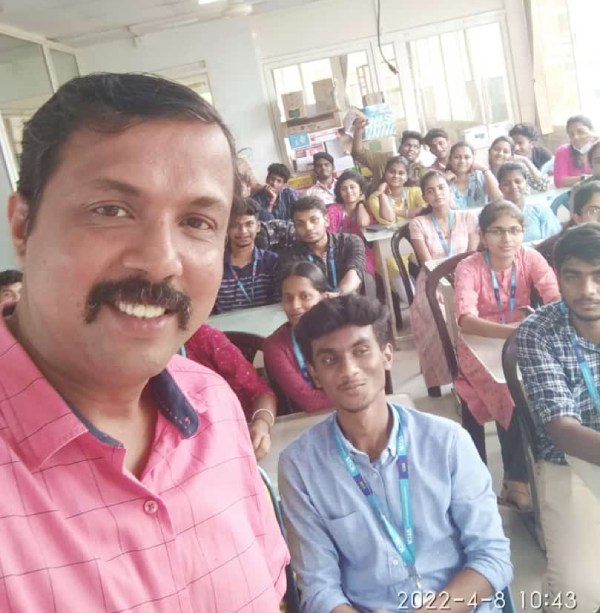
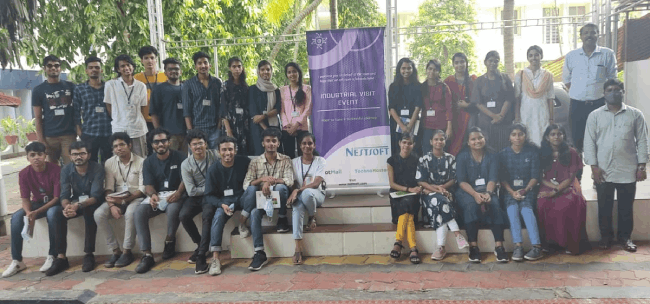
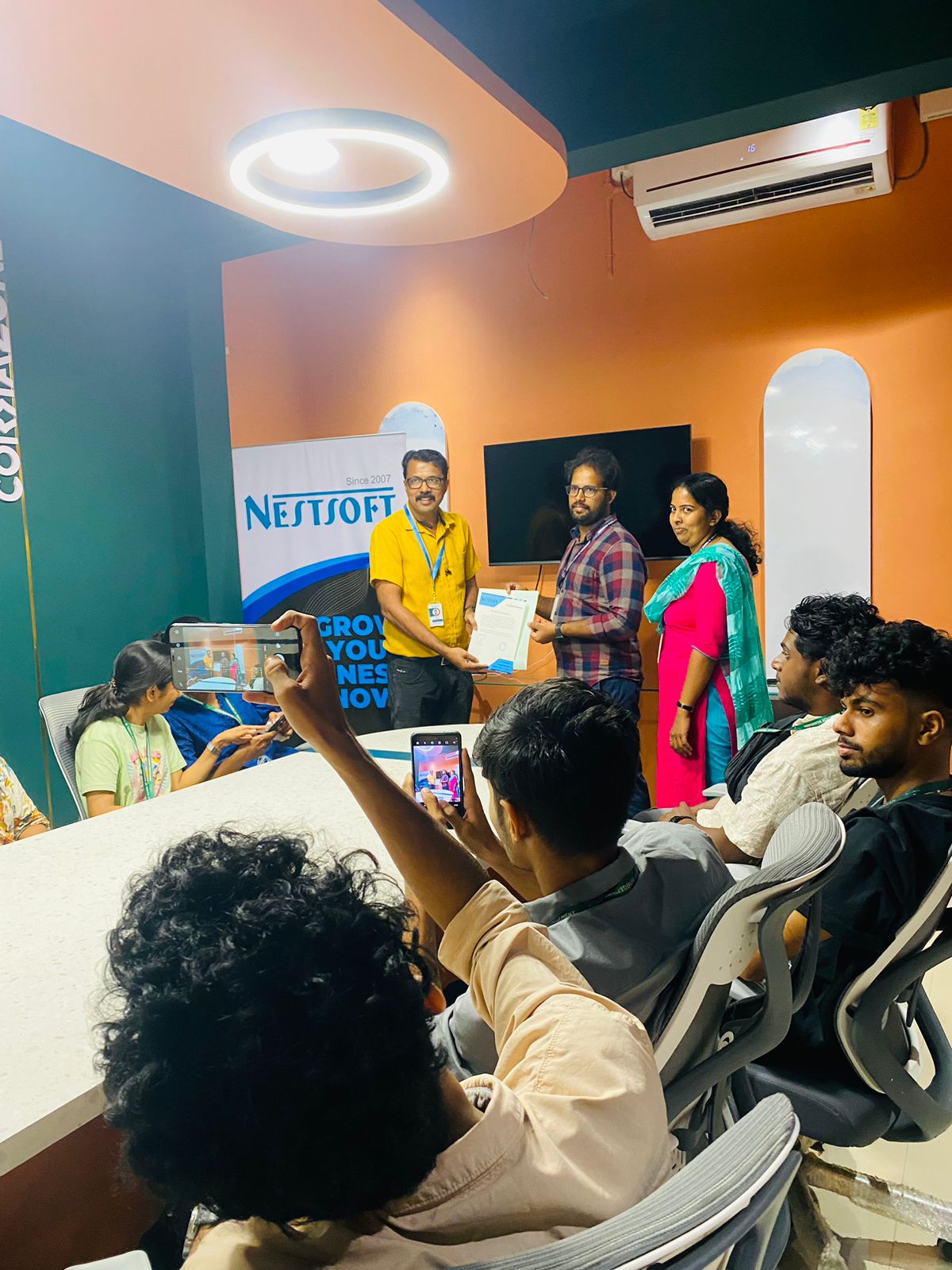
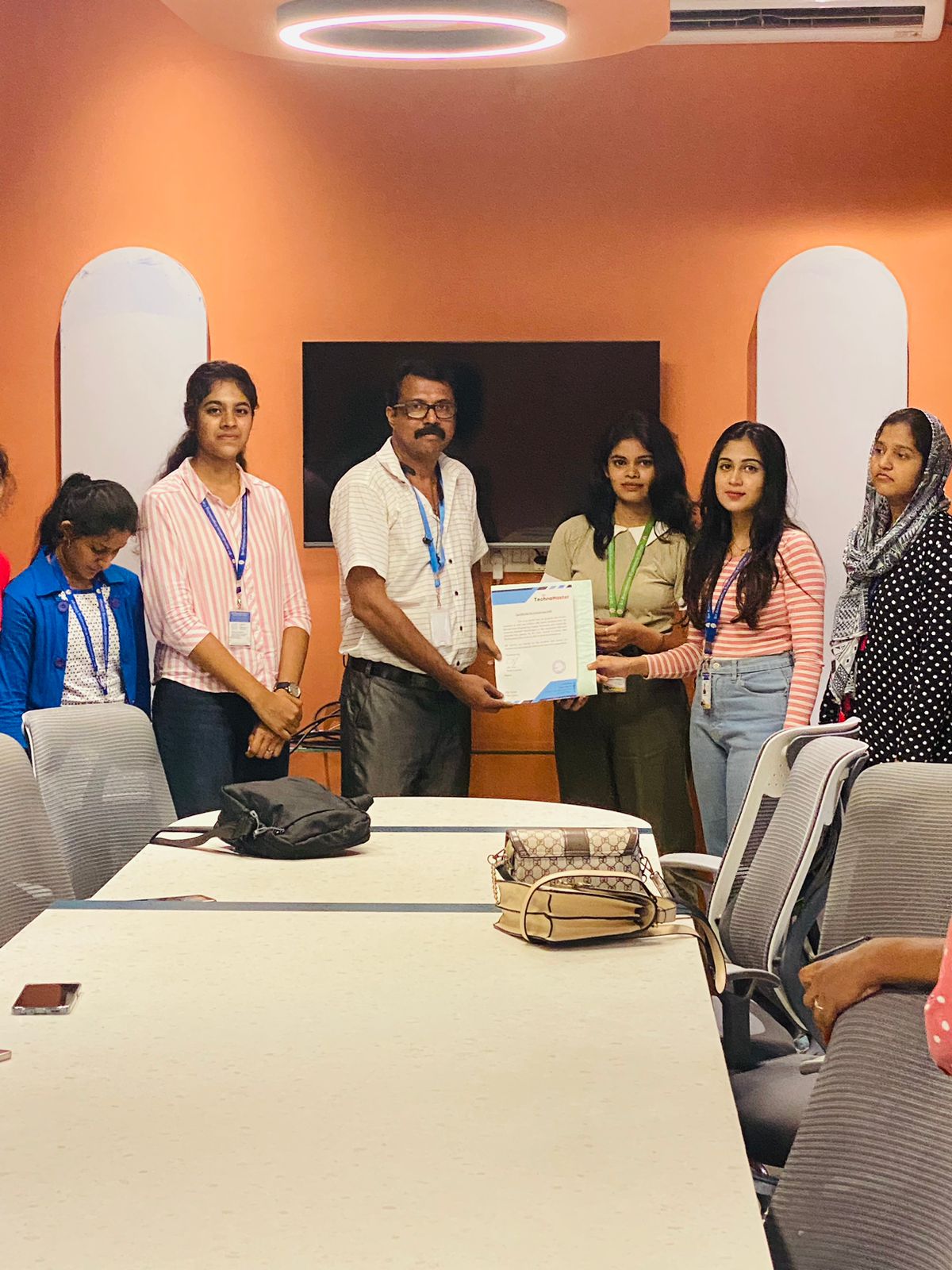
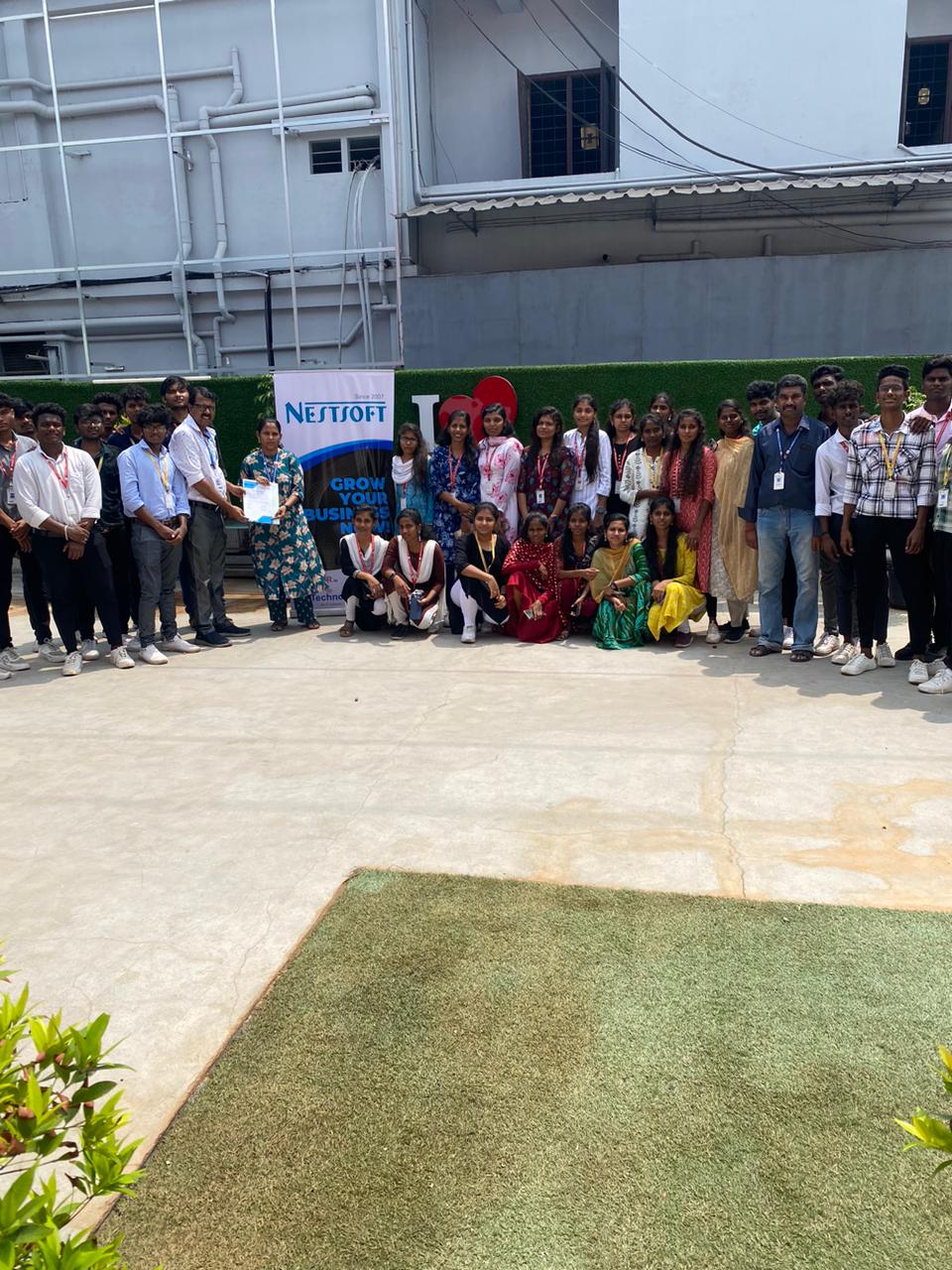
Photos of Training / Internships

Internship/projects in kerala

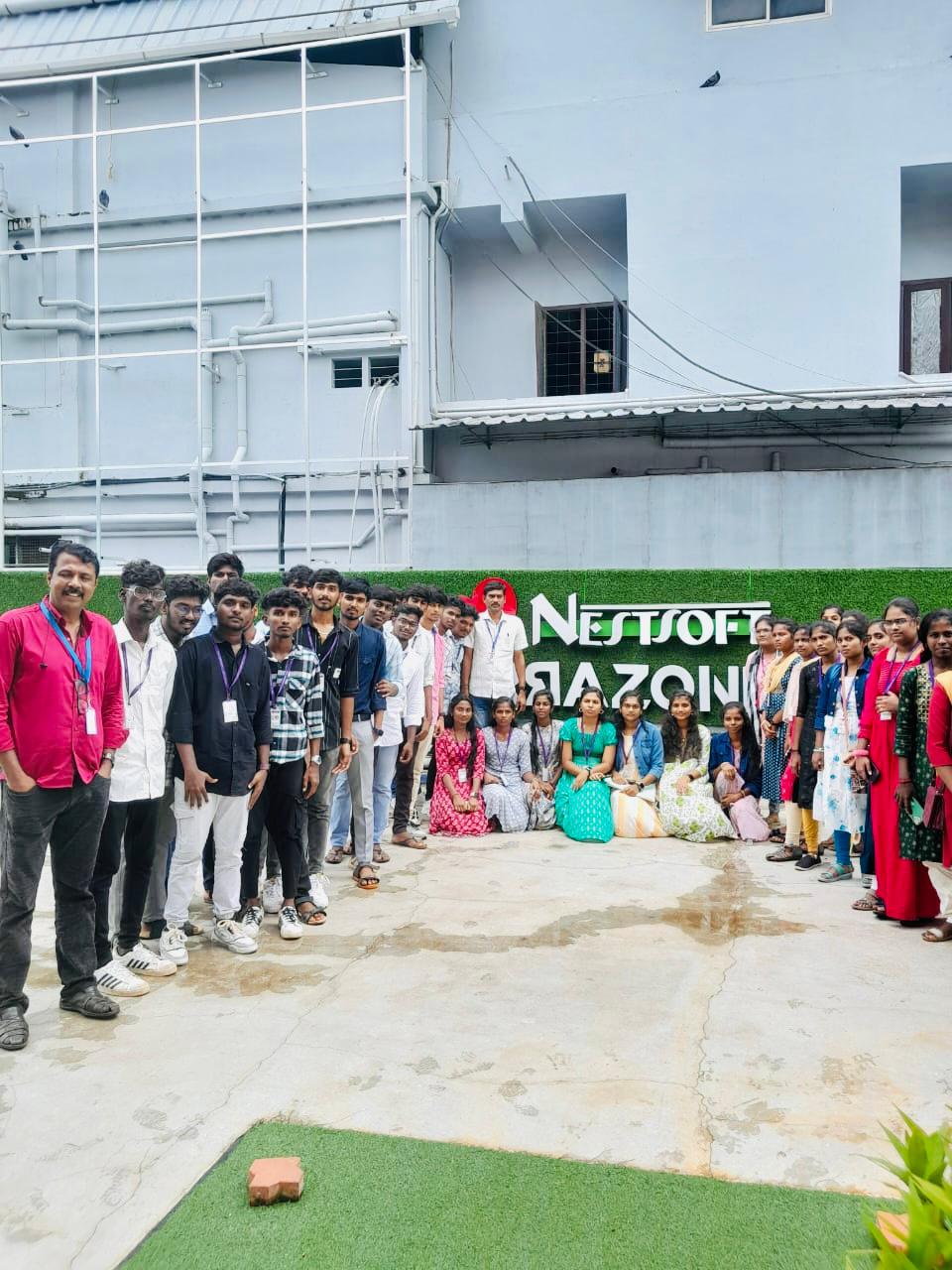
Trained more than 10000+ students who trust Nestsoft TechnoMaster

Get Your Personal Trainer