Java J2EE Online Live Class by Experts
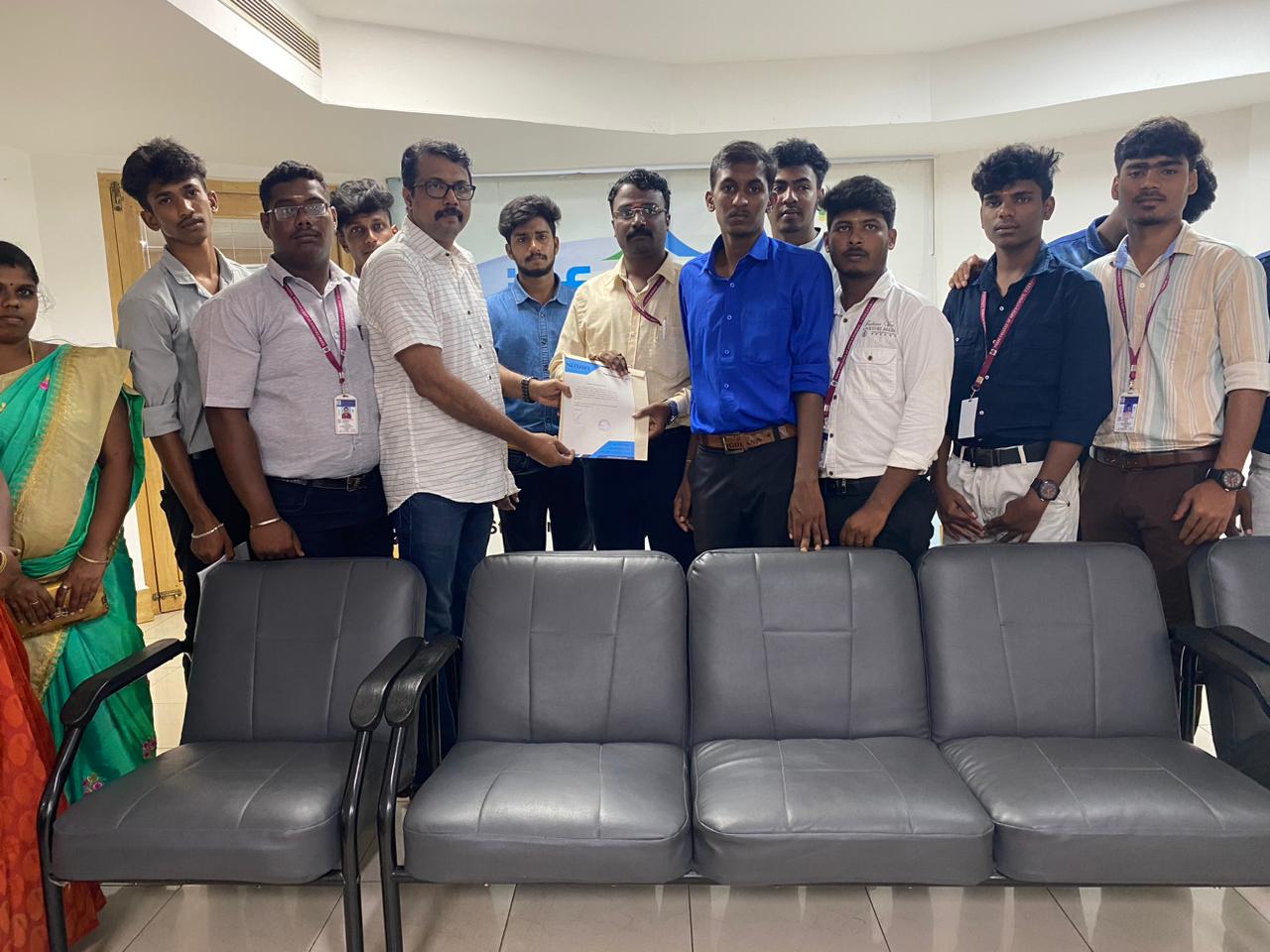
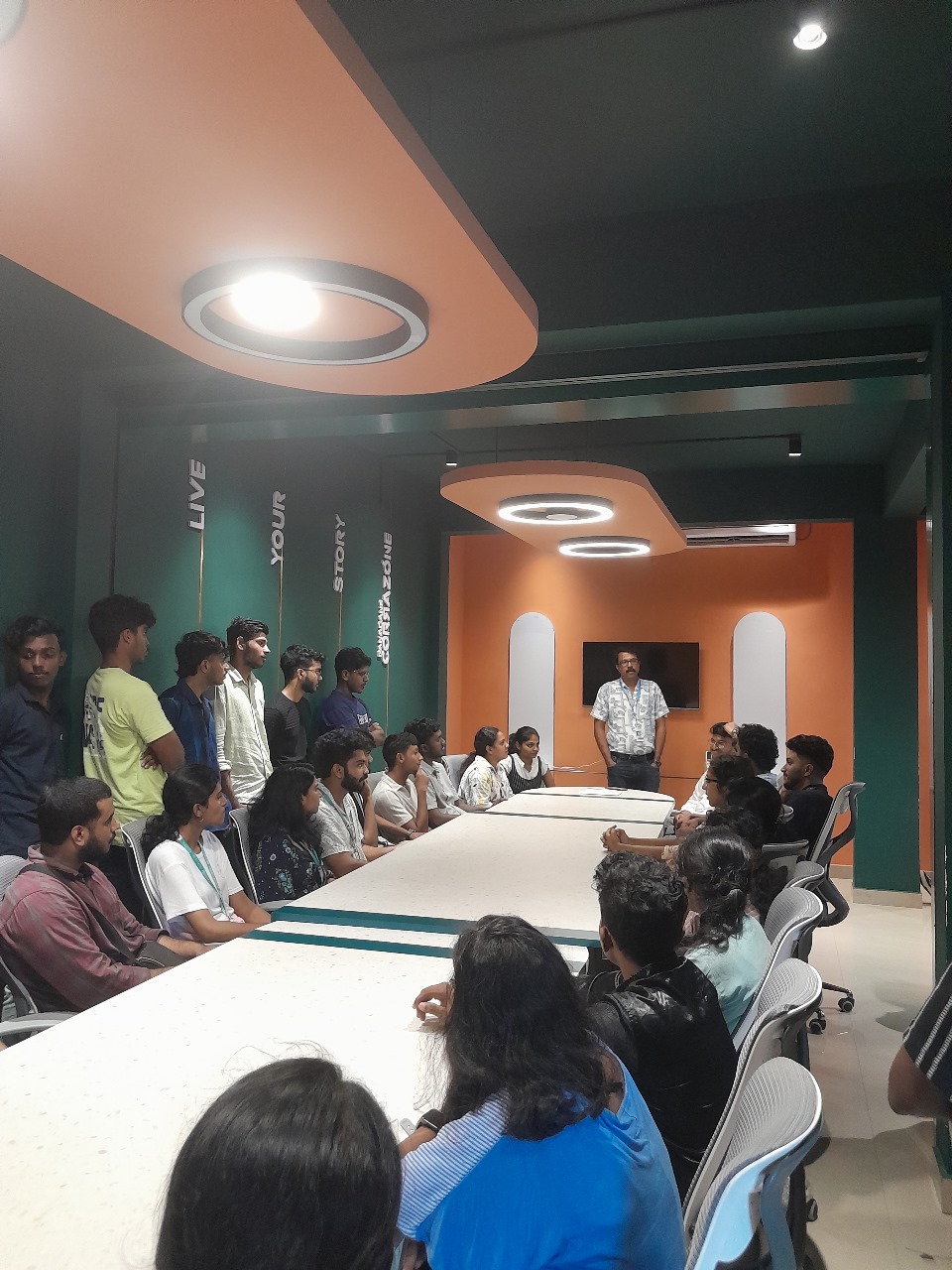
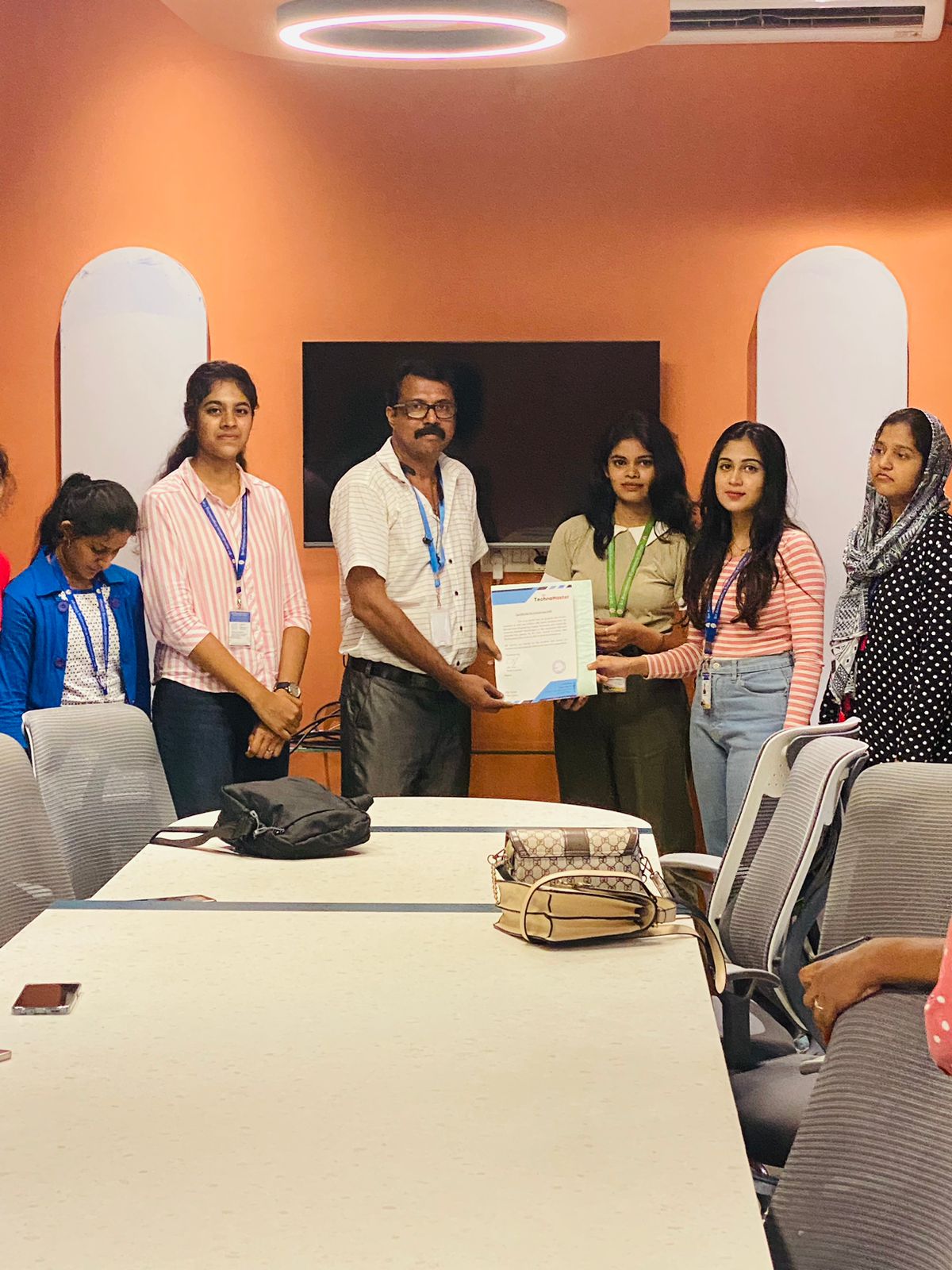
Our Training/Internship Process

Java J2EE - Syllabus, Fees & Duration
Module 1: Basics of Java
- Introduction
- History
- Features of Java
- Types of Java Application
- Difference between JVM,JRE and JDK
- Simple Java Program
- Variables and Data types
- Methods-Declaration, definition and Calling
- Packages
- Access modifiers
- Reading from Console using Scanner
- Java Arrays
- Operators and Operator precedence
- Conditional and Looping Statements
- Basic Java Programs
Module 2: String Handling in Java
- String class Introduction
- Immutable String
- Methods of String Class
- String Comparison
- String Concatenation
- String Buffer Class
- String Builder Class
- Mutable String
- toString method
Module 3: Wrapper Classes
- Wrapper classes
- Autoboxing
- Unboxing
Module 4: OOPS Concepts
- OOPs Concepts Introduction
- Object and class
- Static keyword
- Constructor
- this keyword
- Inheritance
- Aggregation and Composition
- super Keyword
- Interface
- Polymorphism
Module 5: Exception Handling
- Exception Handling Introduction
- try and catch block
- Multiple catch block
- Nested try
- finally block
- throw keyword
- throws keyword
- Exception Handling with Method Overriding
- Custom Exception
Module 6: Multithreading
- Multi threading Introduction
- Multi threading vs Multiprocessing
- Life Cycle of a Thread
- Creating a Thread
- Thread Class
- Runnable Interface
- Thread class methods
- Thread Scheduler
- Thread Priority
- Daemon Thread
- Thread Pooling
- Thread Group
- Performing multiple task by multiple thread
Module 7: Synchronization
- What is Synchronization and Why?
- Synchronized method
- Synchronized block
- Static synchronization
- Deadlock
Module 8: Garbage Collection
- What is garbage collection?
- finalize method
Module 9: AWT and Event Handling
- AWT Controls
- Event Handling by 3 ways
- Event classes and Listener Interfaces
- Adapter classes
Module 10: Layout Managers
- Basics of Swing
- Swing features
- Advantages of swing over AWT
- Swing Components
- Digital Watch
- Graphics in swing
- Displaying Image
- Open Dialog Box
- Drawing paintings
- Creating applications
Module 11: Applet
- Applet features
- Life Cycle of Applet
- Graphics in Applet
- Displaying image in Applet
- Animation in Applet
- Event Handling in Applet
- J Applet class
- Painting in Applet
- Creating Animations
Module 12: Collection
- Collection Framework
- Array List class
- Linked List class
- List Iterator interface
- Hash Set class
- Linked Hash Set class
- Tree Set class
- Priority Queue class
- Map interface
- Hash Map class
- Linked Hash Map class
- Tree Map class
- Hash table class
Module 13: Java Updated Features
- Functional Interface and Lambda Expression
- Java Stream API for Bulk Data Operations on Collections
- Java Time API
Module 14: SQL
- Introduction
- Basic SQL Queries
- DDL,DML and DCL
- Aggregation in SQL
- Joining tables
- Subqueries
Module 15: JDBC
- JDBC Drivers
- Steps to connect to the database
- Connectivity with Oracle, MySQL and Access
- Driver Manager
- Connection interface
- Statement interface
- Result Set interface
- Prepared Statement
- JDBC New Features
- Mini Project using swing and JDBC
Module 16: Web Technology
HTML 5
- Introduction to HTML
- HTML Tags
- Lists
- Forms creation
- Creating tables
- Managing home page
CSS
- Introduction to CSS
- Three ways to use CSS
- CSS selectors
- CSS Properties
- Designing website
JavaScript
- Introduction to JavaScript
- Syntax
- Three ways to use JavaScript
- Variables
- Data types
- Operators
- Conditional and Looping Statements
- Functions
- Working with events
- Client-side Validation
jQuery
- Introduction to jQuery
- jQuery syntax
- Example program
- jQuery selectors
- jQuery Effects
- jQuery Events
- Validation using jQuery
- jQuery Forms
- jQuery Examples
AJAX
- Introduction to AJAX
- Servlet and JSP with AJAX
- Interacting with database
Module 17: Server Side Programming
- Servlet
- Servlet introduction
- Basics of Web
- Servlet vs CGI
- Servlet API
- Servlet Interface
- Generic Servlet
- Http Servlet
- Servlet Life Cycle
- How servlet works?
- Servlet Request
- Servlet Request methods
- Registration example with DB
- Request Dispatcher
- send Redirect
- Servlet Config
- Servlet Config methods
- Attribute
- Session Tracking
- URL Rewriting
- HTTP Session
- JSP
- Basics of JSP
- Life cycle of JSP
- JSP API
- Scripting elements
- scriptlet tag
- expression tag
- declaration tag
- 9 Implicit Objects
- Directive Elements
- Exception Handling
- Action Elements
- Expression Language
- MVC in JSP
- JSTL
- Custom tags
- Interacting with database
- Project Development in JSP
Module 18: Hibernate
- Hibernate Configuration using XML and annotation.
- Hibernate CRUD operation
- Hibernate Query Language
- Mapping One to One
- One to many
- Many to one
- Many to Many
- Fetching types
Module 19: Spring Framework
- Basics of Spring
- Spring with ORM
- Spring 3 MVC
- Login and Logout Application
- CRUD Functions
- Main Project
- Spring Boot
This syllabus is not final and can be customized as per needs/updates
- Since 2001, Making IT Experts by Experts
- Duration: 100 Hours (Vary as per your skill)
- Course Fees
- Individual Live Classes (1:1)
- Batch Classes @ Low Fees
- Training on Your Time, Any Where
- Access to Recorded Videos
- Practical Internship on Projects
- 100% Placement Support by our jobsHybrid.com
- Training/Internship Certificate
- Agra
- Ahmedabad
- Alappuzha
- Aurangabad
- Bangalore
- Belgaum
- Bellary
- Bhubaneswar
- Chennai
- Cochin
- Coimbatore
- Delhi
- Dindigul
- Erode
- Gulbarga
- Guntur
- Gurgaon
- Haryana
- Hyderabad
- Idukki
- Indore
- Jaipur
- Kalyan
- Kannur
- Kanpur
- Kasaragod
- Kerala
- Kolkata
- Kollam
- Kottayam
- Kozhikode
- Lucknow
- Madurai
- Malappuram
- Mangaluru
- Mumbai
- Mysuru
- Nagpur
- Nashik
- Navi Mumbai
- Nizamabad
- Noida
- Palakkad
- Pathanamthitta
- Pune
- Punjab
- Salem
- Shimla
- Solapur
- Surat
- Thane
- Thanjavur
- Thirunelveli
- Thoothukudi
- Thrissur
- Tiruchirappalli
- Tiruppur
- Trivandrum
- Vadodara
- Varanasi
- Vellore
- Vijayawada
- Visakhapatnam
- Wayanad
Course Highlights

Our Locations

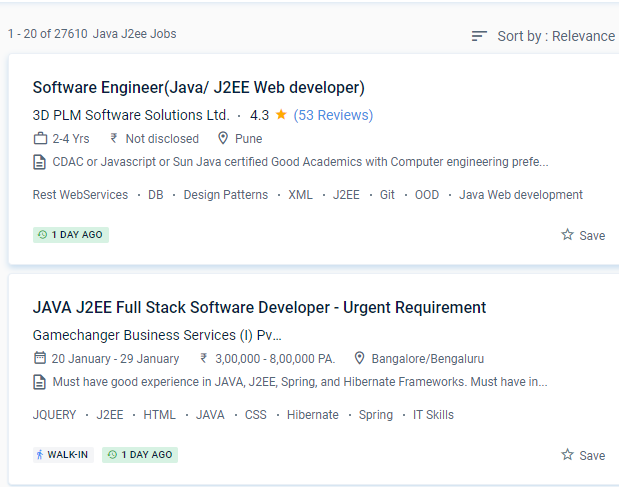
 The APIs supplied by J2EE allows developers to construct and consume resources and workflows such as web services.
. Nestsoft offers the most basic java training in the area. J2EE Course on {Location} comprises subjects that cover the most recent and greatest examples in real-time, all of which are meant to assist learners in landing the right job after completing the course.
Java is now widely used in a variety of applications, including mobile phones, business enterprise programmes, and web systems. Java is a high-level object-oriented programming language and a powerful software package platform that is easy to conceive, create, compile, and debug.
If you decide to pursue java as a career, you will have a plethora of options. As a result, the primary focus of this course is on learning JAVA-based technologies. A garbage collector programme in Java is always used to collect unused memory addresses to improve the efficiency of a Java programme. These APIs will be used by developers to create business computing apps.