Send enquiry ⏎

AI Prompt Engineering Online Live Class by Experts

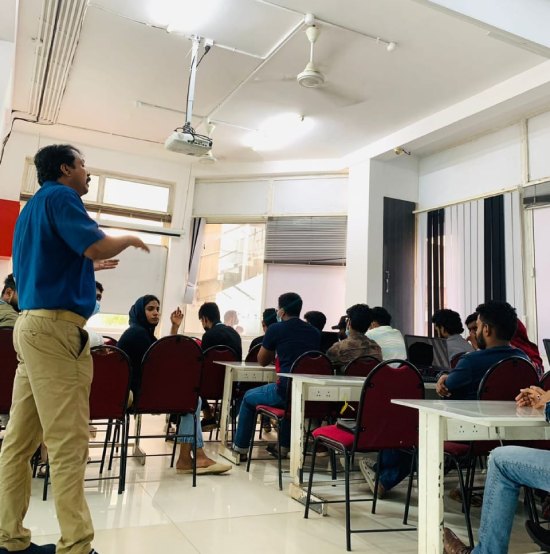
Our Training/Internship Process

AI Prompt Engineering Online Live Classes in Kerala | Free Demo Training

AI Prompt Engineering - Syllabus, Fees & Duration

Course Syllabus

Month 1: Generative AI & Prompt Engineering Fundamentals

Introduction to Artificial Intelligence

  • Introduction to Artificial Intelligence
  • History and Evolution of AI
  • Types of Artificial Intelligence
  • AI Applications in Real World
  • Machine Learning and Deep Learning Overview
  • Introduction to Generative AI

Large Language Models (LLMs)

  • Introduction to Large Language Models
  • How AI Language Models Work
  • LLM Architecture Basics
  • Tokens and Context Windows
  • Training and Fine-Tuning Concepts
  • Limitations of AI Models

Prompt Engineering Basics

  • Introduction to Prompt Engineering
  • Importance of Effective Prompt Design
  • Prompt Structure and Components
  • Writing Clear and Specific Instructions
  • Role-Based Prompting
  • Instruction-Based Prompting
  • Zero-Shot Prompting
  • Few-Shot Prompting

Month 2: Advanced Prompt Engineering & AI Applications

Advanced Prompt Techniques

  • Chain-of-Thought Prompting
  • Context Engineering
  • Prompt Optimization Techniques
  • Multi-Step Prompt Workflows
  • Prompt Testing and Evaluation
  • Improving AI Response Quality

AI Tools and Platforms

  • ChatGPT Advanced Features
  • Google Gemini
  • Claude AI
  • Microsoft Copilot
  • AI Image Generation Tools
  • AI Video Generation Tools
  • AI Productivity Tools

AI Automation and Integration

  • AI Workflow Automation
  • AI Content Generation
  • AI Marketing Applications
  • AI Coding Assistance
  • AI Data Analysis
  • Chatbot Development Concepts
  • AI API Integration Basics

Practical Projects

  • AI Chatbot Creation
  • AI Content Generator
  • AI Resume Builder
  • AI Research Assistant
  • AI Marketing Assistant
  • AI Automation Workflow Project

Tools and Technologies

  • ChatGPT
  • Google Gemini
  • Claude AI
  • Microsoft Copilot
  • OpenAI API
  • Midjourney
  • DALL·E
  • AI Automation Tools
  • Prompt Libraries
  • No-Code AI Platforms

Download Syllabus - AI Prompt Engineering
This syllabus is not final and can be customized as per needs/updates
   
10000+
20+
50+
25+

AI Prompt Engineering Jobs in Kerala

Enjoy the demand

Find jobs related to AI Prompt Engineering in search engines (Google, Bing, Yahoo) and recruitment websites (monsterindia, placementindia, naukri, jobshybrid.com, indeed.co.in, shine.com etc.) based in Kerala, chennai and europe countries. You can find many jobs for freshers related to the job positions in Kerala.

  • AI Prompt Engineer
  • Generative AI Specialist
  • AI Automation Specialist
  • AI Consultant
  • AI Application Developer
  • Chatbot Developer
  • AI Content Creator
  • AI Trainer
  • AI Research Assistant
  • Digital Transformation Specialist

AI Prompt Engineering Internship/Course Details

AI Prompt Engineering internship jobs in Kerala
AI Prompt Engineering Join our **AI Prompt Engineering Training in Kerala** to master AI communication techniques and prepare for future opportunities in the rapidly growing AI industry. **Course Description (Use Kerala)** Our **AI Prompt Engineering Course in Kerala** is a practical training program designed to teach Generative AI, Large Language Models (LLMs), ChatGPT, and advanced prompt creation techniques. This course helps learners develop essential AI skills for content creation, software development, business automation, research, and productivity enhancement. . Students will learn how to design effective AI prompts, improve AI responses, automate tasks, and use modern AI tools for real-world applications.


Meet a Few of our Industry Experts 🚀 Your Pathway to IT Career

Tomin

Mobile: +91 8301010866
Location: Online (Kerala, India)
Qualification: MCA

Experience: Nearly 3 year experience in php CodeIgniter Working Technologies - PHP CodeIgniter JavaScript jQuery Ajax LAMP Stack Postman REST APIs  more..

karthikeyan

Mobile: +91 9895490866
Location: Online (Kerala, India)
Qualification: Bachelor of Engineering

Experience: C C++ ASP NET python SQL HTML css Java  more..

Shalu

Mobile: +91 9895490866
Location: Online (Kerala, India)
Qualification: b.tech

Experience: seo link building backling create 3 year exp  more..

Abhishek

Mobile: +91 98474 90866
Location: Online (Kerala, India)
Qualification: Btech

Experience: Semi Conductor Laboratory Mohali Dept of space Govt of India FSG advantages over USG inter-metal dielectric (Thin Film) and Unit  more..

Bhumit

Mobile: +91 94975 90866
Location: Online (Kerala, India)
Qualification: MCA

Experience: Odoo v11 to v17 Excel Q web report Backend website Python odoo sql  more..

Jyotika

Mobile: +91 91884 77559
Location: Online (Kerala, India)
Qualification: B.Sc (H) Computer Science

Experience: For the past 5 months I have been working as a UI UX Intern at Grey to Yellow and then  more..

GLADSON

Mobile: +91 98474 90866
Location: Online (Kerala, India)
Qualification: B.Tech

Experience: Language like java and kotlin dart Flutter Rest Api integration 2 android app published in play Store 1 year experience  more..

Suman

Mobile: +91 9895490866
Location: Online (Kerala, India)
Qualification: Bcom (honrs)

Experience: 1 Financial literacy: Understanding concepts like budgeting investing and managing personal and business finances 2 Analytical skills: Ability to analyze  more..

renuka

Mobile: +91 89210 61945
Location: Online (Kerala, India)
Qualification: MSC IT

Experience: 1 year experience in WordPress developer  more..

Ananthu

Mobile: +91 98474 90866
Location: Online (Kerala, India)
Qualification: MBA

Experience: I am a Fresher in the Digital Marketing domain and have 4 years of experience in business development and  more..

Nikhil

Mobile: +91 98474 90866
Location: Online (Kerala, India)
Qualification: B.E.

Experience: Manual testing and Having 1 year of experience  more..

Harshalkumar

Mobile: +91 9895490866
Location: Online (Kerala, India)
Qualification: ME

Experience: Angular front end development Javascript HTML CSS Bootstrap  more..

jyotsana

Mobile: +91 89210 61945
Location: Online (Kerala, India)
Qualification: Btech(cse)

Experience: Skilled in UI development Angular framework Java Bootstrap tailwind htmlApplication for Angular JS  more..

shanid

Mobile: +91 89210 61945
Location: Online (Kerala, India)
Qualification: bca

Experience: angular mongodb express node html git Application for Node JS  more..

TAPAN

Mobile: +91 89210 61945
Location: Online (Kerala, India)
Qualification: MCA

Experience: My Skills is C C++ JAVA C# ASP NET HTML CSS JAVASCRIPT BOOTSTRAP MYSQL SQL SERVER Experience is now I  more..

Aayush

Mobile: +91 9895490866
Location: Online (Kerala, India)
Qualification: 12pass

Experience: I used for canava for 2year experience for logo design   more..

Mohini

Mobile: +91 89210 61945
Location: Online (Kerala, India)
Qualification: b.com

Experience: Recently i started my career in graphic design (Canva)now i want to grow myself in graphic industry skills- logo post  more..

Nitin

Mobile: +91 91884 77559
Location: Online (Kerala, India)
Qualification: MCA

Experience: Experienced Lead Mobile Developer with a proven track record of delivering cutting-edge mobile applications Proficient in Android (Kotlin Java) I  more..

Saikat

Mobile: +91 91884 77559
Location: Online (Kerala, India)
Qualification: B.tech

Experience: Programming Python SQL Data structures and Algorithms Machine Learning Algorithms Linear regression Logistic regression KNN Support Vector Machines Decision Trees  more..

Divakar

Mobile: +91 9895490866
Location: Online (Kerala, India)
Qualification: B.E Mechanical Engineering

Experience: I had a 6 months internship training at ARi in software testing  more..

Safal

Mobile: +91 91884 77559
Location: Online (Kerala, India)
Qualification: B.Tech CSE with specialisation Cyber Security

Experience: In the last three years I've immersed myself in cybersecurity gaining expertise as a campaign leader and active Mozilla community  more..

Aswini

Mobile: +91 91884 77559
Location: Online (Kerala, India)
Qualification: B-tech

Experience: Hands on experience in Software Testing o Hands on experience in Jira o Hands on experience in both Manual  more..

Manisha

Mobile: +91 91884 77559
Location: Online (Kerala, India)
Qualification: Master

Experience: Hello there so basically i have 4+ years experience in web designing by using these skills languages HTML HTML5 css  more..

Srinivas

Mobile: +91 98474 90866
Location: Online (Kerala, India)
Qualification: Bachelors of engineering

Experience: AWS devop linux and python   more..

Success Stories

The enviable salary packages and track record of our previous students are the proof of our excellence. Please go through our students' reviews about our training methods and faculty and compare it to the recorded video classes that most of the other institutes offer. See for yourself how TechnoMaster is truly unique.

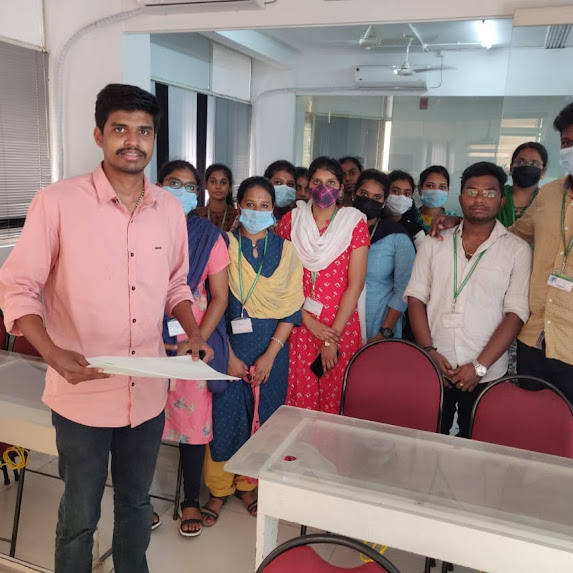
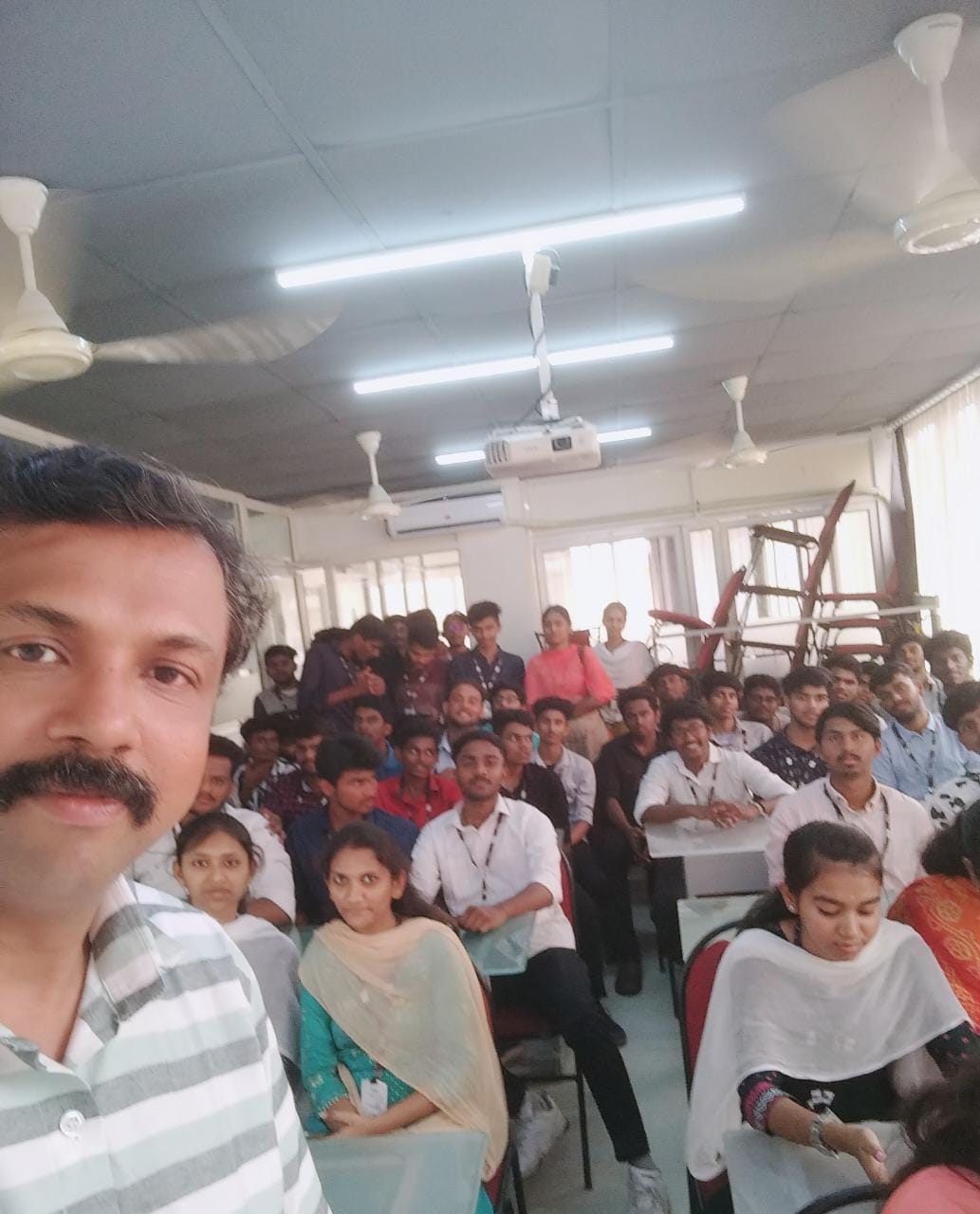
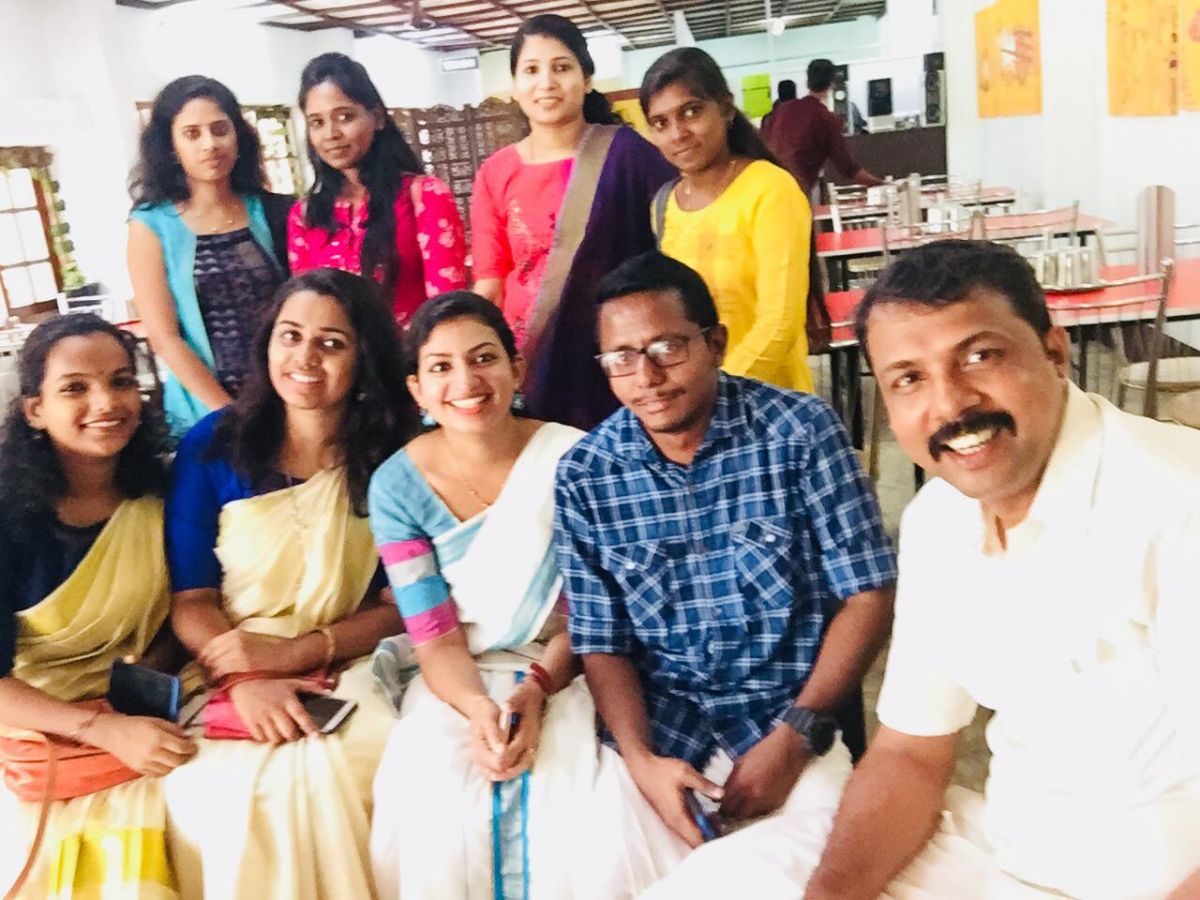
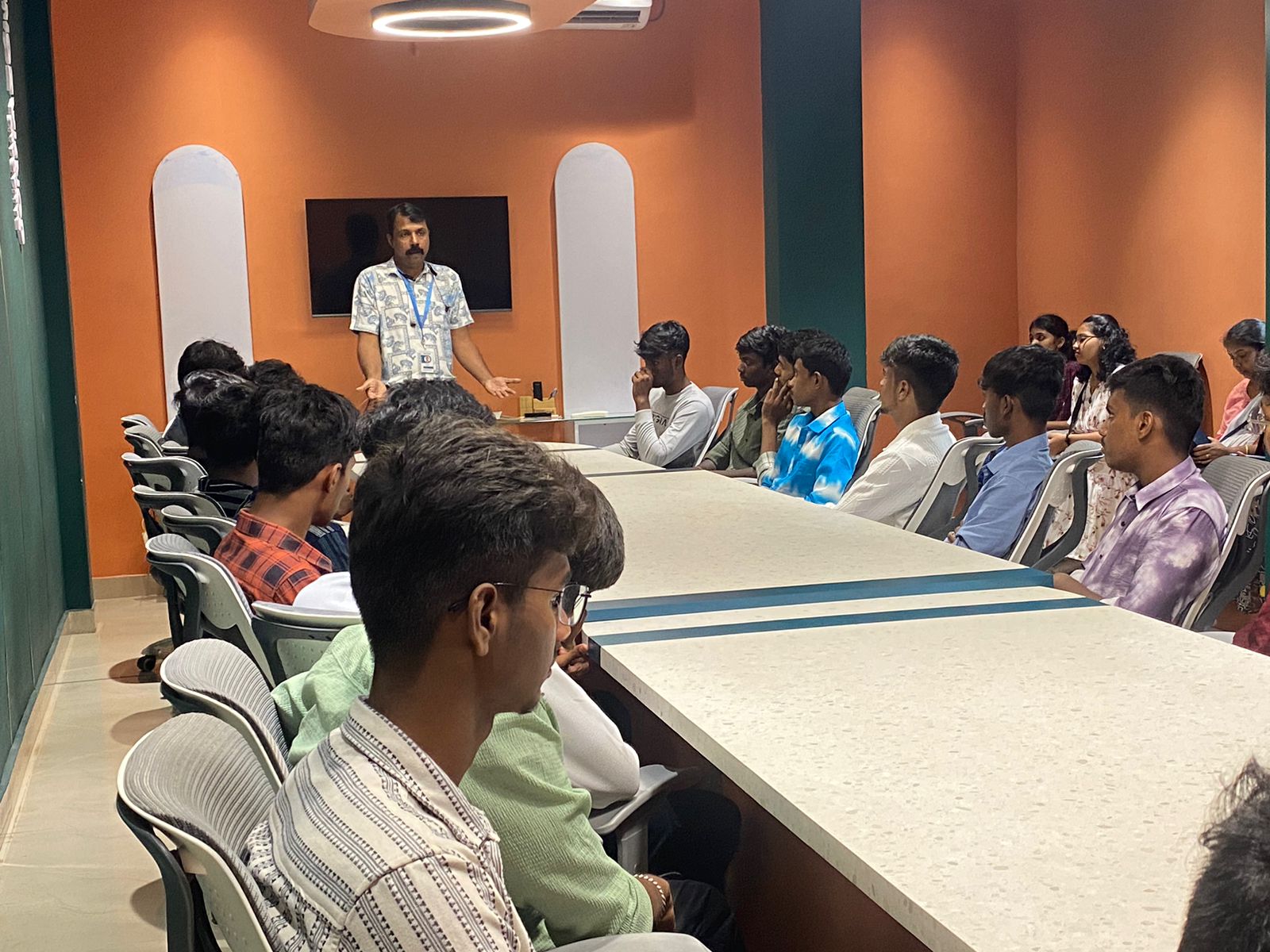
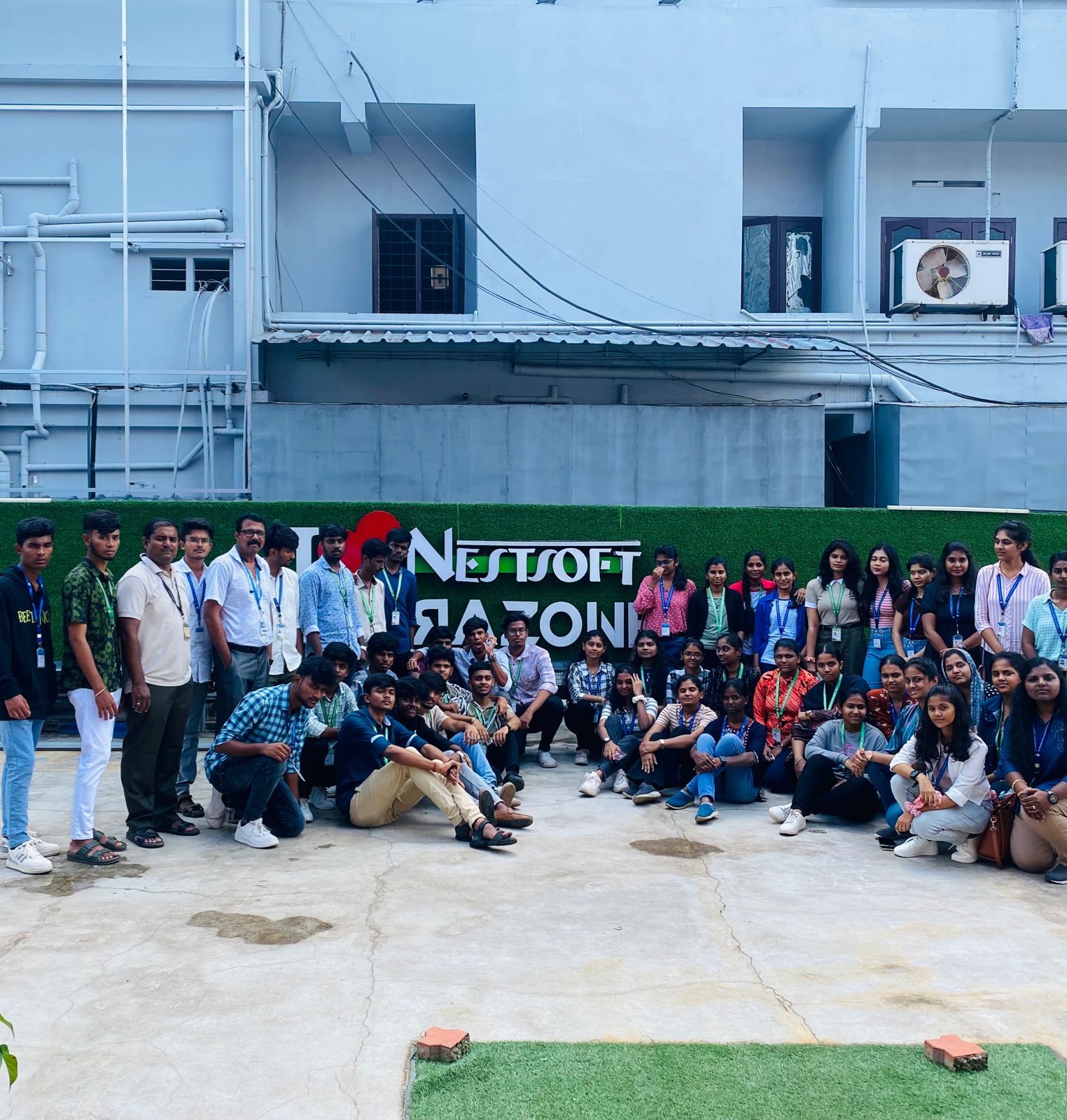
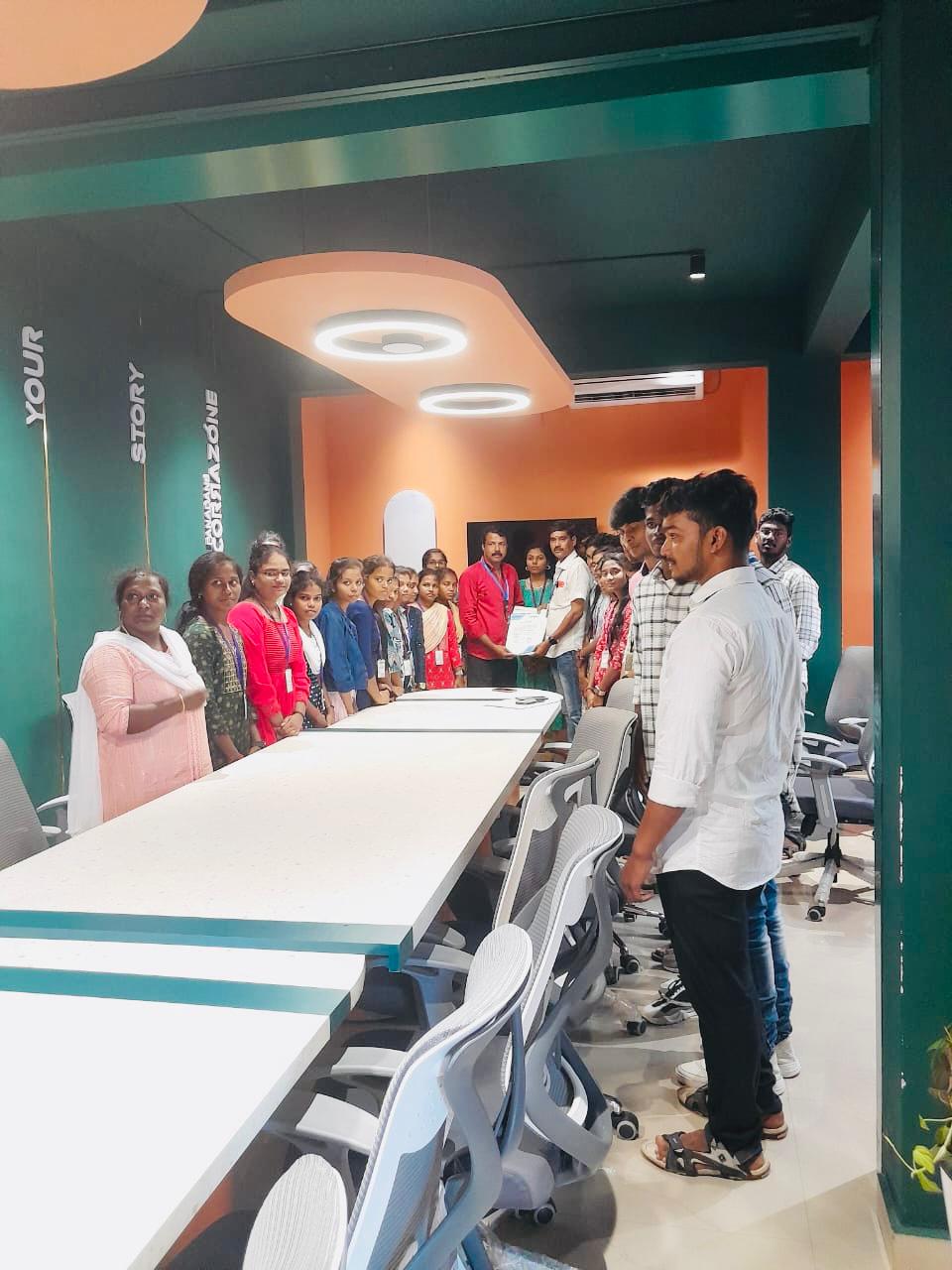
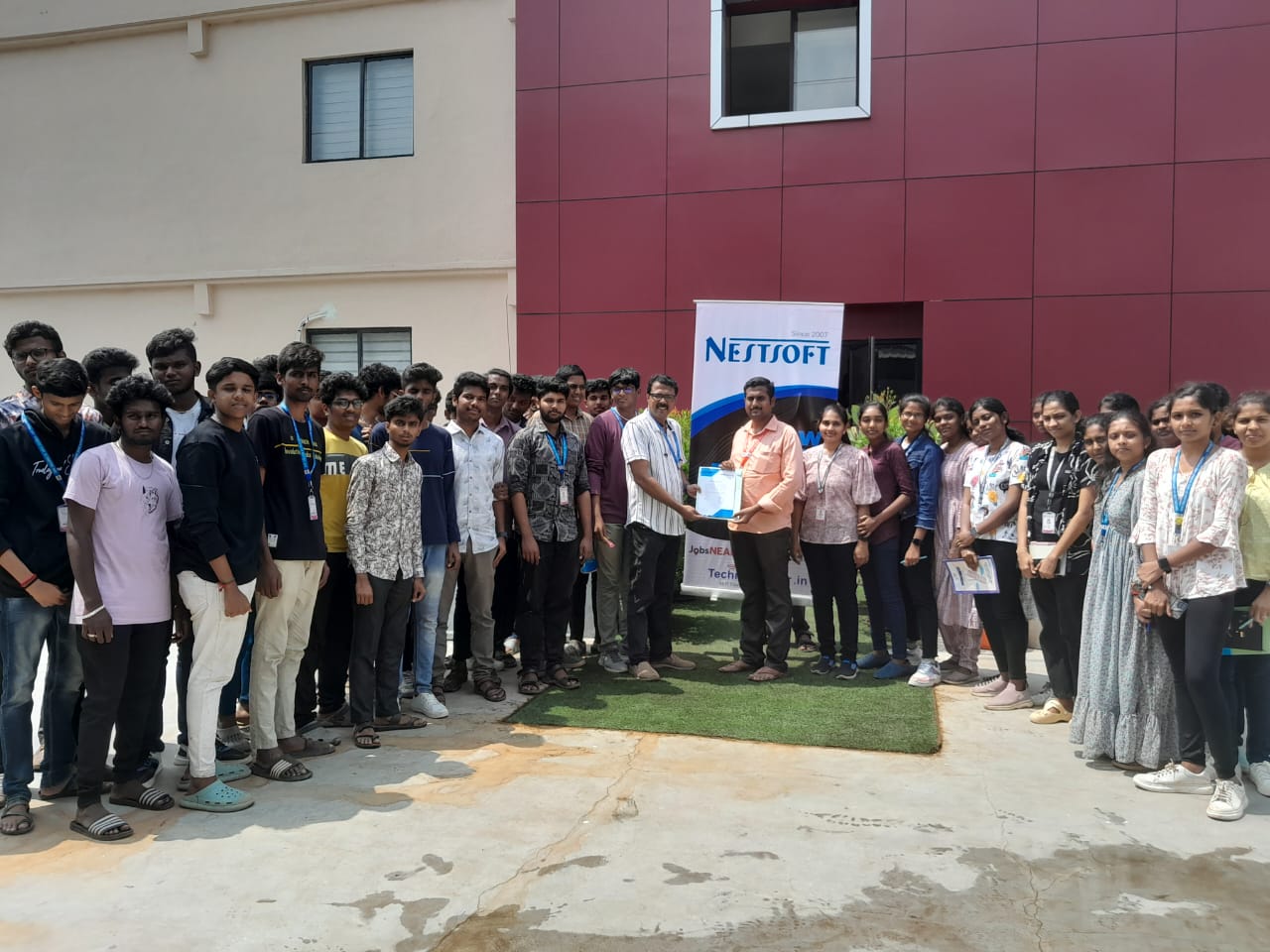
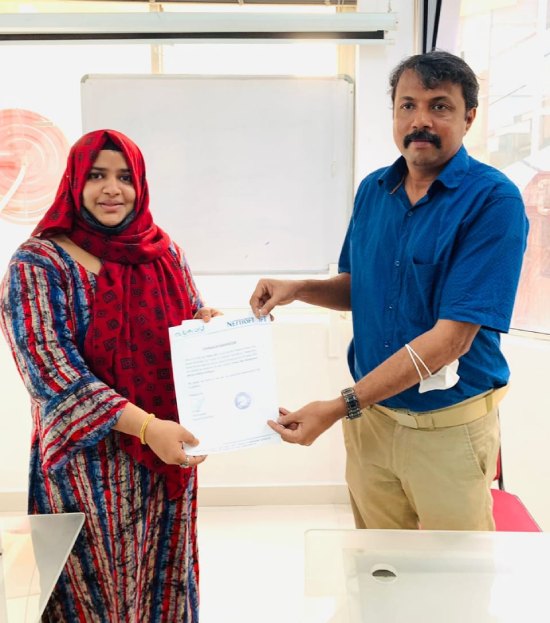
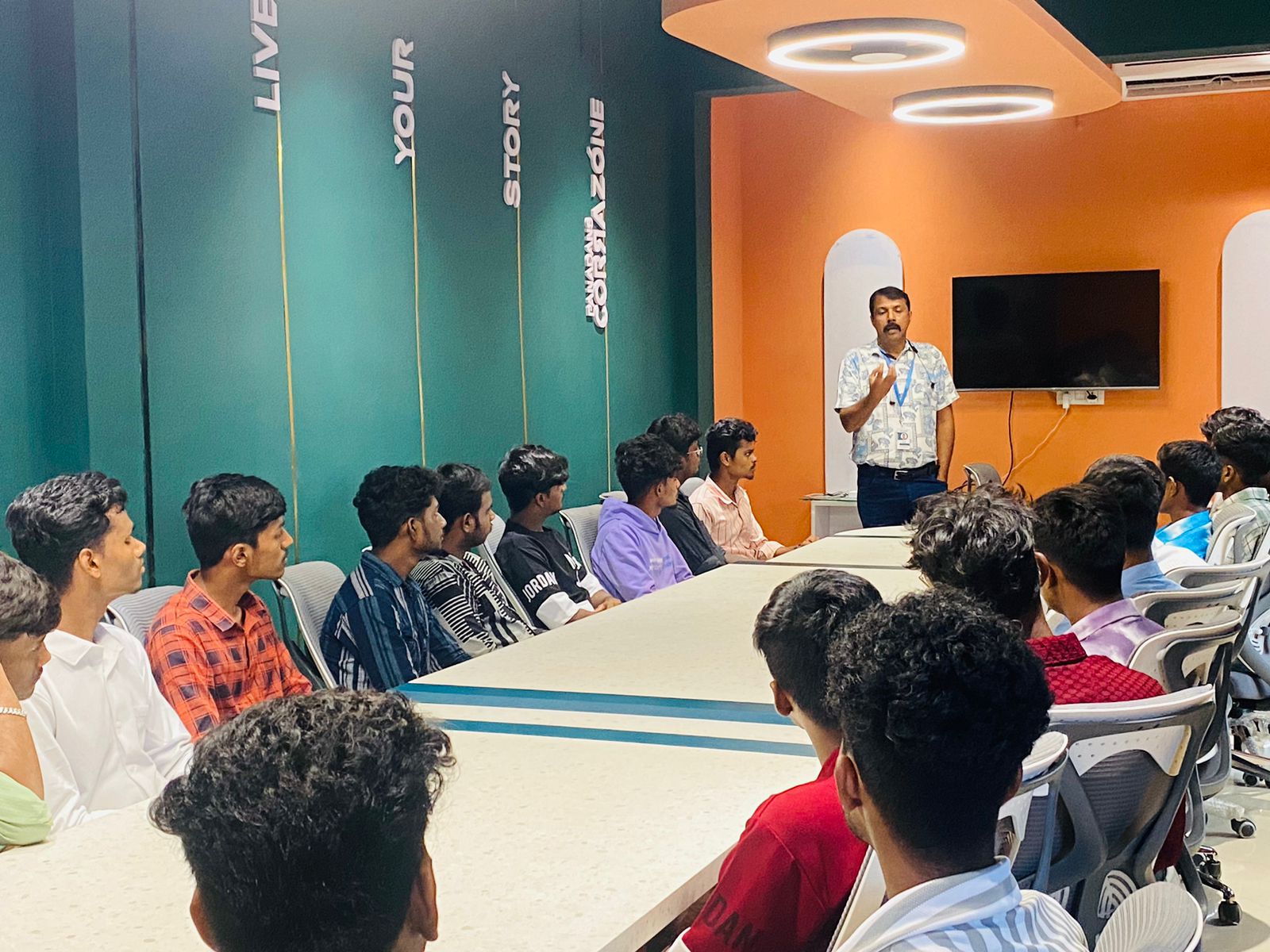
Photos of Training / Internships

Internship/projects in kerala

Trained more than 10000+ students who trust Nestsoft TechnoMaster

Get Your Personal Trainer