Send enquiry ⏎

Software Testing (Manual) Online Live Class by Experts

Our Training/Internship Process

Software Testing (Manual) Online Live Classes in Kannur | Free Demo Training

Software Testing (Manual) - Syllabus, Fees & Duration

Manual Testing Syllabus

    MODULE 1 - Introduction to Manual Testing
    • What is Software testing?
    • Importance of Software testing
    • Basic terminology of Software testing
    • Difference between Manual and Automated Testing
    • Software testingPrinciples
    • Levels of Testing
    MODULE 2 – SDLC and STLC
    • Software development life cycle
    • Requirements phase
    • Analysis phase
    • Design phase
    • Coding phase
    • Testing phase
    • Release and maintenance phase
    • Software Development life cycle models
    • Waterfall model
    • Agile model
    • Spiral model
    • V model
    • Software Testing Life Cycle
    • Testing Constraints
    MODULE 3 – Static and Dynamic Testing
    • Static Test Design
    • Formal review
    • Informal reviews
    • Walkthroughs
    • Technical review
    • Inspection
    • Dynamic test design
    • White-box testing
    • White-box testing technique
    • Black box testing
    • Black box testing technique
    • Grey box testing
    MODULE 4 – Test Plan and Test Case Documents
    • Test plan document
    • Scope of document
    • Objective of testing
    • Customisation of Test Plan document
    • Requirement Traceability Matrix
    • Importance of Test case
    • Test case template
    • Test Scenario
    • Test Strategy
    MODULE 5 – Types of Testing
    • Functional Testing Types
    • Sanity Testing
    • Smoke Testing
    • Retesting
    • Regression testing
    • Adhoc testing and types
    • UI testing
    • Positive Testing
    • Negative Testing
    • Alpha and Beta Testing
    • Non-functional Testing
    • Performance testing
    • Load testing
    • Stress Testing
    • Volume Testing
    • Security testing
    • Portability testing
    MODULE 6 – Bug Report and Test Report Documents
    • What is a bug?
    • Bug life cycle
    • Severity
    • Priority
    • Types of Bugs
    • Bug Report Template
    • Metric types and calculation
    • Test Report Template

Download Syllabus - Software Testing (Manual)
This syllabus is not final and can be customized as per needs/updates
   
10000+
20+
50+
25+

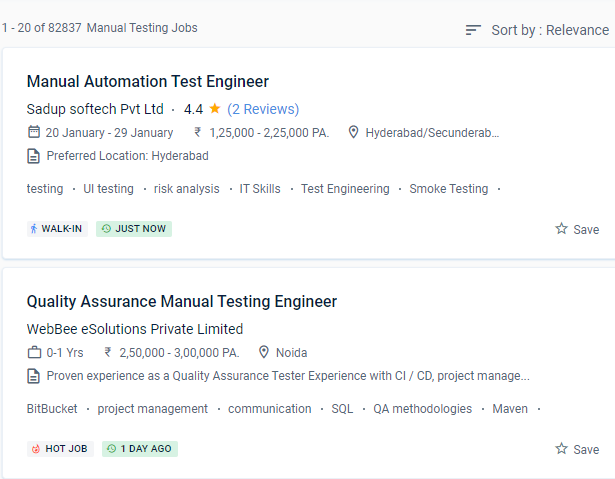
Software Testing (Manual) Jobs in Kannur

Enjoy the demand

Find jobs related to Software Testing (Manual) in search engines (Google, Bing, Yahoo) and recruitment websites (monsterindia, placementindia, naukri, jobshybrid.com, indeed.co.in, shine.com etc.) based in Kannur, chennai and europe countries. You can find many jobs for freshers related to the job positions in Kannur.

  • Manual tester
  • Software test engineer
  • Test engineer-manual testing
  • QA engineer - manual testing
  • Automation/manual testing
  • Quality Assurance Engineer
  • Software manual tester
  • Analyst- manual testing
  • Quality engineer
  • Manual test engineer.

Software Testing (Manual) Internship/Course Details

Software Testing (Manual) internship jobs in Kannur
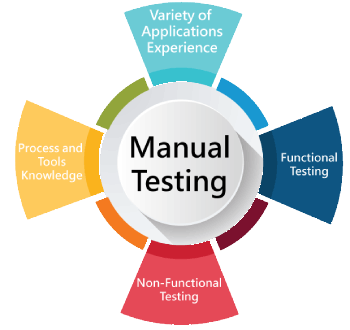
Software Testing (Manual) They have over 15 years of real-world software testing expertise and are certified QA consultants. . Manual testing permits human observation, which may be more real for noticing potential flaws in dynamically accusing GUI designs and usability testing. Software manual testing is a rewarding professional option that will not go out of popularity anytime soon. Manual software testing is a rewarding job option. Are a low-cost activity that does not necessitate the use of automation tools. Assist in ensuring that the actual result matches the planned outcome. The course on the Kannur is designed for students or experienced manual testers who want to develop their self-confidence in the software industry. As a capable manual tester, you may be able to receive a good living. Manual testing consumes a considerable amount of human resources, is expensive in the near term, and takes a long time.


Meet a Few of our Industry Experts 🚀 Your Pathway to IT Career

Namita

Mobile: +91 8301010866
Location: Online (Kannur, India)
Qualification: Post graduate diploma in business administration and learning from crio.do as fr

Experience: I am from non tech background but recently started learning in frontend development role from crio do which is helping  more..

Mrunal

Mobile: +91 91884 77559
Location: Online (Kannur, India)
Qualification: MBA

Experience: Skilled in digital marketing SEO PPC social media ads graphic design video marketing and email marketing Experienced in cross-selling market  more..

Adeeb

Mobile: +91 8301010866
Location: Online (Kannur, India)
Qualification: Btech CSE

Experience: Experience in android app development using kotlin for 3 years   more..

Srinivas

Mobile: +91 94975 90866
Location: Online (Kannur, India)
Qualification: Bachelors of engineering

Experience: AWS devop linux and python   more..

Rakshit

Mobile: +91 91884 77559
Location: Online (Kannur, India)
Qualification: BCA

Experience: Skills: Html python java css aws practitioner   more..

Varshini

Mobile: +91 94975 90866
Location: Online (Kannur, India)
Qualification: B.E Computer Science And Engineering

Experience: I have experience as dot net developer Where My role is developing website and database And maintened existing ones I  more..

nilam

Mobile: +91 9895490866
Location: Online (Kannur, India)
Qualification: B.E

Experience: I have 2 years of experience in odoo knowledge of e-commerce sales apps and also good knowledge of odoo development  more..

Archa

Mobile: +91 9895490866
Location: Online (Kannur, India)
Qualification: Msc Computer Science

Experience: As a Frontend MERN intern I've gained three months of hands-on experience in MongoDB Express React and Node js My  more..

L

Mobile: +91 91884 77559
Location: Online (Kannur, India)
Qualification: Mca

Experience: Java python html css dbms SQL cloud computing |   more..

Diksha

Mobile: +91 8301010866
Location: Online (Kannur, India)
Qualification: Btech

Experience: C c++ python web development by youtube Time management documentation  more..

vimal

Mobile: +91 8301010866
Location: Online (Kannur, India)
Qualification: BE-CSE

Experience: Software testing  more..

Vala

Mobile: +91 9895490866
Location: Online (Kannur, India)
Qualification: B.E(IT)

Experience: Front-end development (html css) Fresher   more..

Dhaval

Mobile: +91 91884 77559
Location: Online (Kannur, India)
Qualification: BE -EC

Experience: Hello Sir Dhaval here Greetings for the day ! I am an Odoo developer I want to apply for the  more..

Akhilesh

Mobile: +91 91884 77559
Location: Online (Kannur, India)
Qualification: B.Tech

Experience: I have 1 8 years of Experience in Web based application testing My skills are Manual Testing API Testing Functional  more..

Dhanalakshmi

Mobile: +91 91884 77559
Location: Online (Kannur, India)
Qualification: BE

Experience: Back end developer C c++ AI ML  more..

Liju

Mobile: +91 9895490866
Location: Online (Kannur, India)
Qualification: Btech

Experience: 1year of experience in php codeignitier  more..

Mohammed

Mobile: +91 8301010866
Location: Online (Kannur, India)
Qualification: Diploma in computer engineering

Experience: 6 months experience in flutter development UI designing State management   more..

Lavleen

Mobile: +91 89210 61945
Location: Online (Kannur, India)
Qualification: M.Tech

Experience: - Proficient in utilizing software development tools and technologies such as HTML CSS PHP Laravel Javascript JQuery Git GitHub GitLab  more..

suhasini

Mobile: +91 9895490866
Location: Online (Kannur, India)
Qualification: M.Sc., M.Ed.

Experience: With over 13 years of teaching experience in schools and colleges I bring a diverse expertise in subjects ranging from  more..

Omkar

Mobile: +91 9895490866
Location: Online (Kannur, India)
Qualification: BCA in Cyber and Cloud Security

Experience: As a cybersecurity specialist I have extensive experience and skills including expertise in Qualys VMDR completion of the Google Cybersecurity  more..

Hanzala

Mobile: +91 91884 77559
Location: Online (Kannur, India)
Qualification: Bachelor

Experience: 1 Customer service: I have experience in providing excellent customer service and resolving issues 2 Project management: I have successfully  more..

GOKULNATH

Mobile: +91 9895490866
Location: Online (Kannur, India)
Qualification: Bsc

Experience: User research Usability Testing Wireframe Prototype Responsive design Figma Adobe XD Sketch Framer Invision Photoshop illustrator Aftereffects   more..

DRISHYA

Mobile: +91 91884 77559
Location: Online (Kannur, India)
Qualification: MCA

Experience: Having experience in doing programming skills as well as teaching experience The teaching method of triggering the basic will in  more..

DOI

Mobile: +91 9895490866
Location: Online (Kannur, India)
Qualification: Btech

Experience: Java Android kotlin Rest-Api Third party libraries xml retrofit firebase flutter dart  more..

Success Stories

The enviable salary packages and track record of our previous students are the proof of our excellence. Please go through our students' reviews about our training methods and faculty and compare it to the recorded video classes that most of the other institutes offer. See for yourself how TechnoMaster is truly unique.


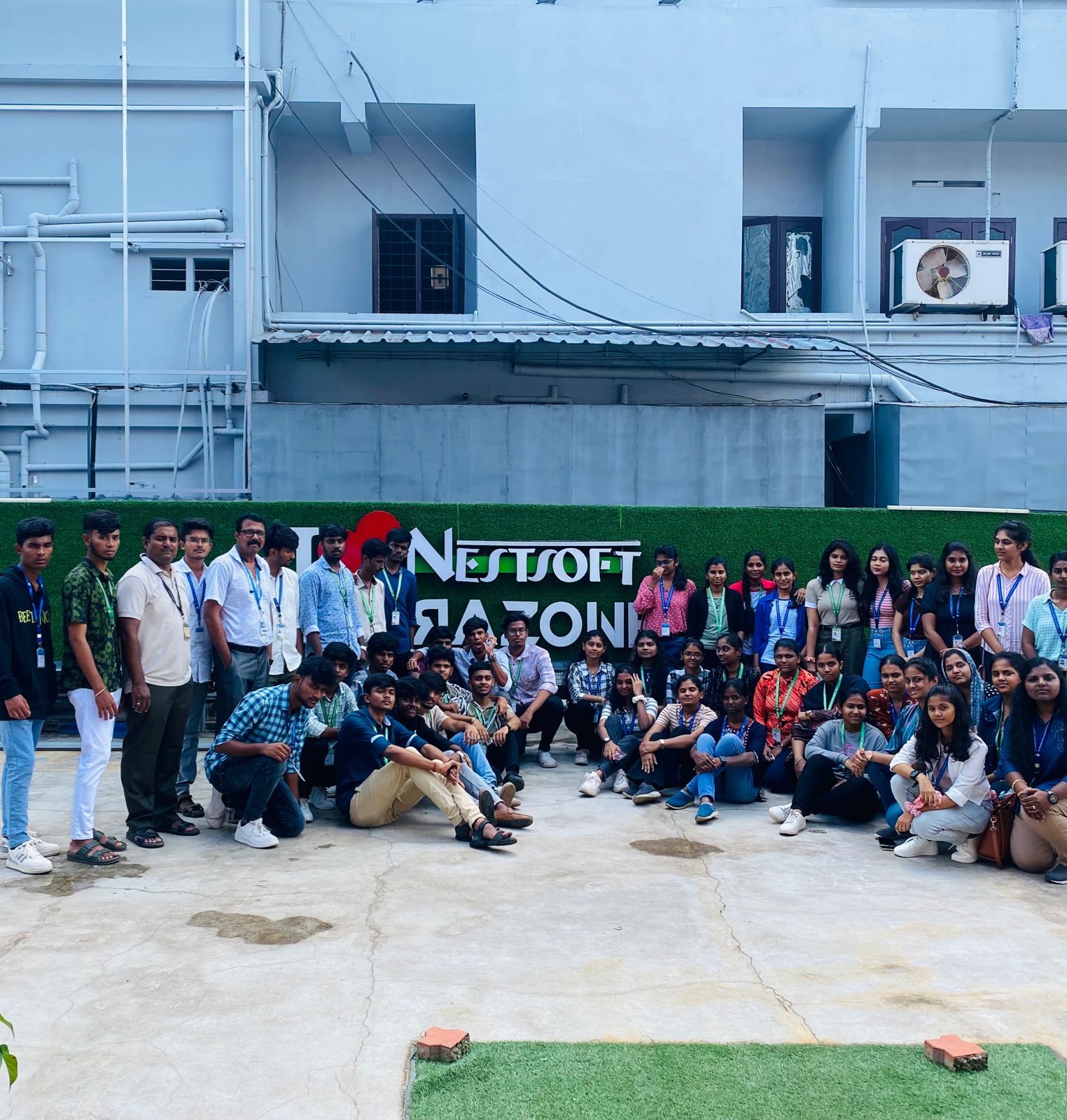
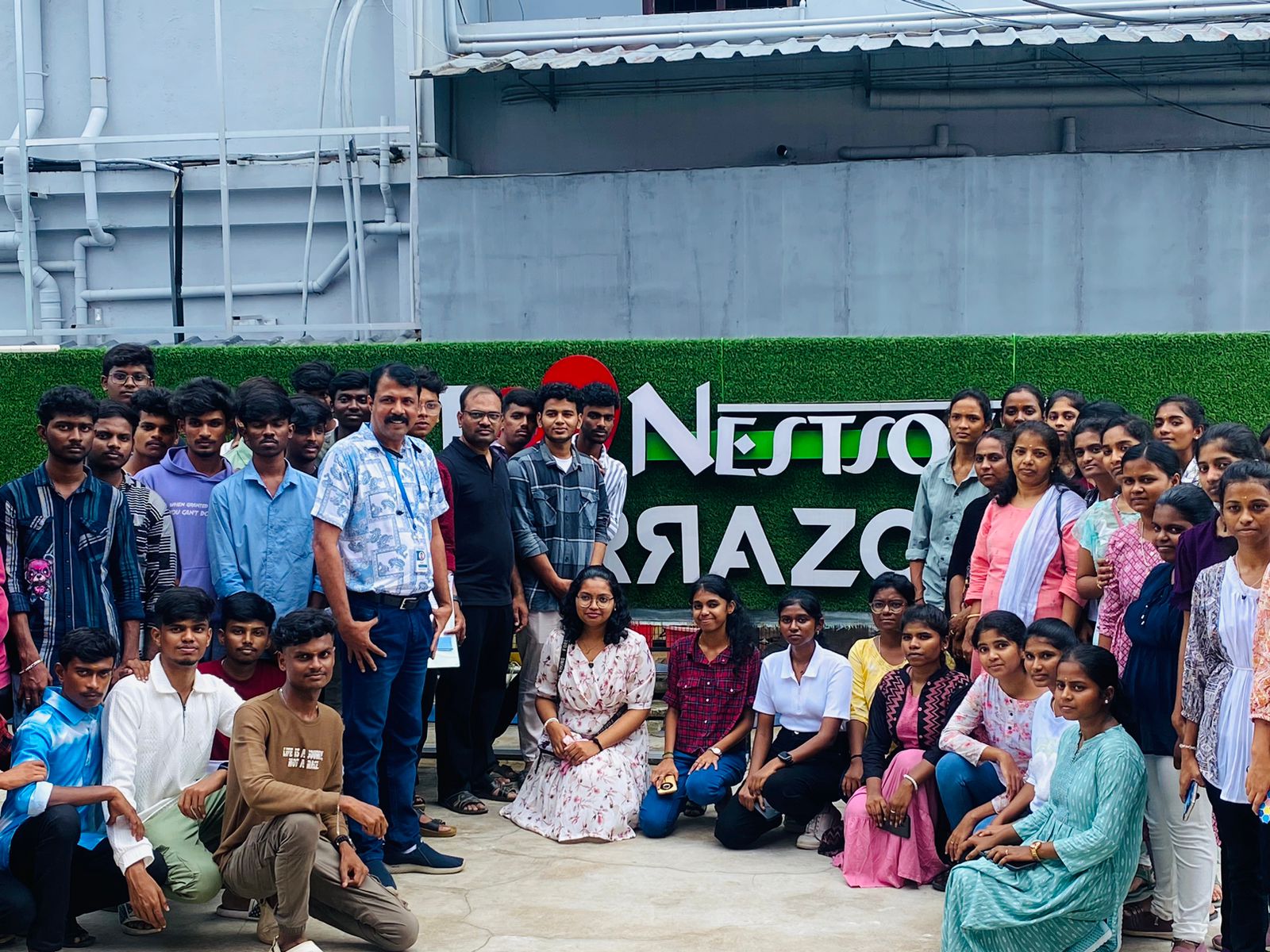
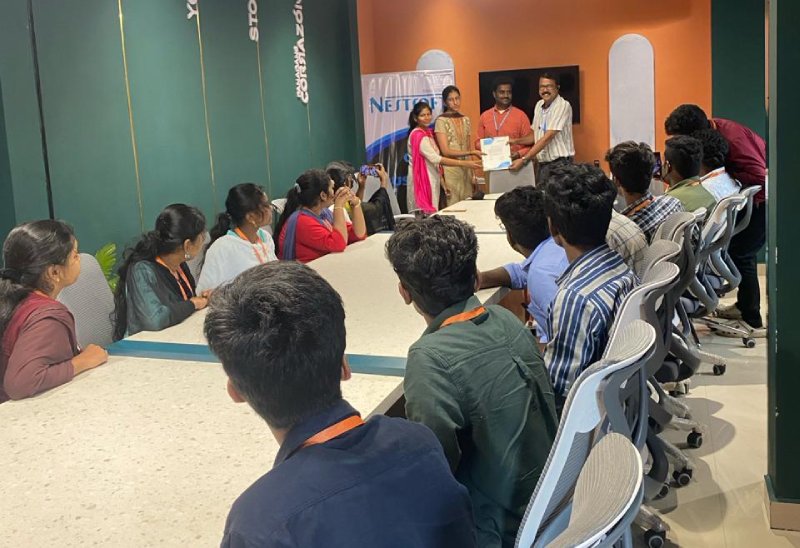
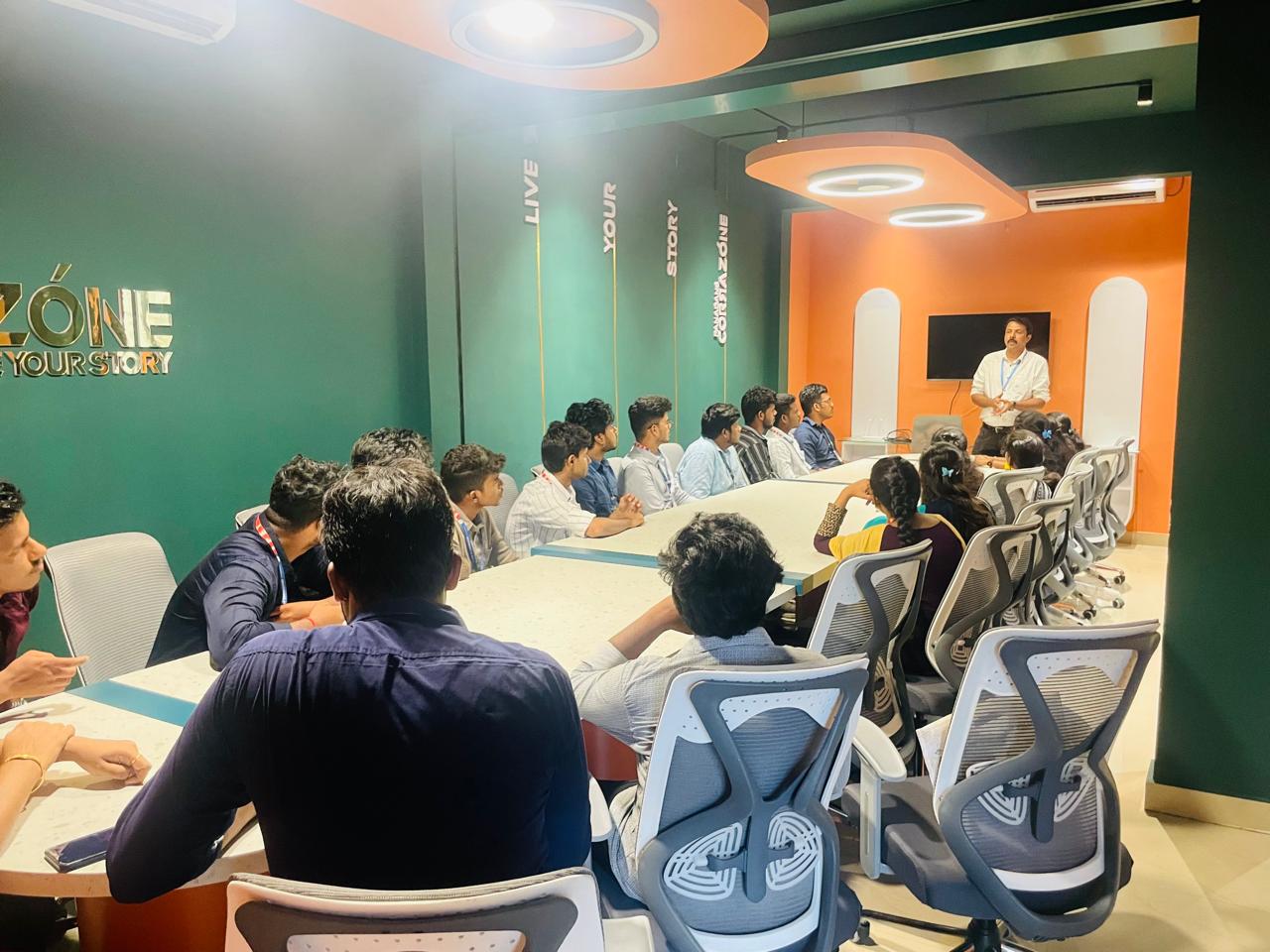
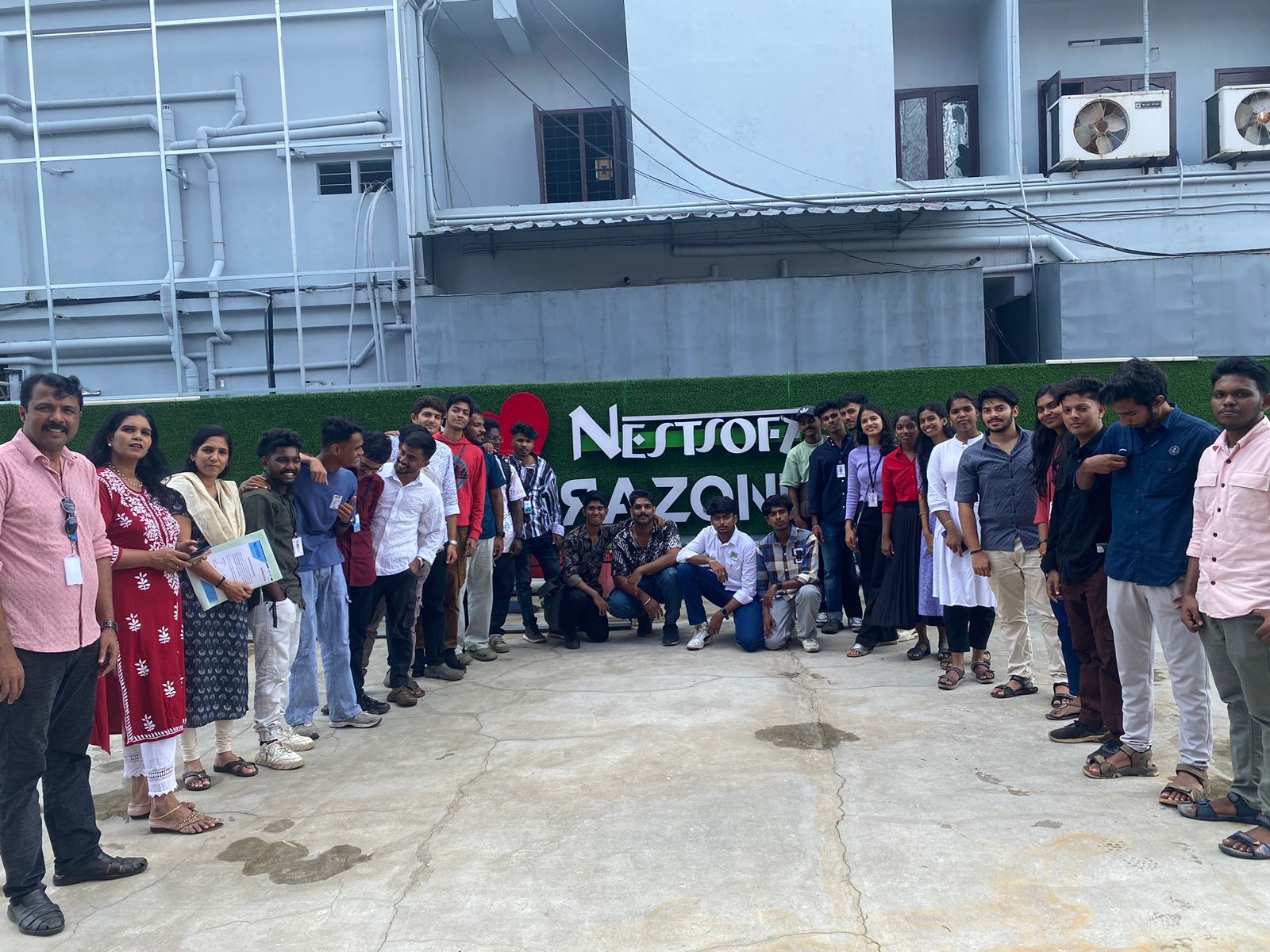
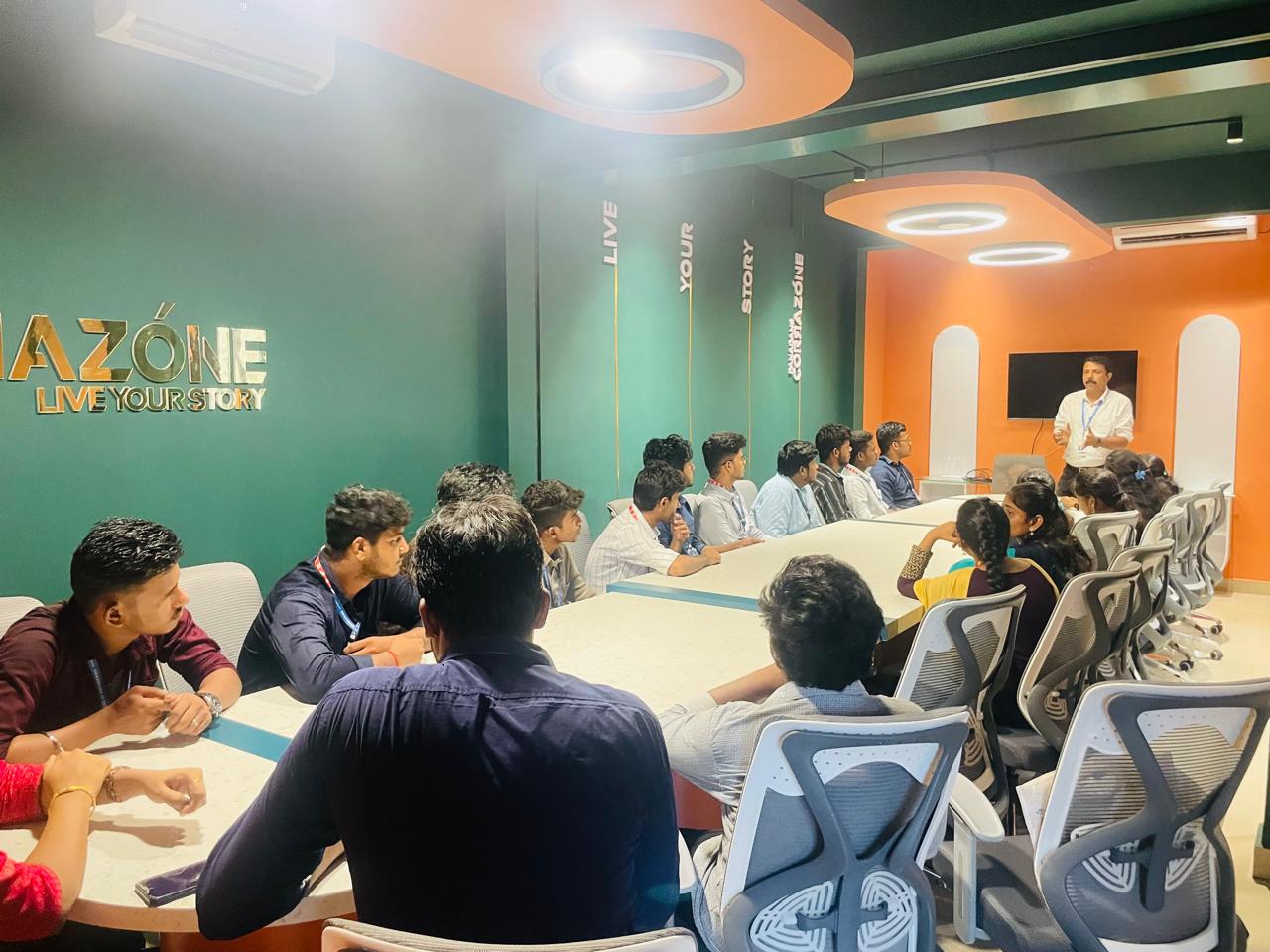
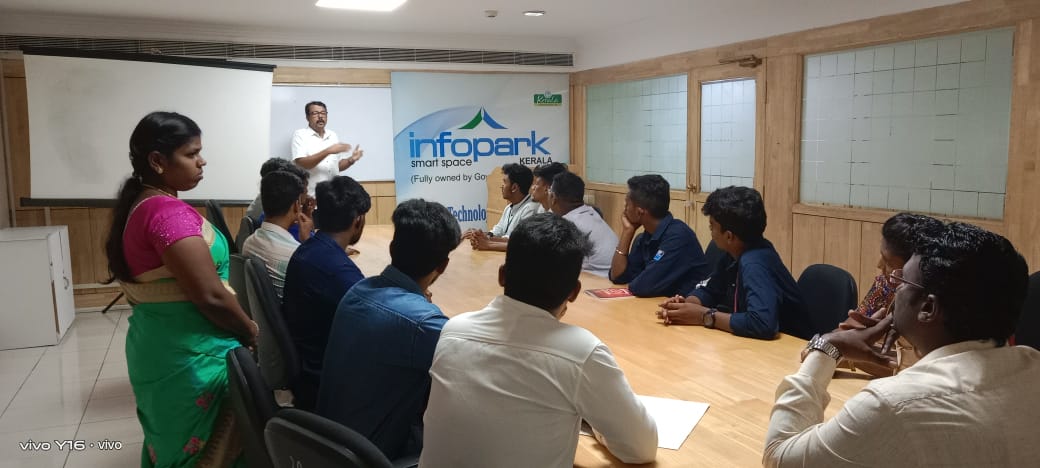
Photos of Training / Internships

Internship/projects in kannur

Trained more than 10000+ students who trust Nestsoft TechnoMaster

Get Your Personal Trainer