Send enquiry ⏎

Microsoft Copilot & AI Productivity Online Live Class by Experts

Our Training/Internship Process

Microsoft Copilot & AI Productivity Online Live Classes in Bangalore | Free Demo Training

Microsoft Copilot & AI Productivity - Syllabus, Fees & Duration

Introduction

The Microsoft Copilot & AI Productivity course is a 1-month practical training program designed to teach AI-powered productivity techniques using Microsoft Copilot and Microsoft 365 applications. Students will learn how to use Artificial Intelligence to automate tasks, create content, analyze data, and improve workplace efficiency.

Course Syllabus

Month 1: Microsoft Copilot & AI Productivity

Introduction to AI Productivity

  • Introduction to Artificial Intelligence
  • Generative AI Fundamentals
  • Role of AI in Workplace Productivity
  • AI Assistants and Copilot Technology
  • Benefits of AI Automation
  • Responsible AI Usage and Ethics

Microsoft Copilot Fundamentals

  • Introduction to Microsoft Copilot
  • Copilot Features and Capabilities
  • Understanding AI Prompts
  • Writing Effective Copilot Prompts
  • Context-Based Prompting
  • Copilot Security and Privacy

Microsoft Word with Copilot

  • AI-Assisted Document Creation
  • Generating Content Using Copilot
  • Document Summarization
  • Improving Writing Quality with AI
  • Creating Reports and Business Documents
  • Document Formatting and Editing Assistance

Microsoft Excel with Copilot

  • AI-Based Data Analysis
  • Creating Formulas Using Copilot
  • Data Cleaning and Summarization
  • Generating Insights from Data
  • Creating Charts and Reports
  • Spreadsheet Automation

Microsoft PowerPoint with Copilot

  • AI Presentation Creation
  • Generating Slide Content
  • Presentation Design Improvement
  • Creating Professional Business Presentations
  • Summarizing Presentation Content

Microsoft Outlook & Teams with Copilot

  • AI Email Writing Assistance
  • Email Summarization
  • Meeting Summary Generation
  • Task and Schedule Management
  • Team Collaboration Enhancement

AI Prompt Engineering for Productivity

  • Prompt Writing Basics
  • Role-Based AI Prompts
  • Business Productivity Prompts
  • Creative Content Prompts
  • Improving AI Generated Responses

AI Tools Integration & Automation

  • Microsoft 365 AI Tools Overview
  • Copilot Studio Introduction
  • Power Automate with AI
  • AI Workflow Automation
  • Connecting AI with Business Applications

Practical Projects

  • AI-Based Business Report Generator
  • Automated Excel Data Analysis Project
  • AI Presentation Creator
  • Smart Email Assistant
  • AI Productivity Workflow Project

Tools and Technologies

  • Microsoft Copilot
  • Microsoft 365
  • Microsoft Word Copilot
  • Microsoft Excel Copilot
  • Microsoft PowerPoint Copilot
  • Microsoft Outlook Copilot
  • Microsoft Teams Copilot
  • Copilot Studio
  • Power Automate
  • Generative AI Tools

Download Syllabus - Microsoft Copilot & AI Productivity
This syllabus is not final and can be customized as per needs/updates
   
10000+
20+
50+
25+

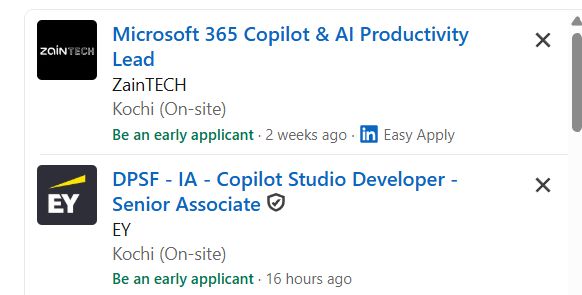
Microsoft Copilot & AI Productivity Jobs in Bangalore

Enjoy the demand

Find jobs related to Microsoft Copilot & AI Productivity in search engines (Google, Bing, Yahoo) and recruitment websites (monsterindia, placementindia, naukri, jobshybrid.com, indeed.co.in, shine.com etc.) based in Bangalore, chennai and europe countries. You can find many jobs for freshers related to the job positions in Bangalore.

  • AI Productivity Specialist
  • Microsoft Copilot Specialist
  • Microsoft 365 Administrator
  • AI Automation Assistant
  • Digital Workplace Consultant
  • Business Automation Specialist
  • AI Trainer
  • Productivity Analyst
  • AI Support Specialist
  • Digital Transformation Associate

Microsoft Copilot & AI Productivity Internship/Course Details

Microsoft Copilot & AI Productivity internship jobs in Bangalore
Microsoft Copilot & AI Productivity This course provides hands-on experience with Generative AI, AI prompting, Microsoft 365 automation, and modern productivity solutions. **Course Description (Use Bangalore)** Our **Microsoft Copilot & AI Productivity Course in Bangalore** is a practical 1-month training program designed to help learners use Artificial Intelligence tools to improve workplace productivity, automate daily tasks, and enhance business efficiency. Students will learn how to use Microsoft Copilot with Word, Excel, PowerPoint, Outlook, and Teams for AI-powered content creation, data analysis, and workflow automation. . Join our **Microsoft Copilot AI Training in Bangalore** to develop future-ready skills and improve professional performance using advanced AI technologies.


Meet a Few of our Industry Experts 🚀 Your Pathway to IT Career

Gomathi

Mobile: +91 91884 77559
Location: Online (Bangalore, India)
Qualification: Bachelor degree

Experience: Java Javascript react Html css  more..

Shenia

Mobile: +91 91884 77559
Location: Online (Bangalore, India)
Qualification: BSC comp science& MCA

Experience: hi I was a software Engineer After marriage due to some personnel reason I took a Career break Web development  more..

Manish

Mobile: +91 89210 61945
Location: Online (Bangalore, India)
Qualification: BSC.IT

Experience: I have good knowledge at java full stack i have trained at naresh i technology in Hyderabad I know both  more..

saurav

Mobile: +91 91884 77559
Location: Online (Bangalore, India)
Qualification: BCA

Experience: Golang python Rust Backend postgres mongodb linux  more..

Ashik

Mobile: +91 89210 61945
Location: Online (Bangalore, India)
Qualification: Btech in Mechanical Engineering

Experience: Software testing Automated software testing Software manual testing Software testing tools Software testing process Quick leaner Problem solving skills  more..

Jitendra

Mobile: +91 89210 61945
Location: Online (Bangalore, India)
Qualification: MCA

Experience: HTML CSS JavaScript Tailwind CSS Java MySQL Fresher Looking for Job Passionate about Web development  more..

Anisha

Mobile: +91 89210 61945
Location: Online (Bangalore, India)
Qualification: M. Tech in Computer Science and Engineering

Experience: I have recently completed a certification course in Advanced Software Testing from SMEC Labs Kochi My knowledge in Agile  more..

Mahip

Mobile: +91 8301010866
Location: Online (Bangalore, India)
Qualification: B.Tech

Experience: Mahip Sureja Rajkot Gujarat Email: mahipsureja@gmail com Phone: 8469677383 LinkedIn: linkedin com in mahip-sureja-a80653198 I am a motivated and detail-oriented  more..

Navjot

Mobile: +91 98474 90866
Location: Online (Bangalore, India)
Qualification: BTech CSE

Experience: I have 3 years of experience as Angular developer I am ready to start from today onwards Please revert if  more..

Ranjana

Mobile: +91 94975 90866
Location: Online (Bangalore, India)
Qualification: B. Tech computer engg

Experience: Training in core php html css wordpress   more..

Janki

Mobile: +91 89210 61945
Location: Online (Bangalore, India)
Qualification: B.Sc Environment Science

Experience: I'm a certified IELTS PTE CELPIP TOEFL GRE - Verbal trainer having 15+ years of online offline training experience with  more..

Aiswarya

Mobile: +91 91884 77559
Location: Online (Bangalore, India)
Qualification: btech

Experience: You should hire me for this role because I bring a unique blend of expertise and innovation My passion for  more..

Himani

Mobile: +91 9895490866
Location: Online (Bangalore, India)
Qualification: BE Computer

Experience: Experience with all stages of development life cycle for dynamic project Develop project concepts and maintain optimal workflow Mostly interaction  more..

Vignesh

Mobile: +91 89210 61945
Location: Online (Bangalore, India)
Qualification: BCA

Experience: HTml css python django ms office and 7 month experience in data entry  more..

Kajal

Mobile: +91 94975 90866
Location: Online (Bangalore, India)
Qualification: BE Computer

Experience: Search Engine Optimization Social media marketing Graphic design Website Developer   more..

Muthukamaleswari

Mobile: +91 91884 77559
Location: Online (Bangalore, India)
Qualification: BE

Experience: 1year and 4 months of working experience as a Frontend developer   more..

pradnya

Mobile: +91 94975 90866
Location: Online (Bangalore, India)
Qualification: MCA

Experience: I am skilled in seo on page off page I have good knowledge of google ads and worked in search  more..

Shreya

Mobile: +91 98474 90866
Location: Online (Bangalore, India)
Qualification: BA Japanese (Hons)

Experience: While I may not have formal certification from the JLPT I am passionate about the Japanese language and culture and  more..

Tejas

Mobile: +91 91884 77559
Location: Online (Bangalore, India)
Qualification: B.E.

Experience: Java android studio firebase c c++ mysql  more..

Hemant

Mobile: +91 9895490866
Location: Online (Bangalore, India)
Qualification: Btech in computer science

Experience: Graphic design Web design Content writing and rewriting Social media management Canva   more..

Aswin

Mobile: +91 9895490866
Location: Online (Bangalore, India)
Qualification: Bsc computer science

Experience: Selenium testing manual testing automation testing java php css html python sql web automation using selenium c++ corejava SDLC STLC  more..

Parvathy

Mobile: +91 91884 77559
Location: Online (Bangalore, India)
Qualification: Btech in electrical and electronics engineering

Experience: Manual testing Automation testing selenium JMeter Jira postman SQL Java testcase preperation bug report   more..

Patel

Mobile: +91 91884 77559
Location: Online (Bangalore, India)
Qualification: BCA

Experience: A Web Developer with three years of experience specializing in HTML5 JavaScript PHP MySQL database design and front-end development Adept  more..

Mohd

Mobile: +91 9895490866
Location: Online (Bangalore, India)
Qualification: MBA

Experience: Passionate Canva designer with a keen eye for aesthetics and a knack for translating concepts into visually appealing graphics Proven  more..

Success Stories

The enviable salary packages and track record of our previous students are the proof of our excellence. Please go through our students' reviews about our training methods and faculty and compare it to the recorded video classes that most of the other institutes offer. See for yourself how TechnoMaster is truly unique.

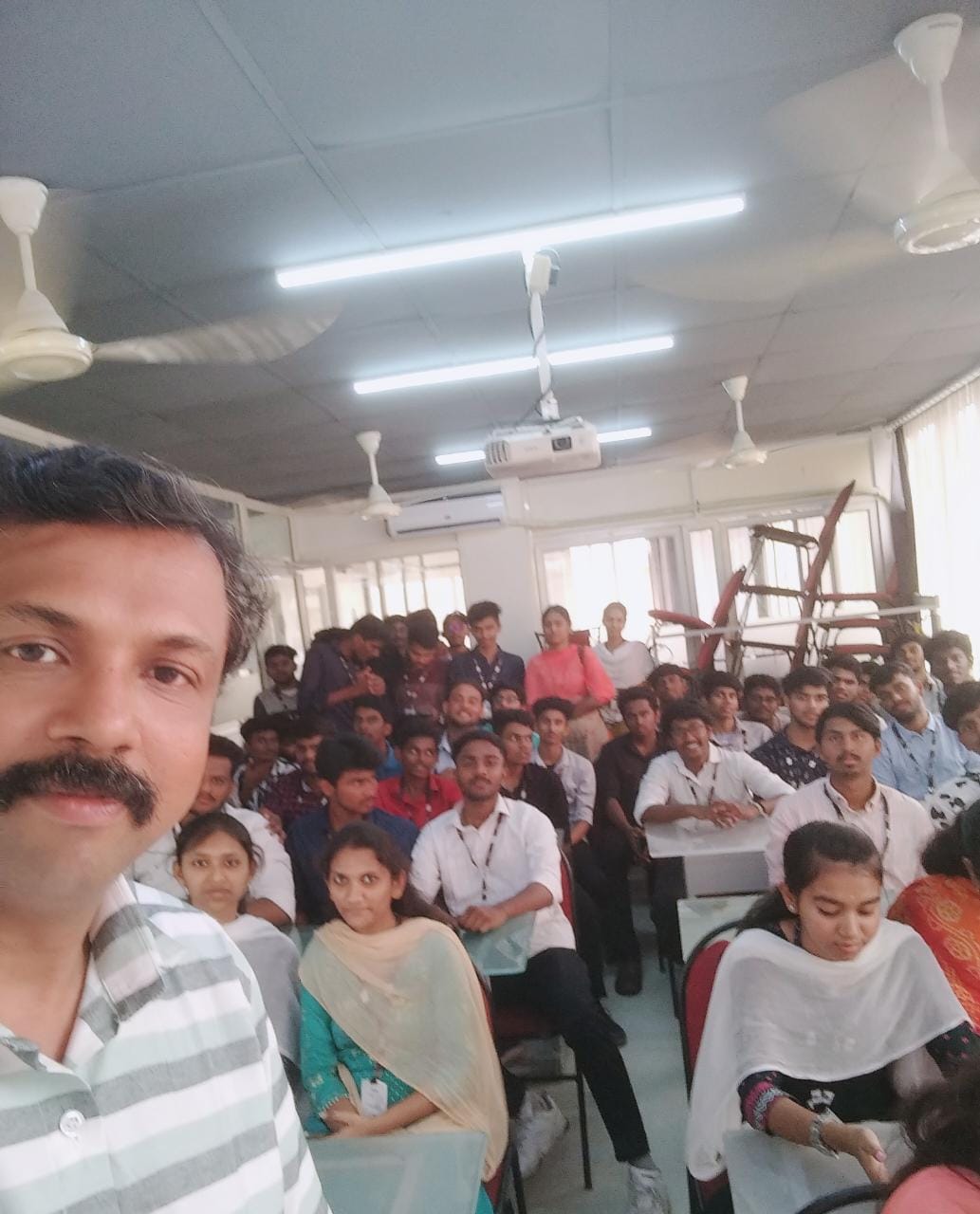
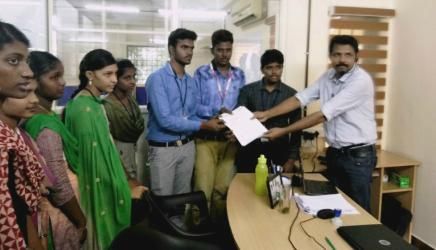
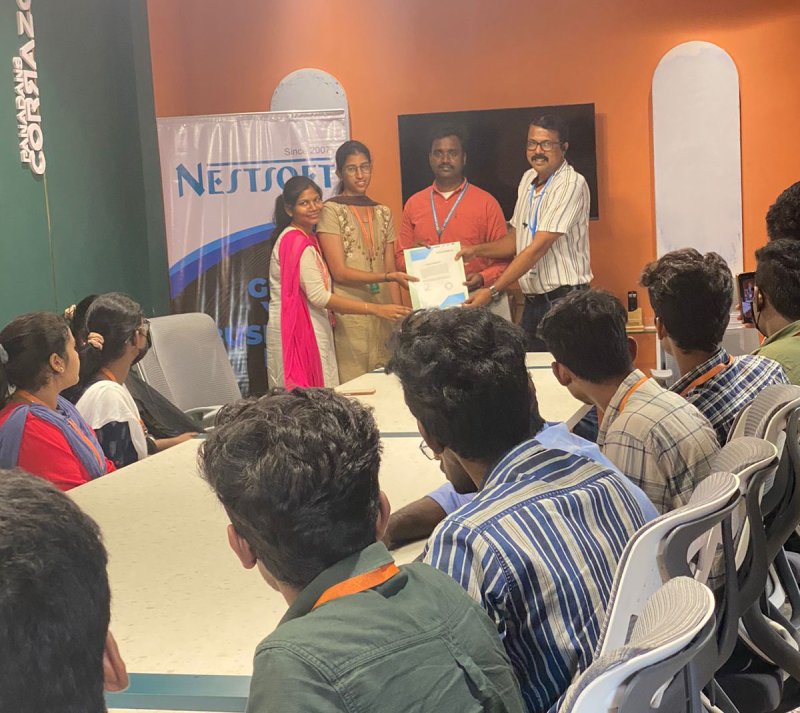
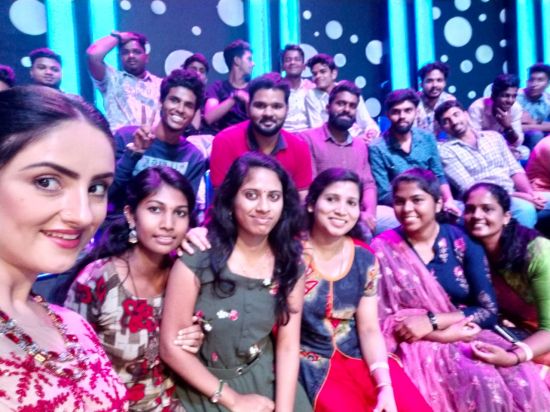
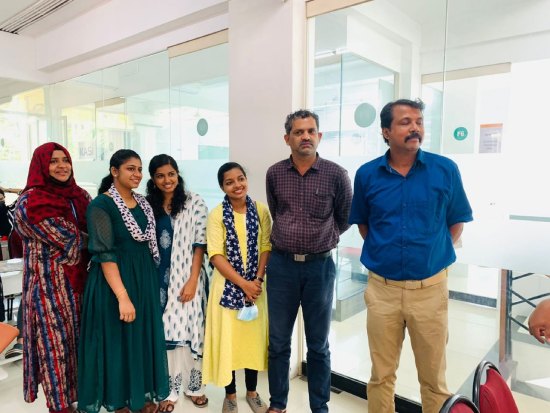
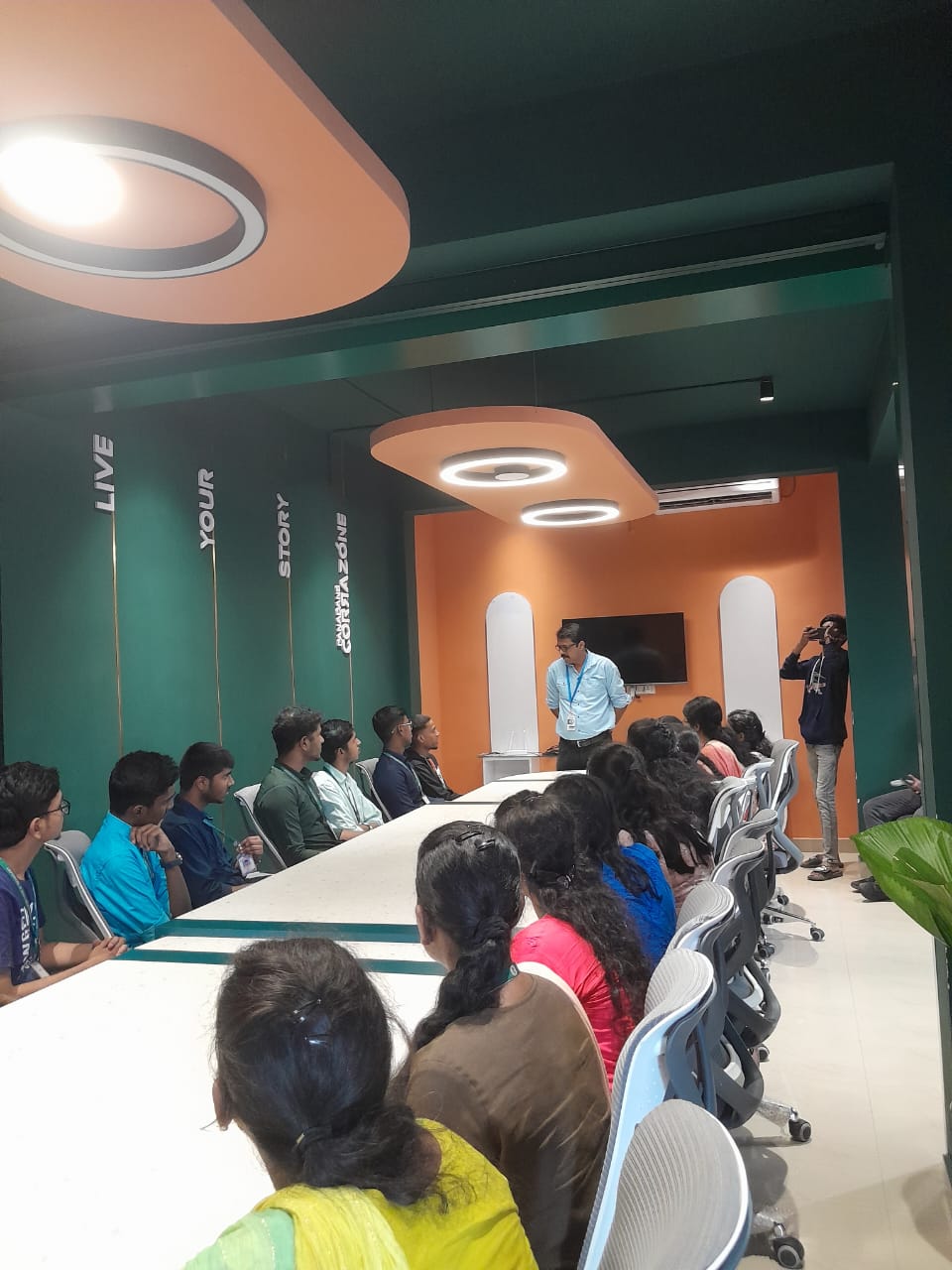
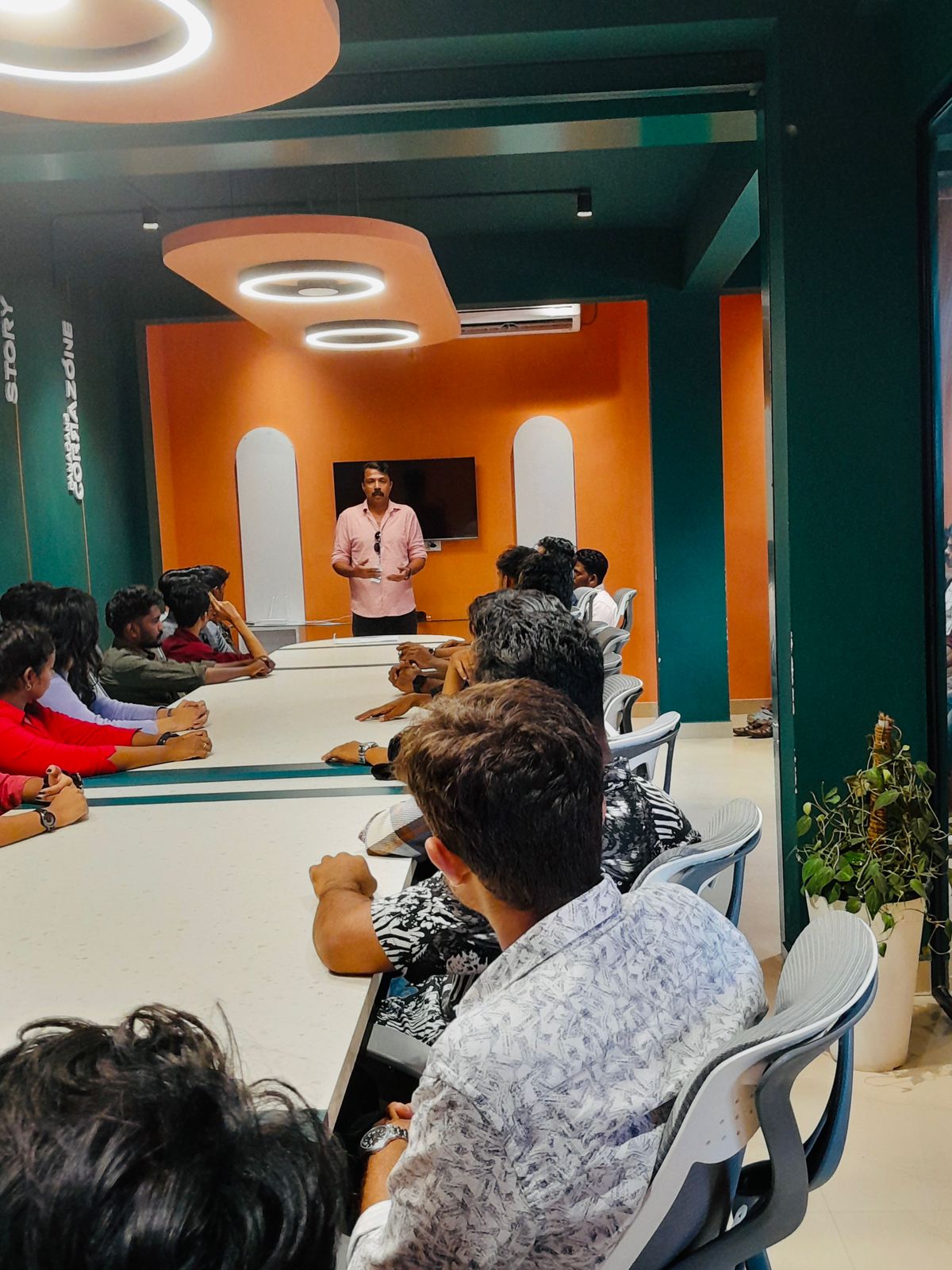
Photos of Training / Internships

Internship/projects in bangalore

Trained more than 10000+ students who trust Nestsoft TechnoMaster

Get Your Personal Trainer