Send enquiry ⏎

CSS Online Live Class by Experts

Our Training/Internship Process

CSS Online Live Classes in Mangaluru | Free Demo Training

CSS - Syllabus, Fees & Duration

Introduction

  • HTML structure and content
  • Advantages of CSS
  • Creating and using style sheets
  • CSS Rules: The Basic Syntax

CSS Boxes and CSS Selectors

  • The CSS box model
  • CSS and logical HTML structure
  • Styling boxes, borders, margins, and padding
  • Using IE6 standards mode
  • Sh4ecifying CSS distances
  • and many other CSS techniques

Fonts and Text

  • Using custom fonts
  • Font properties
  • Web font formats
  • Type Kit, font squirrel

Text Formatting in CSS

  • Fundamentals of text formatting
  • Typefaces, alternatives, and defaults
  • Font characteristics
  • Formatting blocks of text
  • Using arbitrary inline tags

CSS Selectors and Selections

  • Using HTML element IDs in CSS
  • Using CSS descendant selectors
  • Descendant selector examples
  • Child, sibling, and pseudo-class selectors
  • And many other CSS techniques.

CSS positioning

  • Choosing the right CSS
  • Technique for positioning blocks
  • The position property, floats, and margins
  • Static positioning and normal flow
  • Absolute positioning outside normal flow
  • Fixed positioning outside normal flow

CSS page Layout

  • Alternative methods of CSS positioning
  • Styling lists
  • Redefining the behaviour of inline and block elements
  • Table formatting in CSS
  • Styling table cell borders
  • page layout with table dish4lay properties

Cascade, precedence, Specificity, and Inheritance in CSS

  • Cascading and cascade order
  • Resolving style conflicts by Origin & Importance
  • Resolving style conflicts by Specificity & Order

CSS Layers and Translucency

  • Different forms of layered presentations in CSS
  • Layering with the z-index property
  • Different methods for creating translucency effects
  • The CSS3 opacity property

Using CSS in the Real World

  • Deploying CSS
  • CSS formatting vs. HTML formatting
  • Standard tags and semantic markup
  • Screen size and fluid design
  • Table layout and CSS positioning
  • Cross-platform testing

Useful CSS Tips

  • Usage of CSS Sprites
  • Pseudo Selectors
  • CSS Minify
  • Cheat Sheet for CSS3

Download Syllabus - CSS
This syllabus is not final and can be customized as per needs/updates
   
10000+
20+
50+
25+

CSS Jobs in Mangaluru

Enjoy the demand

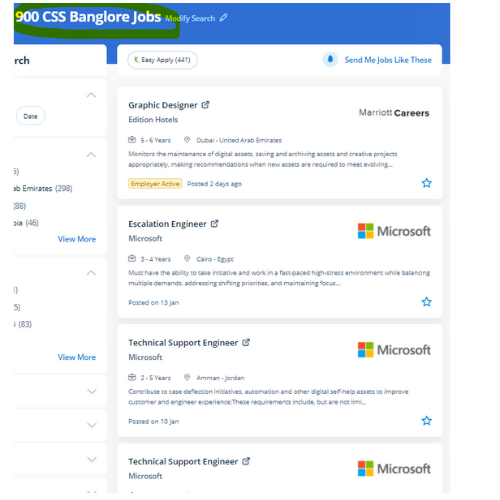
Find jobs related to CSS in search engines (Google, Bing, Yahoo) and recruitment websites (monsterindia, placementindia, naukri, jobshybrid.com, indeed.co.in, shine.com etc.) based in Mangaluru, chennai and europe countries. You can find many jobs for freshers related to the job positions in Mangaluru.

  • Web Designer
  • CSS Developer
  • UI designer
  • Front end developer
  • CSS specialist
  • CSS trainer
  • Web Ui Designer
  • CSS Administrative
  • UI UX Designer
  • Graphic Web Designer

CSS Internship/Course Details

CSS internship jobs in Mangaluru
CSS Nestsoft provides the most effective CSS coaching style for a web page and building CSS classes from a beginner level to a professional level. one of the advantages of CSS is that it helps developers to separate content from its presentation layer. CSS is used to style hypertext markup language code through that you will build enticing websites therefore we will say CSS plugs directly into your HTML, even the most recent HTML5 standards. Our training on CSS and CSS3 offers the most effective coaching in cascading style sheets (CSS) the most coding files used to layout a website and its design. thus entire website's look will change by editing one style sheet therefore one style sheet ensures that your websites have consistent styling throughout your website. completing this CSS coaching at Nessoft, you can step ahead in your career as a designer and build the newest interactive pages for your website viewers. CSS also helps with absolute positioning, you'll be able to position your component where ever you wish on the web page. The developer will write and edit CSS codes by using CSS text editor software. If you would like to alter the content you simply have to edit one style sheet, because an external style sheet will contain all the designs for your website. CSS3 is the latest in styling standards and can modify you to bring many new properties and declarations to create your website design more easily created.


Meet a Few of our Industry Experts 🚀 Your Pathway to IT Career

Sijisha

Mobile: +91 94975 90866
Location: Online (Mangaluru, India)
Qualification: Mca

Experience: I have a 6 months experience in php codeigniter  more..

Dnyaneshwar

Mobile: +91 8301010866
Location: Online (Mangaluru, India)
Qualification: B.E.

Experience: 2 years of experience in odoo development As a developer As a tester As a technical support person As a  more..

saurav

Mobile: +91 91884 77559
Location: Online (Mangaluru, India)
Qualification: BCA

Experience: Golang python Rust Backend postgres mongodb linux  more..

Aswini

Mobile: +91 89210 61945
Location: Online (Mangaluru, India)
Qualification: B-tech

Experience: Hands on experience in Software Testing o Hands on experience in Jira o Hands on experience in both Manual  more..

Sudarvizhi

Mobile: +91 89210 61945
Location: Online (Mangaluru, India)
Qualification: B.Tech IT

Experience: Dear team I am Sudarvizhi V and I completed my graduate degree in 2022 As of now I completed the  more..

Sreejith.

Mobile: +91 9895490866
Location: Online (Mangaluru, India)
Qualification: BTech ECE

Experience: Java manual testing SQL javascript html css  more..

Samuel

Mobile: +91 94975 90866
Location: Online (Mangaluru, India)
Qualification: MBA in finance and marketing

Experience: Completed DTP including ms excel word and power point Hardware and networking Tally and accounting ERP9 |   more..

Ansari

Mobile: +91 98474 90866
Location: Online (Mangaluru, India)
Qualification: B.E Computer

Experience: Skills : WIX HTML CSS Javascript Experience: I have 3 years of experience as WIX developer |   more..

Sneha

Mobile: +91 89210 61945
Location: Online (Mangaluru, India)
Qualification: Bachelor's degree

Experience: Thank you for the opportunity to apply Cyber Security Expert role at your company I have completed my graduation in  more..

Suchit

Mobile: +91 91884 77559
Location: Online (Mangaluru, India)
Qualification: Master's

Experience: I have no Experience but still i have gain a experience and skill development 1 Android bug bounty hunting 2  more..

Navaj

Mobile: +91 9895490866
Location: Online (Mangaluru, India)
Qualification: BCA

Experience: Network security Vulnerability assessments Penetration testing Security tools Cryptography Web security Capture The Flag (CTF) competitions  more..

Vicky

Mobile: +91 91884 77559
Location: Online (Mangaluru, India)
Qualification: b.tech

Experience: react and node js mongodb  more..

REETHA

Mobile: +91 91884 77559
Location: Online (Mangaluru, India)
Qualification: BE ECE

Experience: Oops Selenium web driver Core java Manual testing Api Appium Cucumber Agile Jira  more..

Kalaivani

Mobile: +91 94975 90866
Location: Online (Mangaluru, India)
Qualification: ME

Experience: 2 years experience as a assistant professor teaching developer programmer etc | (Work from Home)  more..

Hardik

Mobile: +91 8301010866
Location: Online (Mangaluru, India)
Qualification: Under-Graduate

Experience: As a college student deeply passionate about technology and driven by a desire for continuous growth I am thrilled at  more..

Nivin

Mobile: +91 9895490866
Location: Online (Mangaluru, India)
Qualification: BTech CSE

Experience: I have completed Java full stack development course and I am familiar with Core Java Spring Boot Angular MySQL HTML  more..

Hepsiba

Mobile: +91 89210 61945
Location: Online (Mangaluru, India)
Qualification: B.tech

Experience: C java python |   more..

Vishal

Mobile: +91 8301010866
Location: Online (Mangaluru, India)
Qualification: B.Tech

Experience: Automation Testing Manual Testing API testing Postman JMeter Selenium with Python C++ Python MySQL Jira Git  more..

Richa

Mobile: +91 94975 90866
Location: Online (Mangaluru, India)
Qualification: MBA finance and Certified DIGITAL MARKETER

Experience: SEO Google Ads Social media marketing Social media ads Content Writing Graphic Designing and video editing Wordpress website development  more..

Amitha

Mobile: +91 94975 90866
Location: Online (Mangaluru, India)
Qualification: MCA

Experience: Programming languages known like python HTML mysql c c++  more..

MADAN

Mobile: +91 91884 77559
Location: Online (Mangaluru, India)
Qualification: MCA

Experience: 13 5 Years exp in programming and teaching  more..

vikash

Mobile: +91 8301010866
Location: Online (Mangaluru, India)
Qualification: B.Tech

Experience: Senior Android Developer with over 8 years of experience in designing developing and maintaining high-quality mobile applications Proficient in Java  more..

Silpa

Mobile: +91 94975 90866
Location: Online (Mangaluru, India)
Qualification: Btech

Experience: Html css javascript bootstrap python Photoshop dreamweaver  more..

Raiyan

Mobile: +91 8301010866
Location: Online (Mangaluru, India)
Qualification: Graduated

Experience: Experienced Android Developer with 4 6 years of hands-on experience in full mobile lifecycle development Skilled in UI design API  more..

Success Stories

The enviable salary packages and track record of our previous students are the proof of our excellence. Please go through our students' reviews about our training methods and faculty and compare it to the recorded video classes that most of the other institutes offer. See for yourself how TechnoMaster is truly unique.

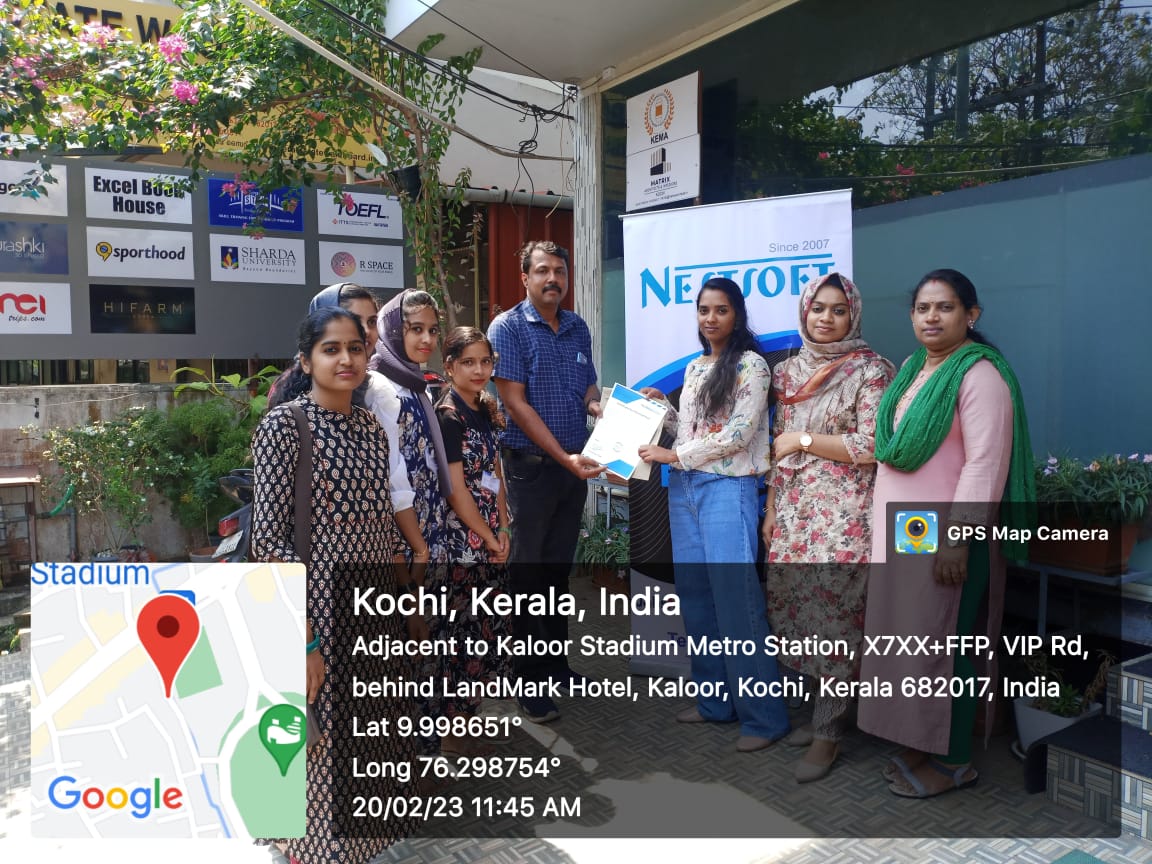
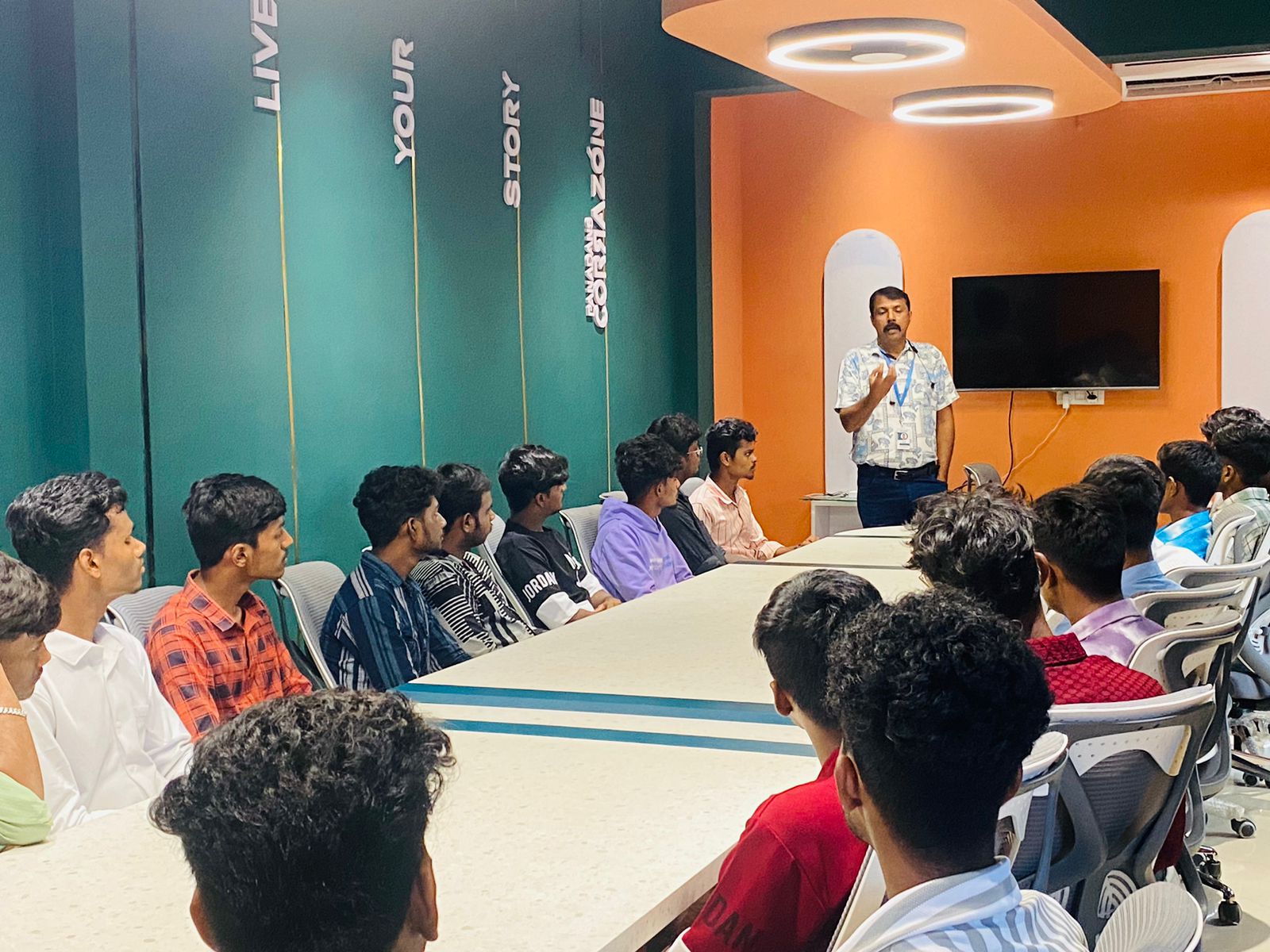
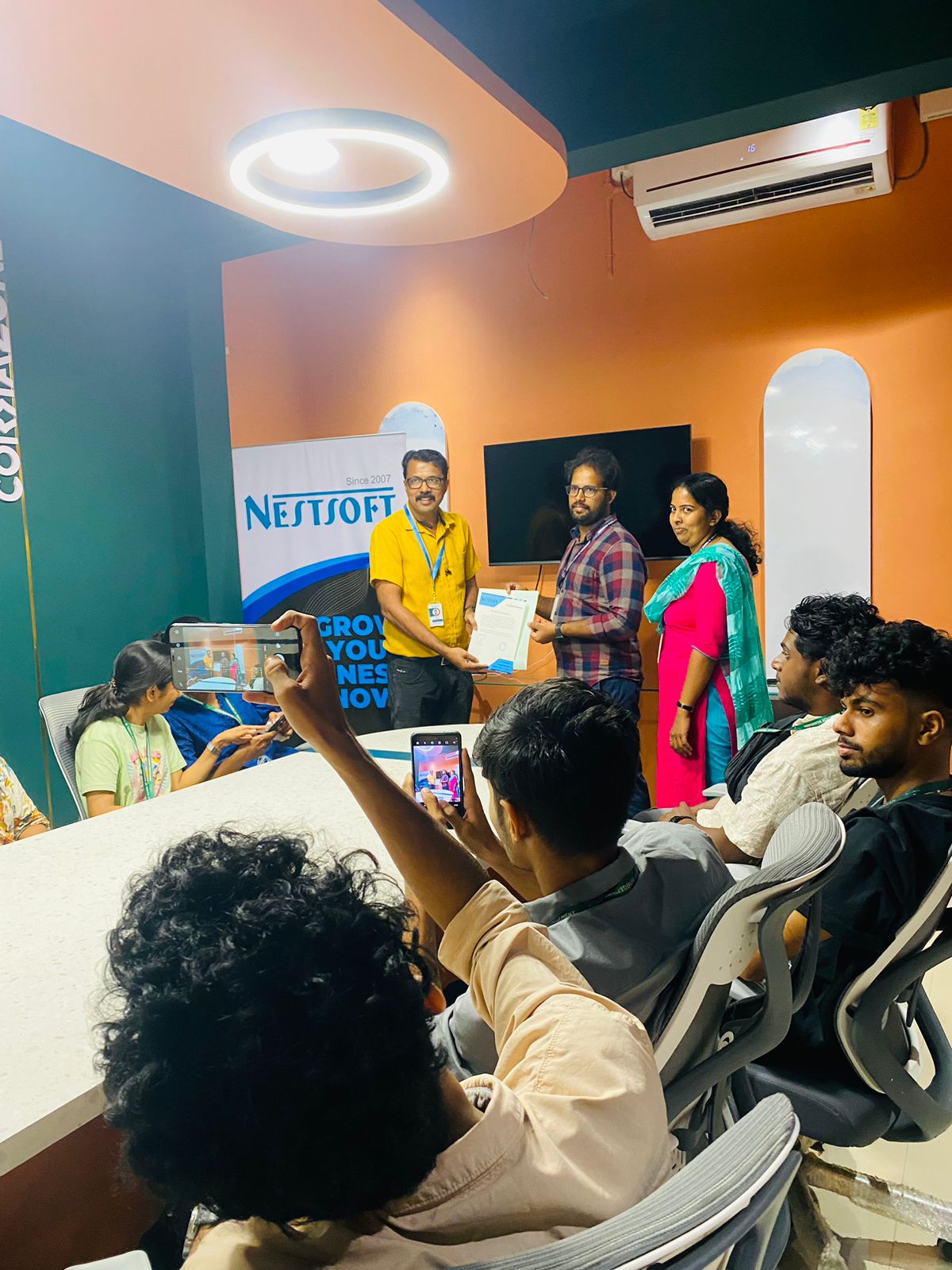
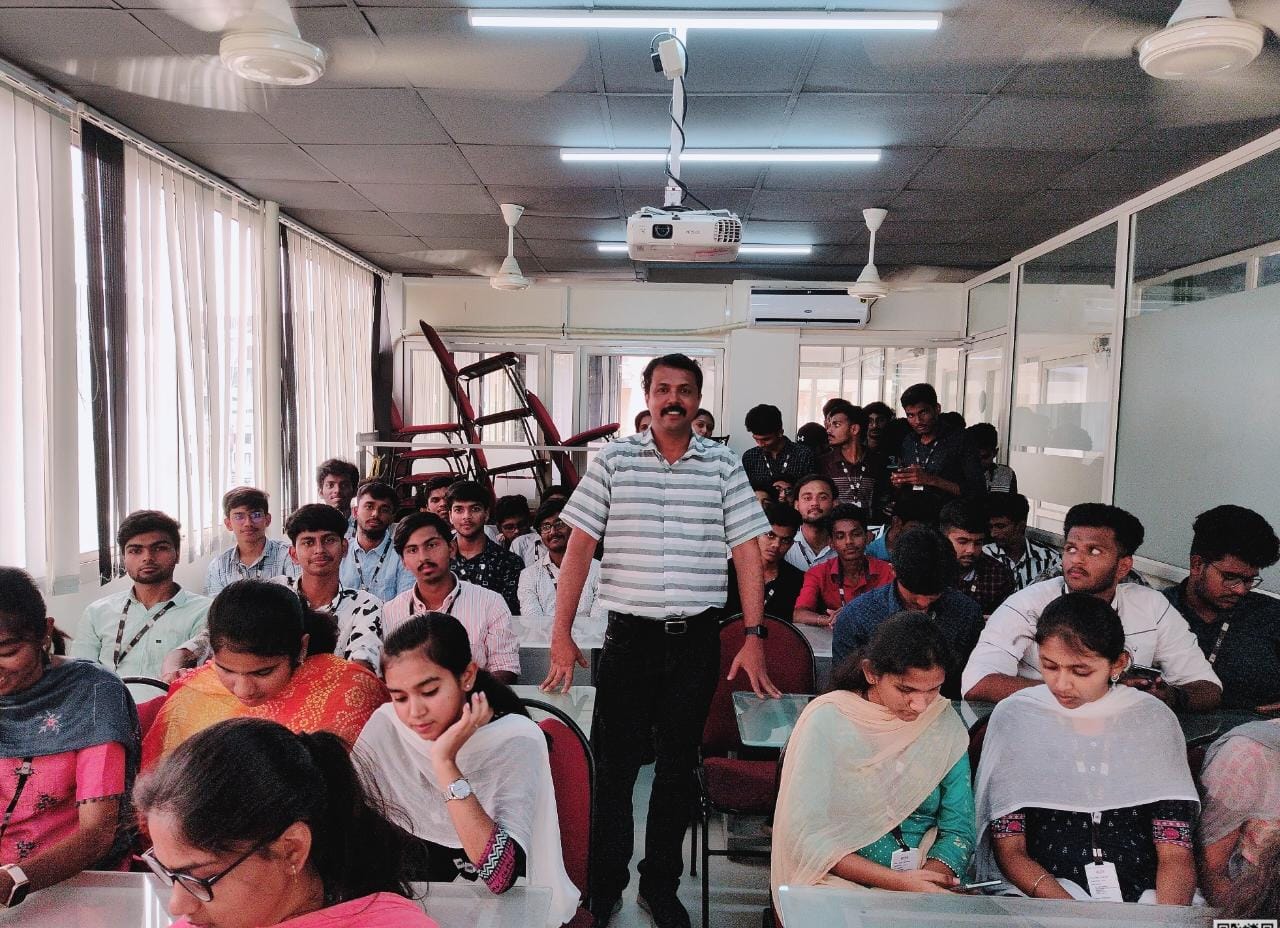
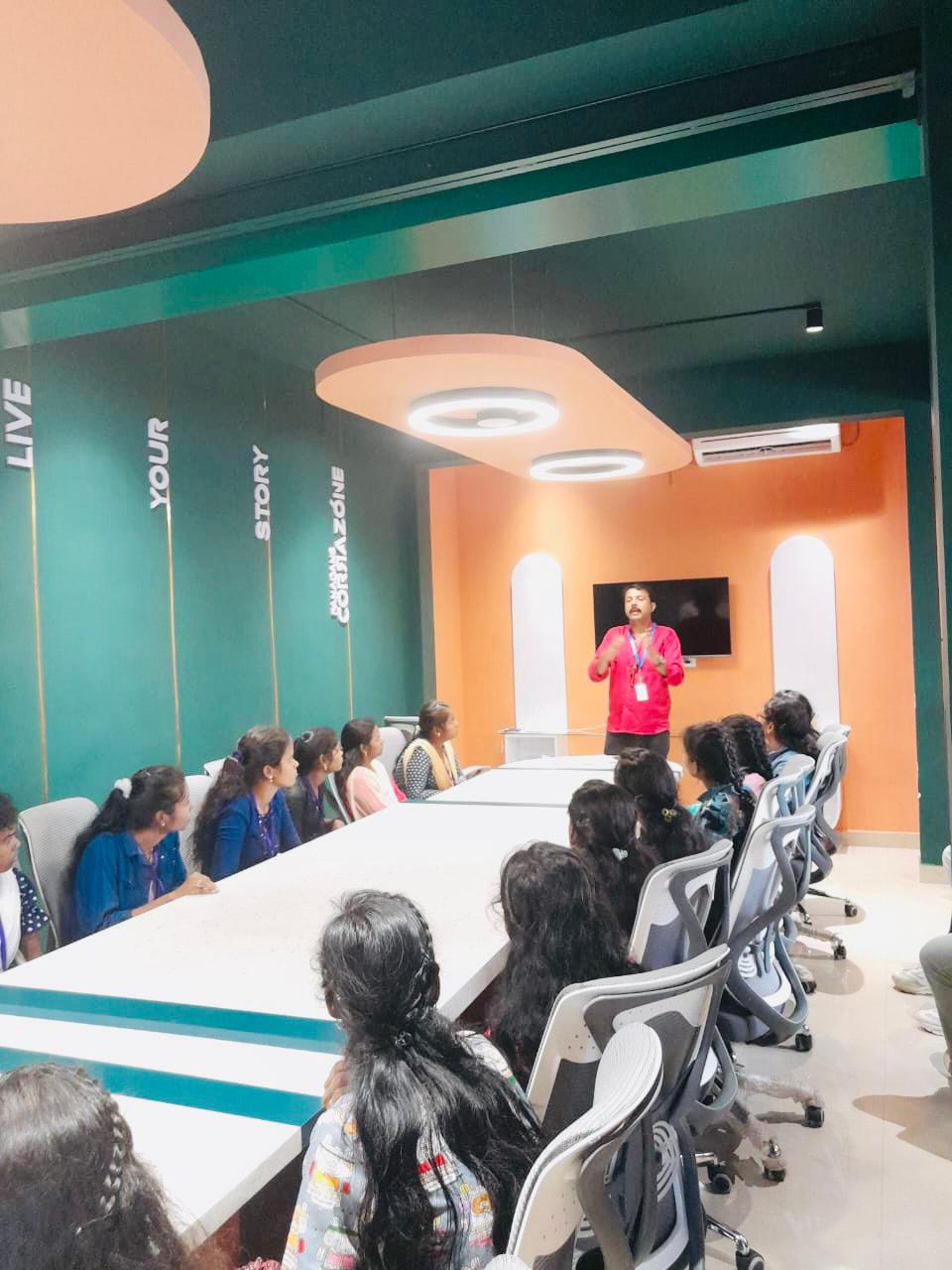
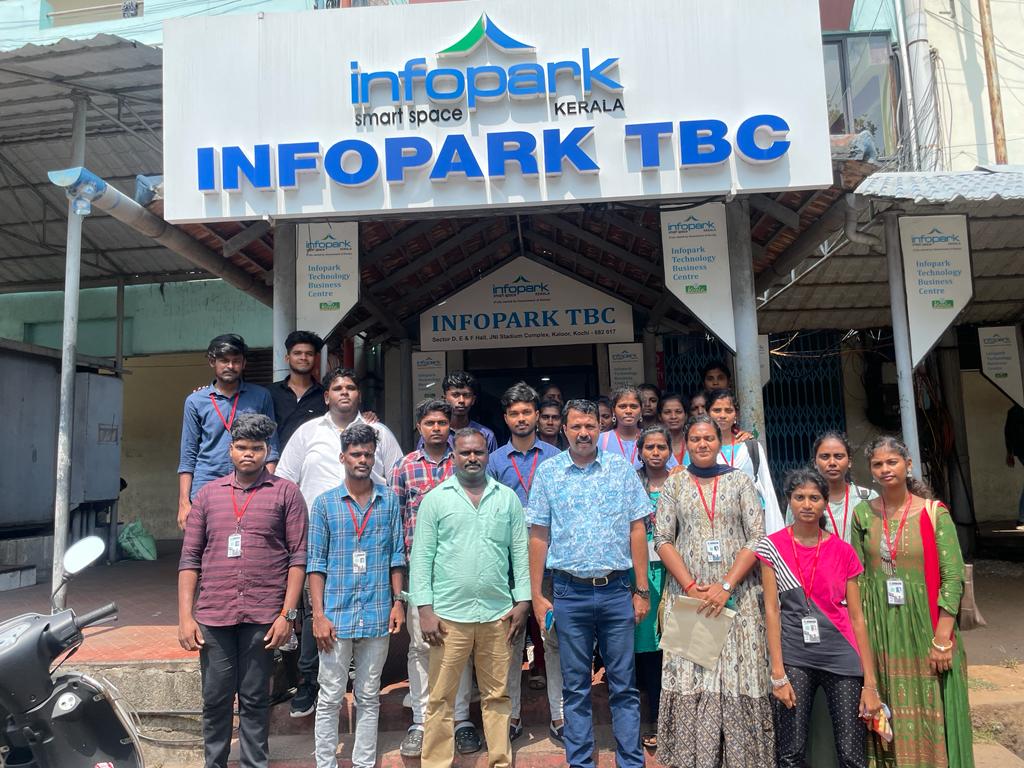
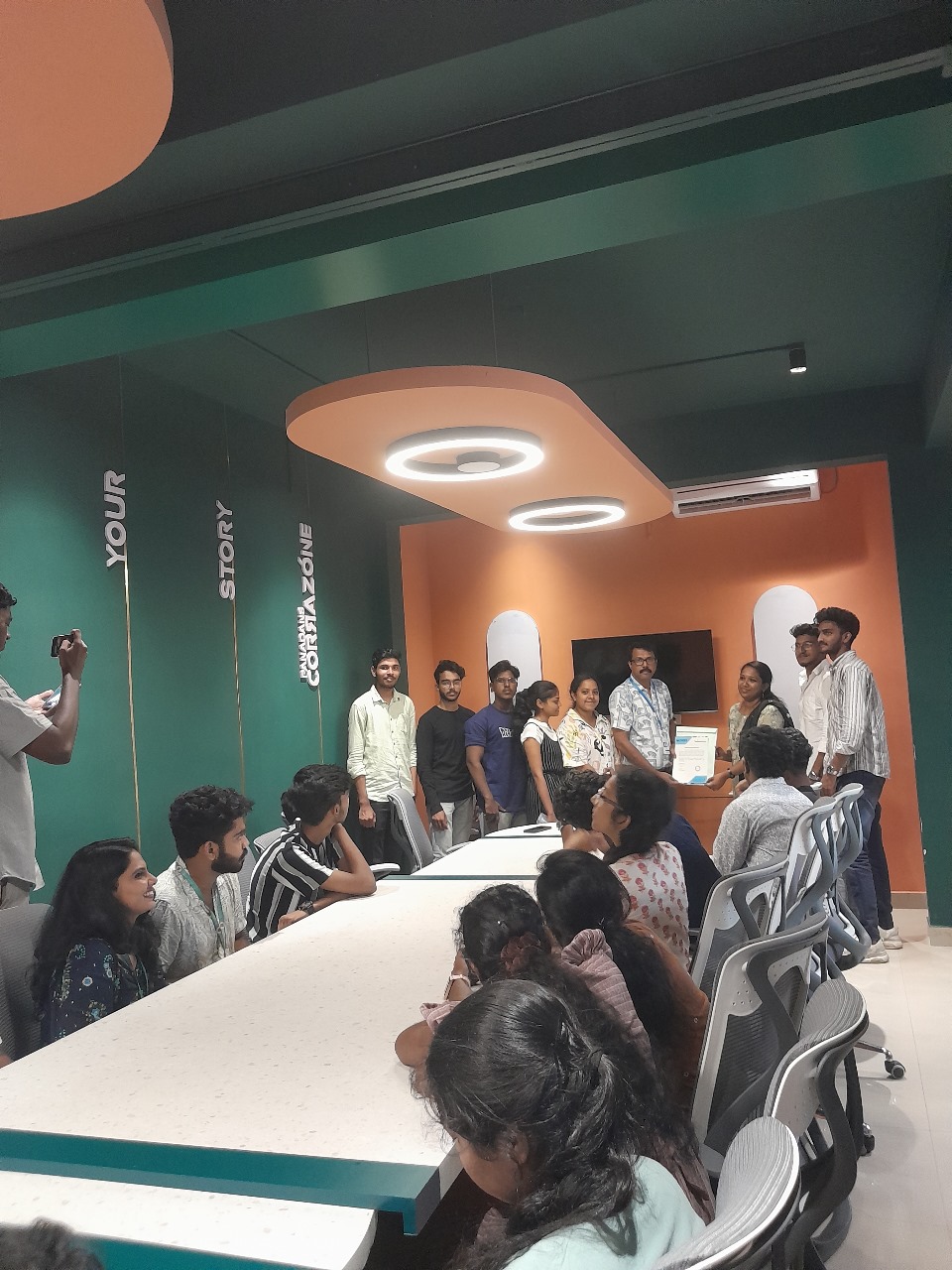
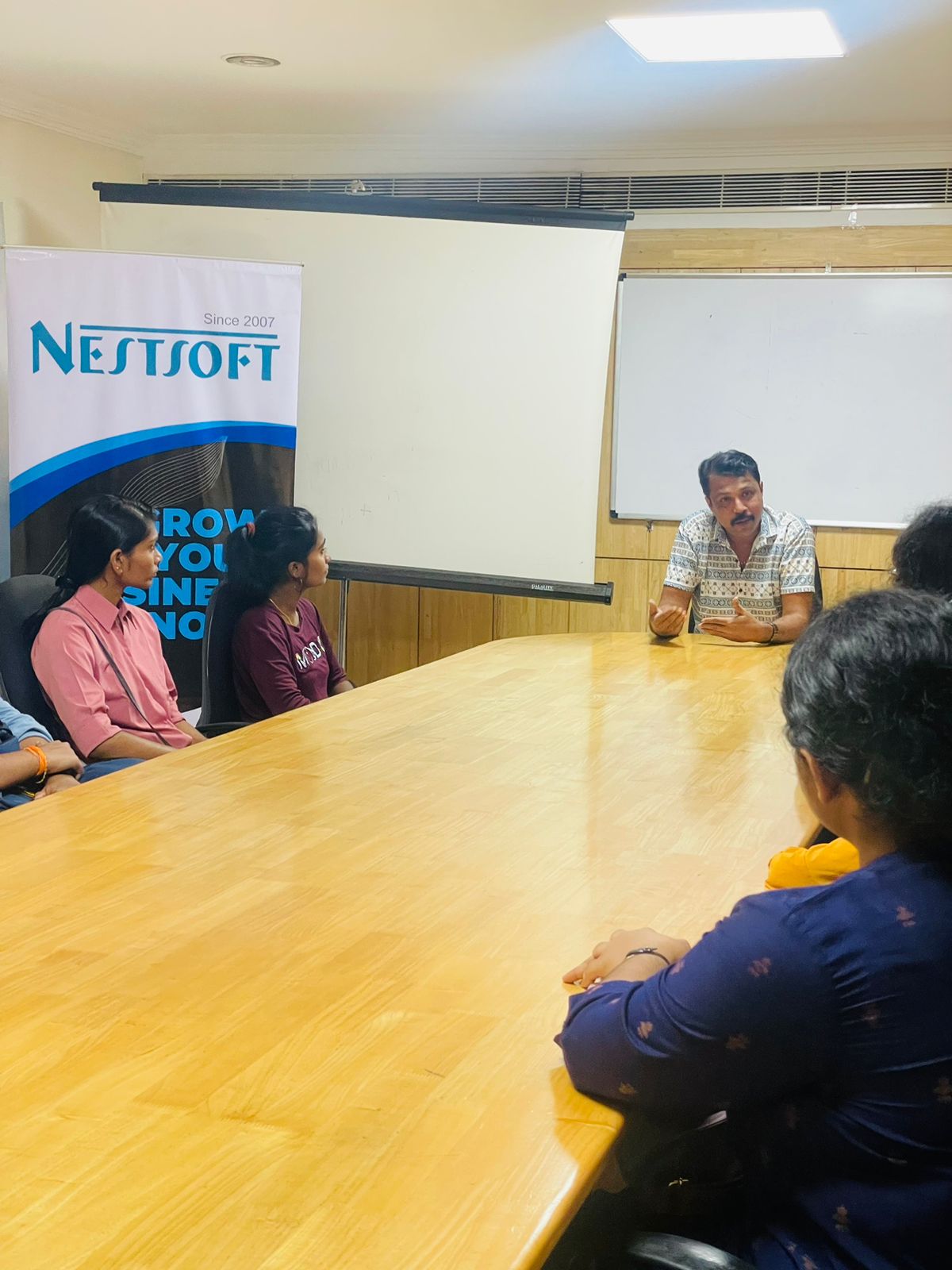
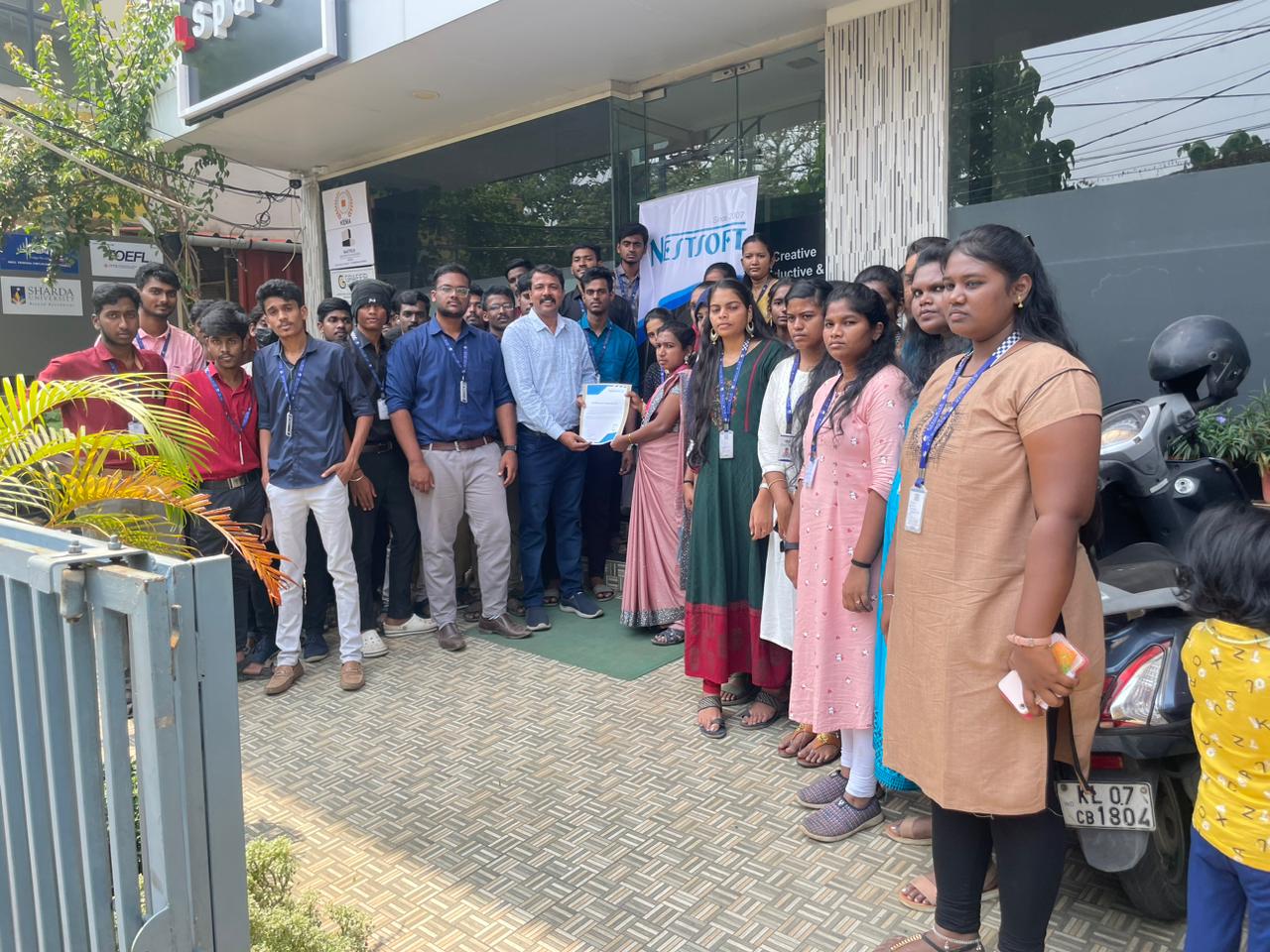
Photos of Training / Internships

Internship/projects in mangaluru

Trained more than 10000+ students who trust Nestsoft TechnoMaster

Get Your Personal Trainer