Send enquiry ⏎

Bootstrap Online Live Class by Experts

Our Training/Internship Process

Bootstrap Online Live Classes in Vijayawada | Free Demo Training

Bootstrap - Syllabus, Fees & Duration

MODULE 1

  • Bootstrap
  • Get Started
  • What is Bootstrap?
  • Bootstrap History
  • Why Use Bootstrap?
  • Where to get Bootstrap?
  • Downloading Bootstrap
  • Bootstrap CDN

MODULE 2

  • Create First Web Page with Bootstrap
  • Add the HTML5 Doctype
  • Bootstrap is Mobile First
  • Containers
  • Basic Bootstrap Pages
  • Bootstrap Grids
  • Bootstrap Grid System
  • Grid Classes
  • Basic Structure of a Bootstrap Grid
  • Equal Columns
  • Unequal Columns

MODULE 3

  • Bootstrap Text / Typography
  • Bootstrap Default Settings
  • Bootstrap vs. Browser Defaults
  • Bootstrap Tag Elements
  • Contextual Colors and
  • Background
  • Typography Classes

MODULE 4

  • Bootstrap Table
  • Rounded Corners
  • Circle
  • Thumbnail
  • Responsive Images
  • Image Gallery
  • Responsive Embeds

MODULE 5

  • Bootstrap Jumbotron and Page Header
  • Creating a Jumbotron
  • Jumbotron inside Container
  • Jumbotron outside Container
  • Creating a Page Header

MODULE 6

  • Bootstrap Wells
  • Wells
  • Well Size

MODULE 7

  • Bootstrap Alerts
  • Alerts
  • Closing Alerts
  • Animated Alerts

MODULE 8

  • Bootstrap Buttons
  • Button Style
  • Button Sizes
  • Block Level Buttons
  • Active /Disable Buttons

MODULE 9

  • Bootstrap Button Groups
  • Button Groups
  • Vertical Button Groups
  • Justified Button Group
  • Nesting Button Groups
  • Dropdown Menus
  • Split Button Dropdowns
  • MODULE 10

    • Bootstrap Glyphicons
    • Glyphicons
    • Glyphicons Syntax
    • Glyphicon Example

    MODULE 11

    • Bootstrap Badges and Labels
    • Badges
    • Labels

    MODULE 12

    • Bootstraps Progress Bars
    • Basic Progress Bar
    • Progress Bar with Label
    • Colored Progress Bars
    • Striped Progress Bars

    MODULE 13

    • Bootstrap Pagination
    • Basic Pagination
    • Active State
    • Disabled State
    • Pagination Sizing

    MODULE 14

    • Bootstrap Pager
    • What is Pager?
    • Align Buttons

    MODULE 15

    • Bootstrap List Groups
    • Basic list Groups
    • List Group with Badges
    • List Group with Linked Items
    • Contextual Classes
    • Custom Content

    MODULE 16

    • Bootstrap Panels
    • Panels
    • Panel Heading
    • Panel Footer
    • Panel Group
    • Panel with Contextual Classes

    MODULE 17

    • Bootstrap Dropdowns
    • Basic Dropdown
    • Dropdown Driver
    • Dropdown Header
    • Disable an Item
    • Dropdown Accessibility
    • Bootstrap Collapse

    MODULE 18

    • Basic Collapsible
    • Example Explained
    • Collapsible Panel
    • Collapsible List Group
    • Accordion

    MODULE 19

    • Bootstrap Tabs and Pills Menus
    • Tabs
    • Tabs with Dropdown Menu
    • Pills
    • Vertical Pills
    • Vertical Pills in Row
    • Pills with Dropdown Menu
    • Centered Tabs and Pills
    • Toggle/Dynamic Tabs
    • Toggle/Dynamic Pills

    MODULE 20

    • Bootstrap Navigation Bar
    • Navigation Bars
    • Inverted Navigation Bar
    • Fixed Navigation Bar
    • Navigation Bars with Dropdown
    • Right Aligned Navigation Bar
    • Collapsing the Navigation Bar

    MODULE 21

    • Bootstrap Forms
    • Bootstrap Default Settings
    • Bootstrap Form Layouts
    • Bootstrap Vertical Form
    • Bootstrap Inline Form
    • Bootstrap Horizontal Form
    • Bootstrap Form Inputs
    • Supported Form Controls

    MODULE 22

    • Bootstrap Input
    • Bootstrap Text area
    • Bootstrap Checkboxes
    • Bootstrap Radio Buttons
    • Bootstrap Select List

    MODULE 23

    • Bootstrap Form Inputs (More)
    • Static Control
    • Bootstrap Form Control States

    MODULE 24

    • Bootstrap Input Sizing
    • Input Sizing in Forms
    • Height Sizing
    • Column Sizing
    • Help Text

    MODULE 25

    • Bootstrap Carousel Plugin
    • The Carousel Plugin
    • How to Create a Carousel
    • Add Captions to Slides

    MODULE 26

    • Bootstrap Model Plugin
    • The Model Plugin
    • Hoe to Create a Model
    • Model Size

    MODULE 27

    • Bootstrap Tooltip Plugin
    • The Tooltip Plugin
    • How to Create Tooltip
    • Positioning Tooltips

    MODULE 28

    • Bootstrap Popover Plugin
    • The Popover Plugin
    • How to Create a Popover
    • Positioning Popovers
    • Closing Popovers

    MODULE 29

    • Bootstrap Scrollspy Plugin (Advanced)
    • The Scrollspy Plugin
    • How to Create a Scrollspy
    • Scrollspy Vertical Menu

    MODULE 30

    • Bootstrap Case
    • Build a Bootstrap Web Page
    • From Scratch
    • Add Bootstrap CDN and Put
    • Elements in Containers
    • Add Jumbotron
    • Adding button and icons
    • Multicolumn Layout
    • Adding Menus Tabs
    • Adding Navigation bars
    • Download Syllabus - Bootstrap
      This syllabus is not final and can be customized as per needs/updates
       
    10000+
    20+
    50+
    25+

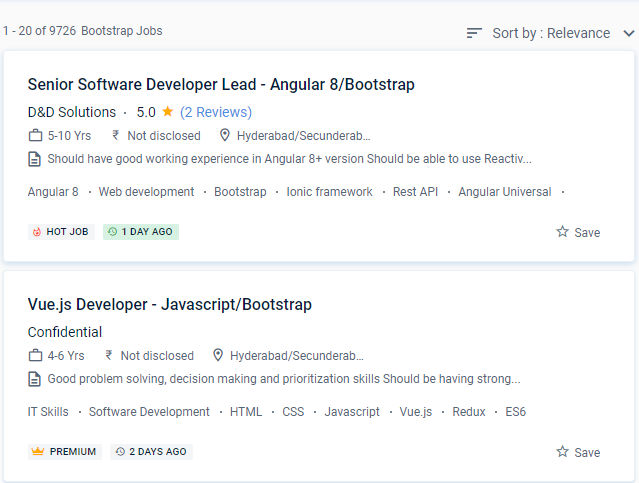
    Bootstrap Jobs in Vijayawada

    Enjoy the demand

    Find jobs related to Bootstrap in search engines (Google, Bing, Yahoo) and recruitment websites (monsterindia, placementindia, naukri, jobshybrid.com, indeed.co.in, shine.com etc.) based in Vijayawada, chennai and europe countries. You can find many jobs for freshers related to the job positions in Vijayawada.

    • Senior full-stack developer
    • Ui /UX Developer
    • Developer- Bootstrap
    • Frontend developer
    • UI developer C11
    • Software Engineer
    • Bootstrap Trainer
    • Shopify developer-bootstrap
    • Angular Bootstrap Developer
    • SharePoint Developer

    Bootstrap Internship/Course Details

    Bootstrap internship jobs in Vijayawada
    Bootstrap You'll also learn how to set up and style form layouts within the Bootstrap page and components. Our Bootstrap training courses are written and taught by those consultants, so their knowledge directly impacts course content. This course is intended for advanced Bootstrap starters. For many years, Training has been implementing professional Bootstrap solutions across a variety of websites. Mark Otto and Jacob Thornton (both of Twitter, Inc. Included are how-to columns within the grid, as well as the primary elements of Bootstrap, where you will learn about the Typography of Bootstrap. You'll learn how to use pictures in Bootstrap, as well as how to construct and use Bootstrap tables, forms, and form elements. As the community takes advantage of its free, creative commons authorization, new features appear regularly. Learn how to use Bootstrap Dismissible alerts, make badges, use Bootstrap Breadcrumbs, and design and align Buttons and Button groups. Training Dragon's trainers and career advisers are specialists in their fields, so please contact one of them if you need assistance with your career choice.


    Meet a Few of our Industry Experts 🚀 Your Pathway to IT Career

    Prajwal

    Mobile: +91 98474 90866
    Location: Online (Vijayawada, India)
    Qualification: BTech

    Experience: Html css javascript c python  more..

    Pujari

    Mobile: +91 94975 90866
    Location: Online (Vijayawada, India)
    Qualification: 12 th pass and pursuing B tech

    Experience: I have worked for 3 projects in wix and I am experienced in e-commerce community groups in wix Also I  more..

    Jimmi

    Mobile: +91 98474 90866
    Location: Online (Vijayawada, India)
    Qualification: BE

    Experience: Currently I am working as full stack developer I got training on core php and laravel My whole experience is  more..

    Sadiq

    Mobile: +91 8301010866
    Location: Online (Vijayawada, India)
    Qualification: B.E Electrical and electronics

    Experience: WordPress design SEO SOCIAL MEDIA MARKETING GOOGLE ADS  more..

    Zainab

    Mobile: +91 9895490866
    Location: Online (Vijayawada, India)
    Qualification: Msc in Computer Science

    Experience: 4+ years in python programming 3+ years in odoo development   more..

    Kaushal

    Mobile: +91 91884 77559
    Location: Online (Vijayawada, India)
    Qualification: B.E CSE

    Experience: iOS Developer with experience of 3 months I have not yet built any major project on iOS but I do  more..

    Talari

    Mobile: +91 89210 61945
    Location: Online (Vijayawada, India)
    Qualification: B Tech

    Experience: Hello Sir Madam First of all thank you for giving this opportunity to introduce myself My name is Sudharani I'm  more..

    Rakshitha

    Mobile: +91 98474 90866
    Location: Online (Vijayawada, India)
    Qualification: Masters in Biochemistry

    Experience: I have an year of experience in designing with the design software expertise in Canva Adobe Photoshop Adobe Illustrator and  more..

    Kausar

    Mobile: +91 91884 77559
    Location: Online (Vijayawada, India)
    Qualification: BSc IT

    Experience: As a versatile Digital Marketing Manager & Trainer with around 10 years of experience I have successfully merged my technical  more..

    Akil

    Mobile: +91 91884 77559
    Location: Online (Vijayawada, India)
    Qualification: B.E

    Experience: Manual Testing Automation Testing (Selenium+Java) Test planning Manual test case preparation Regression testing understanding Accessibility Azure DevOps Technical Support  more..

    chesta

    Mobile: +91 98474 90866
    Location: Online (Vijayawada, India)
    Qualification: graduate

    Experience: c c++ python devops microsoft azure  more..

    Gosai

    Mobile: +91 89210 61945
    Location: Online (Vijayawada, India)
    Qualification: Diploma

    Experience: 3 months internship Canva design web design seo  more..

    Sunil

    Mobile: +91 89210 61945
    Location: Online (Vijayawada, India)
    Qualification: btecch

    Experience: i have 1 5 years of experience as Web developer skills wordpress html css java script sql  more..

    Ridhin

    Mobile: +91 9895490866
    Location: Online (Vijayawada, India)
    Qualification: BTech(IT)

    Experience: odoo python javascript psql xml and git  more..

    Manpreet

    Mobile: +91 8301010866
    Location: Online (Vijayawada, India)
    Qualification: B.Tech

    Experience: I’m a graphic designer… over the three years my designs have specialised in party events where we take a bundle  more..

    Rahul

    Mobile: +91 9895490866
    Location: Online (Vijayawada, India)
    Qualification: BCA Bachelor Degree

    Experience: I am an android developer I have 5 years plus experience and android with kotlin viper architecture  more..

    Sai

    Mobile: +91 91884 77559
    Location: Online (Vijayawada, India)
    Qualification: B.tech (C.S.E)

    Experience: Experience In Training students one to one and also group Experience in Training students on real time projects for WordPress  more..

    Kumaran

    Mobile: +91 9895490866
    Location: Online (Vijayawada, India)
    Qualification: Bsc computer science

    Experience: Experience -I am fresher Skills - html css bootstrap php Mysql   more..

    PITTA

    Mobile: +91 91884 77559
    Location: Online (Vijayawada, India)
    Qualification: BSC computers

    Experience: Recently I completed my coaching in Java Adv java oracle html and CSS now I have good knowledge in it  more..

    Priyanka

    Mobile: +91 89210 61945
    Location: Online (Vijayawada, India)
    Qualification: B. Tech

    Experience: Respected sir Iam Priyanka k an DIPLOMA WITH B-TECH GRADUATE in Applied electronics and instrumentation engineering I have completed software  more..

    Nitish

    Mobile: +91 98474 90866
    Location: Online (Vijayawada, India)
    Qualification: Master's

    Experience: Experience 2 years User Research wireframing mobile design Prototyping  more..

    Prathesh

    Mobile: +91 94975 90866
    Location: Online (Vijayawada, India)
    Qualification: BCA

    Experience: I am Prathesh Kumar (Fresher) I Study Bachelor of Computer Applications graduate with a 84% score in academics Strong in  more..

    Vishal

    Mobile: +91 89210 61945
    Location: Online (Vijayawada, India)
    Qualification: Diploma

    Experience: I have 2 years of experience in product designing I use framer and Figma for Ui design I’m curr Working  more..

    swarada

    Mobile: +91 94975 90866
    Location: Online (Vijayawada, India)
    Qualification: Masters

    Experience: Skills-Java Selenium Testng API testing Experience-working as quality analyst in Ephanti Ince from Sep-2022 Writing manual test cases executing automation  more..

    Success Stories

    The enviable salary packages and track record of our previous students are the proof of our excellence. Please go through our students' reviews about our training methods and faculty and compare it to the recorded video classes that most of the other institutes offer. See for yourself how TechnoMaster is truly unique.


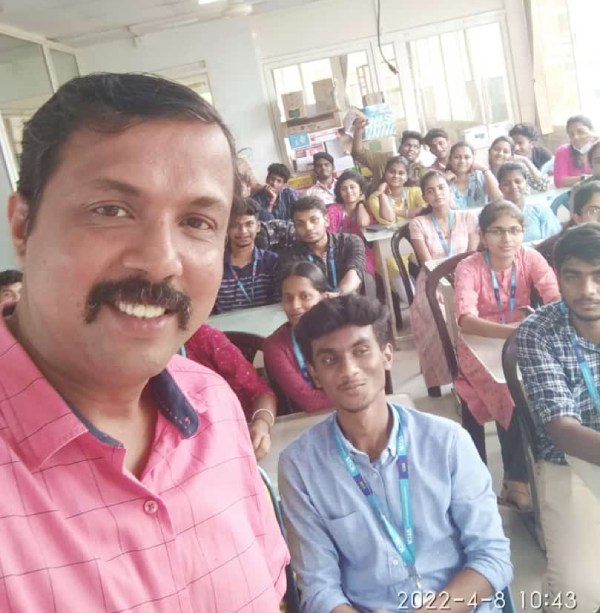
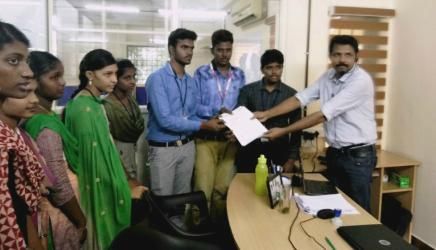
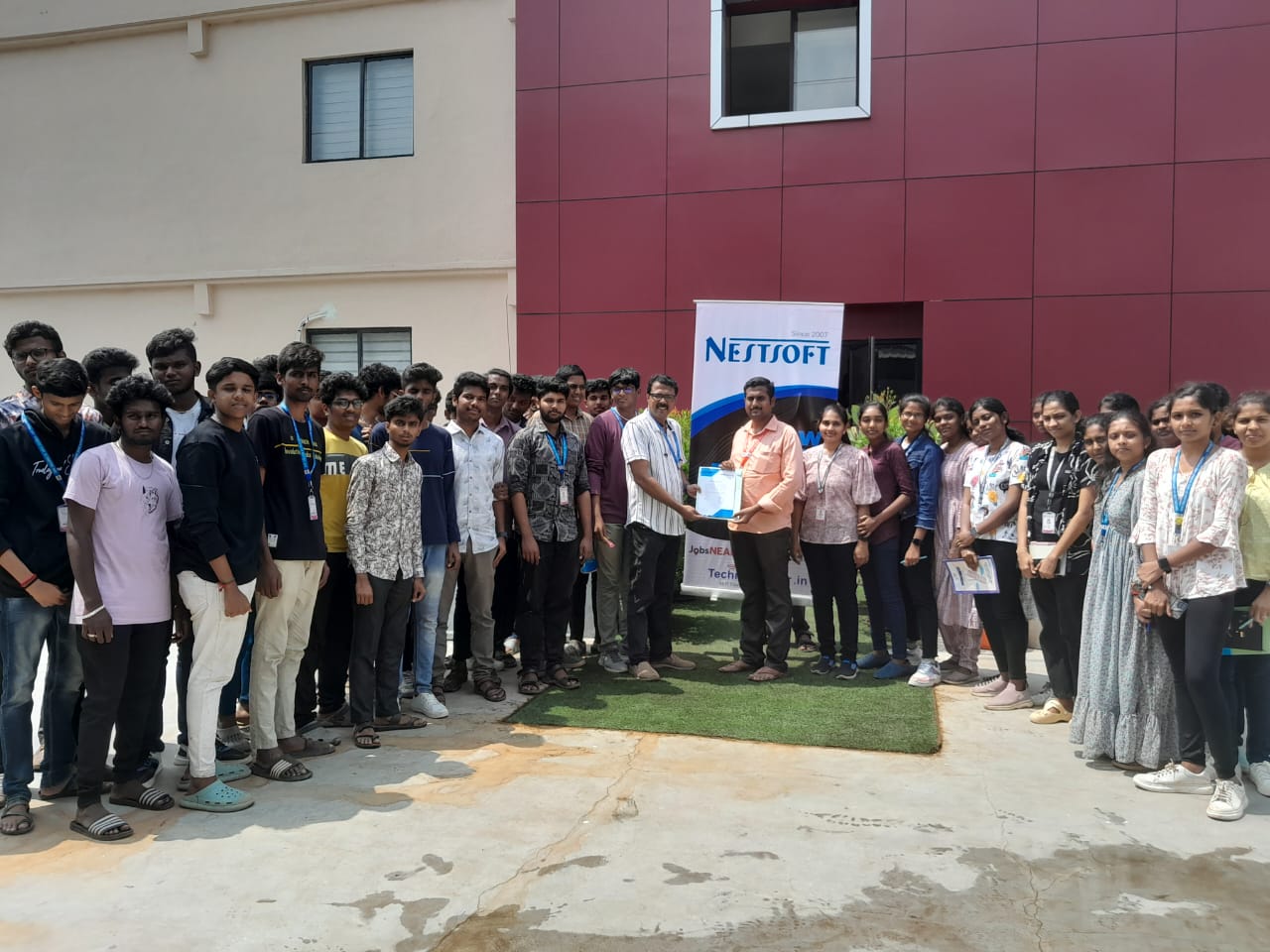
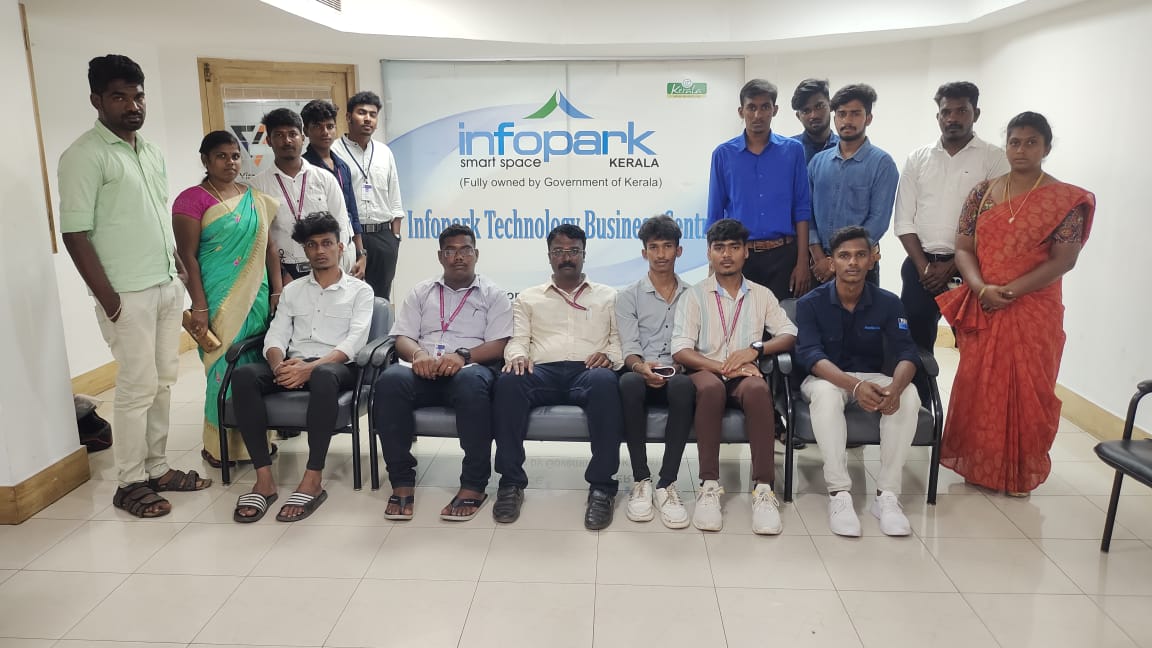
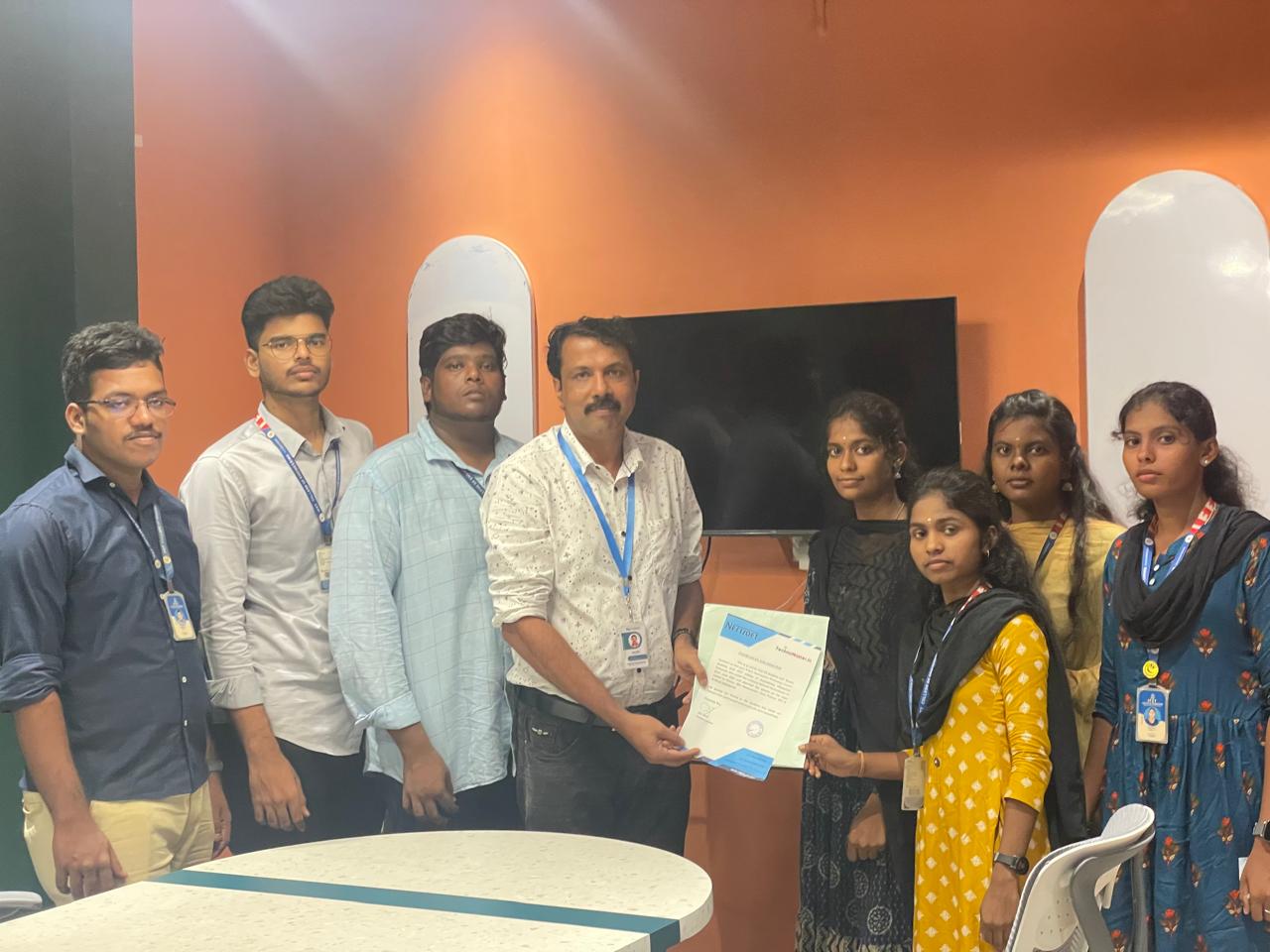
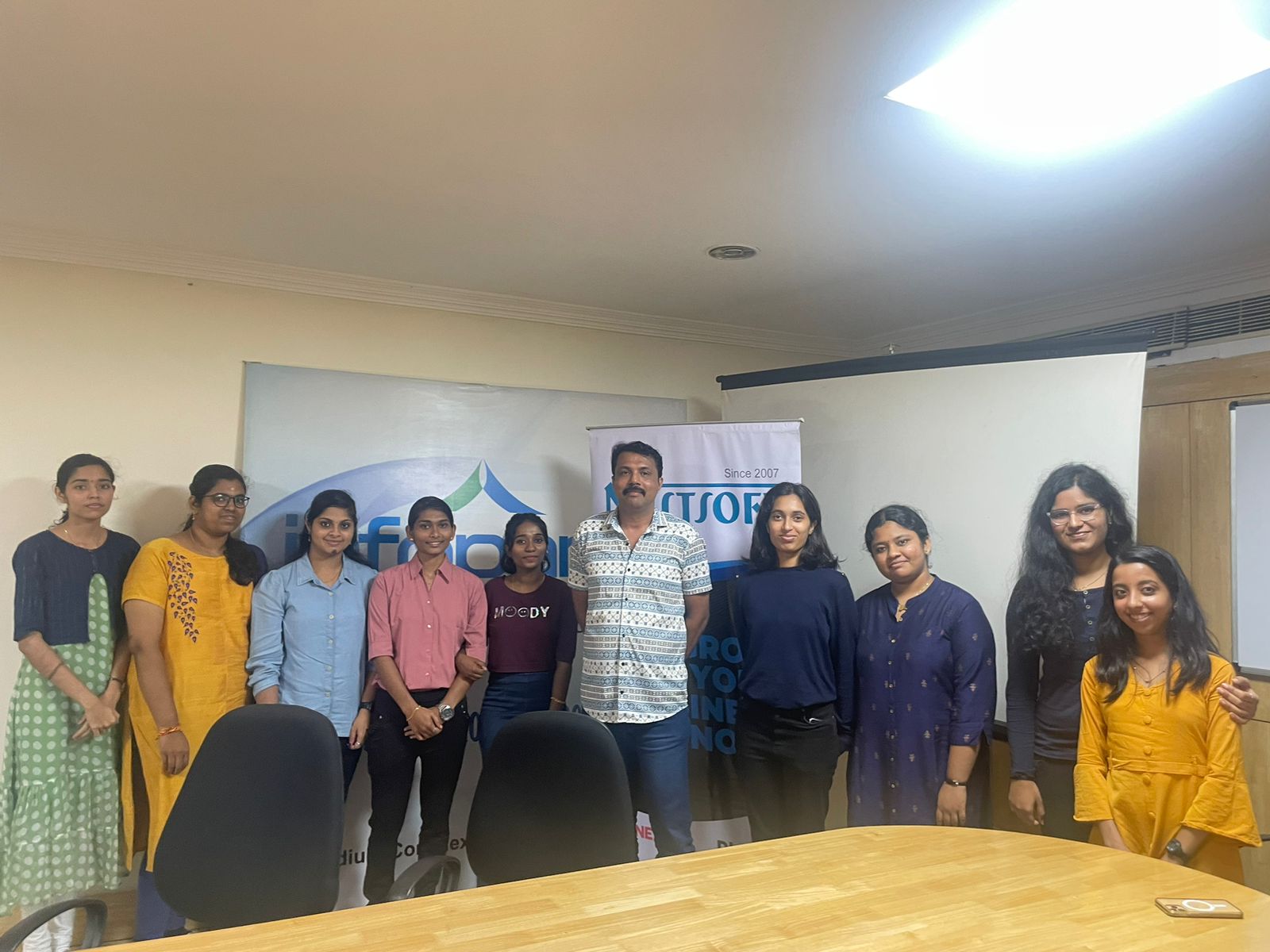
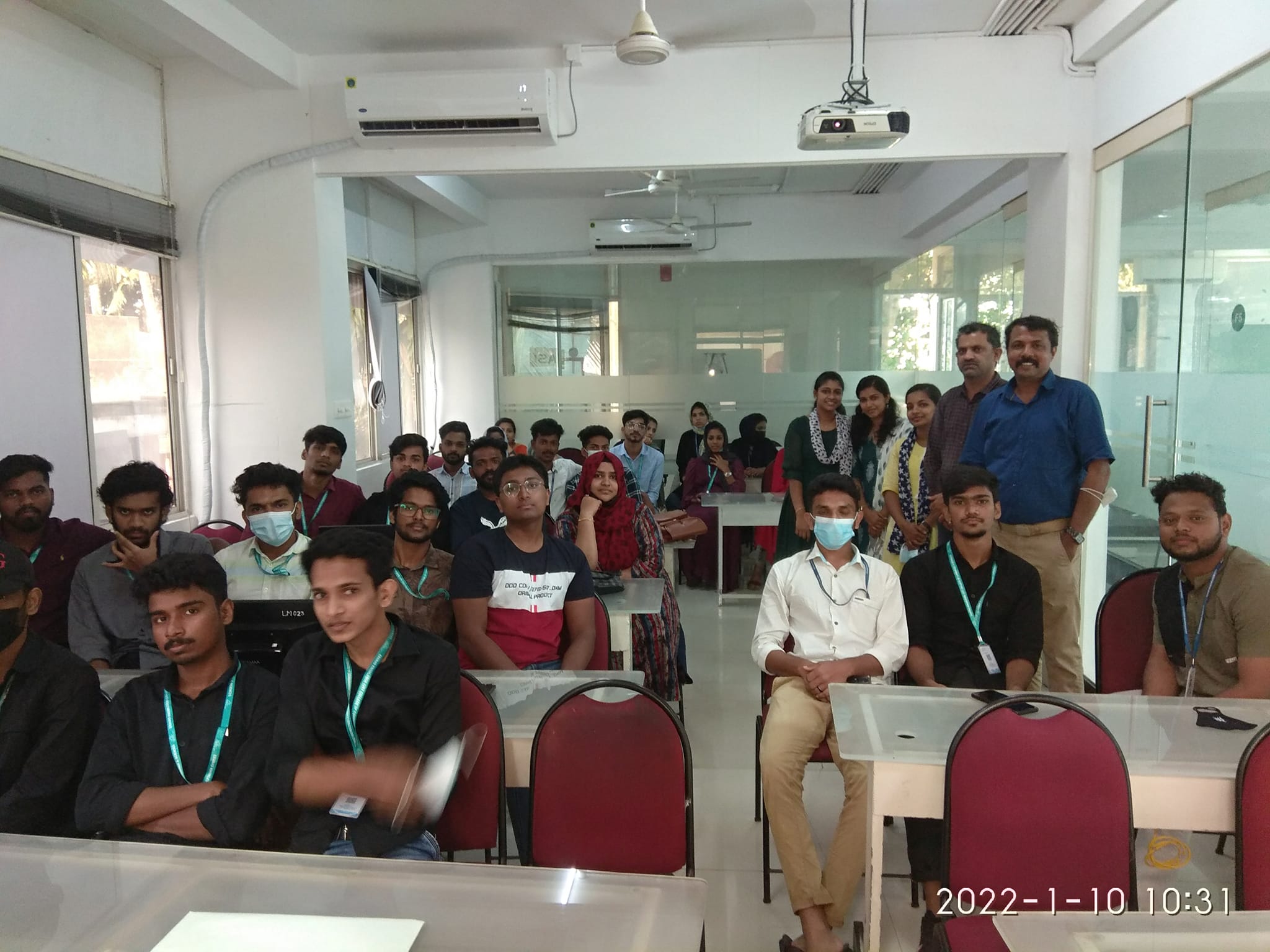
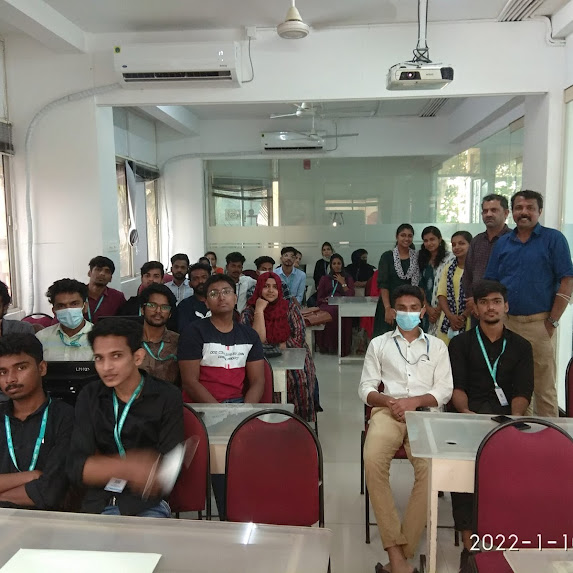
    Photos of Training / Internships

    Internship/projects in vijayawada
    Internship/projects in vijayawada
    Internship/projects in vijayawada
    Internship/projects in vijayawada
    Internship/projects in vijayawada
    Internship/projects in vijayawada
    Internship/projects in vijayawada
    Internship/projects in vijayawada
    Internship/projects in vijayawada
    Internship/projects in vijayawada
    Internship/projects in vijayawada

    Trained more than 10000+ students who trust Nestsoft TechnoMaster

    Get Your Personal Trainer