Send enquiry ⏎

Adobe InDesign Online Live Class by Experts

Our Training/Internship Process

Adobe InDesign Online Live Classes in Tiruppur | Free Demo Training

Adobe InDesign - Syllabus, Fees & Duration

Section 1

    Straight Lines
  • Using the Pen Tool
  • Adjusting the Workspace
  • Arranging Objects
  • Color Fills
    Curves
  • Drawing Curves (Pen Tool)
  • Anchor Points and Direction Points
  • Default Fill and Stroke
    Corners and Curves
  • Drawing Corners and Curves (Pen Tool)
  • Adjusting Anchor Points

Section 2

    No Smoking Sign
  • Fill and Stroke
  • Basic Shape Tools
  • Grouping Objects
  • Layers Panel
  • Working with Templates
    Super Hero
  • Live Trace and Live Paint
  • Tracing Hand-Drawn Images
  • Coloring Live Paint Objects
  • Brushes
  • Flare Tool

Section 3

    What’s Behind the Green Door?
  • Compound Paths
  • Group Selection Tool
    Mask Till You Drop
  • Clipping Masks (Shapes)
  • Blob Brush Tool
  • Eraser Tool
  • Reflect Tool
    Masking with Type
  • Type Tool
  • Clipping Masks (Editable Type)
  • Filling Text with a Photo
  • Placing Linked Images
    3D Shape: Milk Duds Box
  • 3D Extrude & Bevel
  • Creating Symbols from Artwork
  • Mapping Symbols onto 3D Objects
  • Lighting and Shadows for 3D Objects

Section 3

    Will It Blend?
  • Blend Tool
  • Blending Options
    Wavy Line Blend
  • Blending Lines
  • Reflect Tool
  • Rotate Tool
    Juggling Colors and Gradients
  • Dashed Lines and Stroke Options
  • Saving Colors as Swatches
  • Blending Modes
  • Gradient Tool
  • Saving Gradient Swatches
    Combining Shapes with the Pathfinder
  • Merging Paths (Pathfinder)
  • Transparency Options
  • Grouping Objects

Section 5

    Patterns
  • Creating and Applying Pattern Swatches
  • Scaling and Rotating Patterns
  • Working with Layers
  • Align Panel
    One-Page Advertisement
  • Working with Type
  • Text and Character Options
  • Adding a Drop Cap
  • Type on a Path
  • Text Wrap
  • Fill Text with a Pattern
    Stylin’ Effects
  • Using the Appearance Panel
  • Transparency
  • Blending Modes
  • Drop Shadows
  • Arrowheads
    Appearance and Graphic Styles
  • Graphic Styles
  • Appearance Panel
  • Multiple Fills
  • Auto-sizing Text Boxes

Section 6

    Layers, Artboards & Recoloring Artwork
  • Adding and Removing Layers
  • Creating and Using Multiple Artboards
  • Recoloring Artwork

Download Syllabus - Adobe InDesign
This syllabus is not final and can be customized as per needs/updates
   
10000+
20+
50+
25+

Adobe InDesign Jobs in Tiruppur

Enjoy the demand

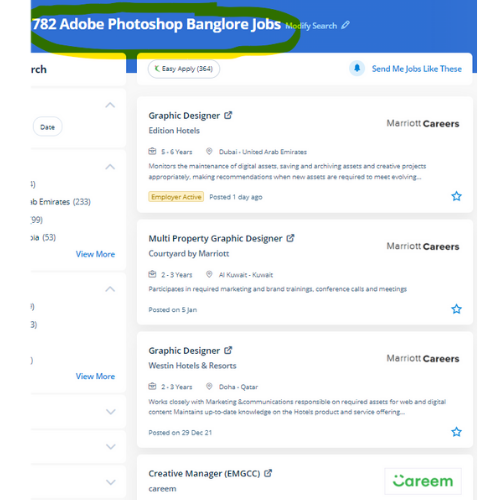
Find jobs related to Adobe InDesign in search engines (Google, Bing, Yahoo) and recruitment websites (monsterindia, placementindia, naukri, jobshybrid.com, indeed.co.in, shine.com etc.) based in Tiruppur, chennai and europe countries. You can find many jobs for freshers related to the job positions in Tiruppur.

  • Graphic Designer
  • Creative Graphic Designer
  • Flexible Graphic Designer
  • Web Graphics Designer
  • Content Creator
  • Desktop Support
  • Digital Designer
  • Design Assistant
  • Ui/Ux Designer
  • Designing Trainer

Adobe InDesign Internship/Course Details

Adobe InDesign internship jobs in Tiruppur
Adobe InDesign This course is for intermediate users that require to find out a lot of advanced tools in InDesign. one of the advantages of the tools contained in Adobe InDesign is that it's some image editing which will provide identical results as that of Adobe Photoshop just like a shadow, bevel, glow, and so forth. during this course we cover the topics like managing transparency, controlling texts, managing texts, designing documents. The software's interface creates it easy for users of all talent levels to jump right in and make their projects with ease, because of its selection of pre-installed templates, fonts, and other resources. the most recent unleash is compatible with each raincoat OS and Windows software, allowing users to form a similar workflow irrespective of what kind of computer they're using. However, whereas it’s aimed toward graphic style professionals, it’s not too powerful to find out. The outline of the course also contains productive and useful information on the proper and applicable utilization of the gradients, swatches, and colors. nowadays Adobe InDesign has many job opportunities. Nestsoft InDesign training you will learn the way to create flyers, posters, newsletters, advertising, stationery, magazines, brochures, and more. using In-Design, applicable contents for the tablet devices may also be revealed injunction with the software system that is named the Adobe Digital publication Suite.


Meet a Few of our Industry Experts 🚀 Your Pathway to IT Career

sandhya

Mobile: +91 94975 90866
Location: Online (Tiruppur, India)
Qualification: be.computer

Experience: automation testing Selenium with java manual Testing jira zyphwr squard api with postman database testing basic knwoledge of rest assured  more..

Anisha

Mobile: +91 94975 90866
Location: Online (Tiruppur, India)
Qualification: M. Tech in Computer Science and Engineering

Experience: I have recently completed a certification course in Advanced Software Testing from SMEC Labs Kochi My knowledge in Agile  more..

Vinayak

Mobile: +91 8301010866
Location: Online (Tiruppur, India)
Qualification: Master of computer applications

Experience: Php Java python c sql  more..

Narmesh

Mobile: +91 91884 77559
Location: Online (Tiruppur, India)
Qualification: B. Tech CSE

Experience: Year Project Title or Responsibilities 2023 Website based project for AASHU MARINE (informational product showcase) 2023 CRM Software project as  more..

Abhsihek

Mobile: +91 9895490866
Location: Online (Tiruppur, India)
Qualification: BE IT

Experience: I am writing to express my keen interest in the Automation Test Engineer position With 3 6 years of Experience  more..

Sumit

Mobile: +91 91884 77559
Location: Online (Tiruppur, India)
Qualification: Mca

Experience: I m fresher but I m well known to Java html react python data structures   more..

Vanshika

Mobile: +91 89210 61945
Location: Online (Tiruppur, India)
Qualification: B.Tech

Experience: Computer Skills C & python Programming language  more..

Abin

Mobile: +91 9895490866
Location: Online (Tiruppur, India)
Qualification: MCA

Experience: React js training 4 month Web development certification Full stack Dot net training Node js mongo db MySQL java jQuery  more..

Thejaswarreddy

Mobile: +91 89210 61945
Location: Online (Tiruppur, India)
Qualification: degree

Experience: Striving Digital Marketing excutive bringing 2+ years of experience in creating on-brand marketing content managing online campaigns SEO and Analytics  more..

kavya

Mobile: +91 94975 90866
Location: Online (Tiruppur, India)
Qualification: B tech

Experience: Manual testing Automation testing Retesting Regression testing Black box testing Smoke testing Sanity testing Exploratory testing API testing SQL queries  more..

vimaljoy

Mobile: +91 91884 77559
Location: Online (Tiruppur, India)
Qualification: B -Tech - 3rd year

Experience: Machine Learning Computer Vision Deep learning python Unity HTML & CSS  more..

Siddhardha

Mobile: +91 94975 90866
Location: Online (Tiruppur, India)
Qualification: Btech

Experience: I know python language sql   more..

Zainab

Mobile: +91 91884 77559
Location: Online (Tiruppur, India)
Qualification: Msc in Computer Science

Experience: 4+ years in python programming 3+ years in odoo development   more..

Shubhangi

Mobile: +91 8301010866
Location: Online (Tiruppur, India)
Qualification: BCS

Experience: I have 4 year experiance as UI Developer I work on html css bootstrap Jquery figma photoshop I learn gsap  more..

Narra

Mobile: +91 98474 90866
Location: Online (Tiruppur, India)
Qualification: B. Tech

Experience: My Skills :SDLC STLC Agile Java Automation Testing as well as Manual testing API Testing Mobile Application Testing Automation Framework  more..

Inti

Mobile: +91 94975 90866
Location: Online (Tiruppur, India)
Qualification: Mca

Experience: Reactjs ui development python 3 years experience  more..

Akash

Mobile: +91 89210 61945
Location: Online (Tiruppur, India)
Qualification: B. Tech

Experience: My skills are java MySql Kotlin Android studio and 6 month experience in Android development   more..

V

Mobile: +91 8301010866
Location: Online (Tiruppur, India)
Qualification: B tech

Experience: Android developer 5 year Kotlin e year Mvvm 2 years  more..

Mohamedanzal

Mobile: +91 8301010866
Location: Online (Tiruppur, India)
Qualification: Degree

Experience: Graphic design-1year freelancer Ui design - 1 year  more..

kishor

Mobile: +91 94975 90866
Location: Online (Tiruppur, India)
Qualification: BCCA

Experience: As a React Native Developer i have 1 2 years of experience of building cross platform application where i have  more..

Anu

Mobile: +91 9895490866
Location: Online (Tiruppur, India)
Qualification: BTech

Experience: 5+ experience in PHP Knowledge in core PHP CodeIgniter4 Laravel Yii HTML MySQL REST API Basic knowledge about JavaScript jQuery  more..

Sithanya

Mobile: +91 98474 90866
Location: Online (Tiruppur, India)
Qualification: MSC computerscience

Experience: Bootstrap c cpp c# php mysql HTML 6 month experience in webdesigner  more..

Shalvi

Mobile: +91 91884 77559
Location: Online (Tiruppur, India)
Qualification: Btech graduate

Experience: Fullstack developer Software engineer   more..

yogeshwaran

Mobile: +91 98474 90866
Location: Online (Tiruppur, India)
Qualification: msc

Experience: php laravel codeignitor html css js jquery api  more..

Success Stories

The enviable salary packages and track record of our previous students are the proof of our excellence. Please go through our students' reviews about our training methods and faculty and compare it to the recorded video classes that most of the other institutes offer. See for yourself how TechnoMaster is truly unique.


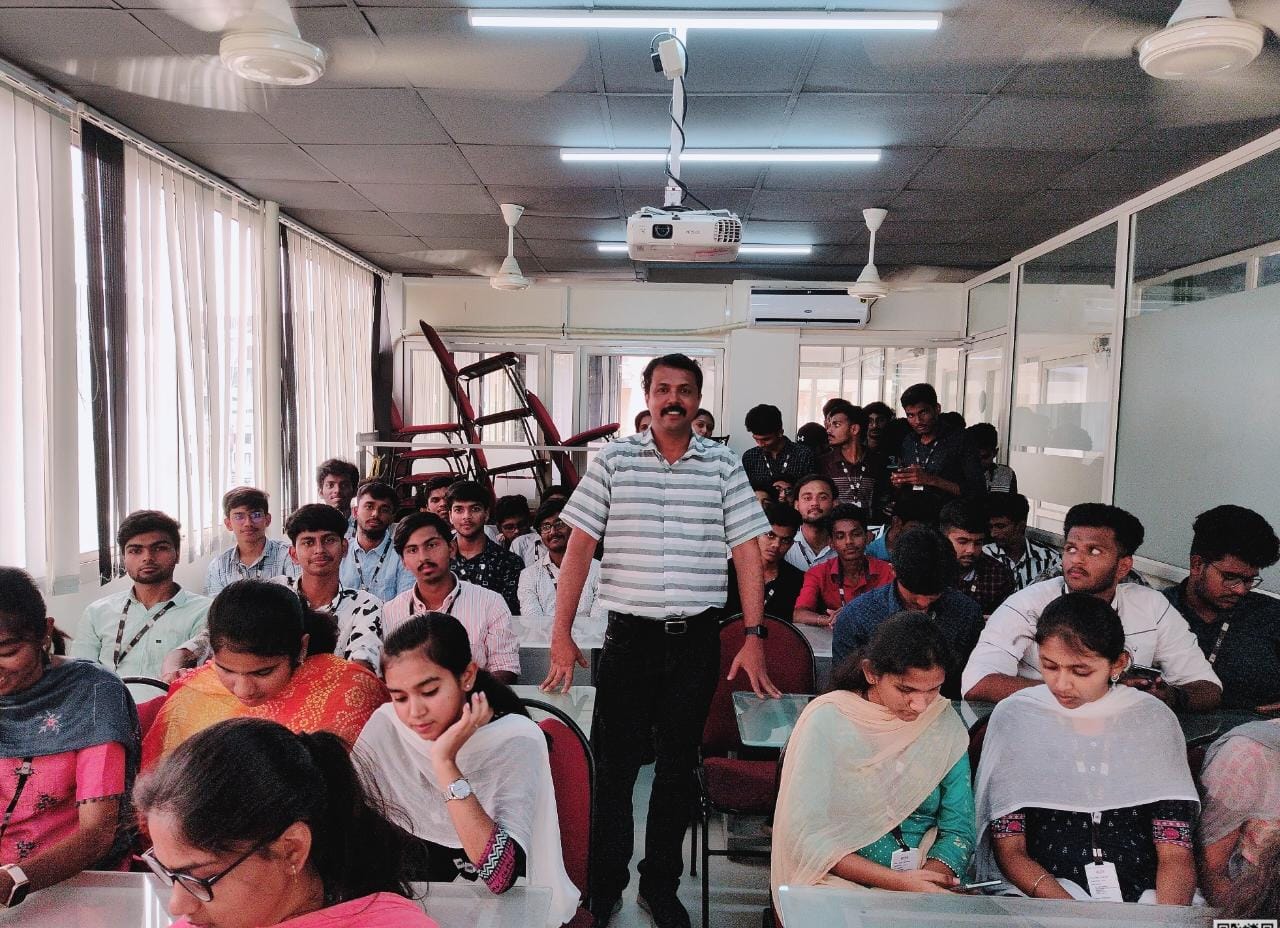
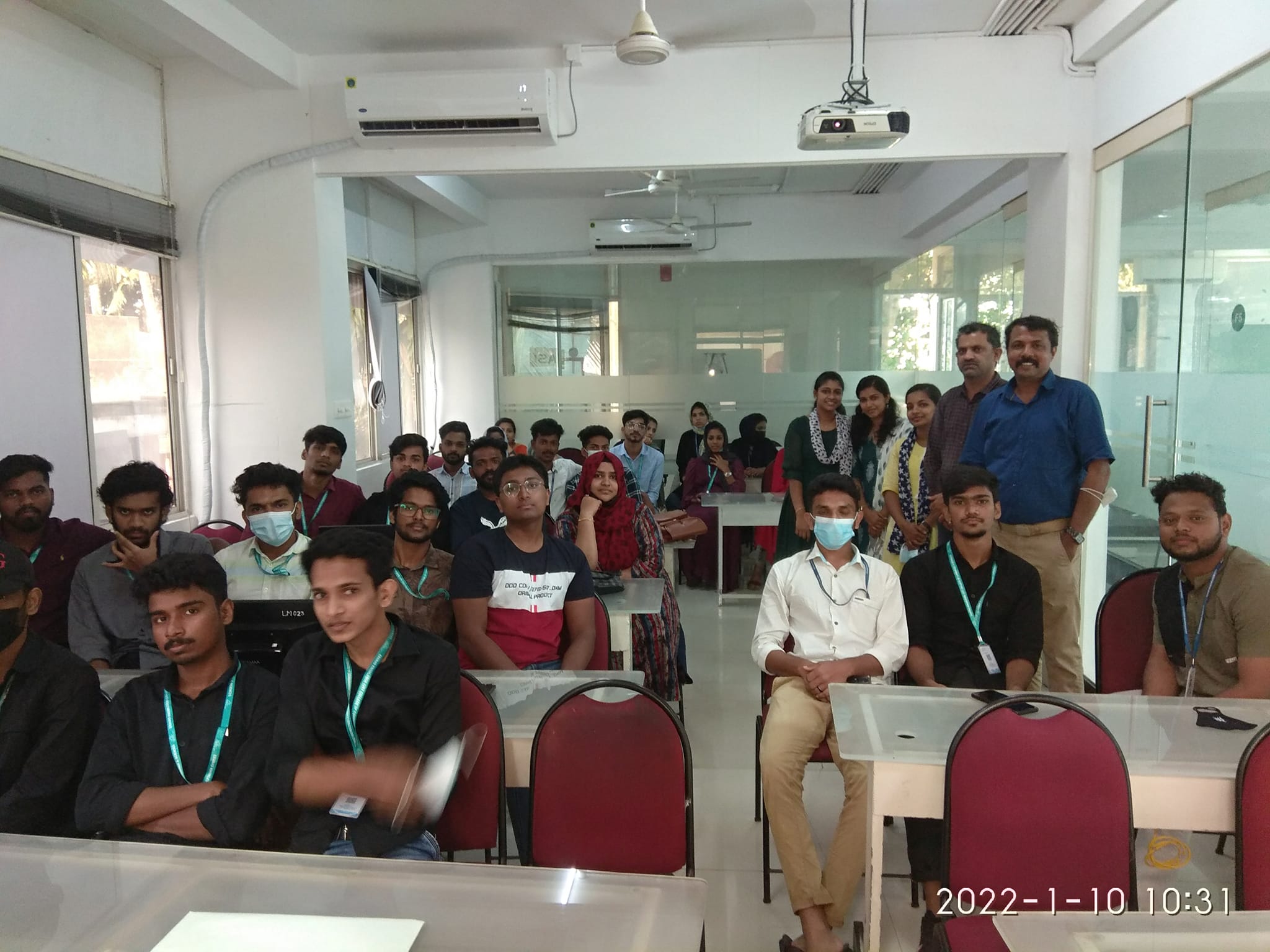
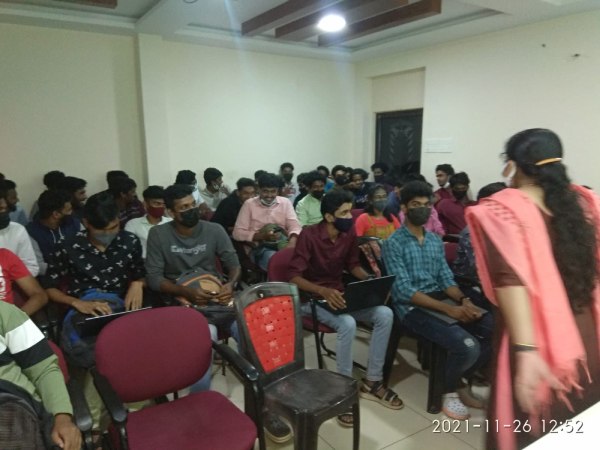
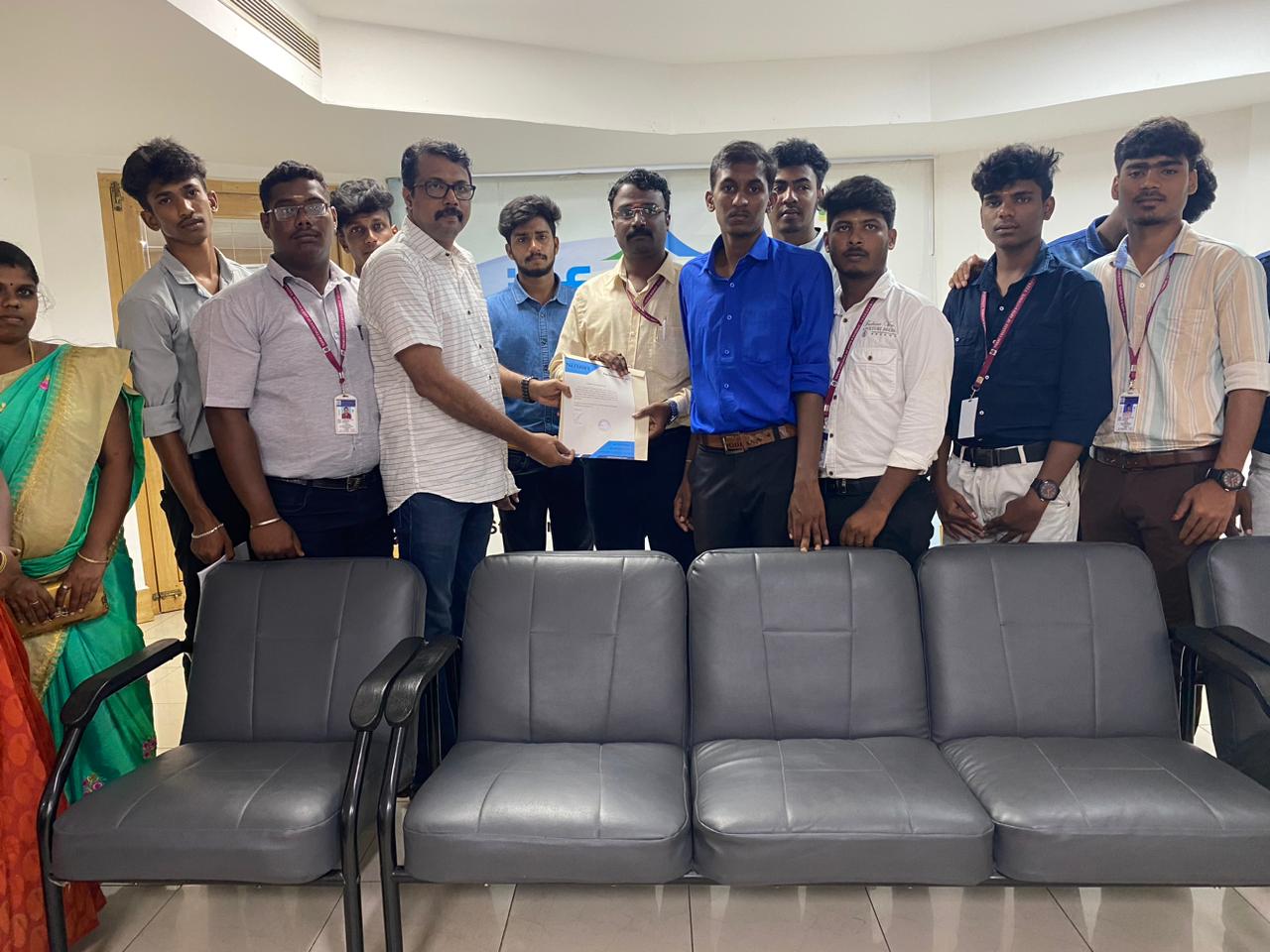
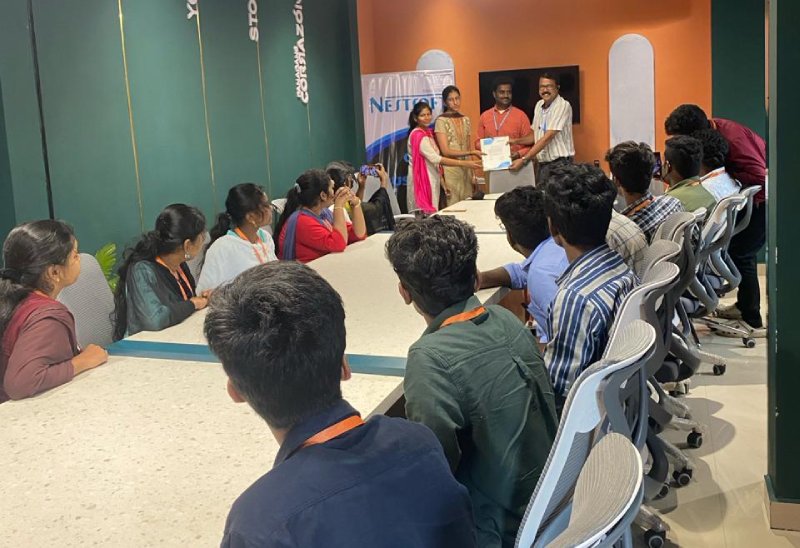
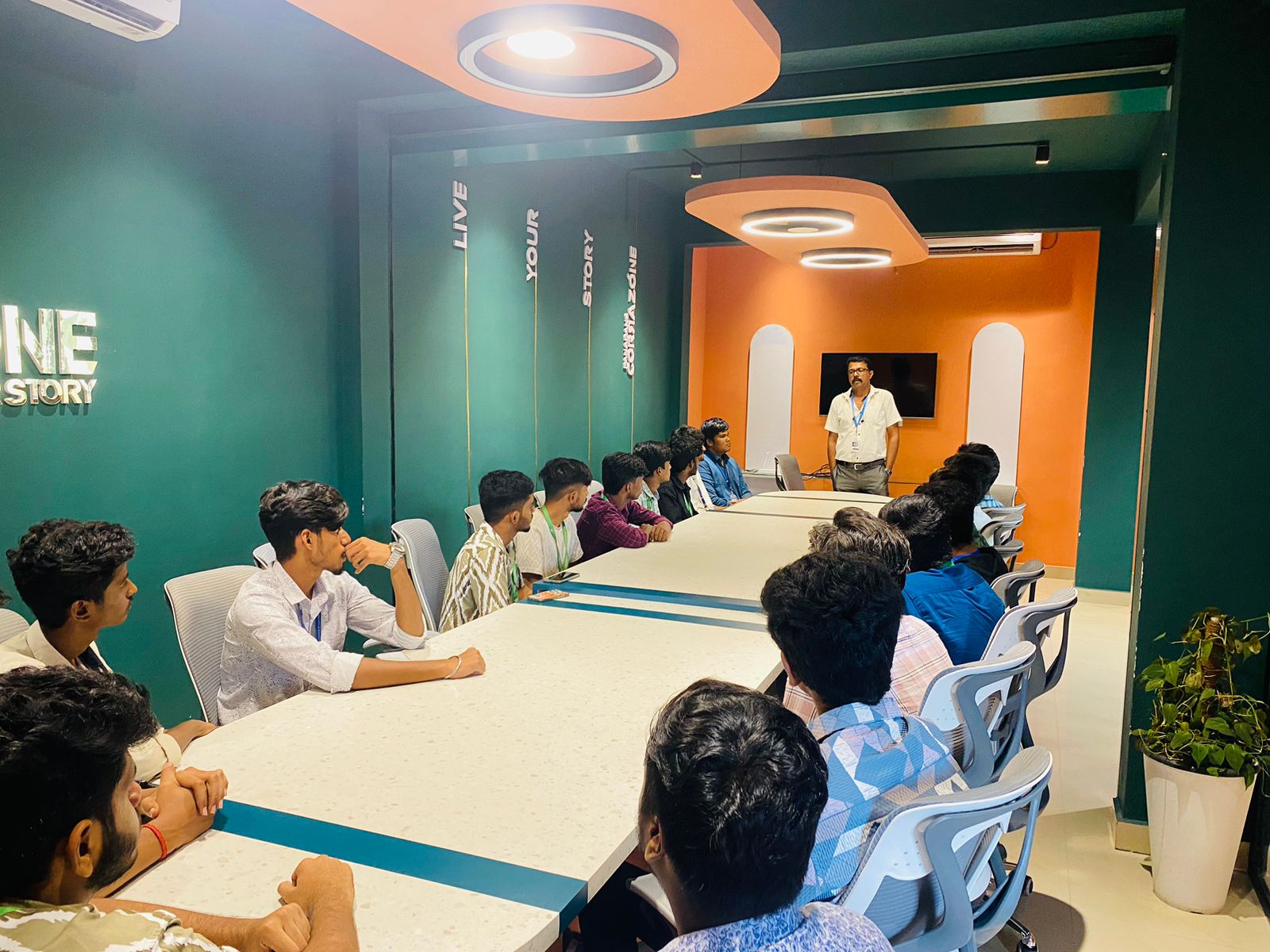
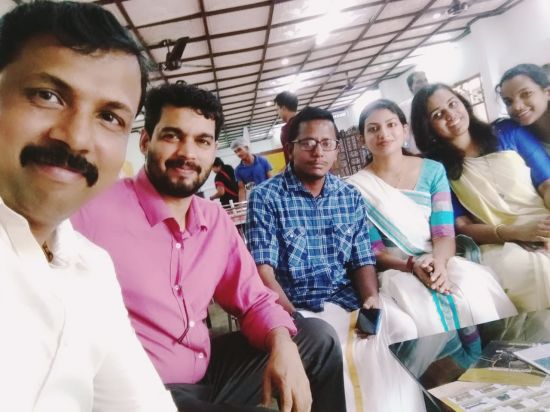
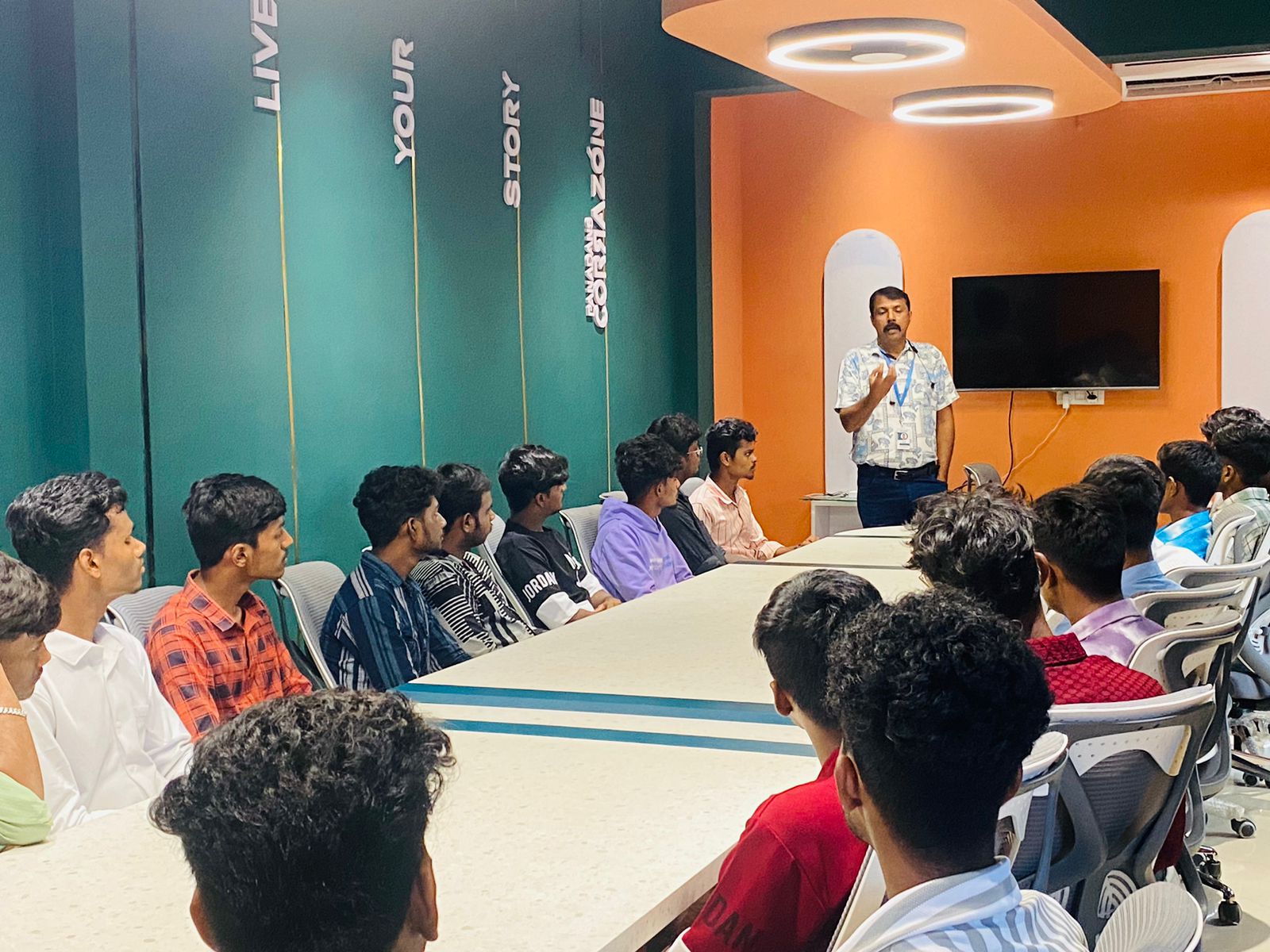
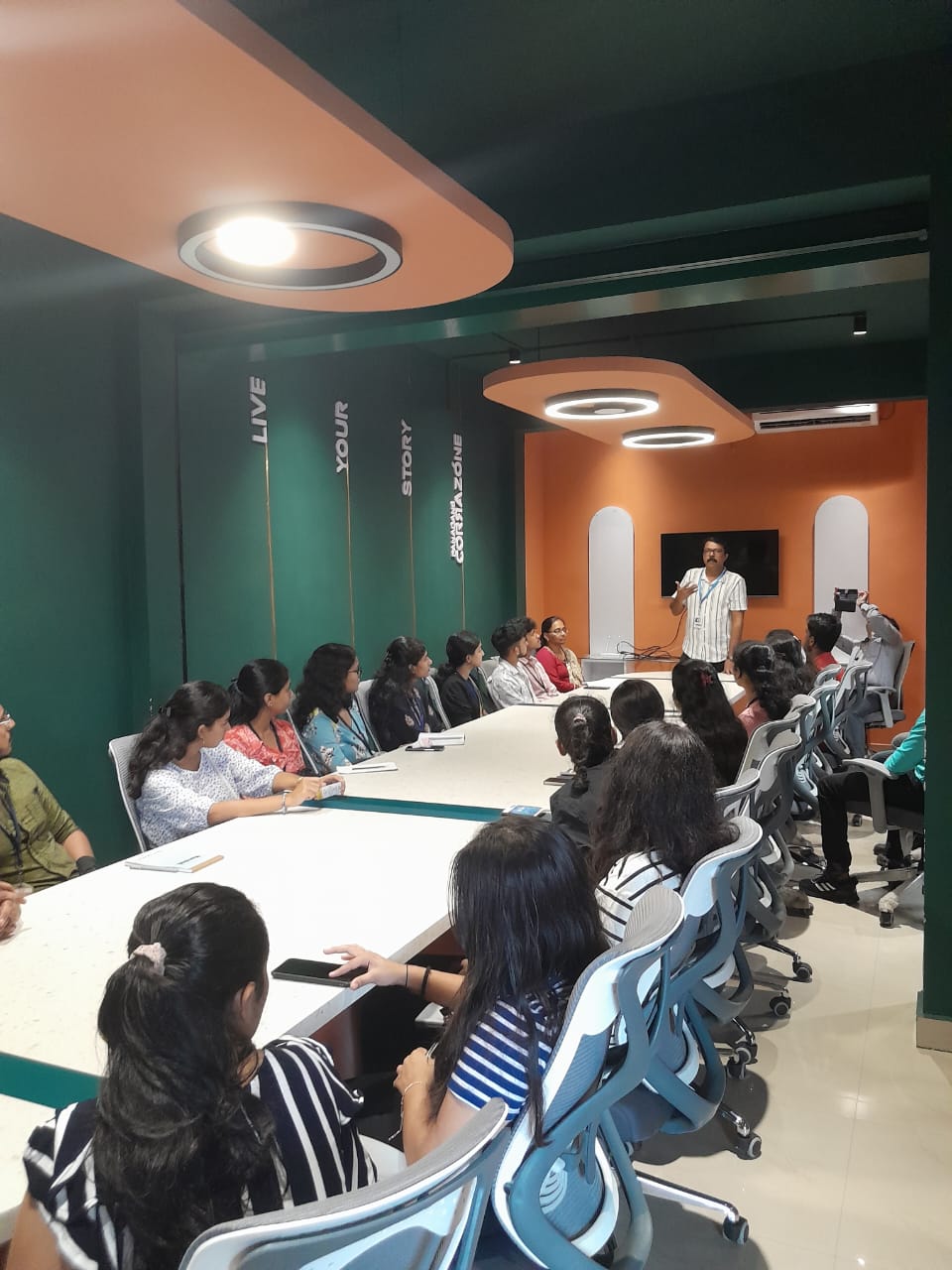
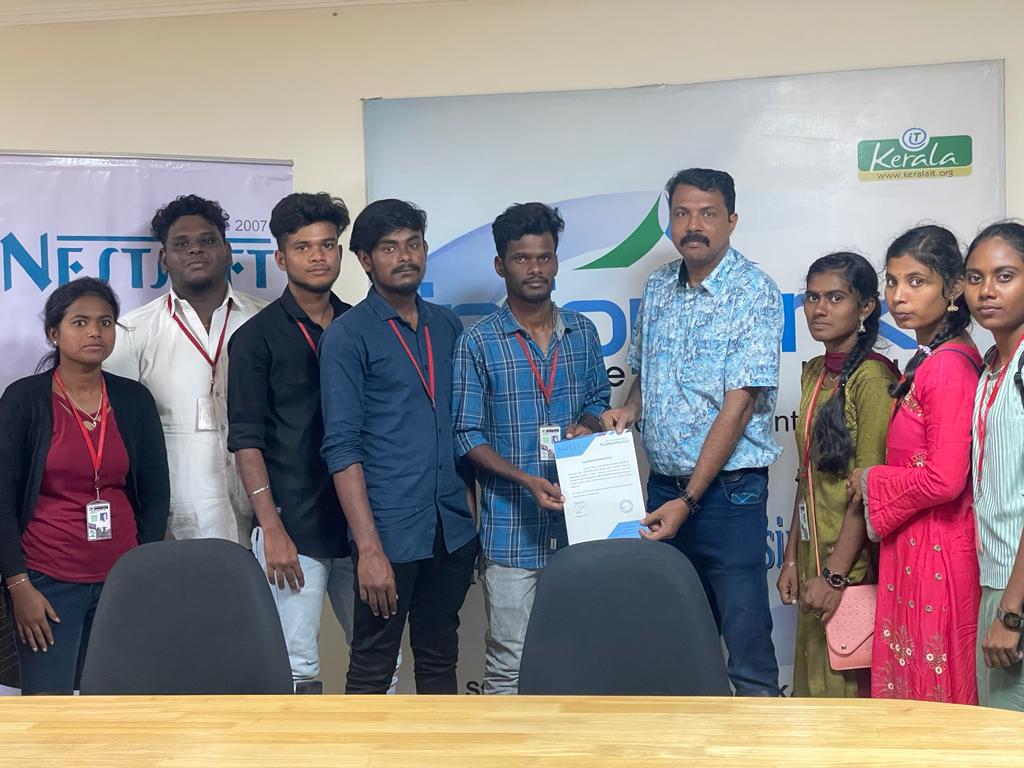
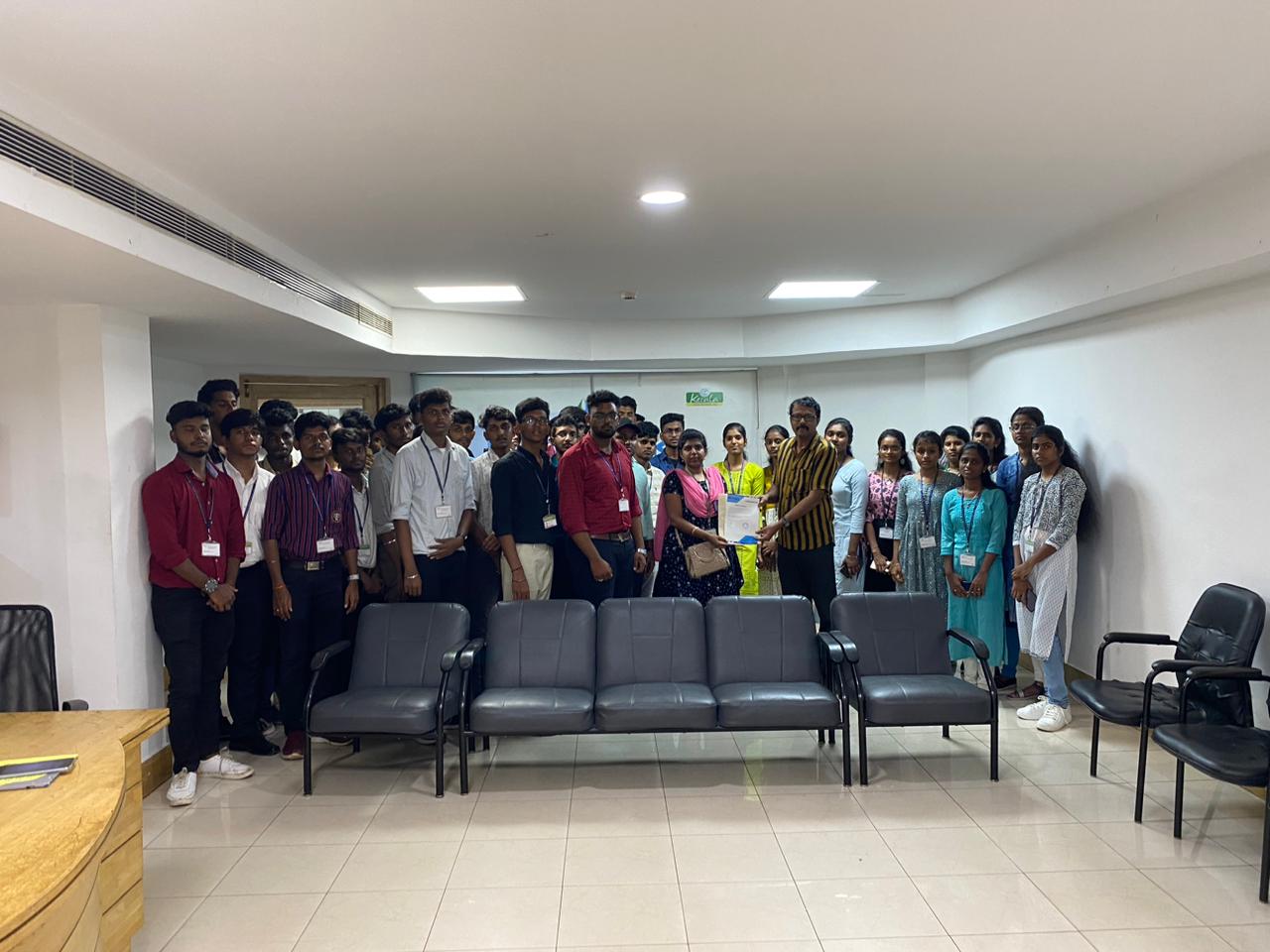
Photos of Training / Internships

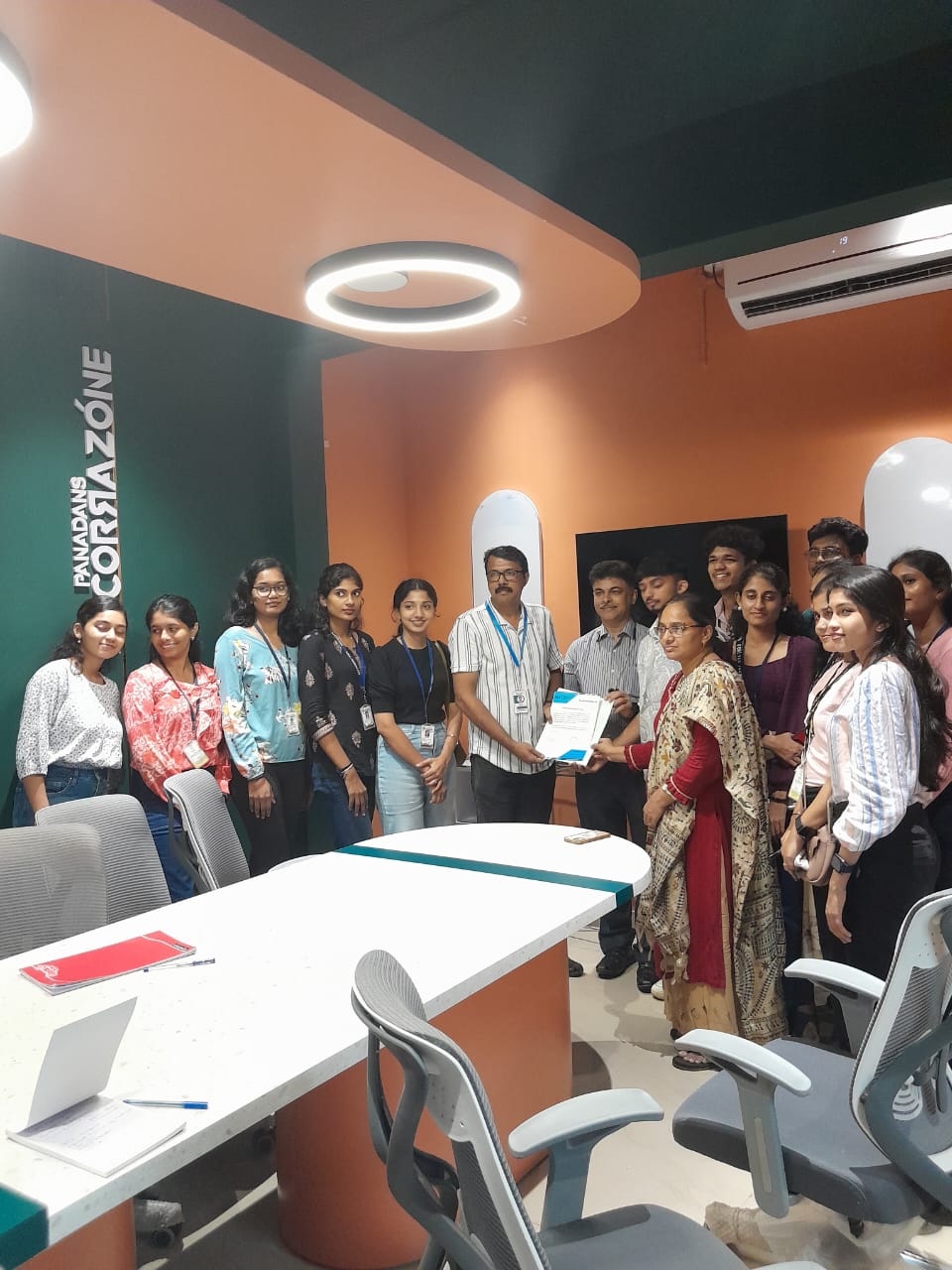
Internship/projects in tiruppur

Trained more than 10000+ students who trust Nestsoft TechnoMaster

Get Your Personal Trainer