Send enquiry ⏎

Adobe InDesign Online Live Class by Experts

Our Training/Internship Process

Adobe InDesign Online Live Classes in Kottayam | Free Demo Training

Adobe InDesign - Syllabus, Fees & Duration

Section 1

    Straight Lines
  • Using the Pen Tool
  • Adjusting the Workspace
  • Arranging Objects
  • Color Fills
    Curves
  • Drawing Curves (Pen Tool)
  • Anchor Points and Direction Points
  • Default Fill and Stroke
    Corners and Curves
  • Drawing Corners and Curves (Pen Tool)
  • Adjusting Anchor Points

Section 2

    No Smoking Sign
  • Fill and Stroke
  • Basic Shape Tools
  • Grouping Objects
  • Layers Panel
  • Working with Templates
    Super Hero
  • Live Trace and Live Paint
  • Tracing Hand-Drawn Images
  • Coloring Live Paint Objects
  • Brushes
  • Flare Tool

Section 3

    What’s Behind the Green Door?
  • Compound Paths
  • Group Selection Tool
    Mask Till You Drop
  • Clipping Masks (Shapes)
  • Blob Brush Tool
  • Eraser Tool
  • Reflect Tool
    Masking with Type
  • Type Tool
  • Clipping Masks (Editable Type)
  • Filling Text with a Photo
  • Placing Linked Images
    3D Shape: Milk Duds Box
  • 3D Extrude & Bevel
  • Creating Symbols from Artwork
  • Mapping Symbols onto 3D Objects
  • Lighting and Shadows for 3D Objects

Section 3

    Will It Blend?
  • Blend Tool
  • Blending Options
    Wavy Line Blend
  • Blending Lines
  • Reflect Tool
  • Rotate Tool
    Juggling Colors and Gradients
  • Dashed Lines and Stroke Options
  • Saving Colors as Swatches
  • Blending Modes
  • Gradient Tool
  • Saving Gradient Swatches
    Combining Shapes with the Pathfinder
  • Merging Paths (Pathfinder)
  • Transparency Options
  • Grouping Objects

Section 5

    Patterns
  • Creating and Applying Pattern Swatches
  • Scaling and Rotating Patterns
  • Working with Layers
  • Align Panel
    One-Page Advertisement
  • Working with Type
  • Text and Character Options
  • Adding a Drop Cap
  • Type on a Path
  • Text Wrap
  • Fill Text with a Pattern
    Stylin’ Effects
  • Using the Appearance Panel
  • Transparency
  • Blending Modes
  • Drop Shadows
  • Arrowheads
    Appearance and Graphic Styles
  • Graphic Styles
  • Appearance Panel
  • Multiple Fills
  • Auto-sizing Text Boxes

Section 6

    Layers, Artboards & Recoloring Artwork
  • Adding and Removing Layers
  • Creating and Using Multiple Artboards
  • Recoloring Artwork

Download Syllabus - Adobe InDesign
This syllabus is not final and can be customized as per needs/updates
   
10000+
20+
50+
25+

Adobe InDesign Jobs in Kottayam

Enjoy the demand

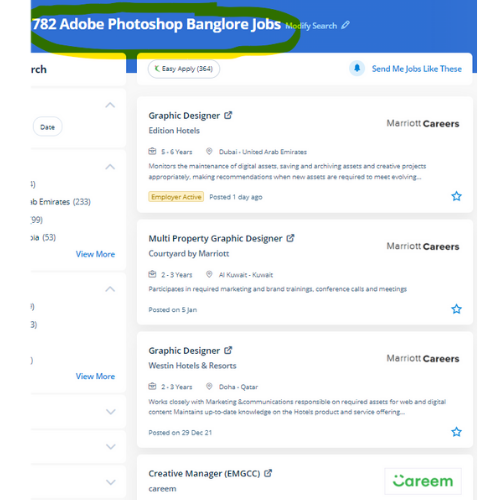
Find jobs related to Adobe InDesign in search engines (Google, Bing, Yahoo) and recruitment websites (monsterindia, placementindia, naukri, jobshybrid.com, indeed.co.in, shine.com etc.) based in Kottayam, chennai and europe countries. You can find many jobs for freshers related to the job positions in Kottayam.

  • Graphic Designer
  • Creative Graphic Designer
  • Flexible Graphic Designer
  • Web Graphics Designer
  • Content Creator
  • Desktop Support
  • Digital Designer
  • Design Assistant
  • Ui/Ux Designer
  • Designing Trainer

Adobe InDesign Internship/Course Details

Adobe InDesign internship jobs in Kottayam
Adobe InDesign one of the advantages of the tools contained in Adobe InDesign is that it's some image editing which will provide identical results as that of Adobe Photoshop just like a shadow, bevel, glow, and so forth. we provide Adobe InDesign coaching online which will prepare you for the Adobe Certified skilled exam. Adobe InDesign helps designers to design and layout documents like books, ads, stationery, catalogs, brochures, and more, and it is the proper choice for anything that has multiple page layouts. Adobe InDesign CC could also be a strong publishing tool that allows you to style layout-based content for print and digital devices. Nestsoft InDesign training you will learn the way to create flyers, posters, newsletters, advertising, stationery, magazines, brochures, and more. Live classes are recorded, therefore you will be ready to review them in your own time or log in to find out at a time that works best for you. the most recent unleash is compatible with each raincoat OS and Windows software, allowing users to form a similar workflow irrespective of what kind of computer they're using. The outline of the course also contains productive and useful information on the proper and applicable utilization of the gradients, swatches, and colors. . Our target is to create talented students in our InDesign Course with the would possibly confidence to use their new skills effectively in the real world.


Meet a Few of our Industry Experts 🚀 Your Pathway to IT Career

Fallou

Mobile: +91 9895490866
Location: Online (Kottayam, India)
Qualification: Développement web

Experience: Web development with HTML and CSSAdvanced proficiency in the Wix applicationDesigning attractive websitesOptimizing website performanceClient collaborationProblem-solving skills  more..

Gomathi

Mobile: +91 9895490866
Location: Online (Kottayam, India)
Qualification: Bachelor degree

Experience: Java Javascript react Html css  more..

Hasan

Mobile: +91 91884 77559
Location: Online (Kottayam, India)
Qualification: Diploma

Experience: 2 years Experience in graphic design with intermediate knowledge of ui ux Software I use Photoshop illustrator figma Corel drawn  more..

Aiswarya

Mobile: +91 9895490866
Location: Online (Kottayam, India)
Qualification: BSC COMPUTER Science

Experience: 9 month training experience with software testing   more..

Vanshika

Mobile: +91 91884 77559
Location: Online (Kottayam, India)
Qualification: B.Tech

Experience: Computer Skills C & python Programming language  more..

Josiya

Mobile: +91 8301010866
Location: Online (Kottayam, India)
Qualification: BCOM Finance

Experience: 1 year experience in Social media handling Content writing Proof reading Manual software testing MS Office   more..

Nitin

Mobile: +91 91884 77559
Location: Online (Kottayam, India)
Qualification: MCA

Experience: Experienced Lead Mobile Developer with a proven track record of delivering cutting-edge mobile applications Proficient in Android (Kotlin Java) I  more..

Jemsheed

Mobile: +91 91884 77559
Location: Online (Kottayam, India)
Qualification: Bachelors in computer application

Experience: Selenium webdriver with java Manual testing Sql server (1year exp ) Basics of postman jmeter and jira  more..

Anish

Mobile: +91 98474 90866
Location: Online (Kottayam, India)
Qualification: MCA

Experience: Software development Html Css Python   more..

vijayan

Mobile: +91 91884 77559
Location: Online (Kottayam, India)
Qualification: BE

Experience: 7 6 Years Exp in iOS application development  more..

Gaurav

Mobile: +91 98474 90866
Location: Online (Kottayam, India)
Qualification: Bachelor's degree

Experience: I have some skills like Power bi MySQL programming language Figma Canva Data analytics web designing and advanced Excel etc  more..

Soundarya

Mobile: +91 94975 90866
Location: Online (Kottayam, India)
Qualification: B.Tech

Experience: I have a 1 year experience as a UI developer in resilient lab Pvt Ltd Kolhapur   more..

Shalmi

Mobile: +91 8301010866
Location: Online (Kottayam, India)
Qualification: Bsc. Computer science

Experience: Html css javascript react js  more..

Priyanshi

Mobile: +91 91884 77559
Location: Online (Kottayam, India)
Qualification: B.TECH in computer science

Experience: Designed vector logos marketing assets and social media creatives for small businesses individuals and university events Designed marketing collateral such  more..

Rubina

Mobile: +91 8301010866
Location: Online (Kottayam, India)
Qualification: Btech

Experience: java python JUnit5 SQL HTML SEO AWS  more..

Shilpa

Mobile: +91 98474 90866
Location: Online (Kottayam, India)
Qualification: Diploma in CS

Experience: I have don 6month internship as a software testing   more..

Pinki

Mobile: +91 9895490866
Location: Online (Kottayam, India)
Qualification: M.C.A

Experience: I have 8+ years of experience in odoo erp  more..

Sudhanshu

Mobile: +91 91884 77559
Location: Online (Kottayam, India)
Qualification: B.Tech

Experience: I am Sudhanshu Ranjan a Software Developer at Tech Martin Pvt Ltd with 2 months of internship experience I have  more..

Taniya

Mobile: +91 89210 61945
Location: Online (Kottayam, India)
Qualification: Pursuing Bachelors in Interaction design

Experience: Skills UI design Visual design Prototyping UX research Information architecture Empathy mapping mobile first design Branding Software Figma Adobe creative  more..

Bhavitha

Mobile: +91 98474 90866
Location: Online (Kottayam, India)
Qualification: BTech

Experience: Freelance Product Designer | Tassel Tales Conducted user research and crafted personas to inform design decisions boosting usability scores Designed  more..

Kanika

Mobile: +91 98474 90866
Location: Online (Kottayam, India)
Qualification: 3rd year BE.CS

Experience: HTML CSS JavaScript: Web development technologies for content design and interactivity Git: Version control for code management and collaboration Java:  more..

Shalini

Mobile: +91 91884 77559
Location: Online (Kottayam, India)
Qualification: b.tech

Experience: I am working on the php laravel and wordpress development  more..

Varghese

Mobile: +91 8301010866
Location: Online (Kottayam, India)
Qualification: BCA

Experience: My name is Varghese Elias an Aspiring Software Engineer seeking challenging openings in the field of Full stack web development  more..

Diya

Mobile: +91 8301010866
Location: Online (Kottayam, India)
Qualification: B. Tech, ECE

Experience: Good in C C++ programming beginner level python and Java knowledge Web designing basics  more..

Success Stories

The enviable salary packages and track record of our previous students are the proof of our excellence. Please go through our students' reviews about our training methods and faculty and compare it to the recorded video classes that most of the other institutes offer. See for yourself how TechnoMaster is truly unique.

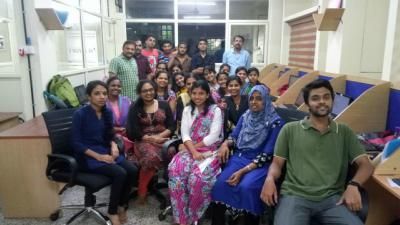
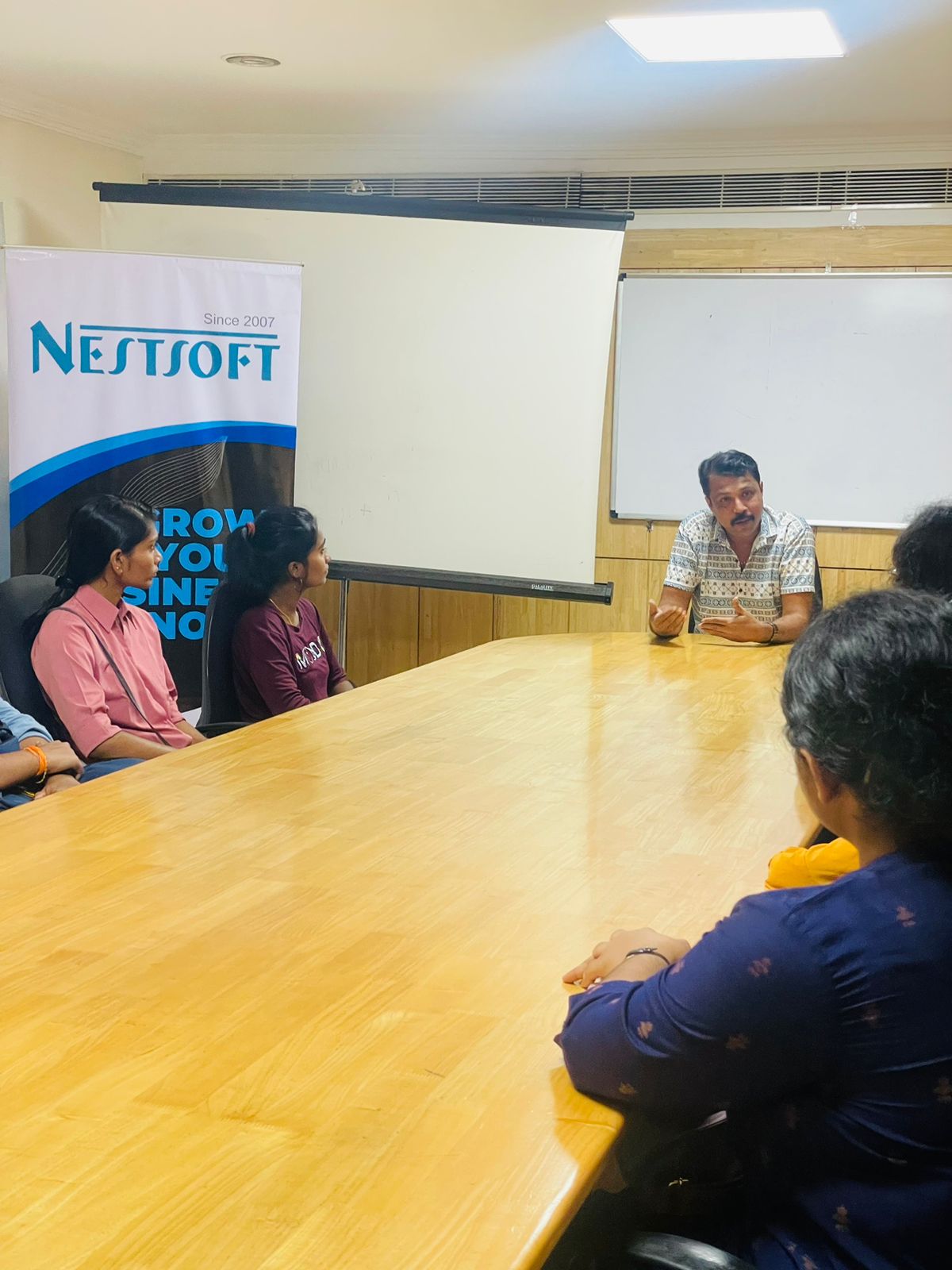
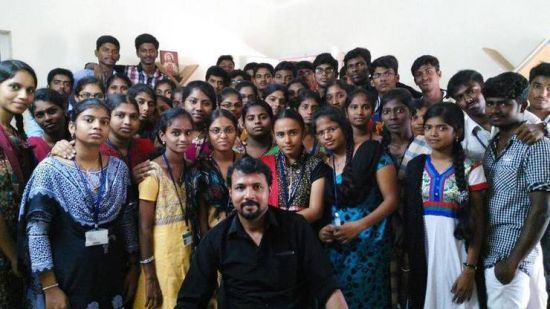
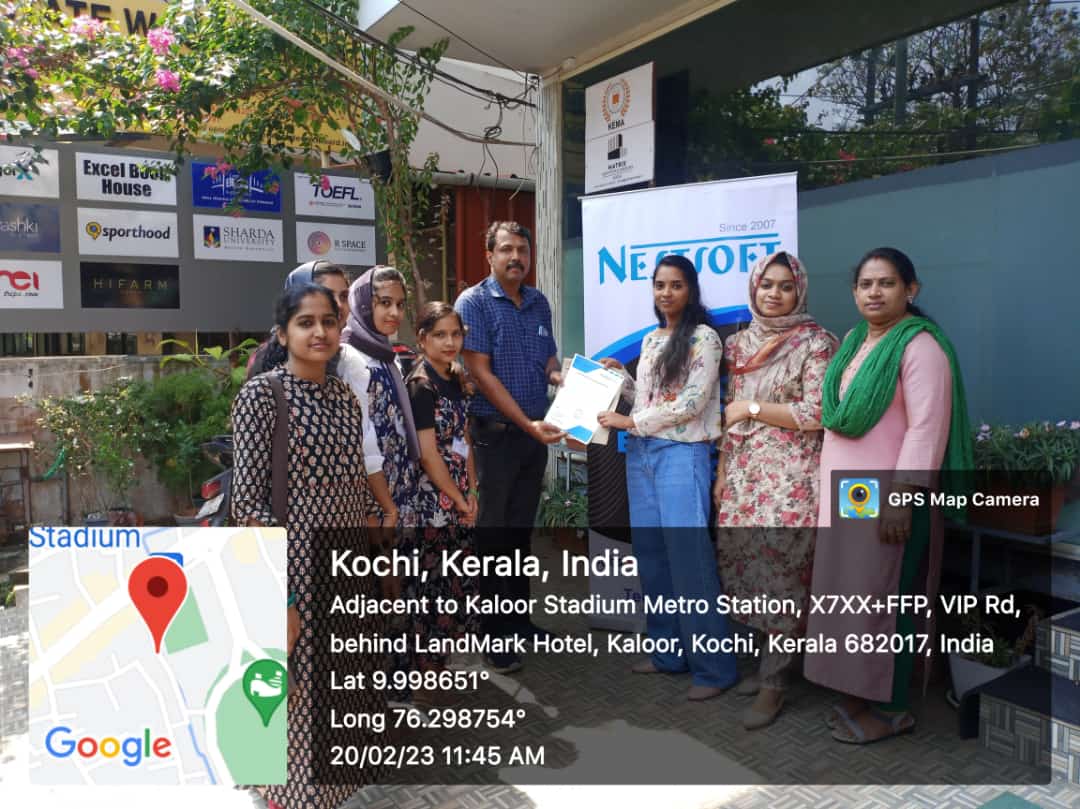
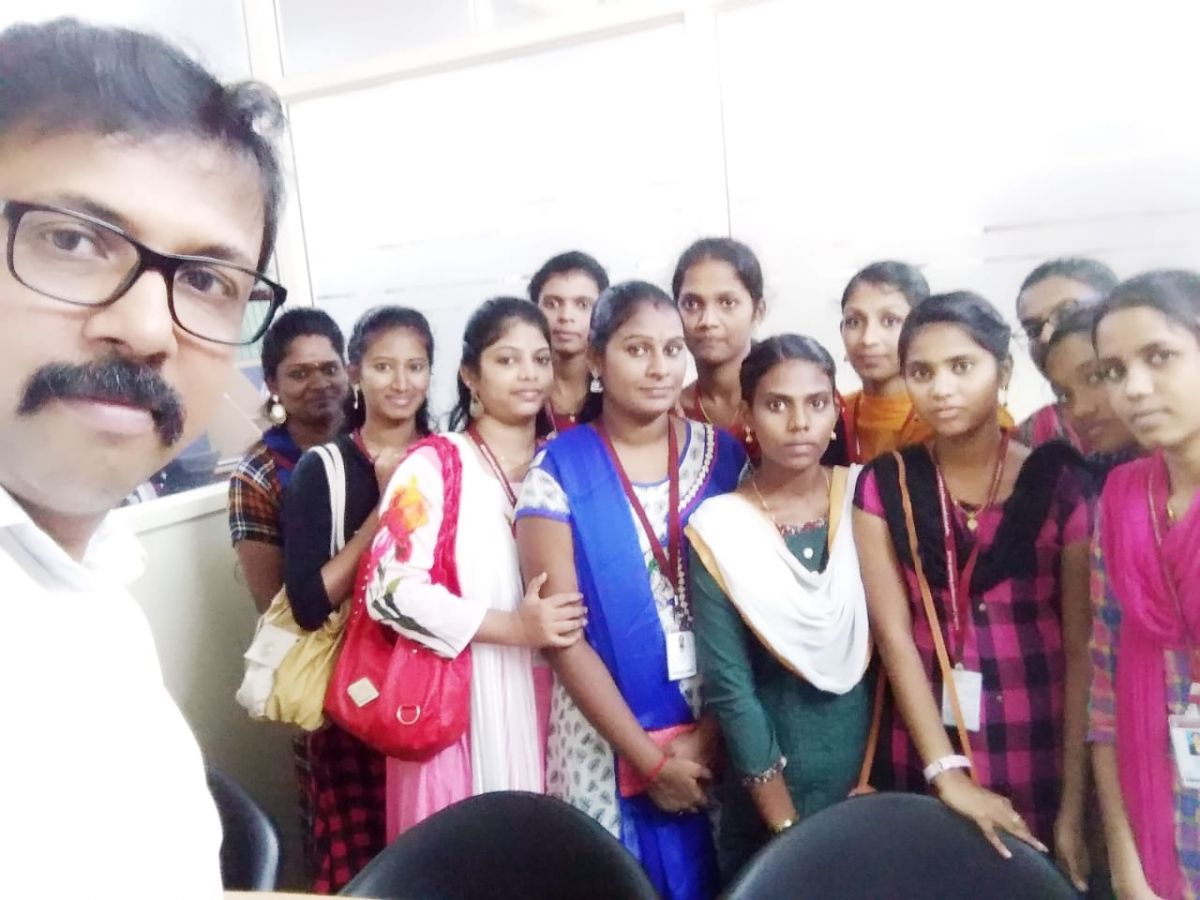
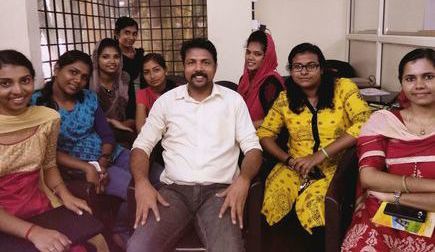
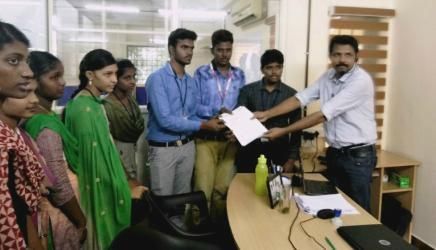
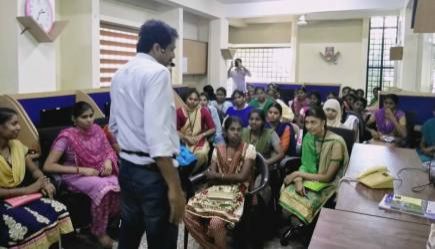
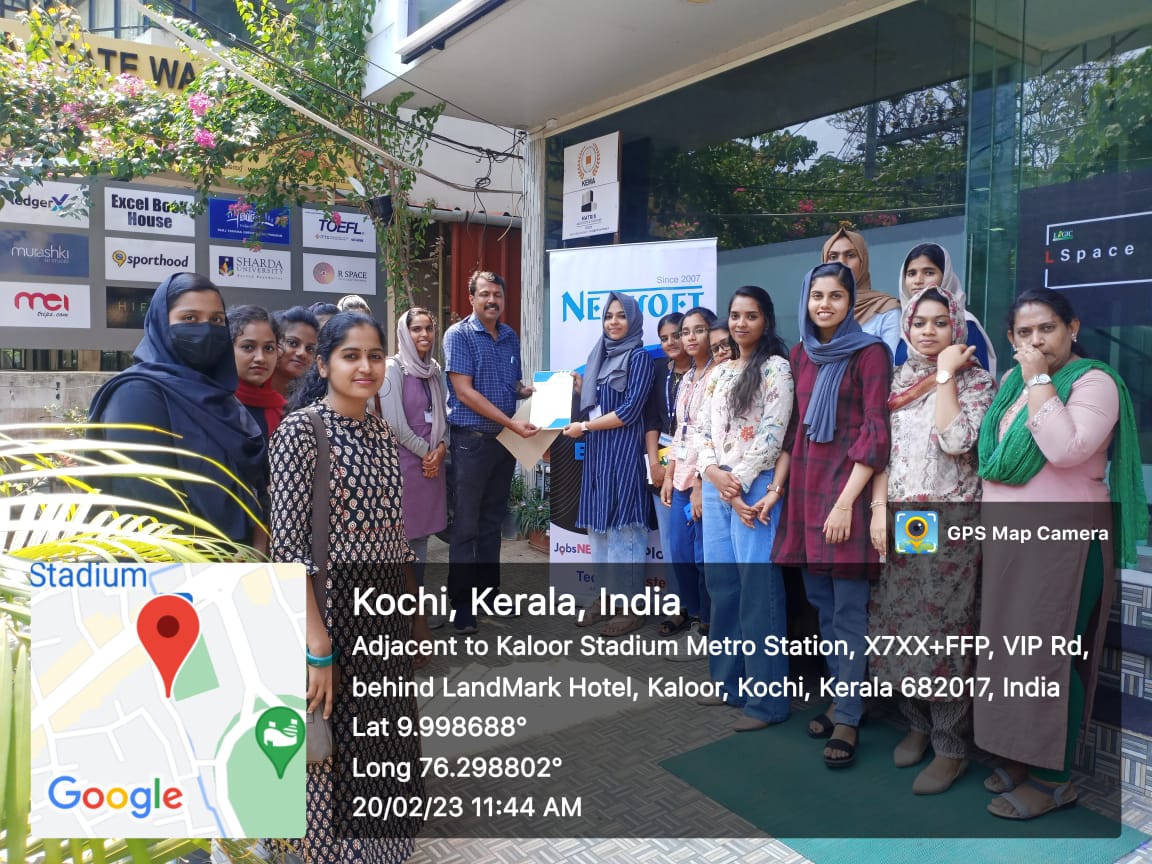
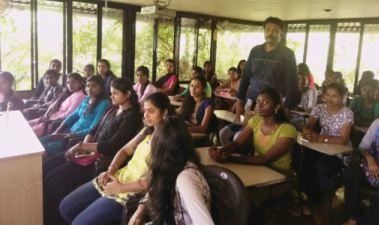
Photos of Training / Internships

Internship/projects in kottayam

Trained more than 10000+ students who trust Nestsoft TechnoMaster

Get Your Personal Trainer