Send enquiry ⏎

Python/Django Online Live Class by Experts

Our Training/Internship Process

Python/Django Online Live Classes in Kerala | Free Demo Training

Python/Django - Syllabus, Fees & Duration

HTML 5 (5 Hours)

CSS (5 Hours)

Bootstrap (5 Hours)

Javascript (5 Hours)

Introduction to Python

  • History
  • Features
  • Installation
  • Operators
  • Variables

Introduction to Datatypes

  • Python numbers
  • Python strings
  • Python lists
  • Python tuples
  • Python dictionary

Programming Concepts

  • If statements
  • If else
  • Else if statements
  • While loop
  • For loop

Functions and Modules

  • Defining a function
  • Calling a function
  • Function arguments
  • Importing modules
  • Built in modules

Object Oriented Programming

  • Class and objects
  • Super and sub class
  • Constructor
  • Inheritance

Files and Exception Handling

  • Opening and closing a file
  • Reading and writing on a file
  • File methods
  • Exception handling
  • Raising an exception

GUI Development using Tkinter

  • Introduction to Tkinter
  • Tkinter programming
  • Tkinter widgets
  • Standard attributes
  • Geometry management

Basic Widgets and Advanced Widgets

  • Using radio buttons
  • Using check box
  • Spin box
  • Scroll bar and slider
  • List widget
  • Display system clock time
  • Working with calendar
  • Combo box
  • Displaying table
  • Displaying graphics

OS Module and Network Programming

  • Environment
  • Directory Commands
  • Miscellaneous OS Calls and Walking through Directories
  • Network programming and Introduction

SQL and SQL Constrains

  • Introduction
  • DDL commands
  • DML commands
  • SQL statements ,operators, clauses
  • Aggregate functions

Database Handling with SQL Lite

  • Database maintenance through console based programs
  • Database maintenance through GUI based program

MongoDb with Python

  • MongoDb installation
  • MongoDb Compass
  • MongoDb Data Modeling
  • MongoDb Connectivity
  • MongoDb CRUD operations

Firebase Realtime Database

  • Fire base Installation
  • Environment setup
  • Introduction to JSON
  • CRUD operations

Introduction to Web designing

  • HTML
  • CSS

Introduction to Client Side Scripting

  • Java script
  • jQuery
  • Bootstrap

Basic Study of Django Framework

  • What is Django?
  • Where did it come from?
  • What does Django code look like?
  • Installing Django

Django Templates and Form Details

  • What is Django?
  • Where did it come from?
  • What does Django code look like?
  • Installing Django

Django Admin Customization

  • Where did it come from?
  • Registering models
  • Creating a super user
  • Logging in and using the site
  • Advanced configuration

Rest APIs and User Authentication

  • Project setup
  • Views
  • URL’s
  • Settings
  • Testing our API
  • Enabling authentication
  • Creating users and groups
  • Setting up your authentication views
  • Permissions

Deploying Django Framewok

  • Production environment
  • Choosing a hosting provider
  • Getting your website ready to publish
  • Installing local library

Python FLASK Framewok

  • Introduction
  • What Is Flask
  • Why Use Flask?
  • Installing Flask
  • Setting Up Our Development Environment
  • Locally Using our Operating System

Introduction to Virtual ENV and PIP

  • Locally Using Docker
  • Using a Cloud-Based IDE
  • The Code Editor
  • Installing Flask
  • Our Initial App
  • Debugging
  • Routing
  • Using url_for
  • The GET method
  • The POST method

Advanced Python Concepts

Download Syllabus - Python/Django
This syllabus is not final and can be customized as per needs/updates
   
10000+
20+
50+
25+

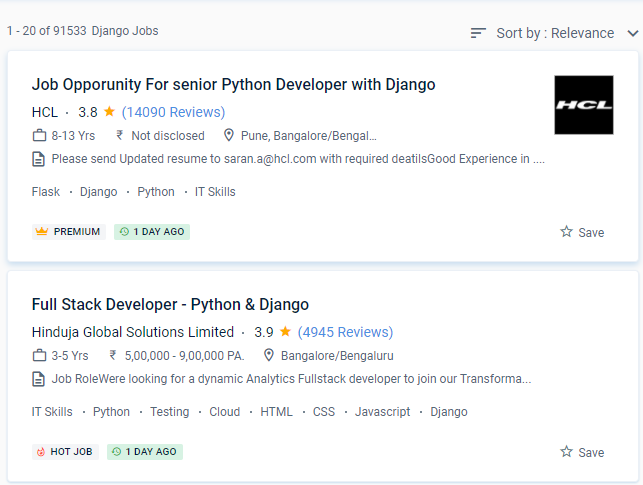
Python/Django Jobs in Kerala

Enjoy the demand

Find jobs related to Python/Django in search engines (Google, Bing, Yahoo) and recruitment websites (monsterindia, placementindia, naukri, jobshybrid.com, indeed.co.in, shine.com etc.) based in Kerala, chennai and europe countries. You can find many jobs for freshers related to the job positions in Kerala.

  • Python Developer
  • Odoo Developer
  • Backend Engineer (Django)
  • Full-Stack Engineer
  • Software Engineer Python
  • Django Developer
  • Application Architect
  • Python Azure Developer
  • Software developer
  • Principal Backend Engineer

Python/Django Internship/Course Details

Python/Django internship jobs in Kerala
Python/Django Python applications are straightforward to read and write thanks to the language's basic syntax, and it's a widely used language in the software industry. Python is used in practically every sector because of its numerous responsibilities. You don't want to have to figure out database queries on your own and instead prefer ORM support. Come learn Python Full Stack at Nestsoft. It's easier to pick up than other languages. Whether you're a first-time programmer or have experience with other languages, Python is frequently simple to choose. It's a programming language that allows you to interact with your code. This course is designed to be easy to comprehend for novices, and you'll use it to construct applications. If you're serious about learning Python, we recommend that you give it a shot because it's one of the most user-friendly programming languages available. With Nestsoft in Kerala, you can be a part of the Python journey.


Meet a Few of our Industry Experts 🚀 Your Pathway to IT Career

Srinivas

Mobile: +91 9895490866
Location: Online (Kerala, India)
Qualification: Bachelors of engineering

Experience: AWS devop linux and python   more..

Nikita

Mobile: +91 8301010866
Location: Online (Kerala, India)
Qualification: Finally year

Experience: I am a CCNA developer and i have certified in CCNA training I am seeking for a job opportunity which  more..

Shahinshah

Mobile: +91 89210 61945
Location: Online (Kerala, India)
Qualification: Bca

Experience: I have more than 3 5 yrs of exp in odoo I have worked in versions from 13 - 17  more..

Sushma

Mobile: +91 91884 77559
Location: Online (Kerala, India)
Qualification: MHA

Experience: Hospital operations HMIS implementation testing training quality insurance and prices designing and implementing   more..

Febin

Mobile: +91 89210 61945
Location: Online (Kerala, India)
Qualification: Plus two

Experience: Html css javascript node js express js mongo db react js bootstrap jquery ajax figma photoshopApplication for Meanstack Developer Mean  more..

Chintan

Mobile: +91 98474 90866
Location: Online (Kerala, India)
Qualification: Diploma in computer engineering

Experience: I'm a have good knowledge about professional android deployment like jetpack component MVVM Kotlin  more..

Pratik

Mobile: +91 94975 90866
Location: Online (Kerala, India)
Qualification: BE

Experience: Maual Testing Automation Testing API testing 1 2 years of experience in manual testing in eLearning domain   more..

Neeraj

Mobile: +91 89210 61945
Location: Online (Kerala, India)
Qualification: MCA

Experience: 10+Year of exaperience Developed 25+ application for android platform  more..

Hanzalah

Mobile: +91 94975 90866
Location: Online (Kerala, India)
Qualification: BSc.IT

Experience: I have some prior experience with some programming languages like python html css js and django other then that i  more..

Aditya

Mobile: +91 94975 90866
Location: Online (Kerala, India)
Qualification: B.Tech Computer science engineering

Experience: Enthusiastic and results-driven Graduate Web Developer with a proven track record in delivering high-quality website functionality and web application solutions  more..

Sabna

Mobile: +91 8301010866
Location: Online (Kerala, India)
Qualification: 3yr diploma in computer engineering at IPT & GPTC Shoranur

Experience: I have one year experience in php and am currently working as a node js developer I have experience in  more..

Akbar

Mobile: +91 91884 77559
Location: Online (Kerala, India)
Qualification: Diploma

Experience: Hello Akbar Khan! I'm a 19-year-old with a year of experience in graphic design and web development I've honed my  more..

Anagha

Mobile: +91 98474 90866
Location: Online (Kerala, India)
Qualification: MCA

Experience: Skills Knowledge in software testing Knowledge in LARAVEL C JAVA DBMS Confident Articulate and Professional Speaking abilities Ability to work  more..

kuldeep

Mobile: +91 89210 61945
Location: Online (Kerala, India)
Qualification: MCA

Experience: Hello sir madam First of all thank you for giving me this opportunity I am Kuldeep Dubey from Indore (Madhya  more..

Muhammed

Mobile: +91 98474 90866
Location: Online (Kerala, India)
Qualification: B tech

Experience: Manuel testing validation testing technical support troubleshooting connectivity testing   more..

Omkar

Mobile: +91 89210 61945
Location: Online (Kerala, India)
Qualification: BCA in Cyber and Cloud Security

Experience: As a cybersecurity specialist I have extensive experience and skills including expertise in Qualys VMDR completion of the Google Cybersecurity  more..

GOPINADH

Mobile: +91 91884 77559
Location: Online (Kerala, India)
Qualification: MA

Experience: AWS DevOps tools apache tomcat K8s Terraform python  more..

AKHIL

Mobile: +91 91884 77559
Location: Online (Kerala, India)
Qualification:

Experience: Skilled node js developer having 1 year of experience | Resume for Node JS Developer  more..

Muhammed

Mobile: +91 9895490866
Location: Online (Kerala, India)
Qualification: Bba

Experience: Web design (word press) Google ads  more..

Rehana

Mobile: +91 89210 61945
Location: Online (Kerala, India)
Qualification: MSC.IT

Experience: Learned various programming languages such as C C++ Java HTML Python Data structures Php etc  more..

Pratik

Mobile: +91 9895490866
Location: Online (Kerala, India)
Qualification: Graduate

Experience: Networking ethical hacking SQL Linux Burpsuite c++ HTML css  more..

Bukka

Mobile: +91 91884 77559
Location: Online (Kerala, India)
Qualification: Btech computer science

Experience: Linux windows Kali Linux tools OSINT CTF ethical hacking privilege escalation blog writing django mongodb SQL HTML Css JAVASCRIPT   more..

Rajakani

Mobile: +91 98474 90866
Location: Online (Kerala, India)
Qualification: Mca

Experience: As im fresher I did my software testing Java selenium python   more..

Mrinal

Mobile: +91 89210 61945
Location: Online (Kerala, India)
Qualification: H. S

Experience: 3 years experience in computer hardware and networking field at jdb itcare 3 years experience in php development 6 month  more..

Success Stories

The enviable salary packages and track record of our previous students are the proof of our excellence. Please go through our students' reviews about our training methods and faculty and compare it to the recorded video classes that most of the other institutes offer. See for yourself how TechnoMaster is truly unique.

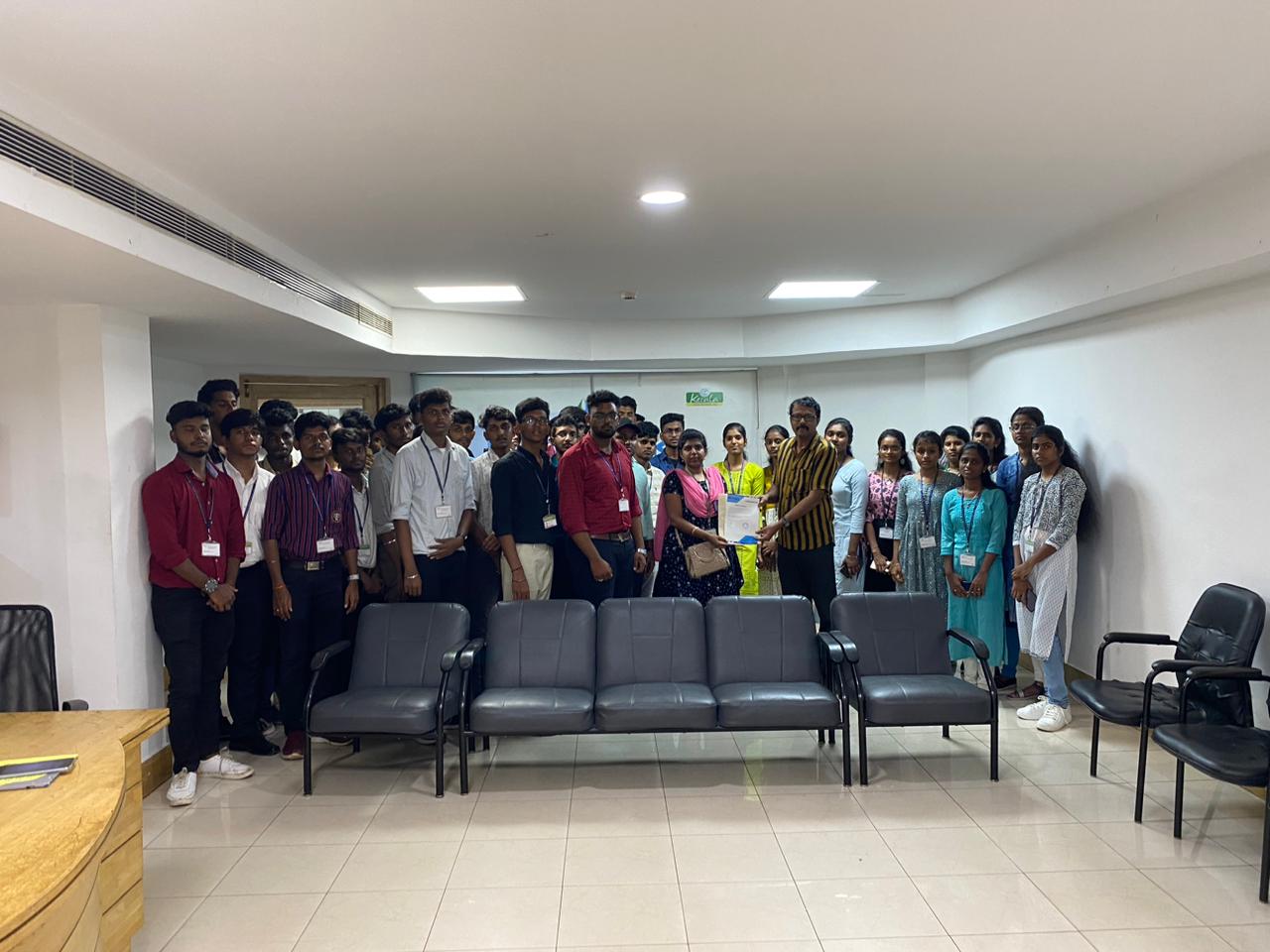
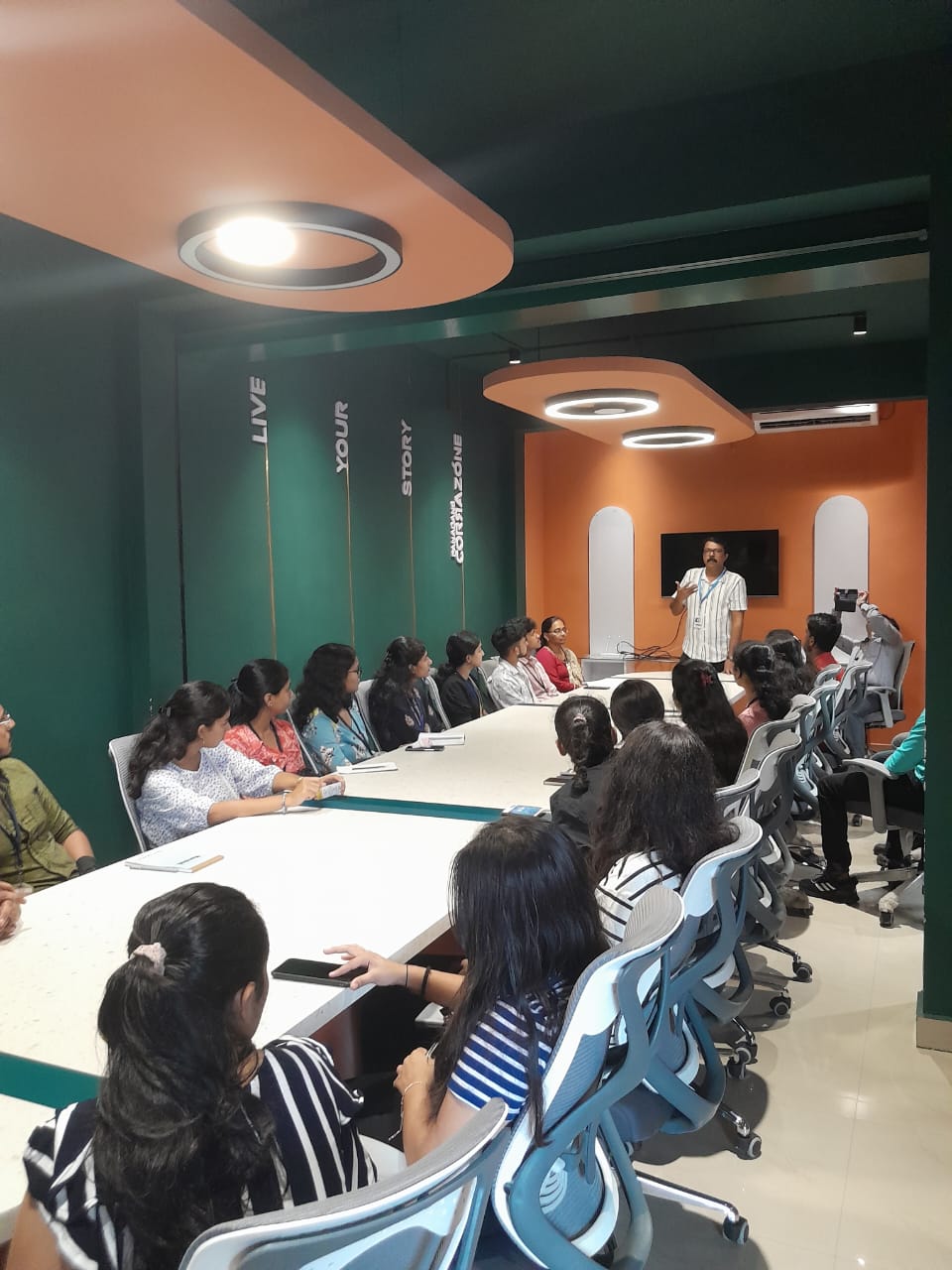
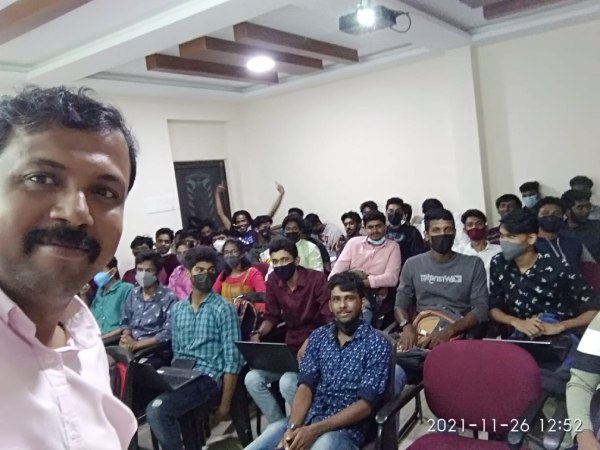
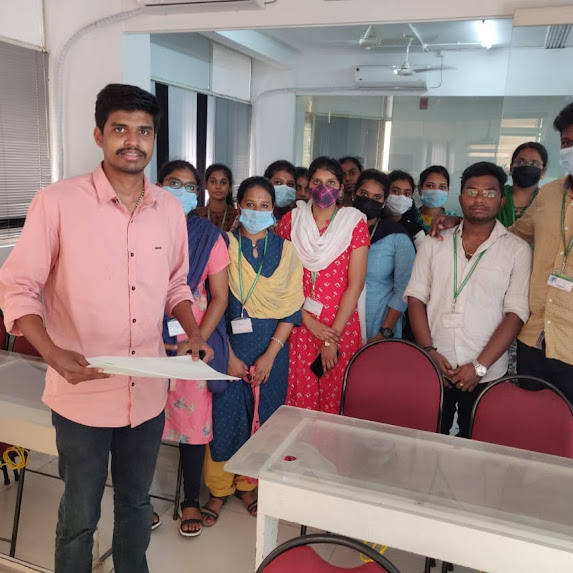
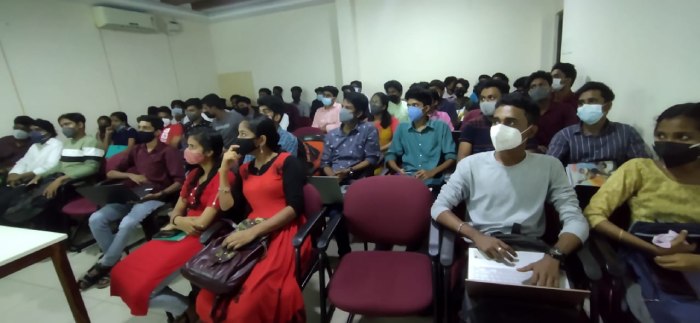
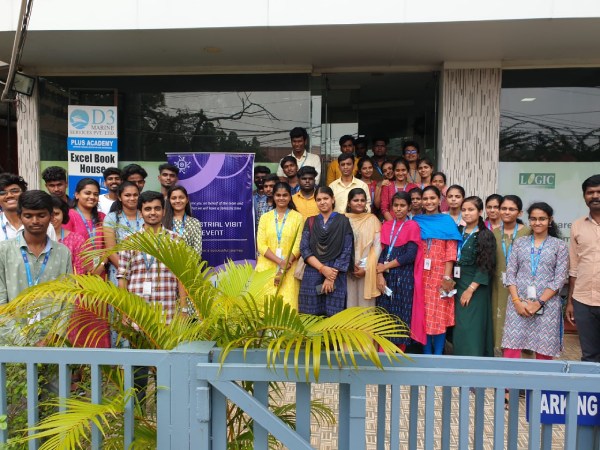
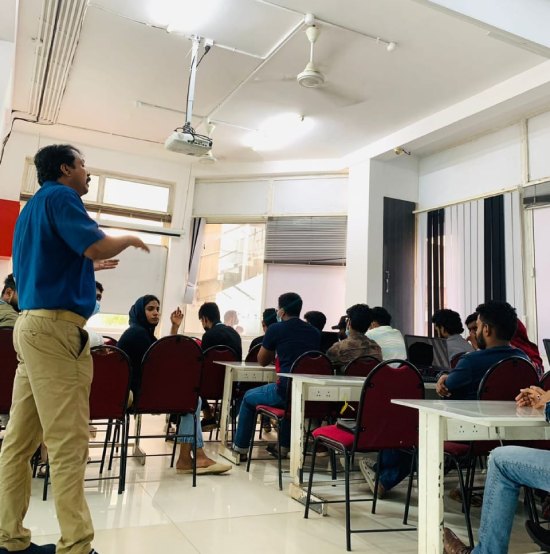
Photos of Training / Internships

Internship/projects in kerala

Trained more than 10000+ students who trust Nestsoft TechnoMaster

Get Your Personal Trainer