Send enquiry ⏎

Primavera Online Live Class by Experts

Our Training/Internship Process

Primavera Online Live Classes in Thrissur | Free Demo Training

Primavera - Syllabus, Fees & Duration

Here's a suggested syllabus for a Primavera course, progressing from basic to advanced concepts:

Basic Level:

  1. Introduction to Project Management Software

    • Overview of Primavera
    • Importance of project management software in planning and scheduling
  2. Getting Started with Primavera

    • Installation and setup
    • Interface overview
    • Creating a new project
  3. Creating Work Breakdown Structure (WBS)

    • Understanding WBS
    • Creating and organizing activities
    • Assigning codes to activities
  4. Adding Relationships and Constraints

    • Dependency types (Finish-to-Start, Start-to-Start, Finish-to-Finish, Start-to-Finish)
    • Adding relationships between activities
    • Applying constraints to activities

Intermediate Level:

  1. Scheduling Techniques

    • Critical Path Method (CPM)
    • Understanding float and total float
    • Analyzing the critical path
  2. Resource Management

    • Adding and organizing resources
    • Assigning resources to activities
    • Resource leveling
  3. Baseline and Tracking

    • Creating baselines
    • Tracking progress against baselines
    • Updating schedules

Advanced Level:

  1. Project Analysis and Reporting

    • Generating reports (Gantt charts, resource usage, cash flow, etc.)
    • Analyzing project performance
    • Earned Value Management (EVM) techniques
  2. Risk Management

    • Identifying project risks
    • Incorporating risk management into schedules
    • Mitigation strategies
  3. Advanced Features

    • Global changes and filters
    • Multiple project management
    • Customizing layouts and views
  4. Integration with Other Software

    • Importing and exporting data
    • Integration with Excel, Microsoft Project, etc.
  5. Advanced Topics

    • Portfolio management
    • Multi-project analysis
    • Advanced scheduling techniques (PERT analysis, Monte Carlo simulation)

Each module should include hands-on exercises and practical examples to reinforce learning. Additionally, regular assessments and quizzes can be incorporated to gauge understanding and progress throughout the course.

Download Syllabus - Primavera
This syllabus is not final and can be customized as per needs/updates
   
10000+
20+
50+
25+

Primavera Jobs in Thrissur

Enjoy the demand

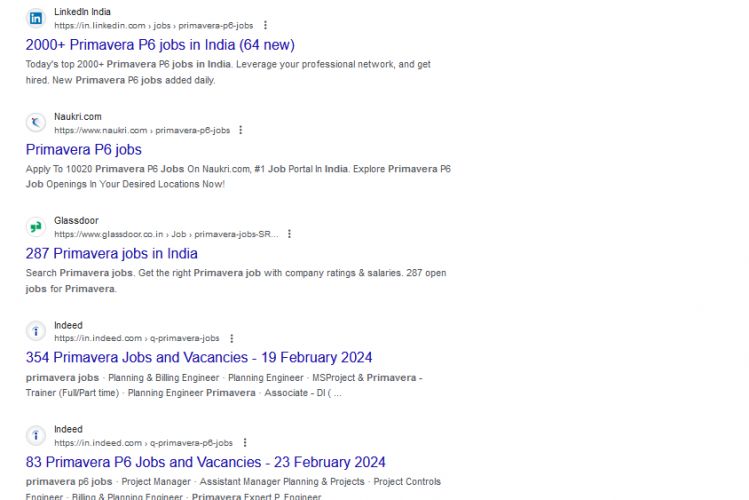
Find jobs related to Primavera in search engines (Google, Bing, Yahoo) and recruitment websites (monsterindia, placementindia, naukri, jobshybrid.com, indeed.co.in, shine.com etc.) based in Thrissur, chennai and europe countries. You can find many jobs for freshers related to the job positions in Thrissur.

  • Primavera
  • Construction Planner
  • Project Controls Engineer
  • Program Scheduler
  • Project Planner
  • Planning Engineer
  • Cost Estimator
  • Project Coordinator
  • Master Scheduler
  • Project Control Analyst

Primavera Internship/Course Details

Primavera internship jobs in Thrissur
Primavera Integrating risk management capabilities into project planning allows project managers to anticipate potential disruptions, develop contingency plans, and effectively mitigate risks, making projects more resilient. Primavera is a comprehensive project management software suite that is most important in the project management field due to its robust features. can. . The advanced planning engine allows you to create detailed project plans that include various tasks, milestones, dependencies, and resource allocation. Masu. Monitor and control your project in real time: Primavera provides comprehensive monitoring and control capabilities that allow project managers to track project progress in real time. You can take action. Primavera facilitates communication between project stakeholders by providing central access to project information, progress reports, and documentation. Primavera helps you organize your project schedule effectively to ensure it is completed on time.


Meet a Few of our Industry Experts 🚀 Your Pathway to IT Career

Suryamol

Mobile: +91 91884 77559
Location: Online (Thrissur, India)
Qualification: Btech

Experience: Hi myself suryamol m s currently working as a php developer l have good knowledge in HTML CSS bootstrap jQuery  more..

Mrunali

Mobile: +91 91884 77559
Location: Online (Thrissur, India)
Qualification: MCA

Experience: 3 2 years of experience in manual as well as Automation Testing load testing with jmeter knowledge of bdd framework  more..

Janvi

Mobile: +91 91884 77559
Location: Online (Thrissur, India)
Qualification: Bachelors

Experience: Graphic design   more..

Trupti

Mobile: +91 91884 77559
Location: Online (Thrissur, India)
Qualification: BE

Experience: Java selenium mobile testing web testing perfecto api testing   more..

Jefin

Mobile: +91 98474 90866
Location: Online (Thrissur, India)
Qualification: B tech

Experience: I am Jefin Jojo an engineering graduate eager to transition my career to web development Through self-learning I have acquired  more..

Nidhin

Mobile: +91 9895490866
Location: Online (Thrissur, India)
Qualification: Msc Mathematics

Experience: I have 6 months experience in Data Science -AI-python-ML -Deep Learning intern at Luminar technolab kochi  more..

MOHAMMED

Mobile: +91 91884 77559
Location: Online (Thrissur, India)
Qualification: BTECH

Experience: over all the years I have spent time in upskilling myself & experiencing more & I have good knowledge of  more..

Dhrumil

Mobile: +91 9895490866
Location: Online (Thrissur, India)
Qualification: Be in computer engeenering

Experience: odoo python  more..

Anandkrishnan

Mobile: +91 98474 90866
Location: Online (Thrissur, India)
Qualification: B tech

Experience: Manual and automation testing   more..

Meenakshi

Mobile: +91 98474 90866
Location: Online (Thrissur, India)
Qualification: Bca

Experience: C c++ php css java jsp html  more..

Salmanul

Mobile: +91 91884 77559
Location: Online (Thrissur, India)
Qualification: Plus two in computer science

Experience: I have acquired expertise in javascript Html css and various components of mean stack development past year i am working  more..

Shilpa

Mobile: +91 98474 90866
Location: Online (Thrissur, India)
Qualification: B.E

Experience: Technical Skills:- • Linux Kernel • Shell Scripting • Advance C Programming • OOP’s using C++ • Data Structures and  more..

DRISHYA

Mobile: +91 9895490866
Location: Online (Thrissur, India)
Qualification: MCA

Experience: Having experience in doing programming skills as well as teaching experience The teaching method of triggering the basic will in  more..

Jinumol

Mobile: +91 9895490866
Location: Online (Thrissur, India)
Qualification: MCA

Experience: Completed software testing internship it includes manual and automation testing   more..

Prakash

Mobile: +91 91884 77559
Location: Online (Thrissur, India)
Qualification: Bsc

Experience: A self-taught video editor & Graphic Designing with 8 years of experience who is looking for every chance to improve  more..

Shilpa

Mobile: +91 91884 77559
Location: Online (Thrissur, India)
Qualification: B. Tech

Experience: 4years of experience in digital marketing Skilla card design using canva seo techniques social media video uploading and positive thinker  more..

Akshay

Mobile: +91 98474 90866
Location: Online (Thrissur, India)
Qualification: Msc-IT

Experience: Backend development: Java (Core & Advanced) Java Servlets JSP Spring (Boot MVC Data) Hibernate Node js Tomcat • Frontend development:  more..

sreelakshmi

Mobile: +91 91884 77559
Location: Online (Thrissur, India)
Qualification: MCA

Experience: I have recently completed software testing course & Training from STC Technology and i have completed my postgraduation in MCA  more..

Atufa

Mobile: +91 91884 77559
Location: Online (Thrissur, India)
Qualification: Masters

Experience: LS ● Cryptography Information Security Policies Digital Forensics Penetration Testing Network Security Cloud Threat Intelligence Incident Response Risk Assessments Intrusion  more..

Vishal

Mobile: +91 89210 61945
Location: Online (Thrissur, India)
Qualification: graduate

Experience: python Mysql Django Pandas Numpy Matplotlib   more..

Amrutha

Mobile: +91 98474 90866
Location: Online (Thrissur, India)
Qualification: BCA cloud technology and information security management

Experience: Cloud computing information security management programming dbms  more..

KOMAL

Mobile: +91 9895490866
Location: Online (Thrissur, India)
Qualification: Masters in Electronics and Telecommunication Engineering

Experience: Azure Data Factory Azure Databricks synapse keyvault pyspark SQL python  more..

Anandapoorani

Mobile: +91 9895490866
Location: Online (Thrissur, India)
Qualification: Bachelor of Engineering

Experience: QA Tester with 2 years of experience in both automation and manual testing Proven expertise in ensuring software Quality of  more..

ANJANA

Mobile: +91 94975 90866
Location: Online (Thrissur, India)
Qualification: Btech

Experience: Dedicated and detail-oriented IT professional with a strong passion for cybersecurity and networking Adept atidentifying vulnerabilities implementing security measures and  more..

Success Stories

The enviable salary packages and track record of our previous students are the proof of our excellence. Please go through our students' reviews about our training methods and faculty and compare it to the recorded video classes that most of the other institutes offer. See for yourself how TechnoMaster is truly unique.


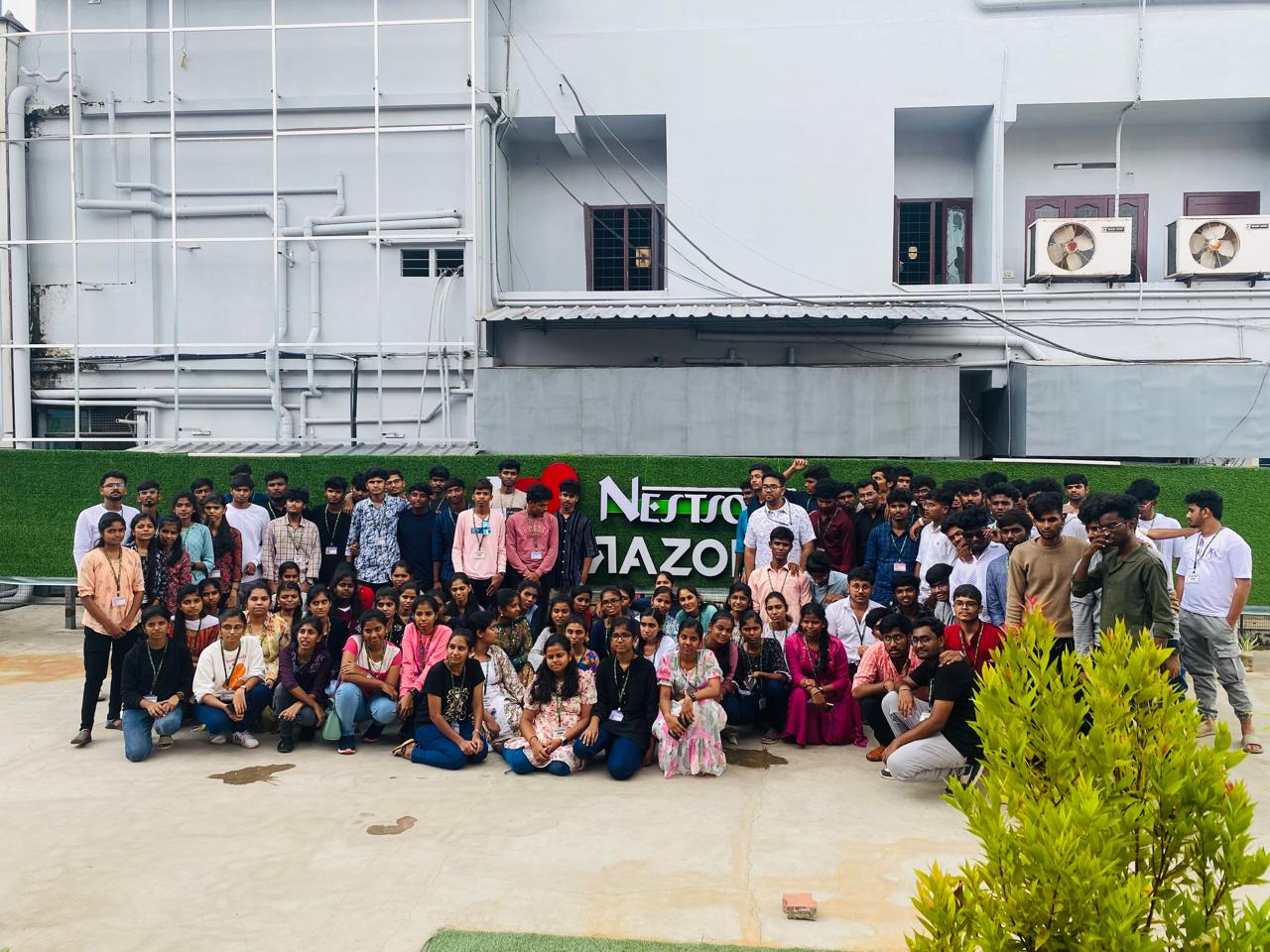
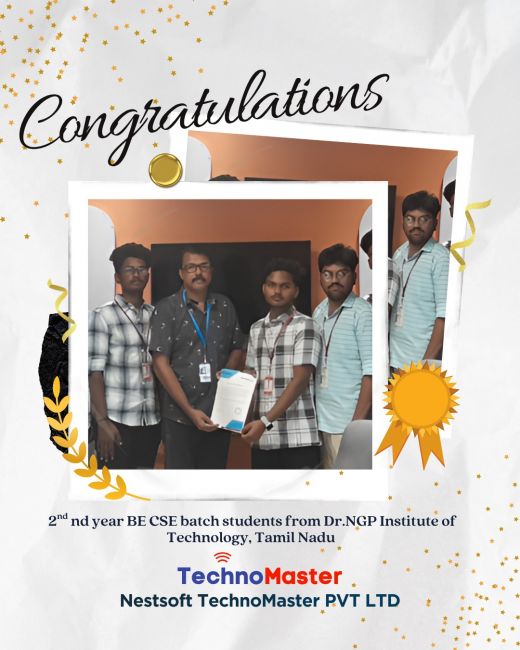
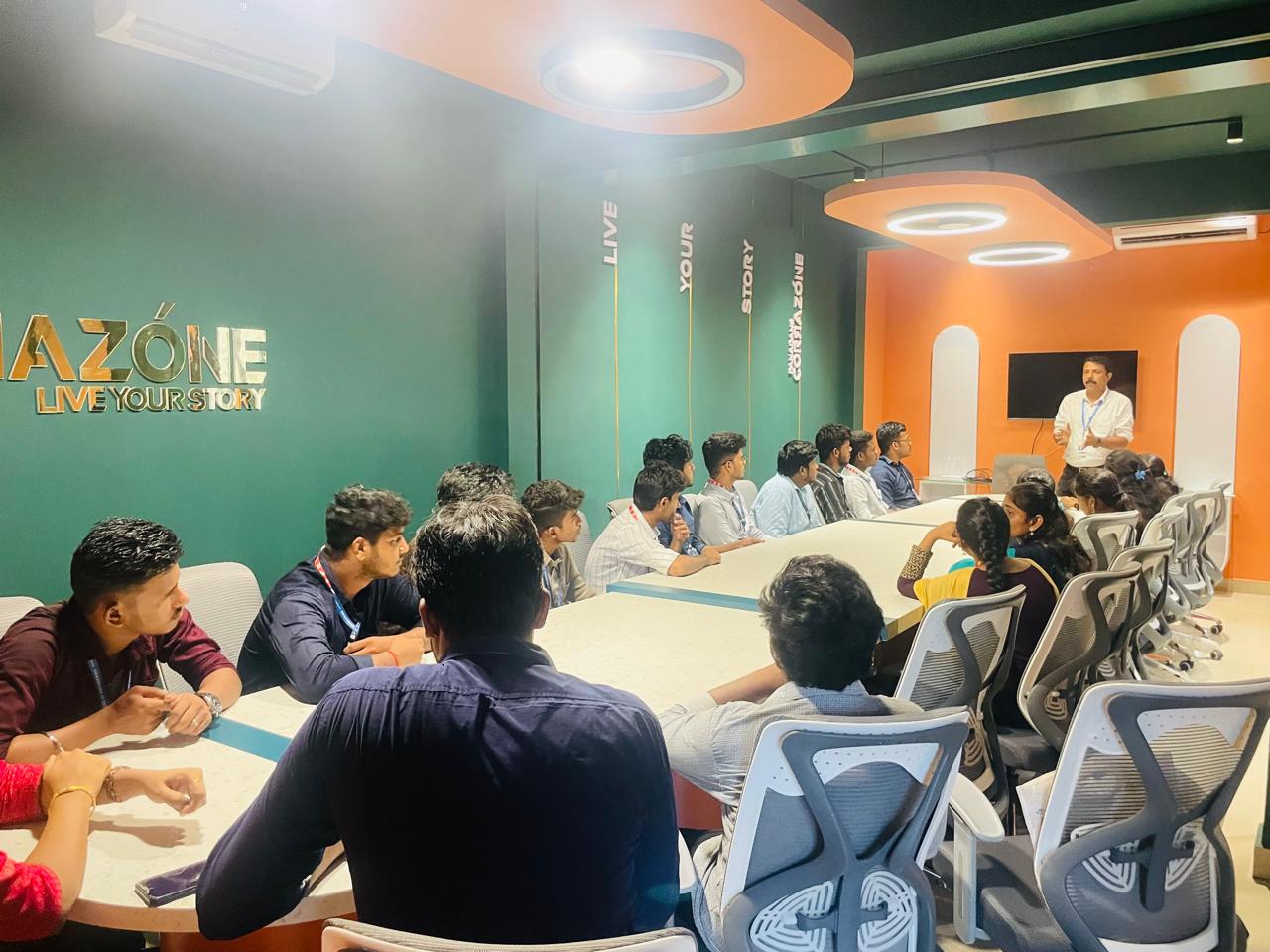
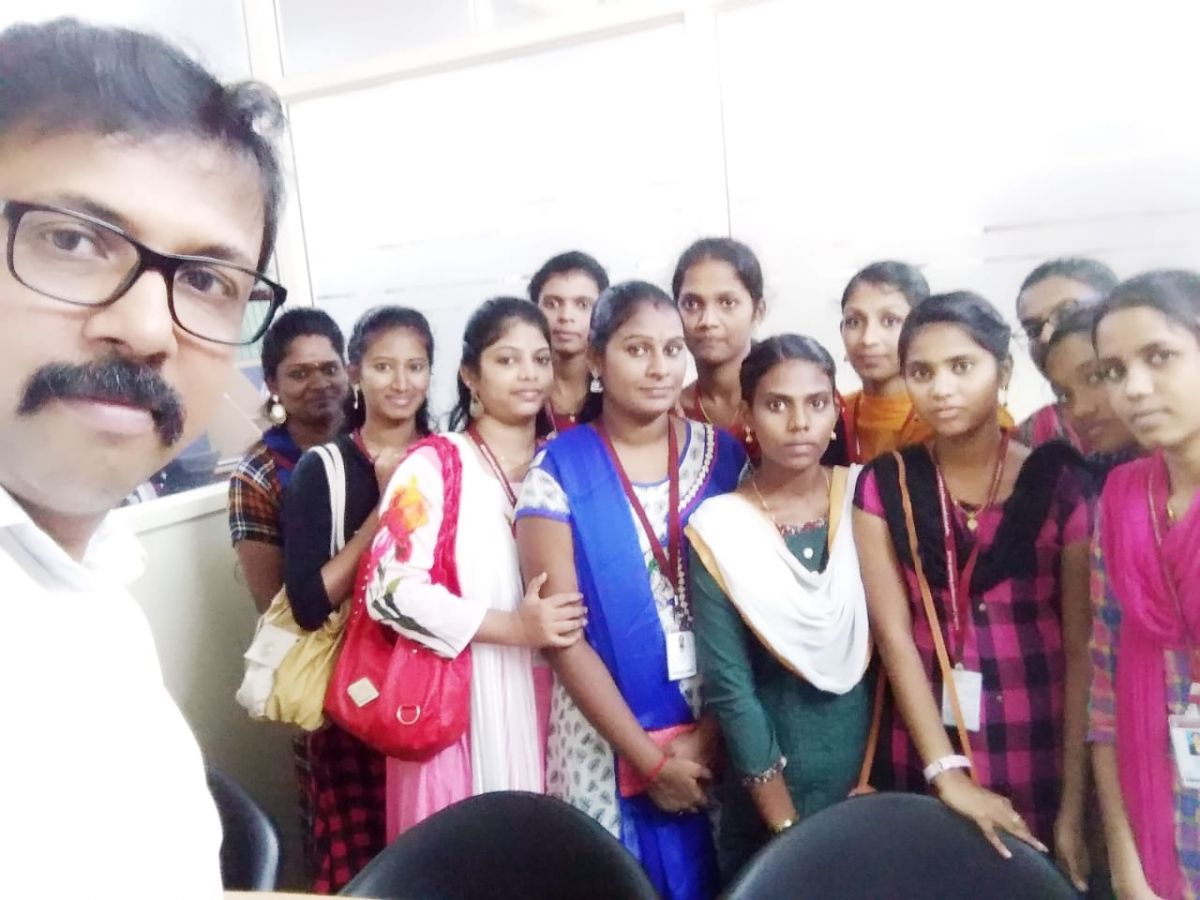
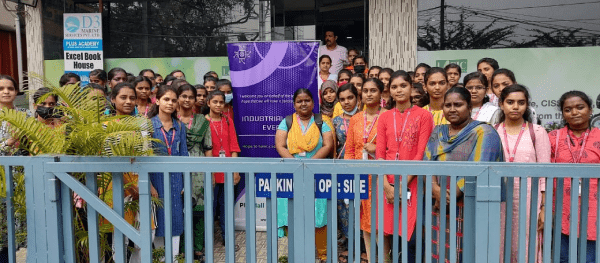
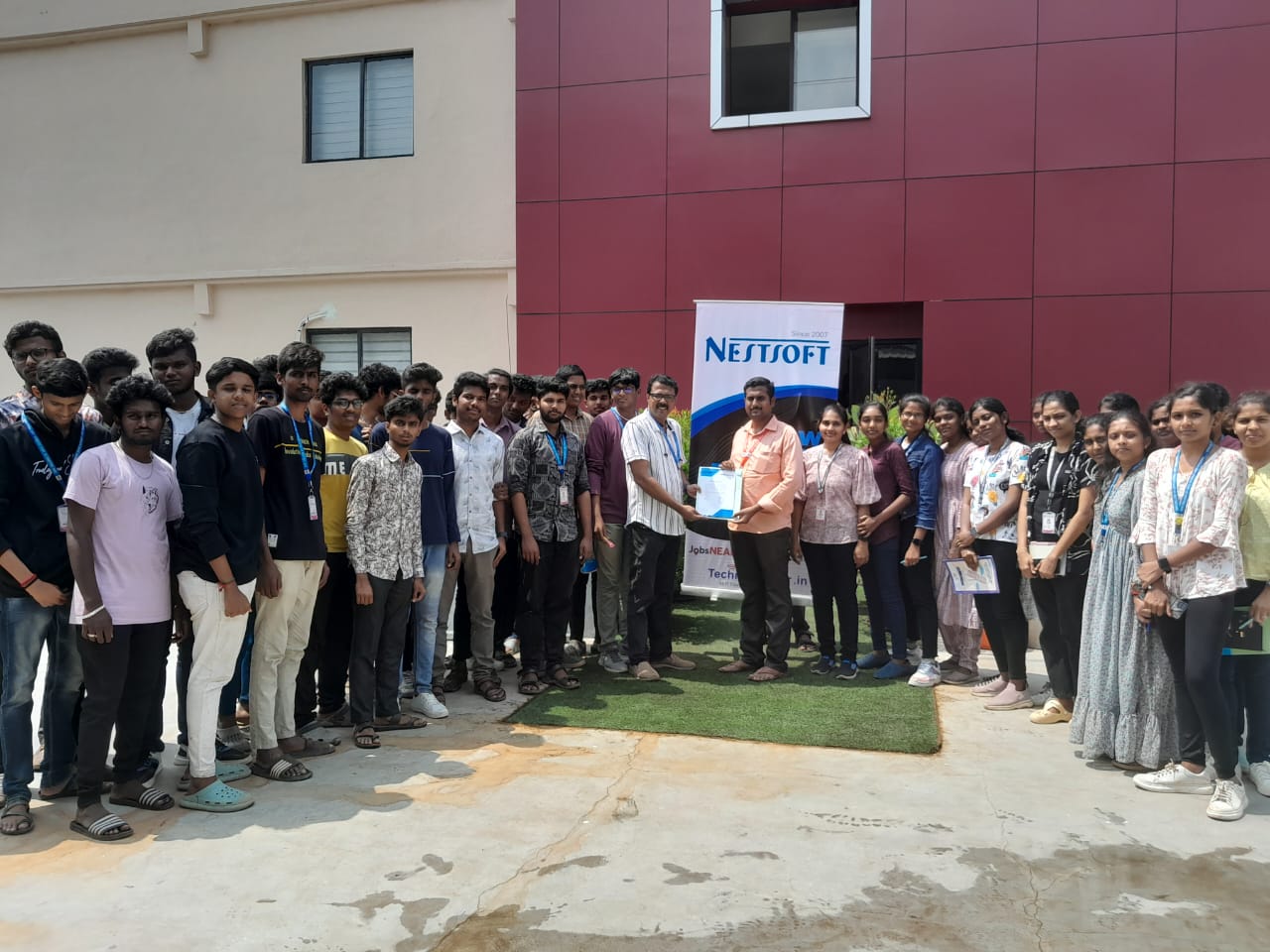
Photos of Training / Internships

Internship/projects in thrissur

Trained more than 10000+ students who trust Nestsoft TechnoMaster

Get Your Personal Trainer