Microsoft Azure Online Live Class by Experts
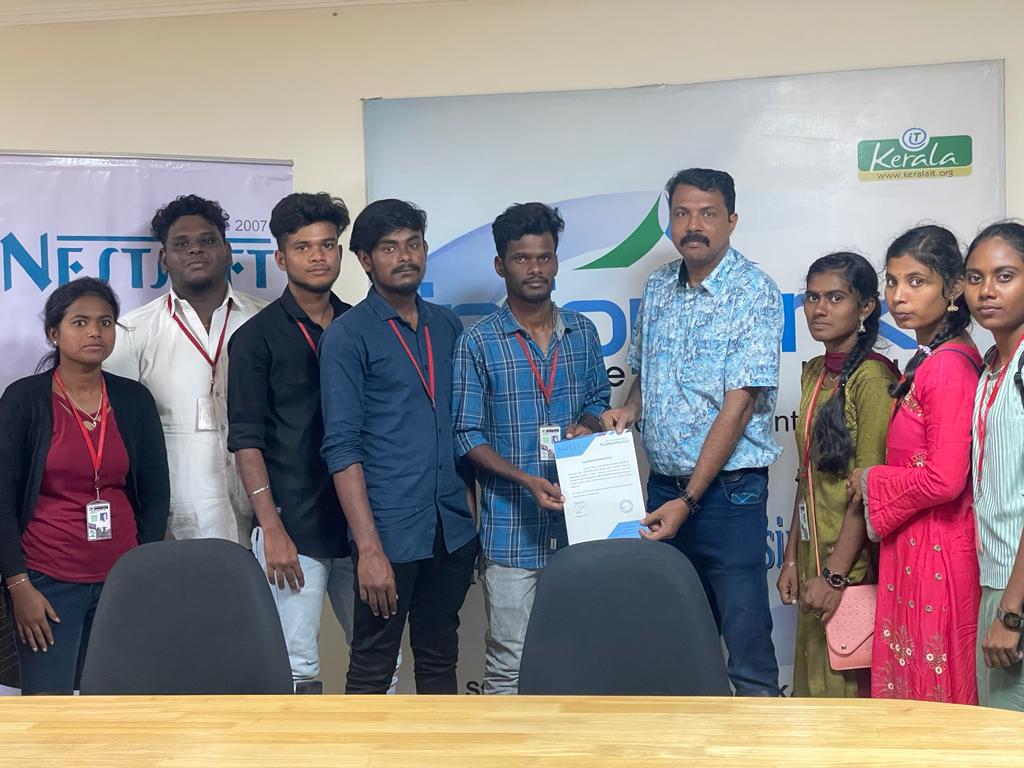
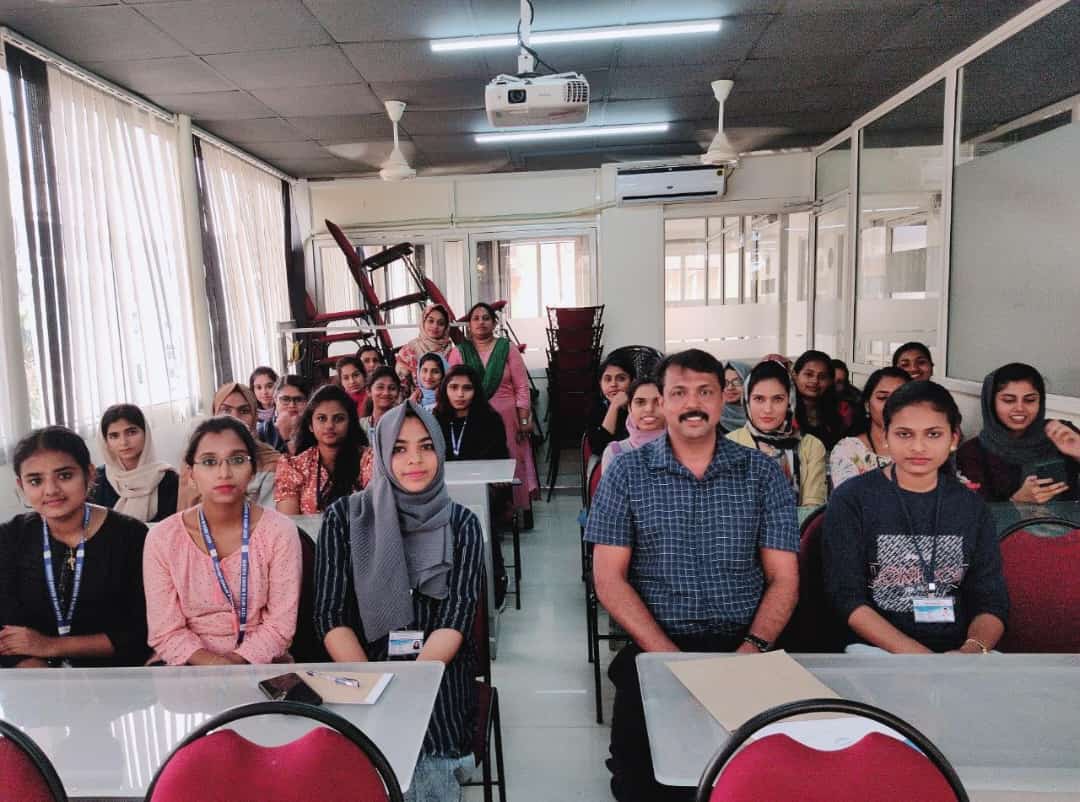
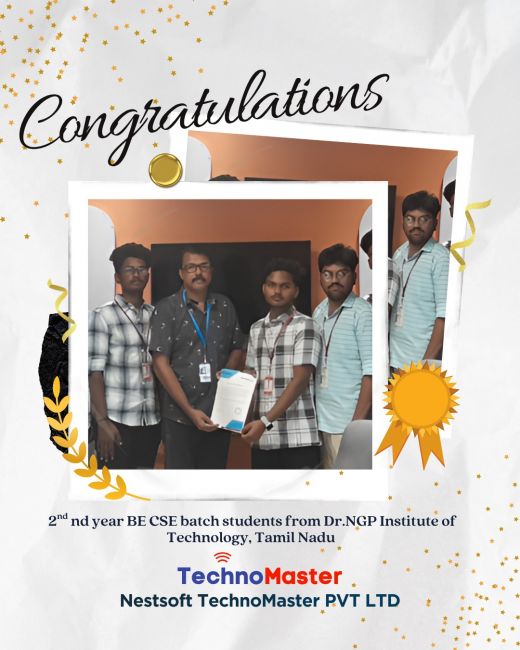
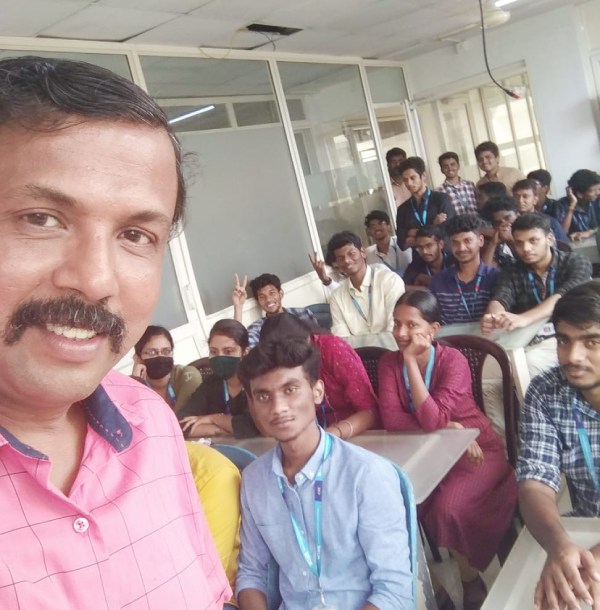
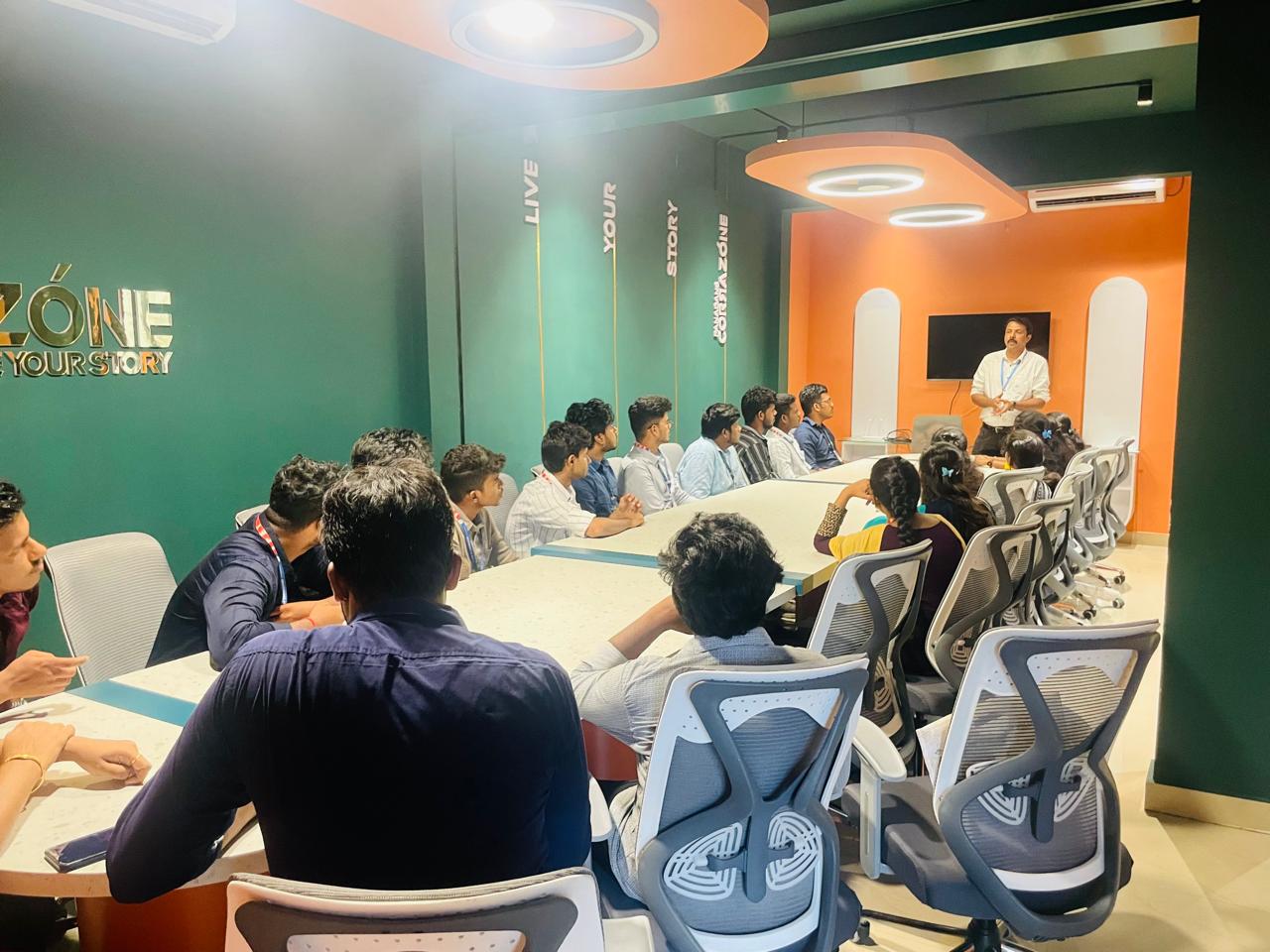
Our Training/Internship Process

Microsoft Azure - Syllabus, Fees & Duration
Module 1. Introduction
Module 2. Manage Azure AD objects
- create users and groups
- manage user and group properties
- manage device settings
- perform bulk user updates
- manage guest accounts
- configure Azure AD Join
- configure self-service password reset
Module 3. Manage role-based access control (RBAC)
- create a custom role
- Provide access to Azure resources by assigning roles
- resource groups
- resources (VM, disk, etc.)
- interpret access assignments
- manage multiple directories
Module 4. Manage subscriptions and governance
- configure Azure policies
- configure resource locks
- apply tags
- manage subscriptions
- configure Cost Management
- configure management groups
Module 5. Manage storage accounts
- configure network access to storage accounts
- create and configure storage accounts
- generate shared access signature
- manage access keys
- implement Azure storage replication
- Configure Azure AD Authentication for a storage Account
Module 6. Manage data in Azure storage
- Export from Azure Job
- import into Azure job
- install and use Azure Storage Explorer
- copy data by using AZCopy
Module 7. Configure Azure files and Azure blob storage
- create an Azure file share
- create and configure Azure File Sync service
- configure Azure blob storage
- configure storage tiers for Azure blobs
Module 8. Configure VMs for high availability and scalability
- configure high availability
- deploy and configure scale sets
- Automate deployment and configuration of VMs
- modify Azure Resource Manager (ARM) template
- configure VHD template
- deploy from template
- save a deployment as an ARM template
- Automate Configuration Management
Module 9. Create and configure VMs
- configure Azure Disk Encryption
- move VMs from one resource group to another
- manage VM sizes
- add data discs
- configure networking
- redeploy VMs
Module 10. Create and configure Containers
- create and configure Azure Kubernetes Service (AKS)
- create and configure Azure Container Instances (ACI)
Module 11. Create and configure Web Apps
- create and configure App Service
- create and configure App Service Plans
Module 12. Implement and manage virtual networking
- create and configure VNET peering
- configure private and public IP addresses, network routes, network interface, subnets, and virtual network
Module 13. Configure name resolution
- configure Azure DNS
- configure custom DNS settings
- Configure a private or public DNS
Module 14. None Secure access to Virtual Network
- create security rules
- associate an NSG to a subnet or network interface
- evaluate effective security rules
- deploy and configure Azure Firewall
- deploy and configure Azure Bastion Service
Module 15. Configure load balancing
- configure Application Gateway
- configure an internal load balancer
- configure load balancing rules
- configure a public load balancer
- troubleshoot load balancing
Module 16. Monitor and troubleshoot virtual networking
- monitor on-premises connectivity
- use Network Performance Monitor
- use Network Watcher
- troubleshoot external networking
- troubleshoot virtual network connectivity
Module 17. Integrate an on-premises network with an Azure virtual network
- create and configure Azure VPN Gateway
- create and configure VPNs
- configure ExpressRoute
- configure Azure Virtual WAN
Module 18. Monitor resources by using Azure Monitor
- configure and interpret metrics
- a analyze metrics across subscriptions
- configure Log Analytics
- query and analyses logs create a query
- set up alerts and actions
- Create and test alerts
- View alerts in Azure
- configure Application Insights
Module 19. Implement backup and recovery
- configure and review backup reports
- perform backup and restore operations by using Azure Backup
- create a Recovery Services Vault
- create and configure backup policy
- perform site-to-site recovery by using Azure Site Recovery
This syllabus is not final and can be customized as per needs/updates
- Since 2001, Making IT Experts by Experts
- Duration: 30 Hours (Vary as per your skill)
- Course Fees
- Individual Live Classes (1:1)
- Batch Classes @ Low Fees
- Training on Your Time, Any Where
- Access to Recorded Videos
- Practical Internship on Projects
- 100% Placement Support by our jobsHybrid.com
- Training/Internship Certificate
- Agra
- Ahmedabad
- Alappuzha
- Aurangabad
- Bangalore
- Belgaum
- Bellary
- Bhubaneswar
- Chennai
- Cochin
- Coimbatore
- Delhi
- Dindigul
- Erode
- Gulbarga
- Guntur
- Gurgaon
- Haryana
- Hyderabad
- Idukki
- Indore
- Jaipur
- Kalyan
- Kannur
- Kanpur
- Kasaragod
- Kerala
- Kolkata
- Kollam
- Kottayam
- Kozhikode
- Lucknow
- Madurai
- Malappuram
- Mangaluru
- Mumbai
- Mysuru
- Nagpur
- Nashik
- Navi Mumbai
- Nizamabad
- Noida
- Palakkad
- Pathanamthitta
- Pune
- Punjab
- Salem
- Shimla
- Solapur
- Surat
- Thane
- Thanjavur
- Thirunelveli
- Thoothukudi
- Thrissur
- Tiruchirappalli
- Tiruppur
- Trivandrum
- Vadodara
- Varanasi
- Vellore
- Vijayawada
- Visakhapatnam
- Wayanad
Course Highlights

Our Locations

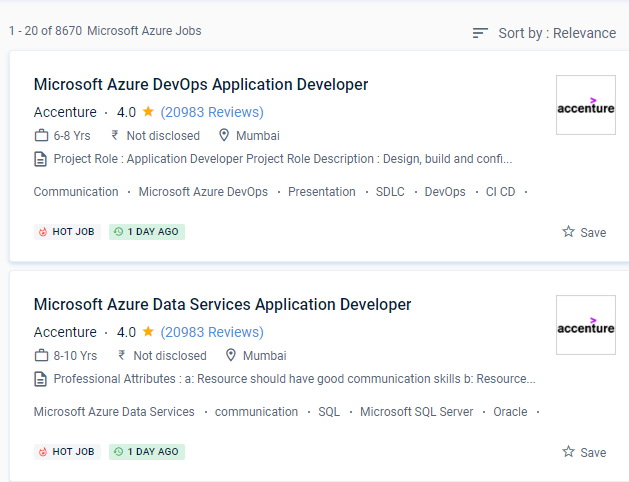
 Because of its unrivaled hybrid capabilities, Azure has a chance to break into the cloud provider market. These platforms allow businesses to share, store, and access data from any Thrissur. C#, F#, JavaScript, node. The IT business offers high earnings and a diverse range of career opportunities. Microsoft Azure is a set of services for IT companies that allows them to quickly integrate knowledge storage, email, and a variety of other IT solutions. Azure also offers a full set of hybrid capabilities, such as VPNs, file sharing, monitoring, content delivery networks (CDN), and point-to-point connectivity, to improve usability and performance. For its platform, users, and practically every data point, Microsoft adheres to high-level security policies and methods. js, and other languages are supported by Azure Functions. In-depth coverage of Azure Fundamentals' four major topics. It is intended for the creation and management of apps using Microsoft's data centers.