Send enquiry ⏎

MCSE Online Live Class by Experts

Our Training/Internship Process

MCSE Online Live Classes in Kanpur | Free Demo Training

MCSE - Syllabus, Fees & Duration

MODULE 1

  • Windows Server 2012 Overview
  • Overview of Windows Server 2012 Management
  • Installing Windows Server 2012
  • Post-Installation Configuration of Windows Server 2012
  • Introduction to Windows PowerShell

MODULE 2

  • Introduction to Active Directory Domain Services
  • Overview of AD DS
  • Overview of Domain Controllers
  • Installing a Domain Controller

MODULE 3

  • Managing Active Directory Domain Services Objects
  • Managing User Accounts
  • Managing Group Accounts
  • Managing Computer Accounts
  • Delegating Administration

MODULE 4

  • Automating Active Directory Domain Services Administration
  • Using Command-line Tools for Administration
  • Using Windows PowerShell for Administration
  • Performing Bulk Operations with Windows PowerShell

MODULE 5

  • Implementing IPv4
  • Overview of TCP/IP
  • Understanding IPv4 Addressing
  • Subnetting and Supernetting
  • Configuring and Troubleshooting IPv4

MODULE 6

  • Implementing DHCP
  • Installing a DHCP Server Role
  • Configuring DHCP Scopes
  • Managing a DHCP Database
  • Securing and Monitoring DHCP

MODULE 7

  • Implementing DNS
  • Name Resolution for Windows Client and Servers
  • Installing and Managing a DNS Server
  • Managing DNS Zones

MODULE 8

  • Implementing IPv6
  • Overview of IPv6
  • IPv6 Addressing
  • Coexistence with IPv6
  • IPv6 Transition Technologies

MODULE 9

  • Implementing Local Storage
  • Overview of Storage
  • Managing Disks and Volumes
  • Implementing Storage Spaces

MODULE 10

  • Implementing File and Print Services
  • Securing Files and Folders
  • Protecting Shared Files and Folders Using Shadow Copies
  • Configuring Network Printing

MODULE 11

  • Implementing Group Policy
  • Overview of Group Policy
  • Group Policy Processing
  • Implementing a Central Store for Administrative Templates

MODULE 12

  • Securing Windows Servers Using Group Policy Objects
  • Windows Security Overview
  • Configuring Security Settings
  • Restricting Software
  • Configuring Windows Firewall with Advanced Security

MODULE 13

  • Implementing Server Virtualization with Hyper-V
  • Overview of Virtualization Technologies
  • Implementing Hyper-V
  • Managing Virtual Machine Storage
  • Managing Virtual Networks

MODULE 14

  • Administering windows server
  • Deploying and Maintaining Server Images
  • Configuring and Troubleshooting Domain Name System
  • Maintaining Active Directory Domain Services
  • Managing User and Service Accounts
  • Implementing a Group Policy Infrastructure
  • Managing User Desktops with Group Policy
  • Configuring and Troubleshooting Remote Access
  • Installing, Configuring, and Troubleshooting the Network Policy Server Role
  • Implementing Network Access Protection
  • Optimizing File Services
  • Configuring Encryption and Advanced Auditing
  • Implementing Update Management
  • Monitoring Windows Server 2012

MODULE 15

  • Configuring Advanced Windows Server Services
  • Implementing Advanced Network Services
  • Implementing Advanced File Services
  • Implementing Dynamic Access Control
  • Implementing Distributed Active Directory Domain Services Deployments
  • Implementing Active Directory Domain Services Sites and Replication
  • Implementing Active Directory Certificate Services
  • Implementing Active Directory Rights Management Services
  • Implementing Network Load Balancing
  • Implementing Failover Clustering
  • Implementing Failover Clustering with Hyper-V
  • Implementing Disaster Recovery
  • Download Syllabus - MCSE
    This syllabus is not final and can be customized as per needs/updates
   
10000+
20+
50+
25+

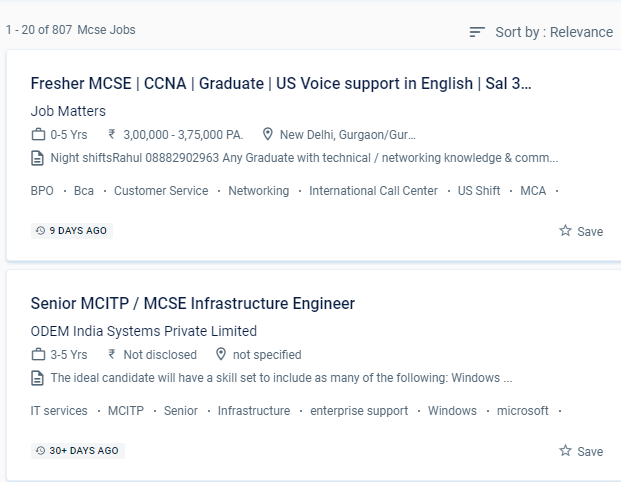
MCSE Jobs in Kanpur

Enjoy the demand

Find jobs related to MCSE in search engines (Google, Bing, Yahoo) and recruitment websites (monsterindia, placementindia, naukri, jobshybrid.com, indeed.co.in, shine.com etc.) based in Kanpur, chennai and europe countries. You can find many jobs for freshers related to the job positions in Kanpur.

  • Windows Administrator
  • Network Manager
  • Systems Administrator
  • Systems Engineer
  • IT Support Engineer
  • Technical Consultant
  • IT consultant
  • Systems Administrator
  • SQL Server Administrators
  • Database Backup Administrators

MCSE Internship/Course Details

MCSE internship jobs in Kanpur
MCSE The MCSE syllabus has been intended to cover every relevant topic. In the engineering section, Microsoft certified solution expert. The trained individual can come up with a unique solution to a problem in the business and create it from the ground up. We are capable of designing and constructing networks. MCSE online training in a specific Kanpur is a job-oriented course. Managing users, updating the server environment, monitoring the file server, recovering from hardware failure, backup procedure, IP addressing, TCP/IP setup and name resolution, and DNS server are some of the subjects covered during online certification training. The Microsoft Certified Solutions Associate (MCSA) certification qualifies a candidate for the professional-level certification MCSE. You will work on hands-on exercises and industry-related projects during your online certification course. Students who want to clear up any questions can benefit from one-on-one teaching and can submit an email with any questions. Artificial intelligence, computer science, cyber security, information security, information systems, information technology management, and machine learning are among the major topics covered in the MCSE.


Meet a Few of our Industry Experts 🚀 Your Pathway to IT Career

Priyanka

Mobile: +91 9895490866
Location: Online (Kanpur, India)
Qualification: Bachelor’s of Engineering

Experience: Having 2 5 year of experience with software developer   more..

Shadab

Mobile: +91 9895490866
Location: Online (Kanpur, India)
Qualification: High School

Experience: Working with php wordpress and all related technologies from 10 years   more..

Dhiraj

Mobile: +91 89210 61945
Location: Online (Kanpur, India)
Qualification: BCA

Experience: Wordpress PHP Html css Jquery Ajax Quick learning Strong Read and development frontend backend  more..

Sneha

Mobile: +91 91884 77559
Location: Online (Kanpur, India)
Qualification: B Tech

Experience: HTML css sass angular figma photoshop sktech illustrate git invision balsamic  more..

Piyush

Mobile: +91 98474 90866
Location: Online (Kanpur, India)
Qualification: Bsc graduate

Experience: I completed this course big data data engineer data analytics python language aslo  more..

Neethu

Mobile: +91 89210 61945
Location: Online (Kanpur, India)
Qualification: B.Tech

Experience: java Core java advanced java Basics of python Sql HTML DBMSApplication for Java Spring  more..

Manish

Mobile: +91 91884 77559
Location: Online (Kanpur, India)
Qualification: BCA

Experience: I am software Java developer and complete Java intern  more..

Vishal

Mobile: +91 91884 77559
Location: Online (Kanpur, India)
Qualification: Diploma

Experience: I have 2 years of experience in product designing I use framer and Figma for Ui design I’m curr Working  more..

Sourab

Mobile: +91 94975 90866
Location: Online (Kanpur, India)
Qualification: B.Tech

Experience: Having 2 years of Experience in Android Development Worked with medical sector public sector and IT Sector Developed 7+ Android  more..

MEERA

Mobile: +91 89210 61945
Location: Online (Kanpur, India)
Qualification: B.E-CS

Experience: I am fresher now i am studying techolas techology i have completed manual testing now i am studying automation testing  more..

Hassan

Mobile: +91 89210 61945
Location: Online (Kanpur, India)
Qualification: Undergraduate degree

Experience: Seeking a challenging environment that encourages continuous learning and creativity providing exposure to new ideas and stimulate personal and professional  more..

Vishnu

Mobile: +91 98474 90866
Location: Online (Kanpur, India)
Qualification: B.E

Experience: I am writing to express 3 years experience in Android Developer position I successful completed and published play store in  more..

Akash

Mobile: +91 91884 77559
Location: Online (Kanpur, India)
Qualification: B. Tech

Experience: My skills are java MySql Kotlin Android studio and 6 month experience in Android development   more..

Manik

Mobile: +91 91884 77559
Location: Online (Kanpur, India)
Qualification: M.com

Experience: SEO and Content development Experience:- 1 2 years  more..

Prachi

Mobile: +91 98474 90866
Location: Online (Kanpur, India)
Qualification: B.Tech

Experience: Dear HR I'm pursuing Bachelor's of Technology in Computer Science from Shambhunath Institute of Engineering and Technology Allahabad I have  more..

Rashee

Mobile: +91 8301010866
Location: Online (Kanpur, India)
Qualification: B. Tech

Experience: HTM CSS JavaScript ReactJS Redux MongoDB WordPress Blender Adobe Photoshop Illustrator Canva Web Developer Intern Assist Design Automation Pvt Ltd  more..

Akhil

Mobile: +91 94975 90866
Location: Online (Kanpur, India)
Qualification: BTech in ECE

Experience: 3 years in manual testing and automation testing  more..

Namita

Mobile: +91 94975 90866
Location: Online (Kanpur, India)
Qualification: Post graduate diploma in business administration and learning from crio.do as fr

Experience: I am from non tech background but recently started learning in frontend development role from crio do which is helping  more..

Sneha

Mobile: +91 8301010866
Location: Online (Kanpur, India)
Qualification: Bachelor's degree

Experience: Thank you for the opportunity to apply Cyber Security Expert role at your company I have completed my graduation in  more..

challur

Mobile: +91 91884 77559
Location: Online (Kanpur, India)
Qualification: B.tech

Experience: C basics of java networking concepts troubleshooting sql  more..

Soni

Mobile: +91 9895490866
Location: Online (Kanpur, India)
Qualification: Pursuing MCA

Experience: I hope this message finds you well I'm recognised as a full stack developer I believe that my skills and  more..

Monika

Mobile: +91 89210 61945
Location: Online (Kanpur, India)
Qualification: Master of computer science

Experience: 6 months training ( mern stack) and 6 months experience of WordPress developer   more..

Adwitiya

Mobile: +91 98474 90866
Location: Online (Kanpur, India)
Qualification: Bachelor's

Experience: I am a motivated individual with a strong interest in learning and incorporating niche Cloud Technologies I have experience designing  more..

Sanjana

Mobile: +91 89210 61945
Location: Online (Kanpur, India)
Qualification: Msc computer science

Experience: Functional testing design testing data base testing mobile application tetsing regression testing web application testing basic automation tetong jira load  more..

Success Stories

The enviable salary packages and track record of our previous students are the proof of our excellence. Please go through our students' reviews about our training methods and faculty and compare it to the recorded video classes that most of the other institutes offer. See for yourself how TechnoMaster is truly unique.

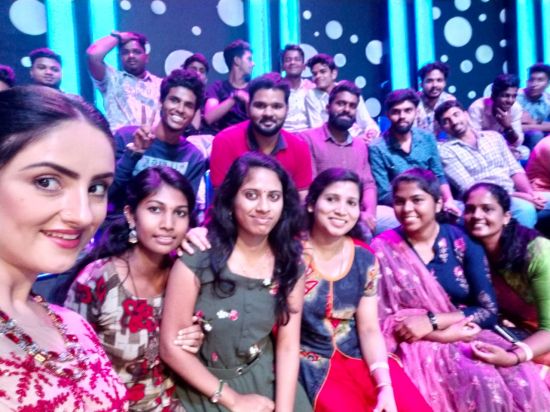
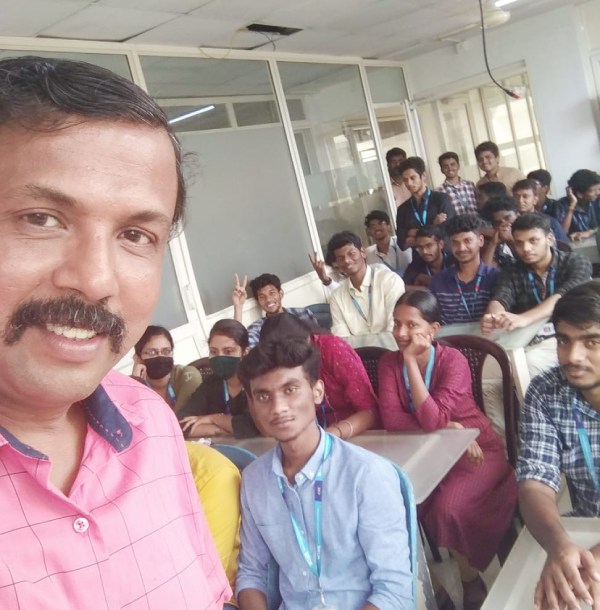
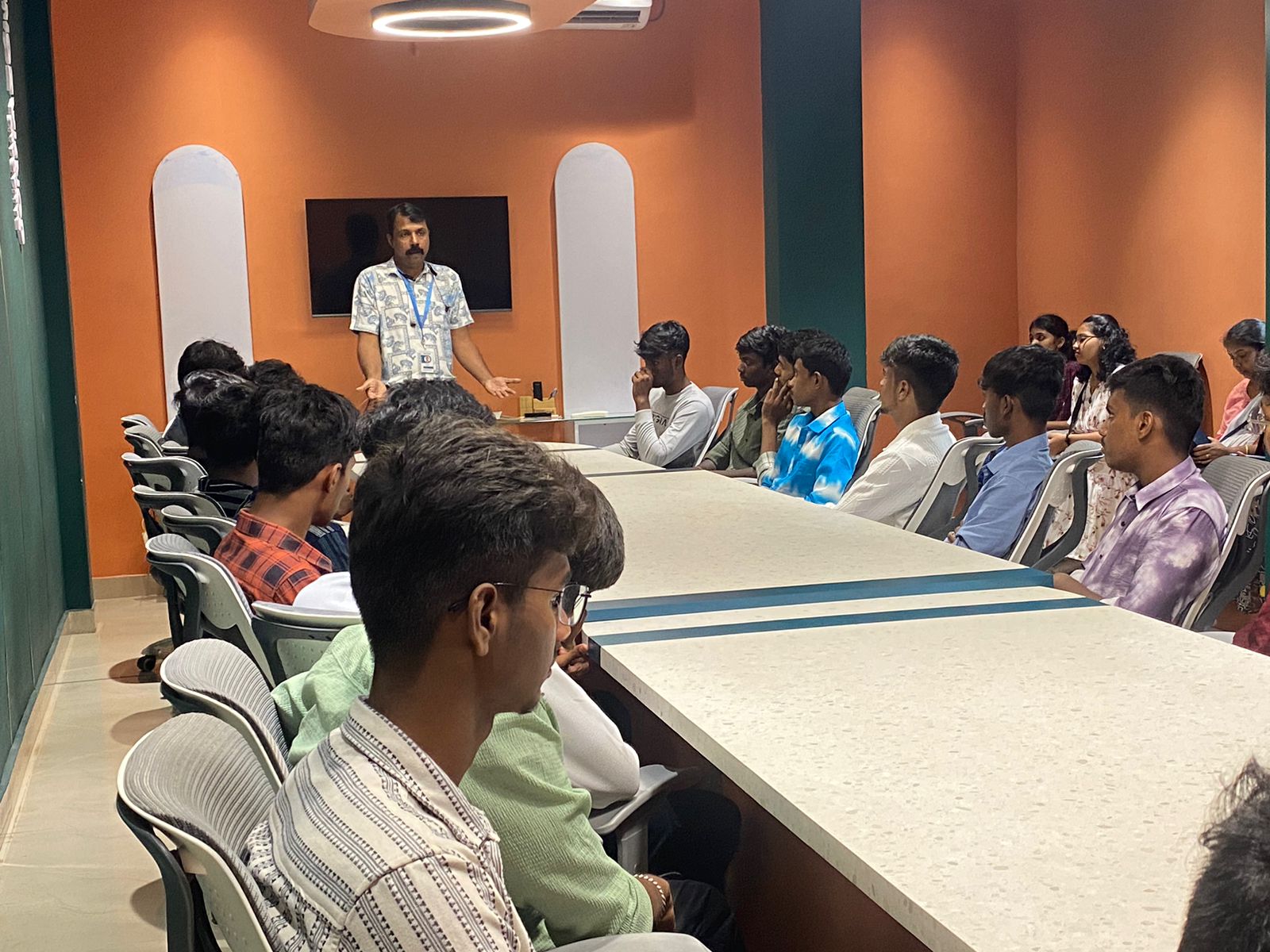
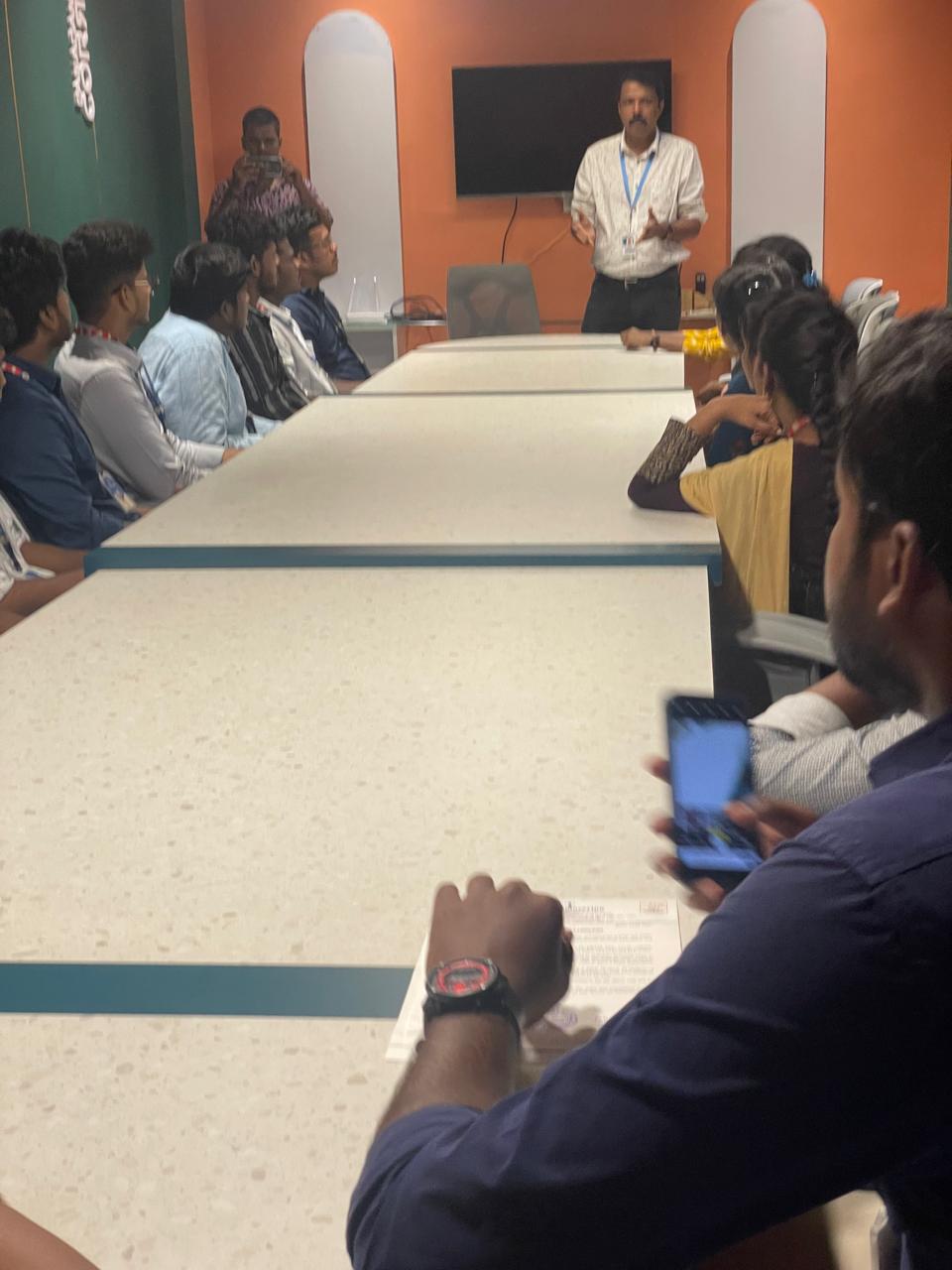
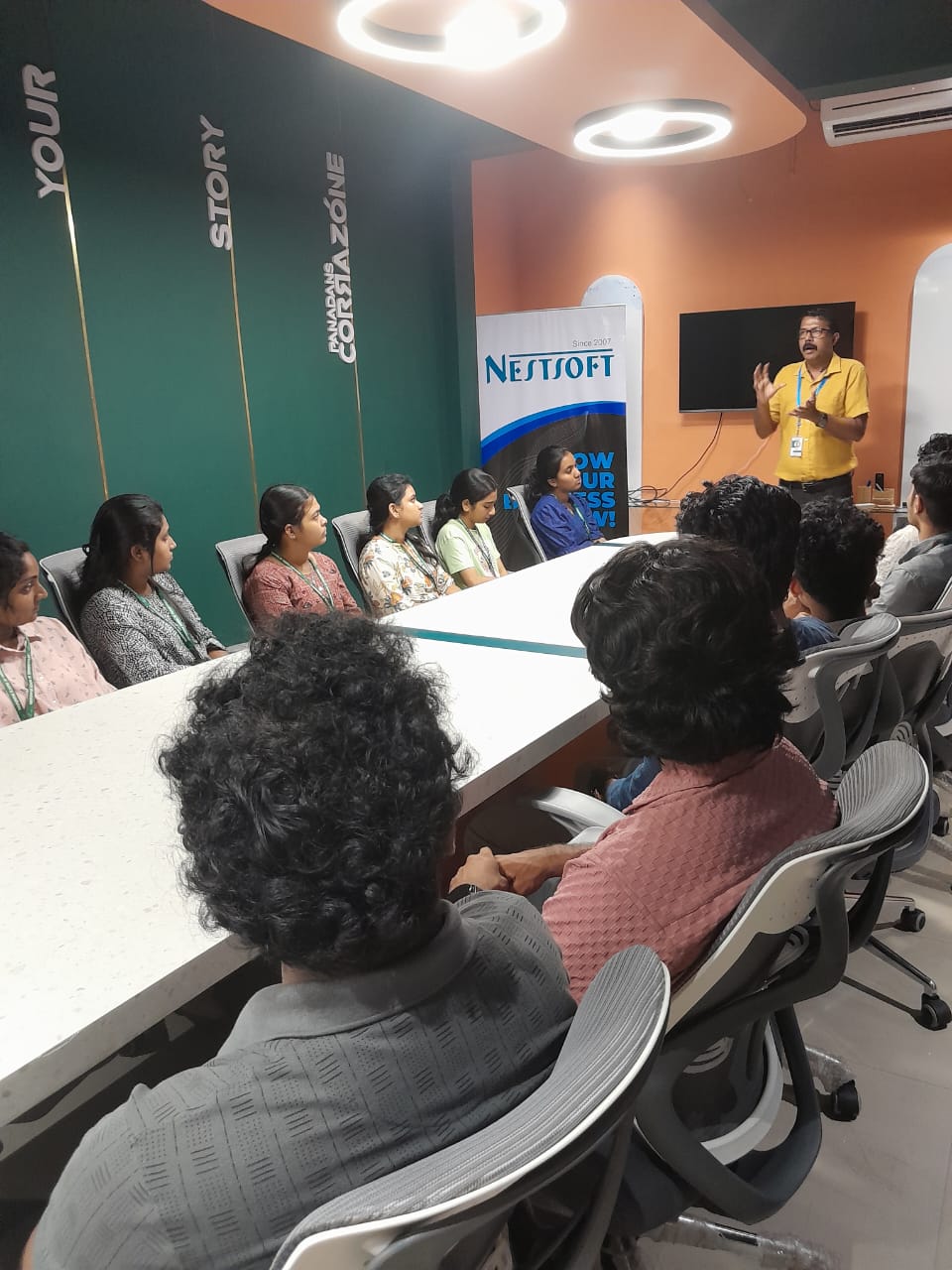
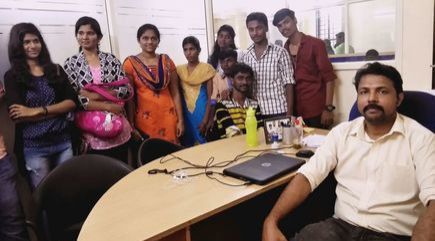
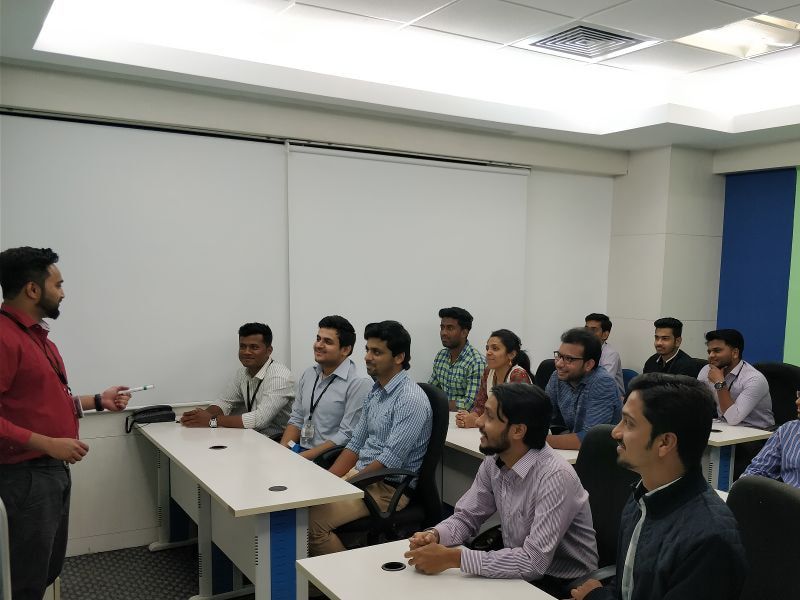
Photos of Training / Internships

Internship/projects in kanpur

Trained more than 10000+ students who trust Nestsoft TechnoMaster

Get Your Personal Trainer