Send enquiry ⏎

MCSA Online Live Class by Experts

Our Training/Internship Process

MCSA Online Live Classes in Gulbarga | Free Demo Training

MCSA - Syllabus, Fees & Duration

MODULE 1

  • Windows Server 2008 Active Directory, Configuring
  • Configuring DNS for Active Directory
  • Configuring zones
  • Configuring DNS server settings
  • Configuring zone transfer and Replication
  • Configuring the AD infrastructure
  • Configuring a forest or a domain
  • Configuring trusts - Configuring sites
  • Configuring AD replication
  • Configuring the global catalog
  • Configuring operation masters
  • Configuring additional AD server roles
  • Configuring AD Lightweight Directory Services (AD LDS)
  • Configuring AD Rights Management Service (AD RMS)
  • Configuring read-only domain controller (RODC)
  • Configuring AD Federation Services (AD FS)

MODULE 2

  • Configuring and maintaining AD objects
  • Automate the creation of AD accounts
  • Maintain AD accounts
  • Create and apply Group Policy objects (GPOs)
  • Configure GPO templates
  • Configure software deployment GPOs
  • Configure account policies
  • Configure audit policy by using GPOs

MODULE 3

  • Maintaining the AD environment
  • Configuring backup and recovery
  • Perform offline maintenance
  • Monitor AD

MODULE 4

  • Configuring AD Certificate Services
  • Install AD Certificate Services
  • Configure CA server settings
  • Manage certificate templates
  • Manage Enrolments
  • Manage Certificate revocations

MODULE 5

  • Windows Server 2008 Network Infrastructure
  • Configuring IP Addressing and Services
  • Configuring IPv4 and IPv6 addressing
  • Configuring Dynamic Host Configuration Protocol (DHCP)
  • Configuring routing
  • Configuring IPsec

MODULE 6

  • Configuring Name Resolution
  • Configuring DNS Server
  • Configuring DNS zones
  • Configuring DNS records
  • Configuring DNS replication
  • Configuring name resolution for client computers

MODULE 7

  • Configuring Network Access
  • Configure remote access
  • Configure Network Access Protection (NAP)
  • Configure network authentication
  • Configure wireless access
  • Configure firewall settings

MODULE 8

  • Configuring File and Print Services
  • Configure a file server
  • Configure Distributed File System (DFS)
  • Configure shadow copy services
  • Configure backup and restore
  • Manage Disk Quotas
  • Configure and monitor print services

MODULE 9

  • Monitoring and Managing a Network Infrastructure
  • Configure Windows Server Update Services (WSUS) server settings
  • Capture performance data - Monitor event logs
  • Gather network data

MODULE 10

  • Windows Server 2008 Application Infrastructure
  • Configuring Deploy Servers
  • Deploy images by using Windows Deployment Services
  • Configure Microsoft Windows Activation
  • Configure high availability
  • Configure storage

MODULE 11

  • Configuring Terminal Services
  • Configure Windows Server 2008 Terminal Services Remote App (TS Remote App)
  • Configure Terminal Services Gateway
  • Configure Terminal Services load balancing
  • Configure and monitor Terminal Services resources
  • Configure Terminal Services Licensing
  • Configure Terminal Services client connections
  • Configure Terminal Services server options

MODULE 12

  • Configuring a Web Services Infrastructure
  • Configure Web applications
  • Manage Web sites
  • Configure a File Transfer Protocol (FTP) server
  • Configure Simple Mail Transfer Protocol (SMTP).
  • Manager Internet Information Services (IIS)
  • Configure SSL security
  • Configure Web site authentication and permissions

MODULE 13

  • Configuring Network Application Services
  • Configure Windows Media Server
  • Configure Digital Rights Management (DRM)
  • Configure Microsoft Windows SharePoint Services server options
  • Configure Windows SharePoint Services e-mail integration
  • Download Syllabus - MCSA
    This syllabus is not final and can be customized as per needs/updates
   
10000+
20+
50+
25+

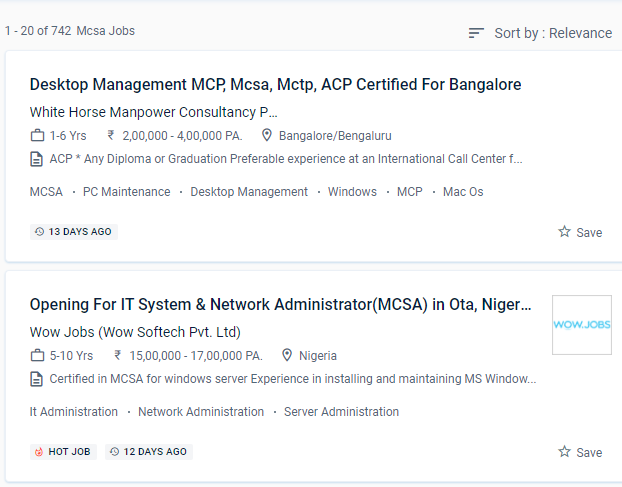
MCSA Jobs in Gulbarga

Enjoy the demand

Find jobs related to MCSA in search engines (Google, Bing, Yahoo) and recruitment websites (monsterindia, placementindia, naukri, jobshybrid.com, indeed.co.in, shine.com etc.) based in Gulbarga, chennai and europe countries. You can find many jobs for freshers related to the job positions in Gulbarga.

  • Project manager
  • System administrator-Microsoft
  • Technical architect
  • Software developer- Microsoft
  • Network engineer/system engineer
  • Team lead
  • Customer support engineer
  • Tech support Engineer
  • system analyst
  • product support engineer.

MCSA Internship/Course Details

MCSA internship jobs in Gulbarga
MCSA You can enroll in the MCSA course at NESTSOFT if you have a basic understanding of computers and networking. Graduates will work as information managers or network managers in the corporate or governmental sector. You will learn about the installation, configuration, development, and management of the Windows server by the end of the course. Troubleshooting, Monitoring, Managing and Recovering AD DS, as well as installing, upgrading, and moving servers and workloads. The MCSA program might serve as your initial step toward gaining higher/advanced IT abilities. . Routing and switching, security, collaboration, and wireless are all covered in our certification examinations. Engineers capable of developing, implementing, and operating infrastructure based on Microsoft Windows servers. The Microsoft Certified Solutions Associate, or the MCSA, the course is a learner-level Microsoft certification that certifies an individual's ability and understanding of Microsoft technologies. MCSA certification opens up job prospects such as computed technical support engineer, system engineer, and system administrator.


Meet a Few of our Industry Experts 🚀 Your Pathway to IT Career

Samuel

Mobile: +91 91884 77559
Location: Online (Gulbarga, India)
Qualification: MBA in finance and marketing

Experience: Completed DTP including ms excel word and power point Hardware and networking Tally and accounting ERP9 |   more..

Ramathota

Mobile: +91 91884 77559
Location: Online (Gulbarga, India)
Qualification: Btech

Experience: Experience I have over 1 5 years of focused experience in UI UX design starting with internships that transitioned into  more..

Sai

Mobile: +91 9895490866
Location: Online (Gulbarga, India)
Qualification: B. Tech

Experience: Java + Selenium SQL Manual testing JIRA Postman for API testing TestNG data-driven framework  more..

pradnya

Mobile: +91 94975 90866
Location: Online (Gulbarga, India)
Qualification: MCA

Experience: I am skilled in seo on page off page I have good knowledge of google ads and worked in search  more..

Anusha

Mobile: +91 89210 61945
Location: Online (Gulbarga, India)
Qualification: M.E

Experience: I'm Anusha a content designer with a passion for learning Over the past one and a half years I've been  more..

Aashi

Mobile: +91 98474 90866
Location: Online (Gulbarga, India)
Qualification: Bsc. Food Technology

Experience: When it comes to design I'm good at making templates fit specific needs while keeping the brand's look consistent by  more..

Poonam

Mobile: +91 91884 77559
Location: Online (Gulbarga, India)
Qualification: Diploma holder in cse

Experience: One year experience in marketing or 3 months internship in seo  more..

Nikita

Mobile: +91 9895490866
Location: Online (Gulbarga, India)
Qualification: Msc computer science

Experience: I have good knowledge of c java kotlin Android I have experience for Android developer I am currently working Brainoid  more..

Rahul

Mobile: +91 98474 90866
Location: Online (Gulbarga, India)
Qualification: BE IT

Experience: Ccna switching routing routing protocol trouble shoot any of networking |   more..

Nitin

Mobile: +91 8301010866
Location: Online (Gulbarga, India)
Qualification: Mca

Experience: I'm Nitin Sharma I did my master's degree in MCA at Himachal Pradesh University Shimla I also completed my industrial  more..

venkatesh

Mobile: +91 89210 61945
Location: Online (Gulbarga, India)
Qualification: B.E

Experience: Currently pursuing software testing course  more..

Shweta

Mobile: +91 9895490866
Location: Online (Gulbarga, India)
Qualification: BCA

Experience: Myself Shweta Sutar I have completed my Bachelors in computer application from GSS College I have worked 6 months as  more..

Shwetali

Mobile: +91 91884 77559
Location: Online (Gulbarga, India)
Qualification: BE - IT

Experience: I have 2+ years of experience in web development currently working as a Angular developerApplication for Angular JS  more..

CHIPPY

Mobile: +91 8301010866
Location: Online (Gulbarga, India)
Qualification: BSc BEd

Experience: Curriculum development and lesson planningClassroom management and disciplineDifferentiated instruction to accommodate various learning stylesUtilization of technology in teaching (e g  more..

Nitish

Mobile: +91 9895490866
Location: Online (Gulbarga, India)
Qualification: Master's

Experience: Experience 2 years User Research wireframing mobile design Prototyping  more..

Saheb

Mobile: +91 89210 61945
Location: Online (Gulbarga, India)
Qualification: B.Tech

Experience: Php javascript jQuery ajax wordpress codigniter laravel 8 years experience  more..

Muhammad

Mobile: +91 91884 77559
Location: Online (Gulbarga, India)
Qualification: Bca

Experience: Manual testing SDLC STLC agile methodology scrum methodology testcase preparation levels of testing j meter post man problem solving decision  more..

ATHIRA

Mobile: +91 91884 77559
Location: Online (Gulbarga, India)
Qualification: M tech

Experience: C python dot net  more..

Aswin

Mobile: +91 8301010866
Location: Online (Gulbarga, India)
Qualification: Bsc computer science

Experience: Selenium testing manual testing automation testing java php css html python sql web automation using selenium c++ corejava SDLC STLC  more..

Anwar

Mobile: +91 8301010866
Location: Online (Gulbarga, India)
Qualification: B.Tech CSE

Experience: My technical skills are html css javascript python and basic knowledge of php and ReactJS I am inter in Cetpa  more..

ArunKumar

Mobile: +91 98474 90866
Location: Online (Gulbarga, India)
Qualification: B.E-EEE

Experience: Client communication and Link Building Keyword Research  Communication  Campaign management  Content Development  SEO & SEM strategy  more..

Pavan

Mobile: +91 91884 77559
Location: Online (Gulbarga, India)
Qualification: Bachelor of computer science

Experience: Java Developer Spring Spring Boot Jsp Servlet Html css java script react js mysql  more..

Pravat

Mobile: +91 98474 90866
Location: Online (Gulbarga, India)
Qualification: Btech

Experience: 2+ of experience in website designing Using HTML5 CSS3 Bootstrap 5 JavaScript wordpress React MySQL   more..

Abhinav

Mobile: +91 98474 90866
Location: Online (Gulbarga, India)
Qualification: Btech

Experience: A backend developer with following tech stack 1 Java 2 SpringBoot 3 SQL 4 JavaScript DOM 5 HTML 6 CSS  more..

Success Stories

The enviable salary packages and track record of our previous students are the proof of our excellence. Please go through our students' reviews about our training methods and faculty and compare it to the recorded video classes that most of the other institutes offer. See for yourself how TechnoMaster is truly unique.


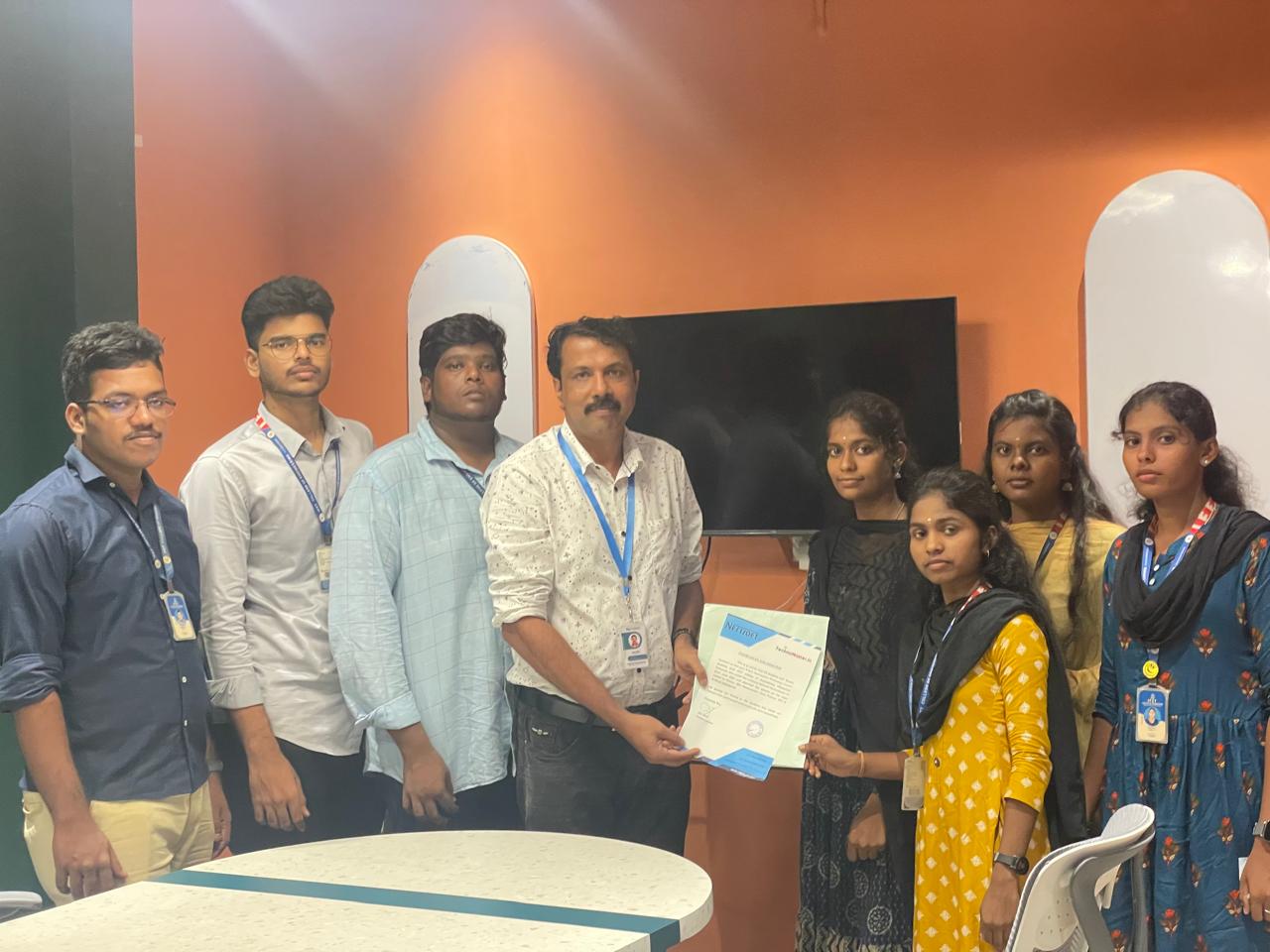
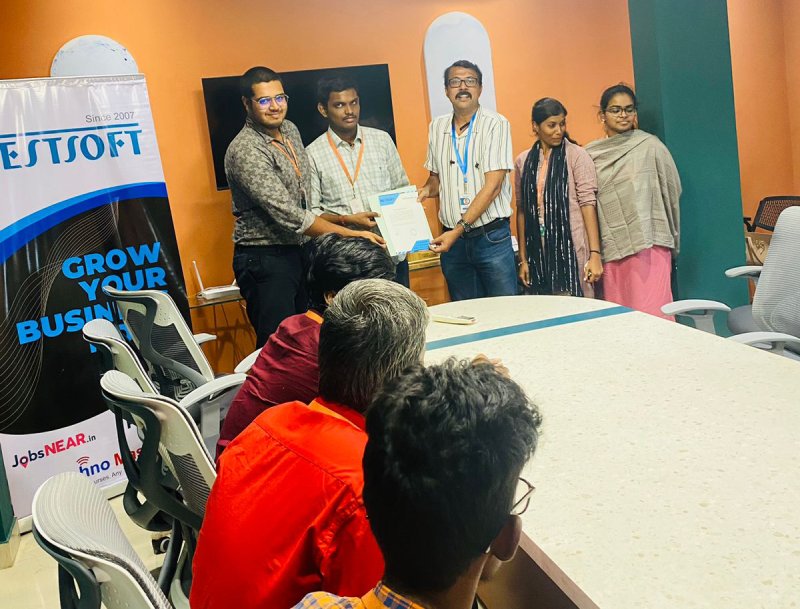
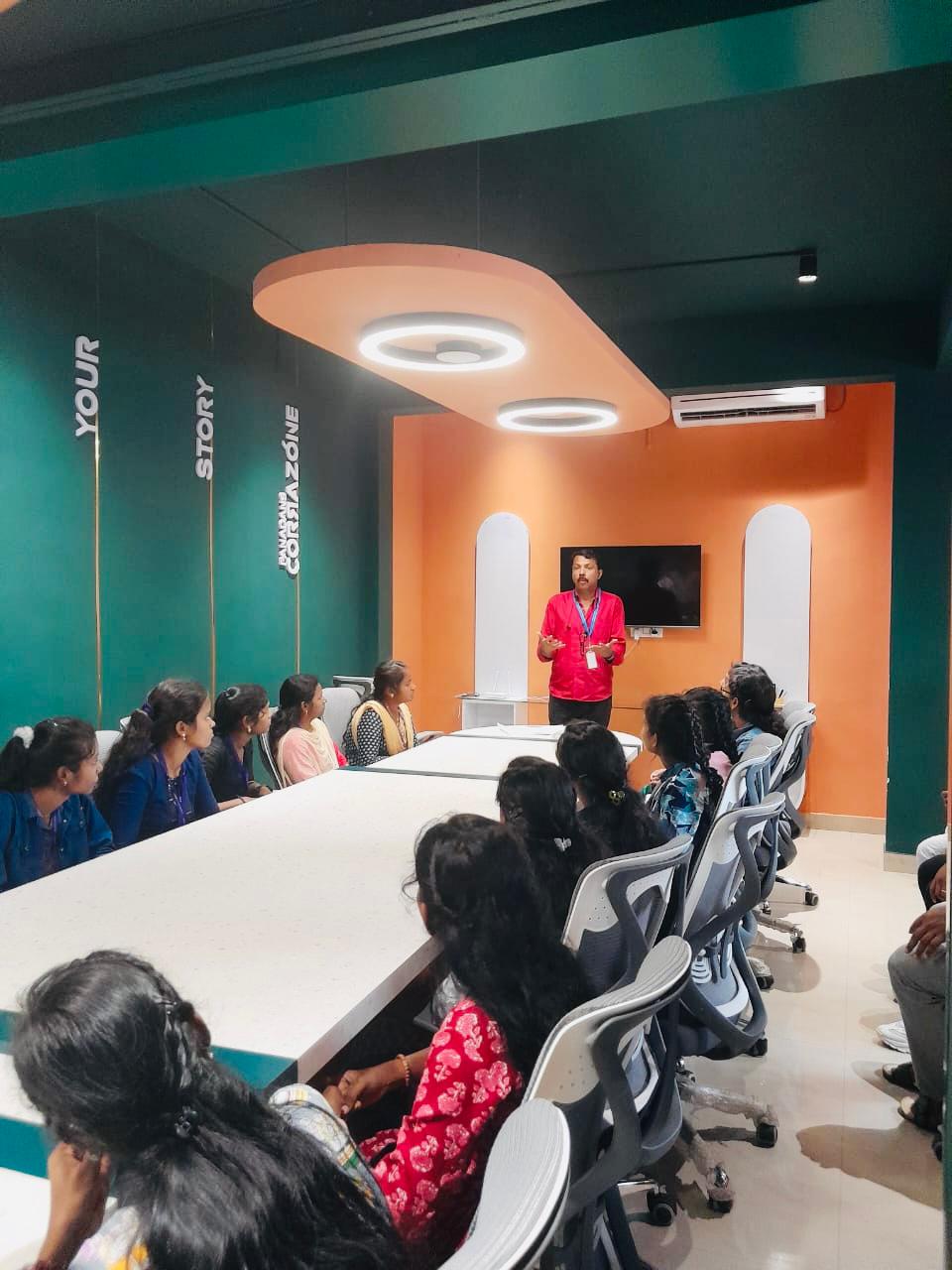
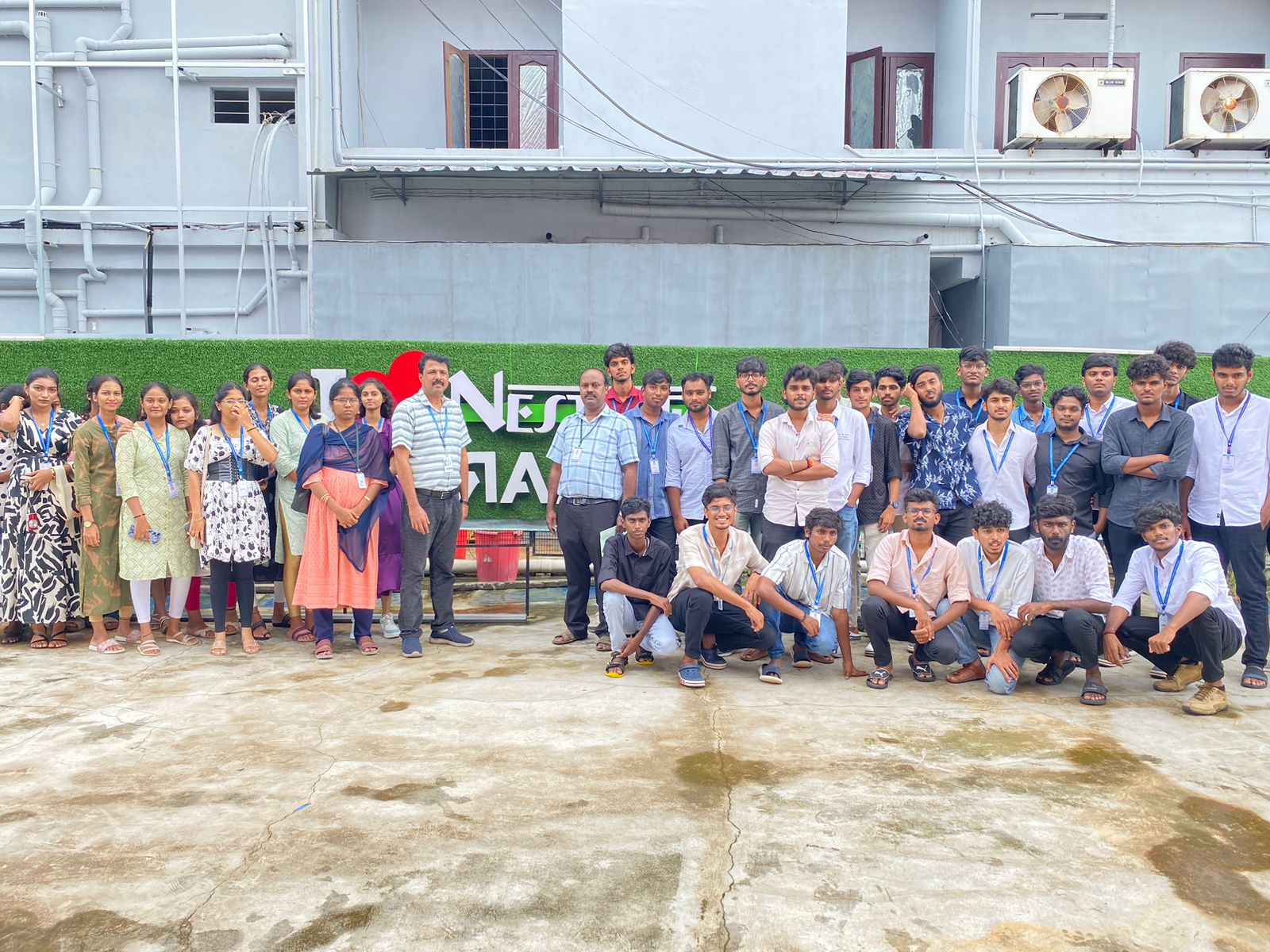
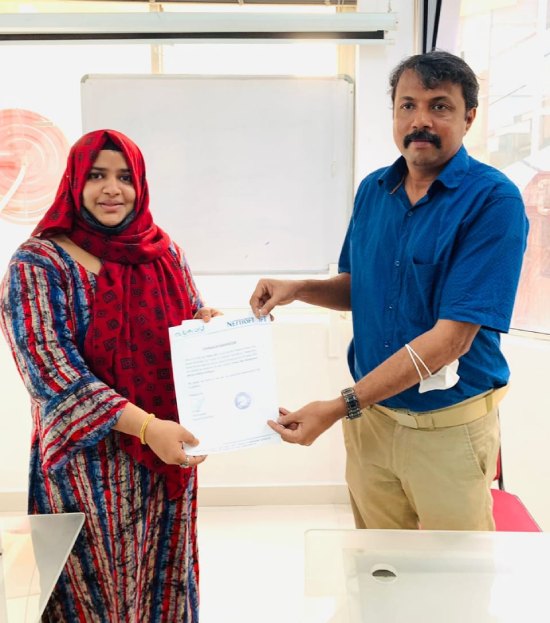
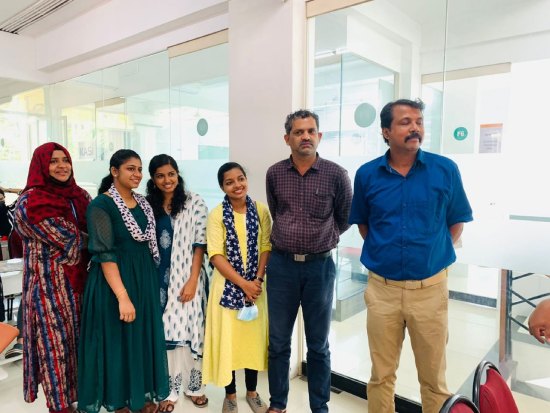
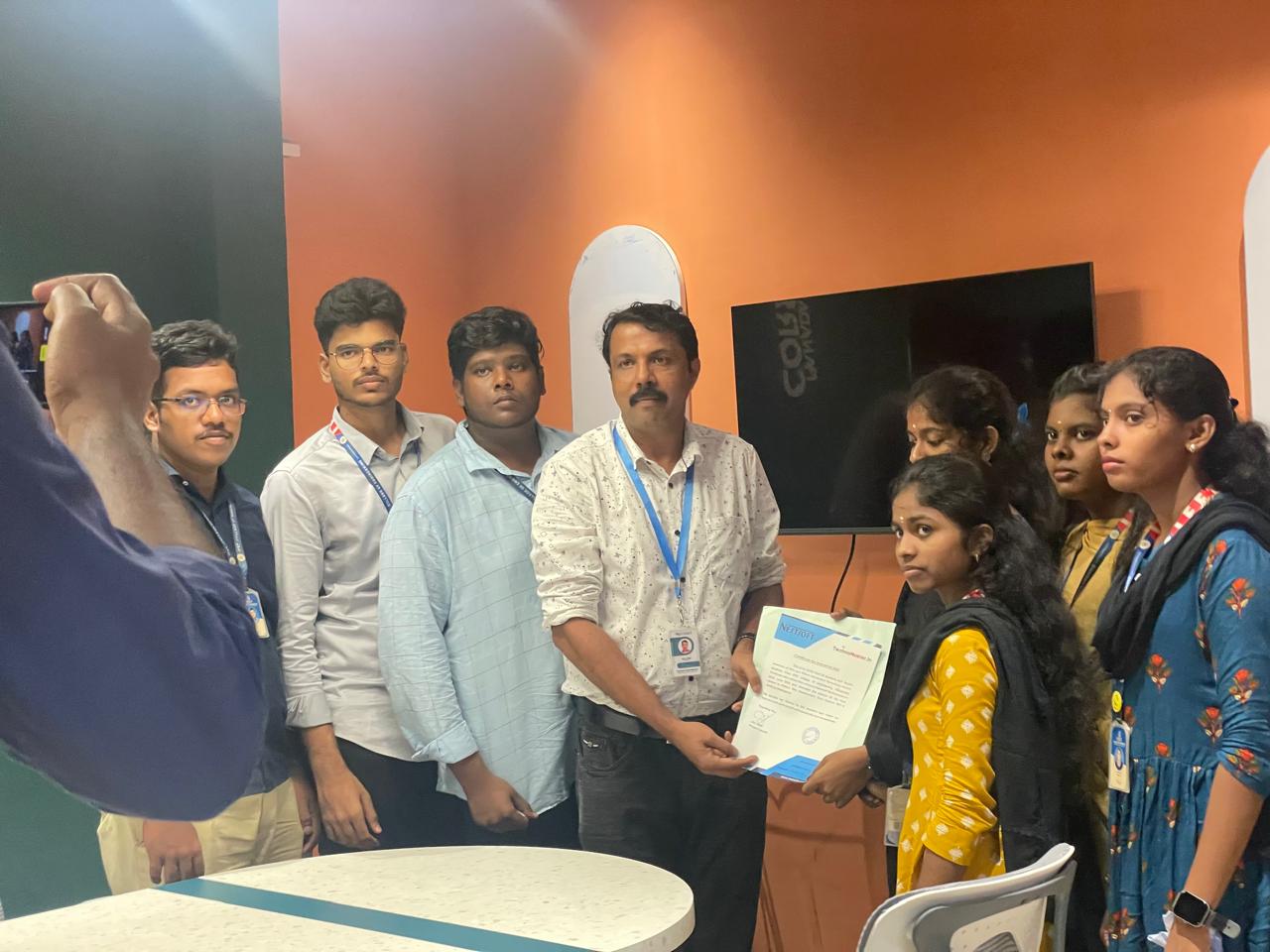
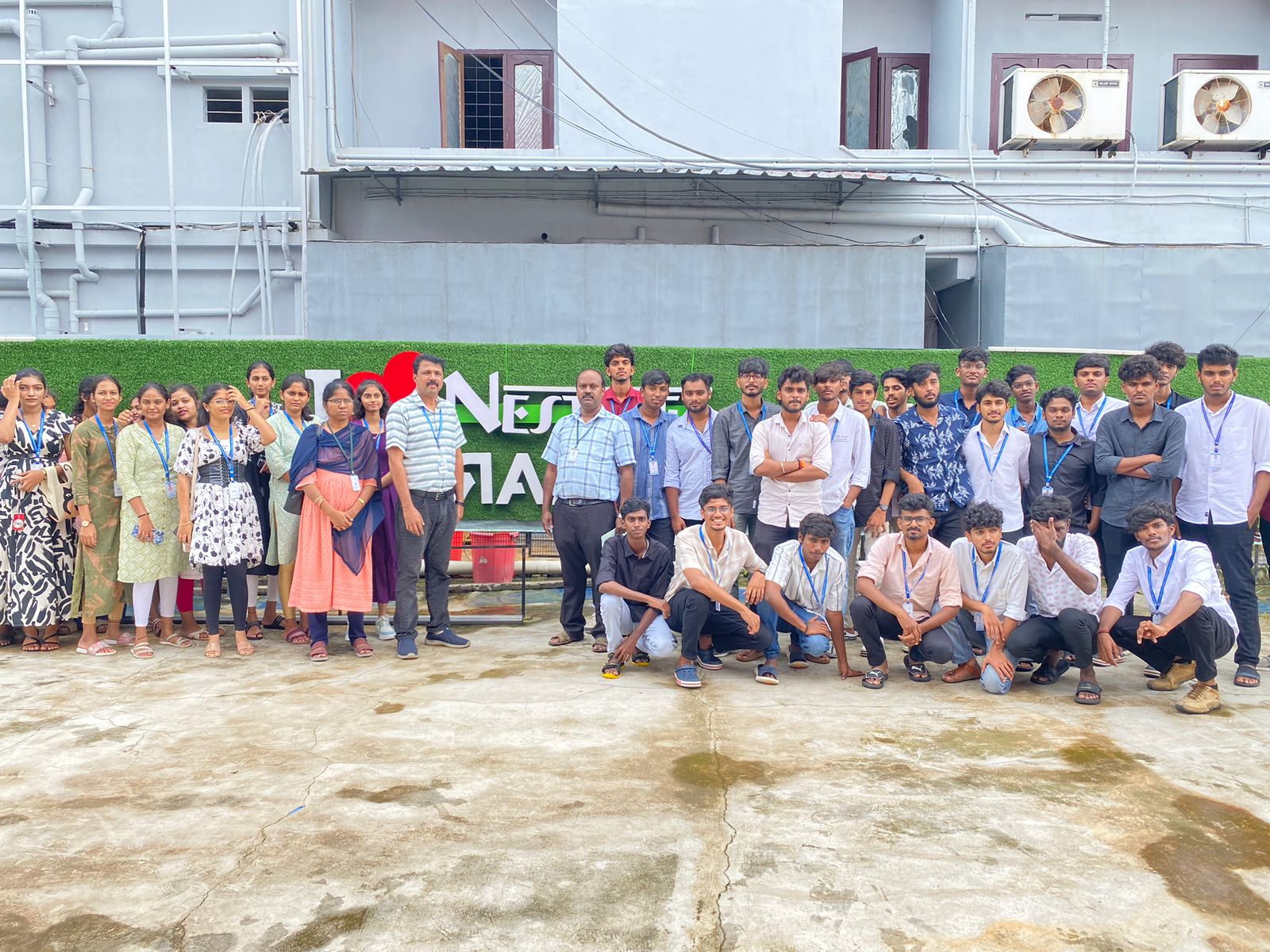
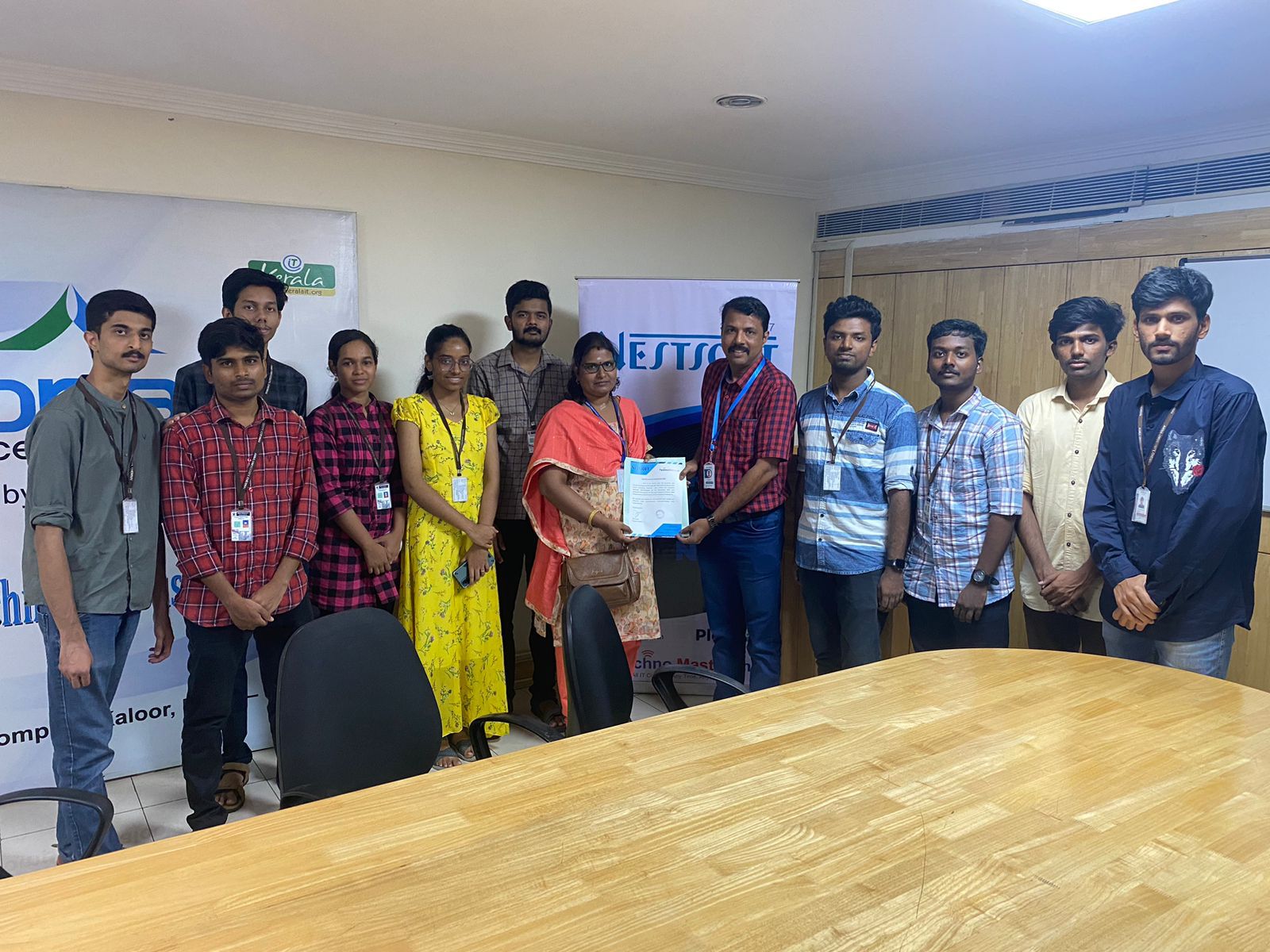
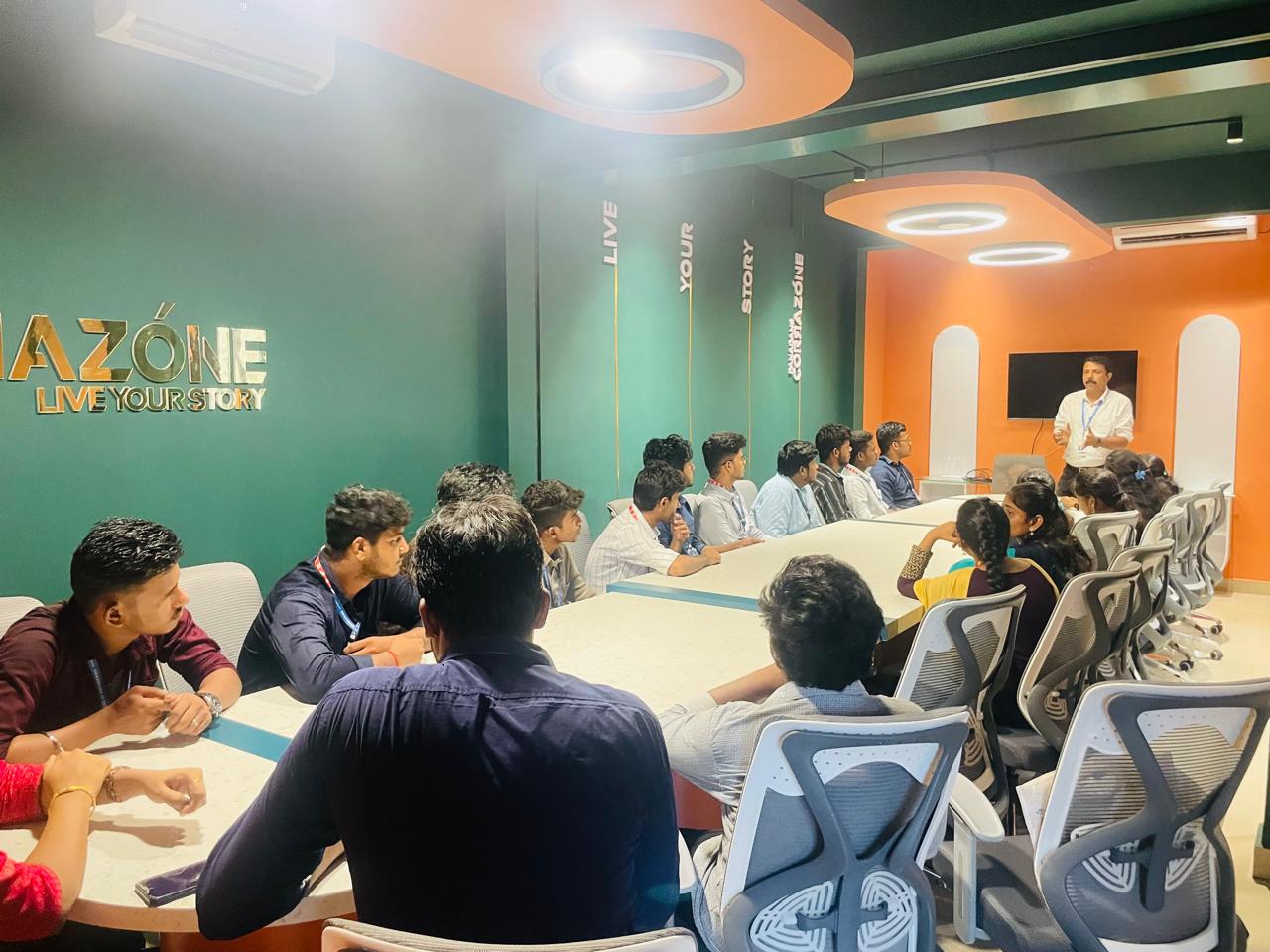
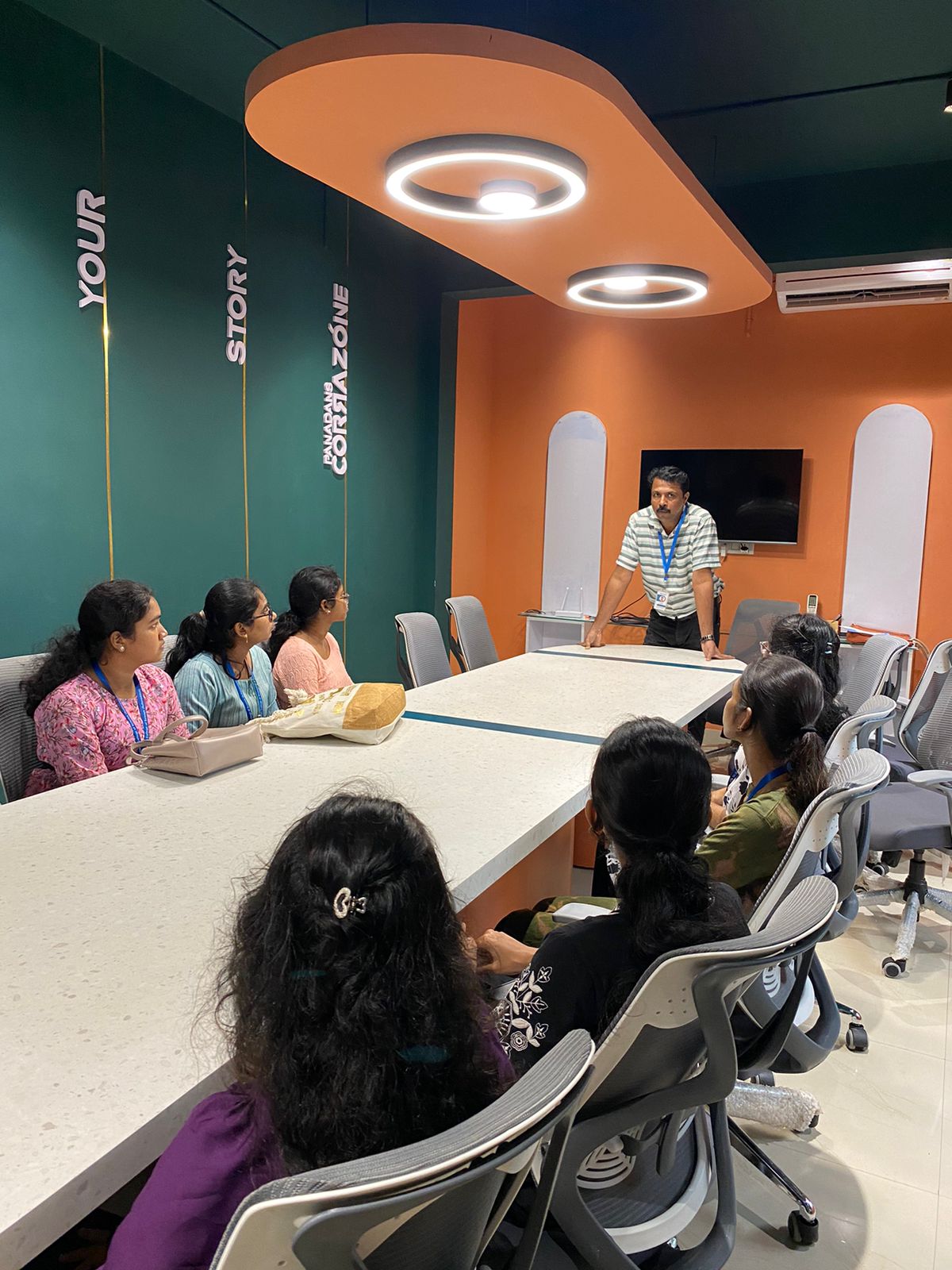
Photos of Training / Internships

Internship/projects in gulbarga

Trained more than 10000+ students who trust Nestsoft TechnoMaster

Get Your Personal Trainer